

















Gemini Professional Headshot Prompts Trending (Copy & Paste)
Turn your casual photo into a professional AI headshot with Gemini Nano Banana and Nano Banana Pro. Upload a selfie, copy a prompt, and instantly get a polished LinkedIn-ready profile picture with realistic lighting, clean background, and formal attire — while keeping your real face and expression intact. 100% online, free to try on Media.io.
No carmera.Free credits on signup.
| Gemini AI Woman Headshot Styles | Gemini AI Woman Professional Photo Prompts | Before | After | Copy |
|---|---|---|---|---|
|
Female 01 • LinkedIn Headshot
#linkedin
#professional
#businessportrait
|
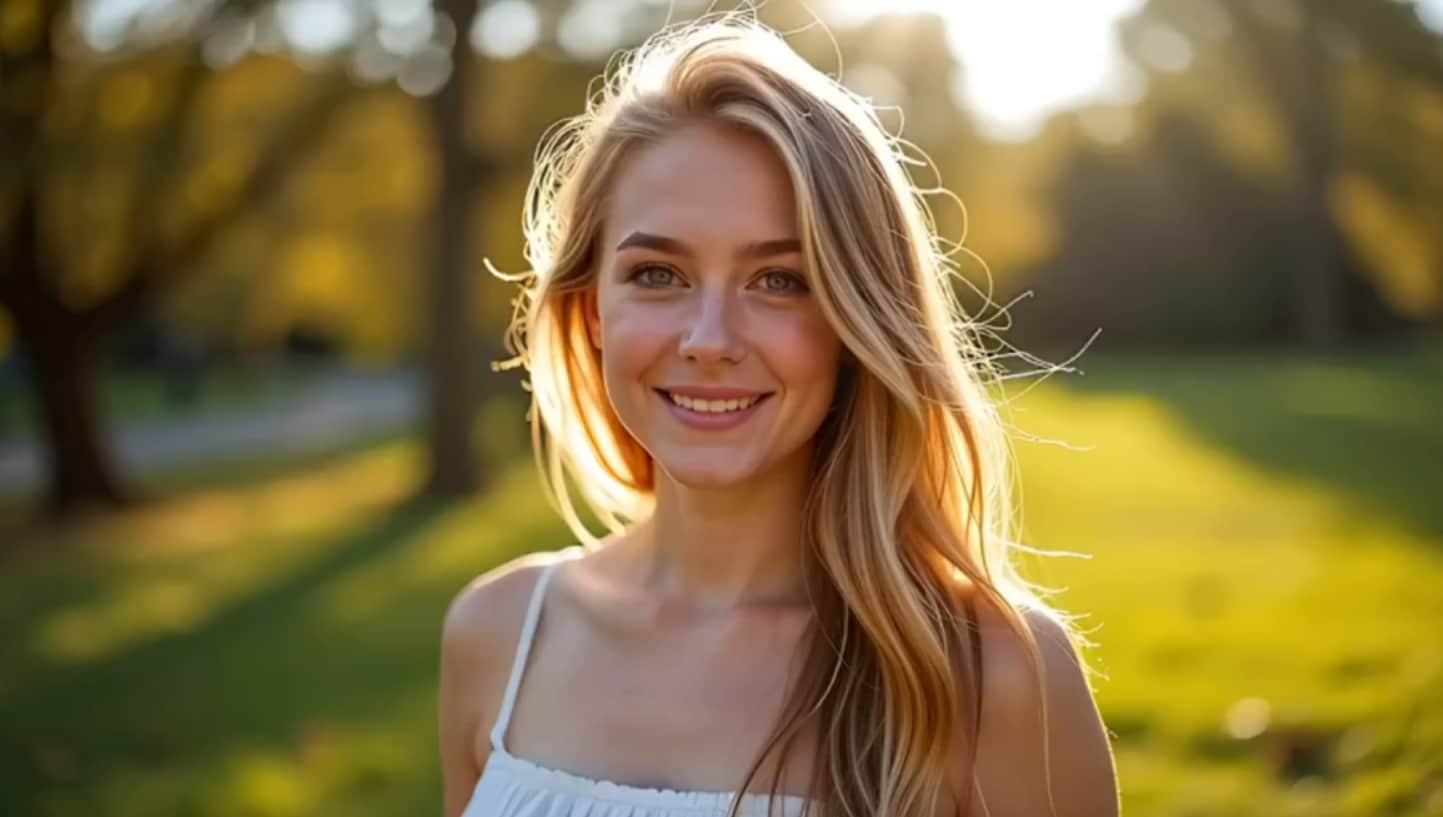
Transform the uploaded photo into a professional LinkedIn-style headshot. Keep the person’s exact face, natural expression, and realistic skin texture. Use soft studio lighting, neutral background (light gray, white, or blurred office setting), and balanced composition. Dress the subject in professional business attire appropriate for their gender. Ensure the result looks polished, confident, and authentic — perfect for a corporate profile or resume photo. |
|

|
|
|
Female 02 • LinkedIn Profile Avatar
#linkedin
#profile
#avatar
|
Transform the uploaded photo into a professional LinkedIn-style headshot. Keep the person’s exact face, natural expression, and realistic skin texture. Use soft studio lighting, neutral background (light gray, white, or blurred office setting), and balanced composition. Dress the subject in professional business attire appropriate for their gender. Ensure the result looks polished, confident, and authentic — perfect for a corporate profile or resume photo. |

|

|
|
|
Female 03 • Executive Studio
#corporateheadshot
#executive
#studio
|
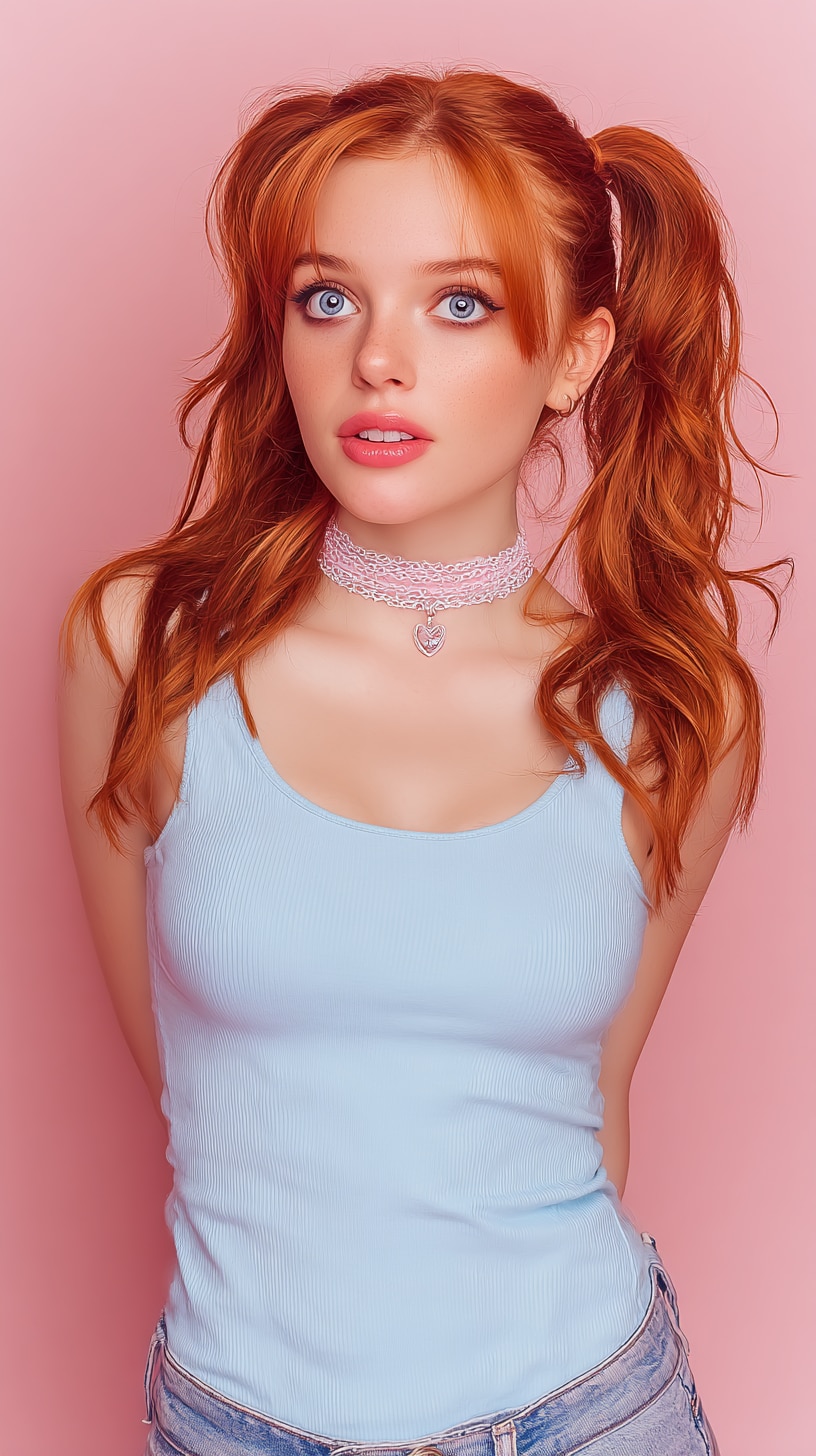
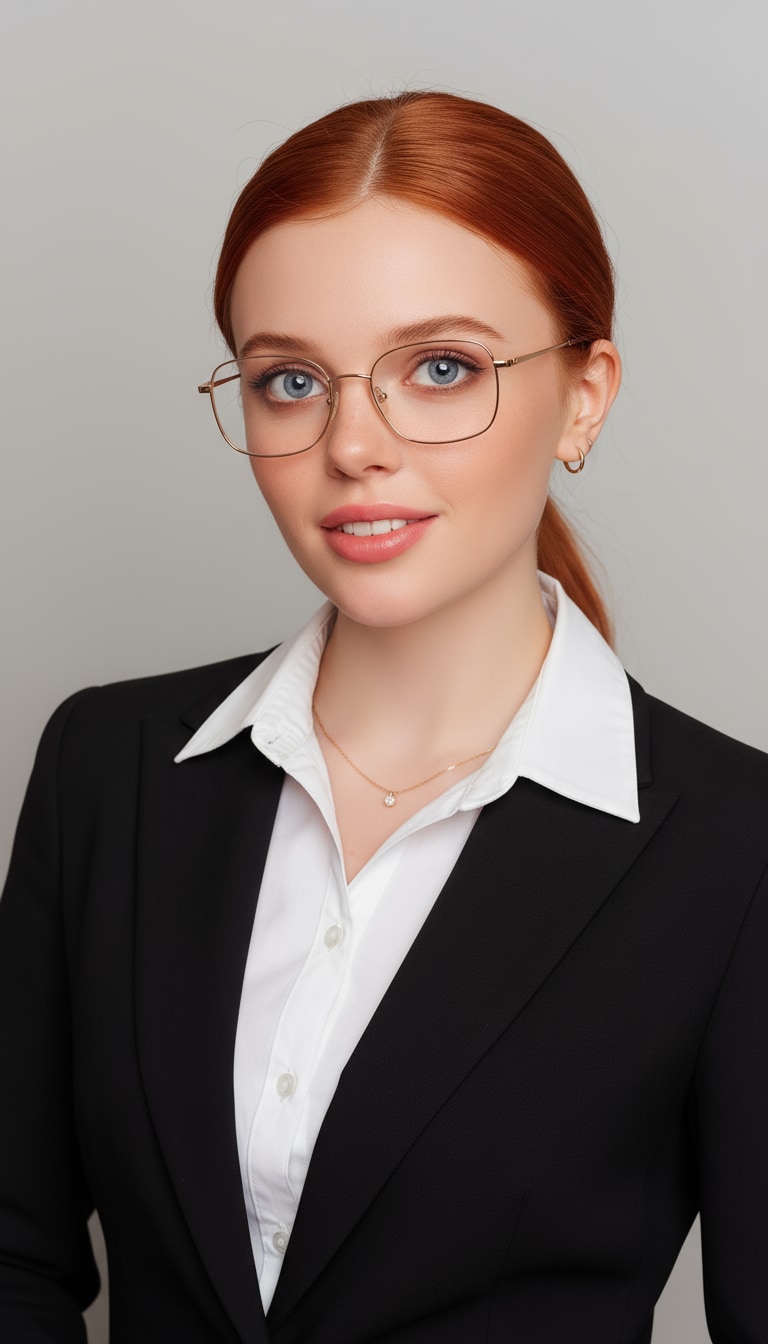
A professional portrait of a confident woman is taken. She wears a black suit jacket over a white shirt, minimalist jewelry, and her hair is meticulously styled. She wears gold-rimmed glasses. The background is a neutral light gray, and the lighting is soft and balanced, highlighting her clear, elegant, and professional demeanor. |
|
|
|
|
Female 04 • Business Attire
#careerphoto
#business
#studio
|
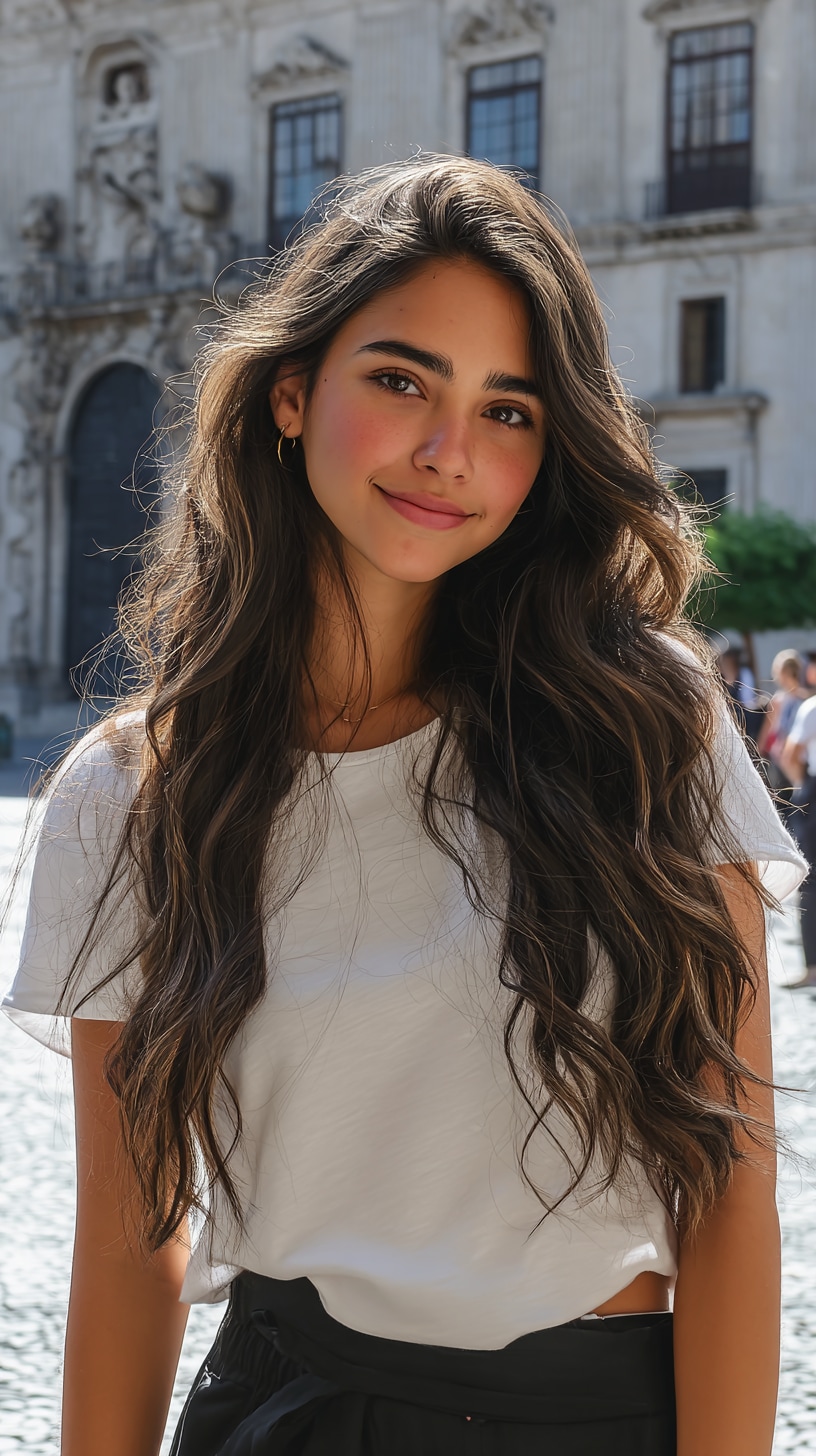
Transform the uploaded image into a professional headshot of a woman wearing elegant business attire — a tailored blazer over a blouse or formal dress. Keep her real face and natural makeup, with clean, confident expression and balanced skin tones. Use soft studio lighting, neutral background (light gray, beige, or blurred office), and refined detail for a corporate, magazine-quality look. |
|

|
|
|
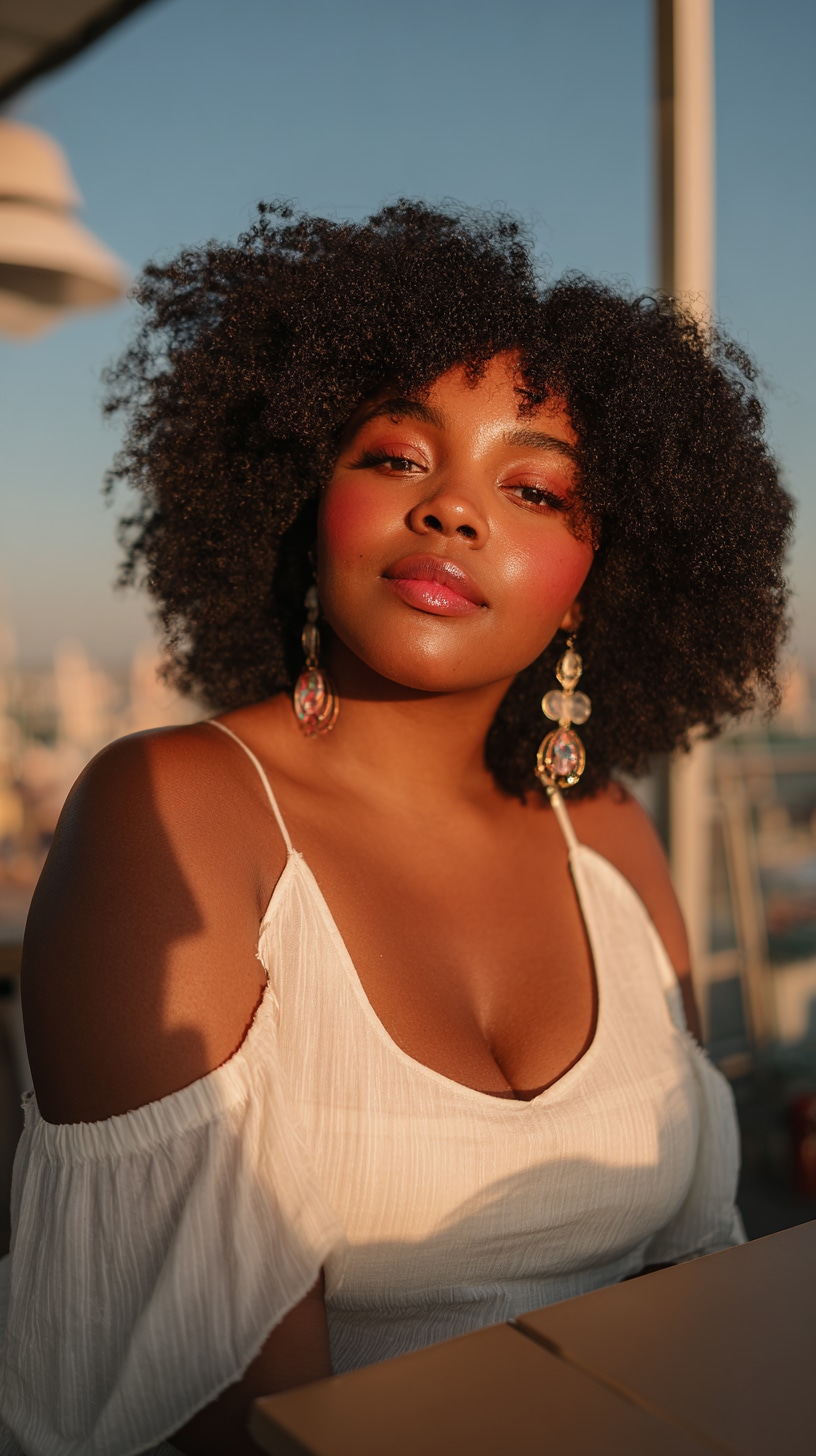
Female 05 • Formal Dress Portrait
#profilepicture
#formaldress
#businesscasual
|
Turn the uploaded photo into a polished corporate portrait featuring the woman in a simple, sleeved formal dress in navy, black, or cream. Use balanced studio lighting and shallow depth of field for a premium, editorial-quality look. |
|

|

| Gemini AI Man Headshot Styles | Gemini AI Man Professional Photo Prompts | Before | After | Copy |
|---|---|---|---|---|
|
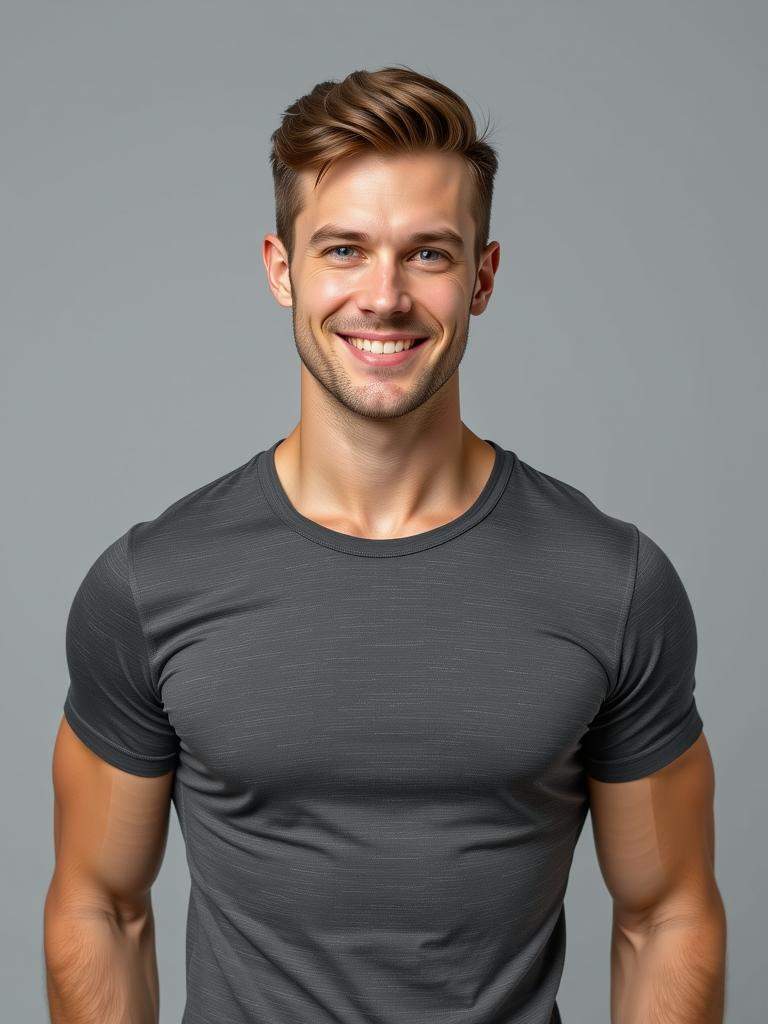
Male 01 • Corporate LinkedIn Portrait
#resumephoto
#linkedinprofile
#professional
|
Transform the uploaded photo into a clean, professional LinkedIn portrait of a man wearing a dark suit and white shirt. Keep the original face, skin texture, and natural expression. Use soft front lighting and a neutral office-style background for a confident, polished corporate look. |
|

|
|
|
Male 02 • Modern Business Headshot
#businessportrait
#careerready
#startup
|
Convert the uploaded image into a modern business headshot. The man should appear approachable yet confident, wearing a smart casual outfit — such as a blazer over a T-shirt. Use a softly blurred coworking or tech-office background for a contemporary startup vibe. |

|

|
|
|
Male 03 • Executive Office Portrait
#male
#executive
#corporate
|
Generate a sharp, executive-style headshot featuring the man in a tailored navy suit with a tie. Maintain his natural facial details and confident gaze. Use soft studio lighting and a blurred office interior or gray gradient background for a premium corporate aesthetic. |

|

|
|
|
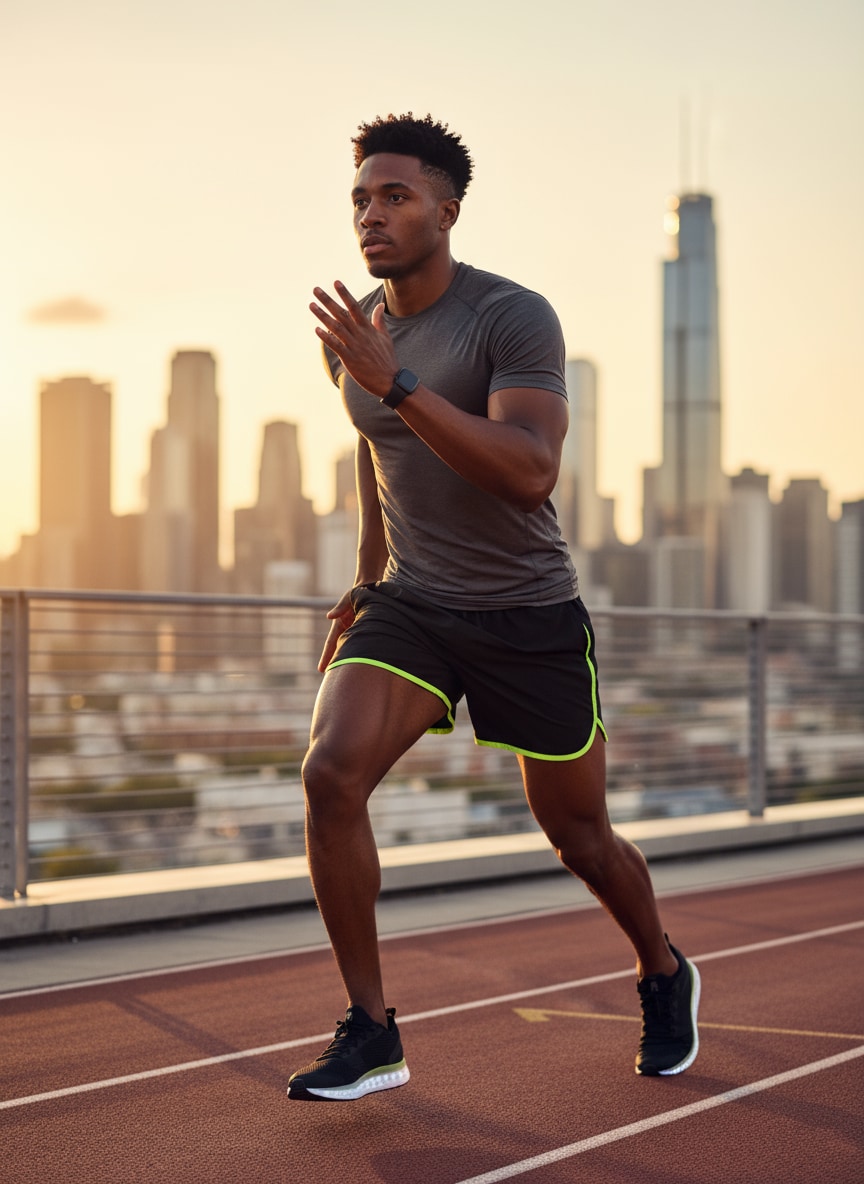
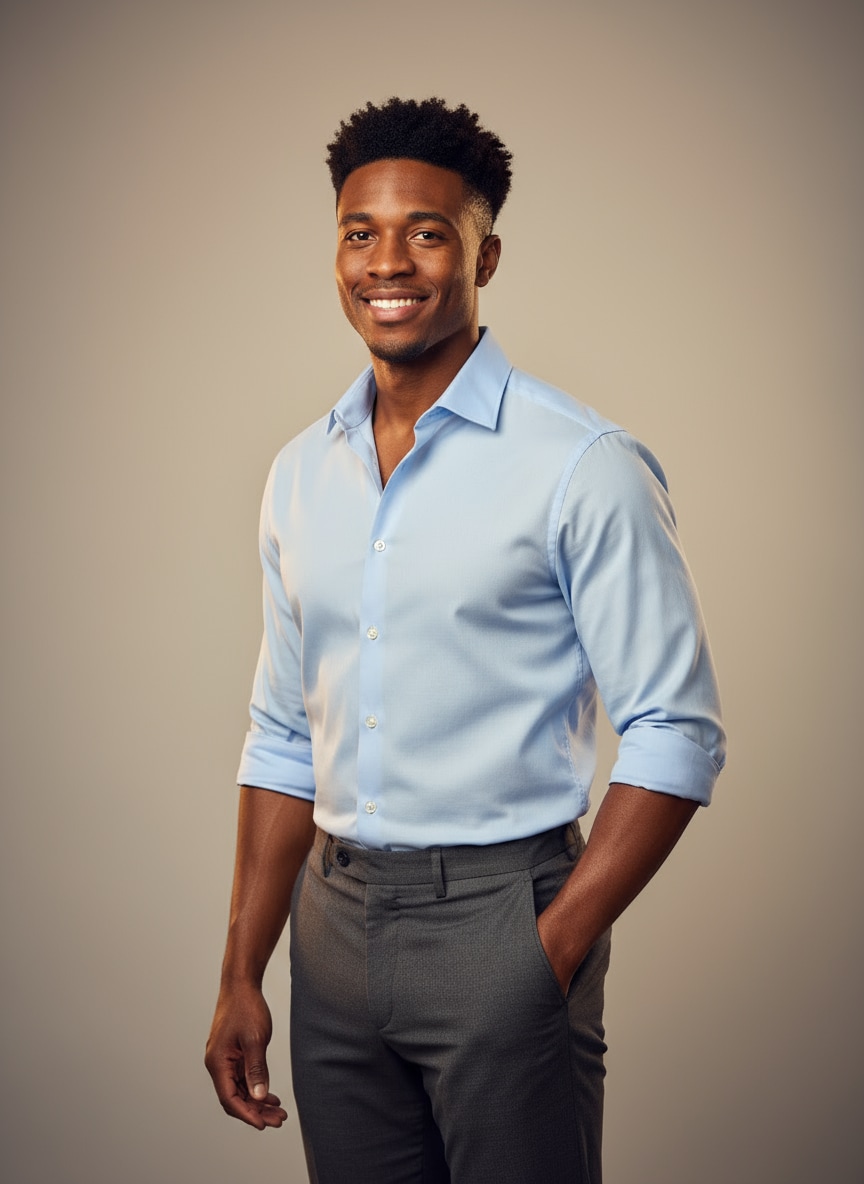
Male 04 • Outdoor Natural Light Portrait
#outdoor
#natural
#linkedinphoto
|
Turn the uploaded photo into a bright, natural-light professional portrait of a man outdoors or near a window. Keep the real facial features and subtle smile, with gentle background bokeh and daylight tones for a friendly, approachable look ideal for social or career profiles. |
|
|
Turn Your Professional Headshot into Video
Make your online profile stand out with a headshot that moves — literally. Media.io’s AI Image-to-Video Generator transforms your professional photo into a short, lifelike video where you smile, blink, or wave naturally. The result feels more human, more approachable, helping you build trust faster in remote networking, virtual meetings, or client introductions.
Video Prompt: Animate the uploaded portrait so the person gently raises one hand for a short wave while smiling. Keep their real face, outfit, and lighting identical to the photo. Use smooth camera motion, natural blinking, and soft professional light for a warm greeting tone.
Make AI Headshot VideoHow to Create a Professional Headshot with Gemini AI Online Free
Step 1: Upload Your Photo
Upload a clear selfie or portrait to the Gemini AI Headshot Generator. Media.io automatically keeps your real face, proportions, and lighting while preparing it for professional retouching.
Step 2: Choose a Professional Prompt
Copy and paste one of our Gemini headshot prompts above — such as “corporate studio portrait,” “LinkedIn photo with soft light,” or “startup founder look.” You can also customize clothing, lighting, or background tone to fit your brand image.
Step 3: Generate and Download
Click Generate and let Gemini AI create a studio-quality headshot in seconds. Preview, refine, and download your professional photo — ready to use for LinkedIn, resumes, or online profiles.
Explore the Hottest AI Features and Effects




FAQs About Gemini AI Professional Headshot Prompts
1. What are Gemini AI headshot prompts?
Gemini AI headshot prompts are short text instructions that help the AI understand your desired look — such as “professional corporate headshot with soft studio lighting.” They guide Gemini to create realistic LinkedIn-style or business portraits from your uploaded photo.
2. How do I create a professional headshot with Gemini AI?
Simply go to the Media.io Gemini Image-to-Image Generator, upload your photo, and copy & paste one of the professional prompts from this page. Gemini will generate a polished, business-ready image while keeping your real face and features intact.
3. Can I use Gemini AI for LinkedIn or resume photos?
Yes — Gemini AI is ideal for creating LinkedIn, CV, or professional profile pictures. It enhances your background, outfit, and lighting while keeping your real expressions and facial identity natural.
4. What styles of professional photos can Gemini AI create?
Gemini AI can produce multiple headshot styles, such as:
– Studio-style portraits with soft lighting
– Corporate or business-casual attire
– Outdoor natural-light shots
– Startup or creative-industry portraits
– Minimalist white or neutral backgrounds
Just pick a prompt that matches your profession or brand tone.
5. Is it free to generate professional photos with Gemini AI?
Yes — Media.io offers free credits so you can test Gemini AI’s professional headshot features at no cost. You can later upgrade to Pay-As-You-Go or Subscription plans for higher resolution and watermark-free downloads.
6. Will Gemini AI change my face or make it look fake?
No — Gemini AI keeps your real facial structure, tone, and expressions while enhancing clarity, lighting, and focus. The results look natural, confident, and authentically you — not over-edited or cartoonish.
7. How does Nano Banana Pro improve Gemini professional headshots?
Nano Banana Pro uses an advanced reasoning engine to simulate realistic studio lighting and depth of field, ensuring a polished, corporate look without the "plastic" AI skin effect. It prioritizes facial identity preservation to ensure the subject looks authentic, while rendering suit fabrics and hair details in ultra-sharp 4K resolution for a crisp, LinkedIn-ready profile image.
More Than Gemini Professional Photo Editor, Unlock More AI Features on Media.io
 4.7 (162,357 Votes)