Home>Comparison>PFPMaker

PFPMaker: Free Profile Pictures, Headshots & Real Costs

A LinkedIn profile photo and a casual Discord avatar solve different problems. PFPMaker makes that distinction clear: its classic editor can remove backgrounds, add borders and prepare profile pictures for free, while paid AI headshot and photoshoot tools create new looks from an uploaded selfie. This review compares those two experiences, covers photo-editing options and pricing signals, and explains when a portrait-focused service is more useful than Media.io's broader photo and video creation toolkit.

Inside PFPMaker: The Features That Matter

PFPMaker is a profile-picture specialist, not a general AI filmmaking platform. Its strongest proposition combines a free classic PFP workflow with a separate paid path for headshots, lifestyle shoots and targeted face edits.This PFPMaker review separates everyday PFP editing from full AI photo generation. For people researching PFP Maker alternatives, start with whether the job is a free crop, a generated headshot, or a wider creative edit.

Core Feature Overview

Make a Clean PFP Without Paying for Generative AI

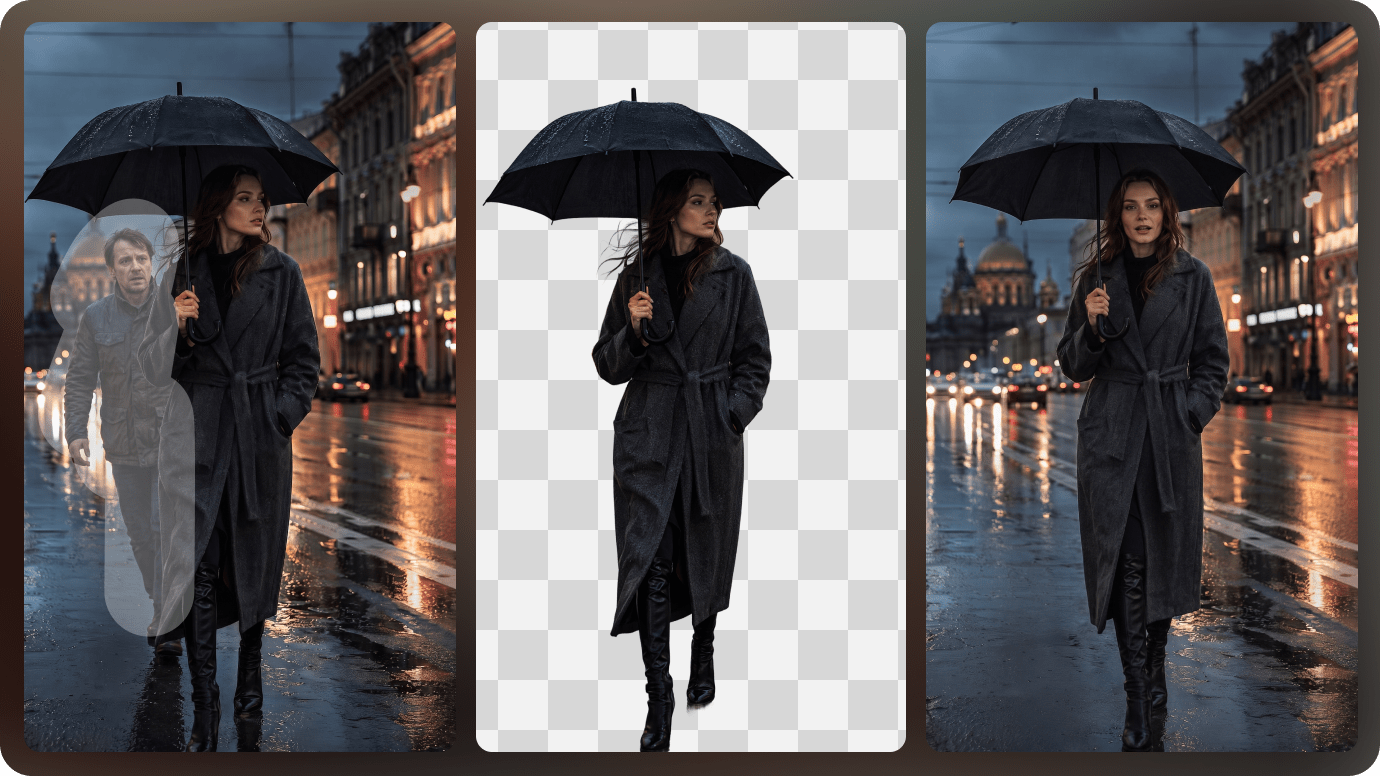
The PFPMaker profile picture maker classic workflow is designed to be free: upload a photo, remove or change the background, add color, gradients, frames or text, and export a display photo. That is often all a student or job seeker needs. The practical value lies in cropping and contrast, not creating a synthetic identity. When researching PFPMaker free, distinguish these accessible basics from premium headshot generation; the two experiences should not be conflated. As an AI profile picture maker, the free editor should be judged by framing and a clean cutout rather than by synthetic photo effects.

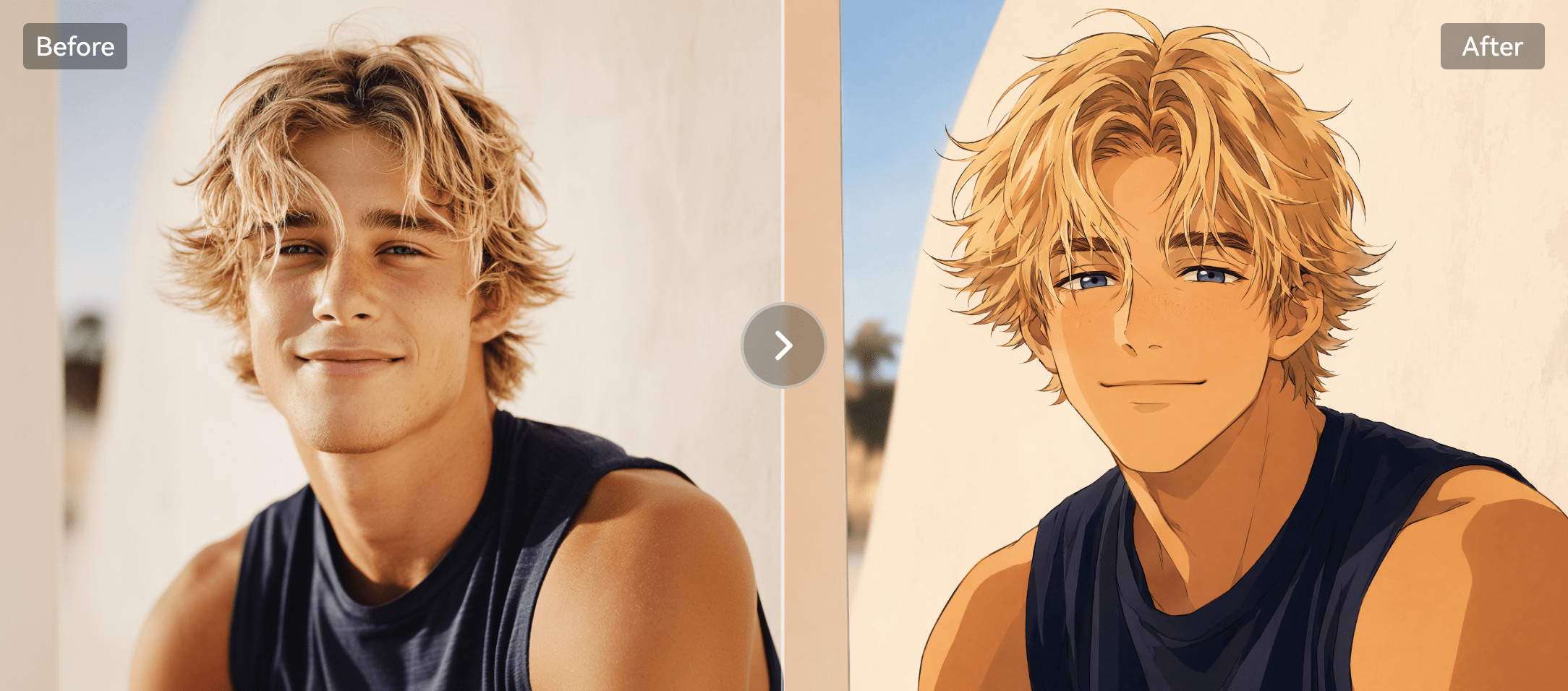
Illustrative AI image and visual styling example

Generate Professional Headshots from a Selfie

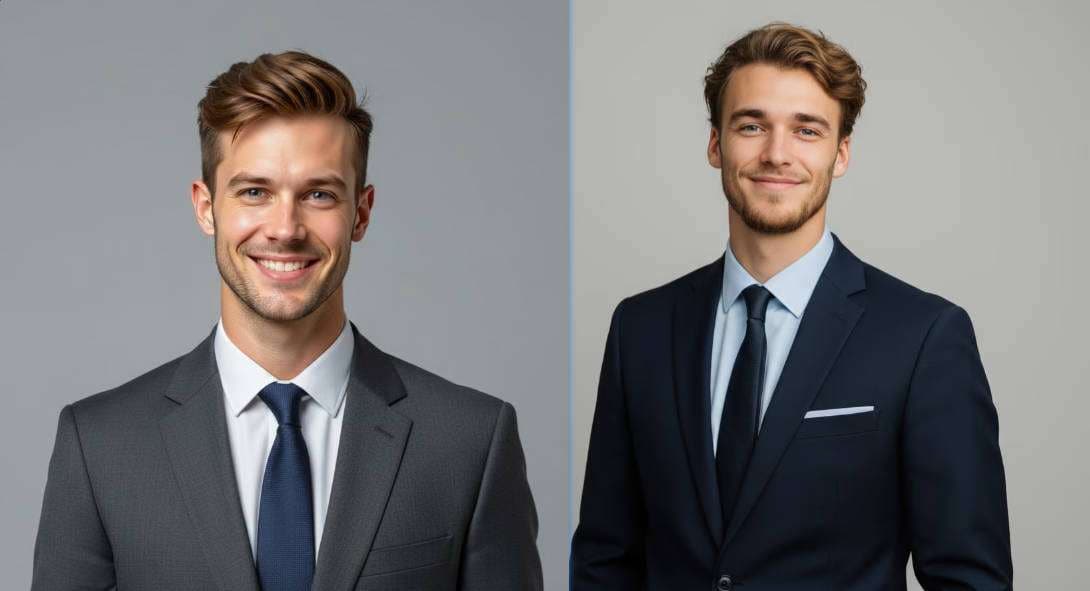
The PFPMaker AI headshot generator offers professional looks, varied outfits and backgrounds without booking a photographer. Its separate headshot product page advertises paid packs starting from $9, with credit-based exports and many variations. A usable professional headshot should still resemble the person, have appropriate clothing and avoid artificial skin or hair artifacts. Media.io also offers AI headshot creation for users exploring different portrait workflows. PFPMaker headshot generator options are distinct from its no-cost background tools.

Illustrative photo to video motion example

Design for LinkedIn, Resumes and Email Signatures

A PFPMaker professional headshot might need neutral lighting and simple clothes, while an Instagram or gaming avatar can use bolder color and framing. PFPMaker organizes looks around those visible use cases. Before uploading, consider the target crop: small circular profile icons hide detail and may cut hair or shoulders. The free background and framing tools can be enough to improve an existing photograph without a full AI photoshoot.

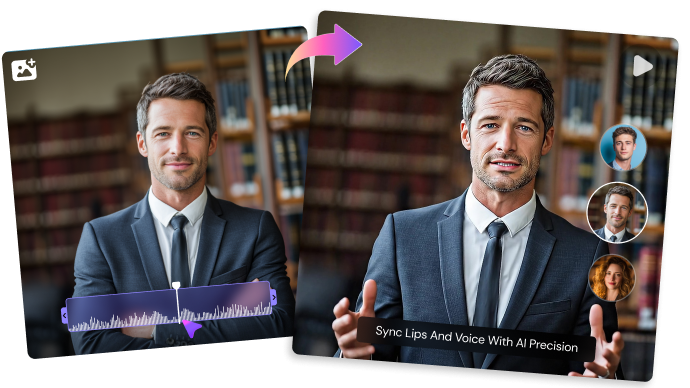
Illustrative talking video creative example

Try Face, Outfit and Background Changes

Beyond its traditional PFP Maker editor, PFPMaker lists retouch, makeup, hair, clothing, relighting and background editing for people-focused images. These are photo tasks rather than broad video-production features. For an existing portrait where glasses or stray objects distract, editing should preserve expression and recognizable identity. Media.io face editing can be considered when the goal is to adjust a specific facial detail or style.

Illustrative generative image and editing example

Differentiate the Free Tool from Paid Photoshoots

The PFPMaker homepage explicitly calls the classic PFP creator free forever, while AI headshots use paid credits. This matters for PFPMaker pricing: a search snippet that simply says "free" does not tell you whether you can download a chosen synthetic business portrait without paying. Check whether the checkout offer charges per package, how many acceptable results you can export and whether any regeneration uses additional credits. A basic crop and background swap is a different purchase decision.

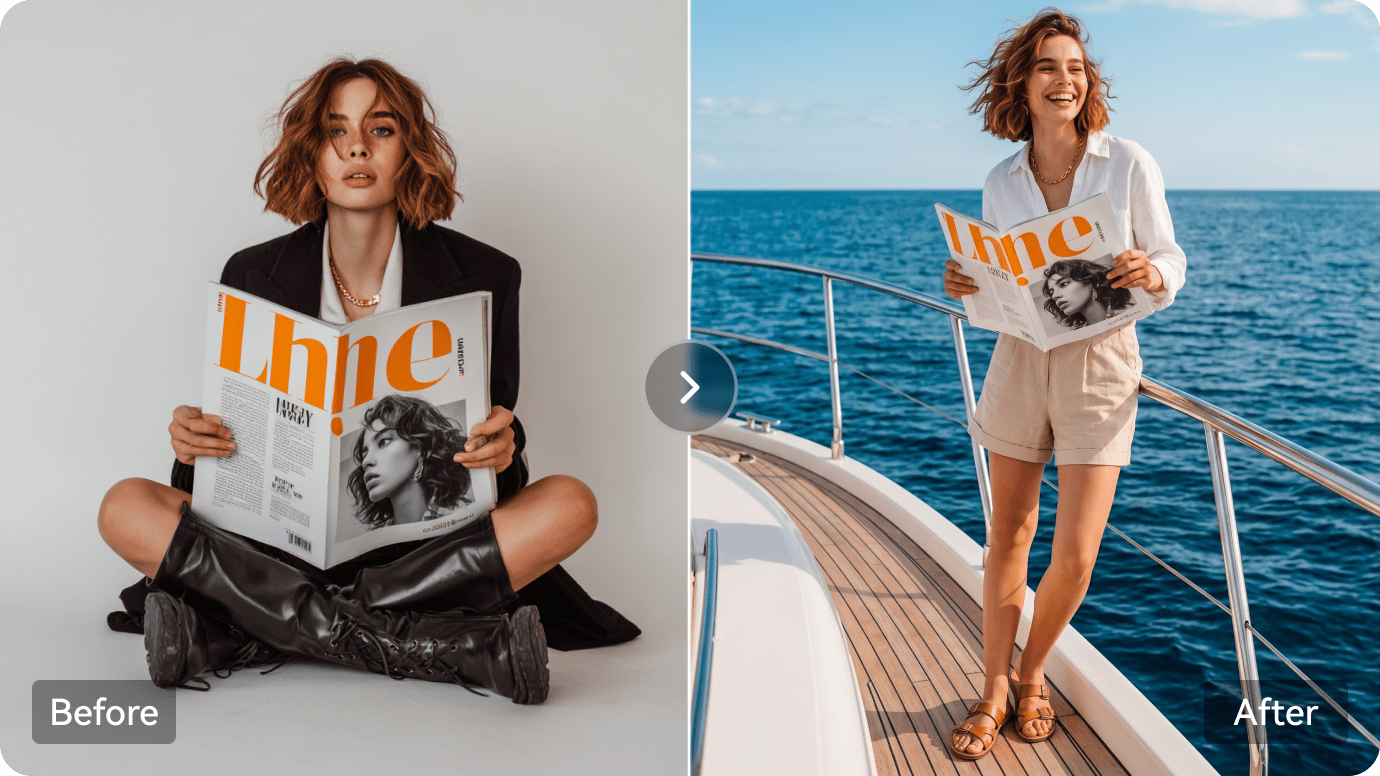
Illustrative character or scene visual transformation

Evaluate Privacy and the Quality of Source Images

Anyone asking is PFPMaker safe should look beyond the appearance of the generated photo. Check its current privacy policy, photograph handling, deletion options and any sharing controls before uploading identifiable portraits. Good lighting and a complete visible face reduce the odds of unwanted background cutouts or inconsistent features. A paid AI shoot can still misrepresent teeth, ears or accessories; a free profile picture based on your original photo may be more authentic for professional identity.

Illustrative image to video workflow example

How to Improve a Profile Portrait on Media.io

1
2
3
1
Step 1: Choose Your Existing Portrait

Use a clear front-facing photo without a distracting crop or heavy filter.

2
Step 2: Refine Background or Facial Details

Make one restrained change so the photo remains recognizable at thumbnail size.

3
Step 3: Inspect the Small Preview and Save

Check hair edges, contrast and face likeness before exporting for your profile.

Media.io step 1 illustrative creative workflow
Media.io step 2 illustrative creative workflow
Media.io step 3 illustrative creative workflow

Where PFPMaker Fits into Actual Creative Work

Specific projects where the platform's capabilities are useful - and what to inspect before treating a render as finished.

LinkedIn Refresh

Clean an existing headshot, choose a plain background and crop for the small circular photo shown in professional networks.

CV and Email Signature

Keep a consistent head-and-shoulders photo across a resume, contact card and work email.

Creator Social Accounts

Add a distinctive gradient or border while retaining a recognizable personal image on multiple platforms.

Dating and Lifestyle Profiles

Try lifestyle-photo concepts while avoiding unrealistic changes that misrepresent your actual appearance.

Professional Portrait Variations

Generate several business poses and choose an authentic-looking option rather than buying an entire studio session.

Student or Job-Seeker Budget

Use the free classic background tools first; only purchase AI headshot credits if a completely new portrait is necessary.

What to Consider Before Paying for PFPMaker

These are workflow and purchase trade-offs, not claims based on invented benchmark tests.

Free and Paid Are Separate Paths

The classic editor is free; paid generative headshots should not be described as universally free. A PFP Maker review is incomplete if it treats both paths as one free product.

A Selfie Still Sets the Quality Ceiling

Harsh light, heavy filters or cropped facial features may weaken both cutouts and generated portraits.

Paid Packs Require Outcome Checks

The number of renders is not the number of usable photos. Inspect hands, hair edges, glasses and resemblance.

Portrait First, Not Full Video Production

PFPMaker is focused on profile photos. It is not primarily a script-to-video or ad-production workspace.

Professional Authenticity Matters

Some hiring and identity-related contexts favor a lightly edited real image over a synthetic representation.

Privacy Must Be Reviewed Personally

The right photo-retention or deletion answer depends on the current policy and user account; do not assume automatic removal.

PFPMaker vs Media.io: Match the Tool to the Task

PFPMaker can be the easier starting point for a clean profile picture because its conventional crop and background workflow is available without a generative project. Media.io makes more sense if the profile image is only one asset in a broader campaign, where image generation, video and retouching matter as well. Do not confuse free PFP editing with paid AI headshots.

Creative Need PFPMaker Media.io
Free basic PFP Strong Fit strong workflow fit
Strong fit: background removal, gradients, frames and export.
Image background and portrait editing across multiple tool entry points.
Paid business headshots Strong Fit strong workflow fit
Dedicated generated looks and credit-based headshot packs.
AI headshot and image editing options.
Lifestyle photoshoots Strong Fit strong workflow fit
People-focused AI looks from a supplied selfie.
Creative image models and image-to-image transformations.
Retouch and makeup Strong Fit strong workflow fit
Many people-first face and outfit adjustments.
Specialized face and makeup tools, plus image enhancement.
Social profile formats Strong Fit strong workflow fit
PFP-first workflow geared to profile icons and headshots.
Broader image outputs and social-ready media workflows.
Video creation Not the primary PFPMaker purchase reason. Strong Fit strong workflow fit
Text-to-video, image-to-video and script-driven content.
Price clarityClassic tool free; premium headshots from advertised paid packs.Pricing varies by Media.io feature and generation path.
Best creative input One selfie or an existing profile photograph. Strong Fit strong workflow fit
Photos, prompts, scripts and other creative assets.
Best audience Users optimizing personal professional or social identity. Users who also need generated scenes, ads and video beyond their PFP.
Best for PFPMaker Users

Choose PFPMaker When You Need:

The strongest reasons are the distinctive product workflows and trade-offs described above.

  • You mainly need a free profile crop or background change
  • Your next purchase is a generated professional headshot
  • You want many portrait looks and outfit backgrounds
  • Your audience will see the result as a small PFP icon
  • You prefer people-specific editing controls
Visit PFPMaker Official Site
Best for Model + Task Workflows

Choose Media.io When You Need:

Media.io combines popular image and video models with task-based paths for actual creative deliverables.

  • You need a targeted face edit or image enhancement
  • You are also preparing a profile introduction video or animated avatar
  • You need AI images beyond portraits
  • You want story or advertising workflows after creating imagery
Edit a Profile Photo

Final Verdict: Is PFPMaker Worth It?

Our Take

PFPMaker has a straightforward advantage for a narrow task: the classic profile-picture editor offers a genuinely simple way to clean and frame an existing photo at no cost. Its paid headshot and photoshoot options extend that focus for users who need alternate outfits, lighting or professional looks.

But "free PFPMaker" and "paid PFPMaker headshots" are two separate claims. Before buying headshot credits, verify that the generated face resembles you and that the licensing and handling of your source photo meet your needs. Someone who only needs a crop may never need the paid product.

Choose PFPMaker for profile pictures, LinkedIn headshots and people-first portrait changes. Choose Media.io when the same project expands into other image edits, animated visuals, scripts or video production.

PFPMaker FAQ

What is PFPMaker?
faq faq

PFPMaker is a profile picture and portrait editing service with free basic PFP tools and paid AI headshot or lifestyle-photo generation.

The classic PFP creator is advertised as free forever for background changes, frames and other basics. Premium generated headshots are a separate paid workflow.

Its AI headshot product page advertises bundles starting from $9. Check the current checkout for credits, exports and plan-specific terms.

Yes. Professional headshots, outfit choices and office-style backgrounds are prominent use cases for PFPMaker.

Yes. It advertises face retouching, hair and style try-ons, background changes and other portrait-oriented AI tools.

The classic editor mainly cleans and frames existing photos; generative headshot and photoshoot tools create new portrait looks from reference images.

They can be, provided the photo is appropriately professional and accurately resembles you. Some employers and identity-sensitive contexts may prefer a real image.

Read the current privacy and account-deletion policies before uploading personal portraits. Verify how long uploaded photos are stored and what sharing options apply.

Media.io offers related portrait editing, headshot creation and wider AI image and video workflows when profile pictures are only part of the creative task.

What Media.io Creators Say About Their Workflow

Media.io AI video generator user
Sarah L.

Content Creator

star star star star half star

Media.io makes it much easier to test different AI video styles without jumping between several platforms. I can start with a text prompt or image, compare model results, and then resize or polish the clip for social media in the same workspace.

Media.io AI video creator
John D.

Social Media Marketer

star star star star half star

I use Media.io to create quick product clips, ad concepts, and short-form videos from images. The biggest advantage is that generation does not feel like the final step - I can continue with music, captions, enhancement, and format conversion before publishing.

Media.io AI video editing user
Emily T.

Freelance Designer

star star star star half star

The workflow is approachable even when I am experimenting with unfamiliar AI models. I can animate artwork, try different motion prompts, preview the output, and prepare a cleaner final version without needing advanced video-editing experience.

Media.io Online Tools Quality Rating:
vote 4.7 (162,357 Votes)
media.io

AI Video Generator star

Easily generate videos from text or images

Generate