














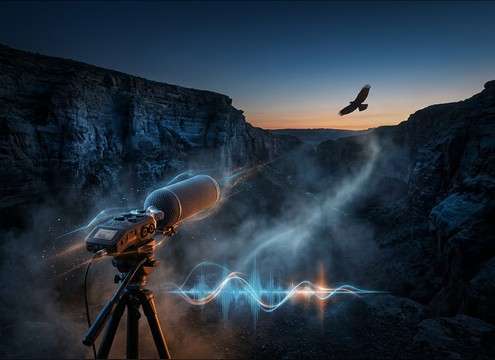

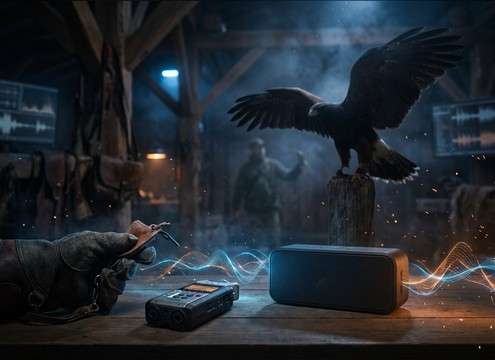





Hawk SFX often fails when the distance is wrong or the tail fights your ambience bed. Use prompts that specify perspective, space, and timing so the call lands where the camera is looking. If you are downloading, choose clips by transient sharpness and tail length first, then by pitch. The tips below help you get believable hawk calls and flybys that cut through wind and music without sounding pasted on.
Start with perspective: close, mid, distant
A close screech has a crisp attack and more detail, while distant calls lose highs and feel softer. Match the perceived distance to your lens and framing so the sound does not jump between cuts.
- Close: fast transient, minimal ambience, short tail
- Distant: softened highs, more air noise, longer decay
- If unsure, generate two distances and compare against the same shot
Choose the environment that shapes the tail
Open sky usually has a clean, quick fade, while canyons and cliffs add reflections that stretch the tail. Picking the right space is often more important than the exact call type.
- Open sky: dry call, low reflections, lighter room tone
- Canyon: obvious echo repeats, longer tail, wider stereo
- Forest edge: slightly damped highs, subtle early reflections
Control timing and repetition for realism
Hawks rarely fire off perfectly even, metronomic calls. Natural spacing and a little variation in pitch or intensity keeps the moment believable, especially in longer scenes.
- Use single hits for cutaways and hard transitions
- Use two-call sequences for establishing shots
- Avoid constant looping of the same screech with identical timing
Avoid common problems that sound fake
Most fake-sounding hawk clips are either too harsh, too wet with reverb, or have noise that clashes with your existing ambience. A few quick checks keep your track clean.
- Watch for harsh peaks around the call attack and tame level if needed
- Do not add huge reverb tails for open sky shots
- Keep background beds consistent so edits do not reveal a noise jump




