Online MP4 to MP3 Converter
Online MP4 to MP3 Converter assists you to fast converting MP4 to MP3 in high quality for free.
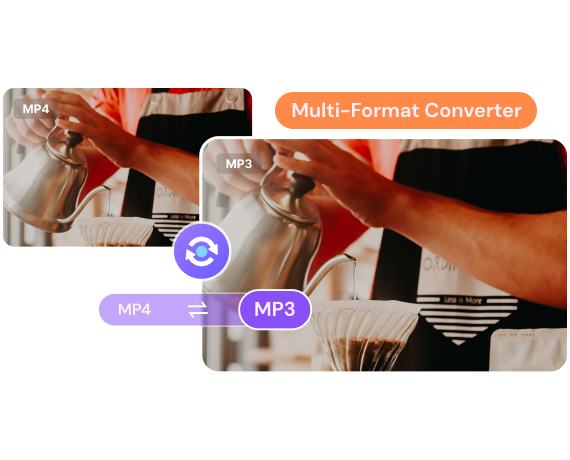
What is MP4 & MP3 File Format
| File Extension | .mp4 | .mp3 |
|---|---|---|
| Description | MP4(MPEG-4 Part 14) is a video container format based on QuickTime MOV. But unlike MOV, it adds support for other MPEG features. MP4 supports video (MPEG-4 Part 2 and MPEG-4 Part 10/), audio (MP3, AAC, SLS, TTSI, and ALAC), and subtitles (MPEG-4 timed text). It’s this codec combination that gives MP4 its flexibility. | MP3 is a standard audio format developed by Moving Picture Experts Group and uses MPEG-1 and MPEG-2 standardizations. MP3 uses lossy data compression, meaning that it loses quality over time. This sound format comes with a .mp3 filename extension and is today the most common audio format. |
| Associated Programs | Apple QuickTime Player VLC Media Player 5KPLayer Windows Media Player |
Windows Media Player iTunes Mplayer VLC Media Player |
| Developed By | International Organization for Standardization | Moving Picture Experts Group |
| MIME Type | Video/mp4 | Audio/mpeg |
| Convert Format | MP4 Converter | MP3 Converter |
How to Convert MP4 to MP3?

Step 1. Upload MP4 Video(s).
Launch Media.io's video-to-audio converter on your mobile or desktop browser. Add MP4 file(s) to convert them to MP3 or any other audio/video format. Batch conversion of MP4 to audio files is supported.

Step 2. Fast Convert MP4 to MP3.
MP3 is the default audio output format. You could adjust the audio bit rate and quality if needed. Then, just click Convert button to start the conversion process.

Step 3. Save the Converted MP3 Audio.
When the conversion process is complete, you can preview the file. Click the Download button to save the MP3 files to local device or to Dropbox.
Maximize Your Experience On Desktop Version

Enjoy better perfomance and rarely experience crashes
No longer need to consider file size and processing time constraints
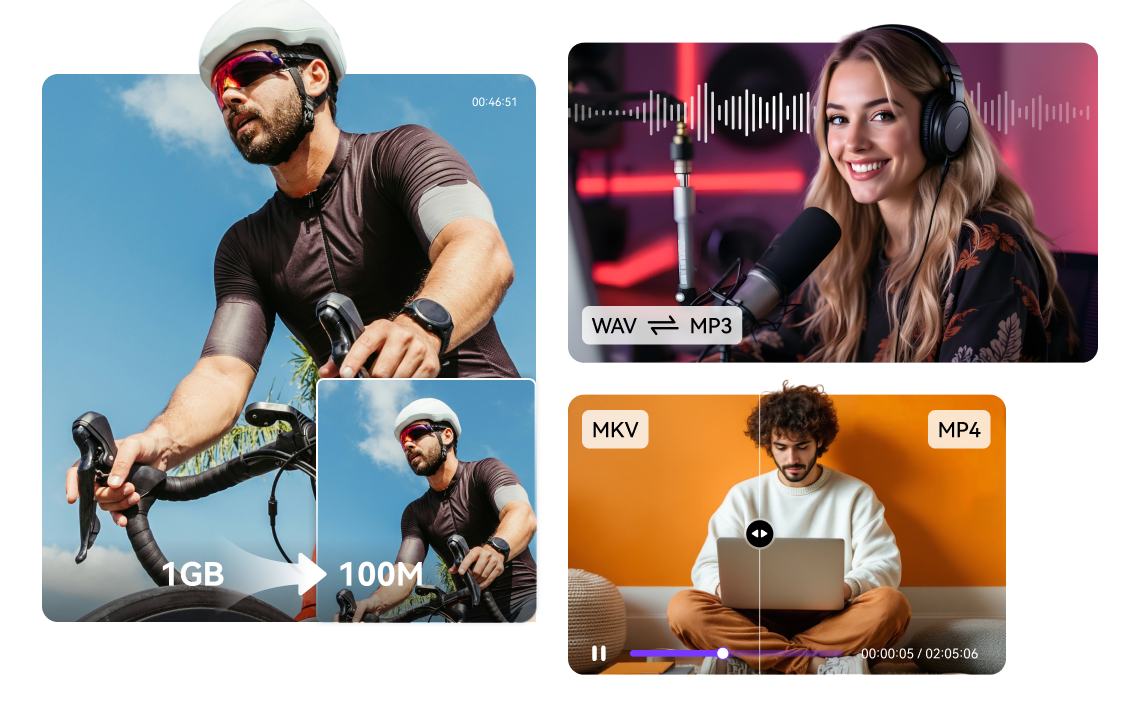
Fewer restrictions on Number of files behind local batch processing
Experience minimal impact from network factors
 Try It Now
 Try It Now
Why Choose Media.io MP4 to MP3 Online Converter?
Media.io is the best MP4 to MP3 converter you are looking for. What's more, it also possesses with video compressor and other video editing functions! Getting MP4 in MP3 formats can be so easy, not to say other media formats, just a piece of cake!

Fast Conversion Rate
This best MP4 to MP3 converter works really fast for both audio-to-video conversion and video-to-audio convert. Remain with its original high quality.

Free Online Converter
Media.io is a web-based tool that can be used for all web browsers. You can easily convert MP4 to MP3 online. And it's totally free to use!

Support Multiple Formats
Media.io MP4 to MP3 converter not only supports these two formats but is also compatible with various media formats like MP4, MOV, AVI, FLV, MKV, AAC, FLAC, etc.
Dat to MP4 | DAT to MP3 | AVI to MP4 | MOV to MP4 | WAV to MP3 | MTS to MP4 | MP3 to WAV