















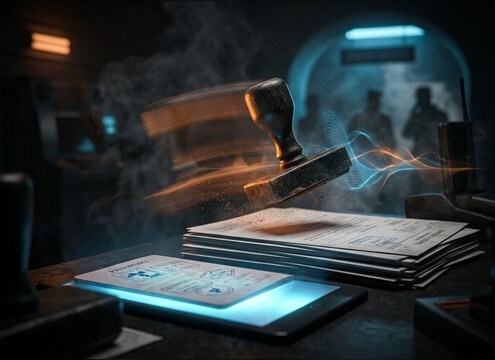

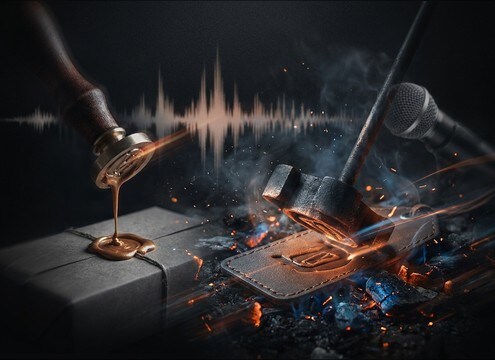






A stamp sound is all about the transient and the surface: a rubber stamp has a quick, papery thud, while an embosser adds a metallic click and rattle. When choosing from the library or writing an AI prompt, describe the stamp type, how hard it lands, and whether you want a dry close-mic hit or a slightly distant office reflection. These details help you avoid cartoonish booms and get believable approvals, seals, and paperwork beats.
Choose the stamp mechanism
Start by naming the tool so the generator and library results land in the right texture range. Rubber stamps read as soft impacts; embossers read as clamp clicks; wax seals are slower and thicker.
- Rubber stamp: crisp attack, short papery thud
- Metal embosser: click plus brief rattle tail
- Wax seal: softer transient, heavier texture on release
Control force and tail length
Stamping is often a sync moment, so decide whether you need a tight one-frame hit or a slightly longer decay that sells a heavy press. Avoid tails that ring too long unless the stamp is clearly on a resonant desk.
- Light tap: lower level, less low-end, very short tail
- Firm press: more mid punch, tiny desk resonance
- Slam: strong transient, thicker thud, quick decay
Match the surface and props
Paper type and nearby props change the sound. A stamp on a single sheet is drier, while a stack adds density. An ink pad tap adds a soft, sticky contact that can help sell close-up shots.
- Single sheet: clean and dry with minimal boom
- Stack of papers: denser impact with more low-mids
- Ink pad step: add a subtle tap before the final hit
Set the scene perspective
Decide how close the listener is. For border control or busy office scenes, a slightly distant stamp with room tone feels more natural. For approvals shown on screen, keep it dry and forward so it reads instantly.
- Close mic: sharp transient, minimal room reflections
- Mid distance: softened attack with short room tail
- Background: lower level, more room tone, less detail




