











Popular Ears-Ringing Sound Effects Library

These ready-to-use rings cover common edit needs like sharp impact tones, muffled hearing moments, and longer recovery decays. Copy a prompt to generate similar takes with different pitch, wobble speed, and fade length, then download the version that matches your cut.

How to Generate Your Own
Ears-Ringing Sound Effects

Cannot find the perfect ears-ringing sound effect you need? Generate custom AI ears-ringing audio effortlessly. Describe the style, such as old office ring, smartphone ringtone, distant call, urgent repeated ring, and Media.io AI builds tailored ears-ringing sound effects instantly. No audio editing experience needed. Turn your concept into a royalty-free, high-quality downloadable WAV ears-ringing clip in under 60 seconds.

1

Describe the ring

Type or paste a prompt describing your target: pitch (high or very high), wobble amount, stereo width, and how fast it should fade after the impact.

2

Choose length and takes

Select 5s, 10s, or 20s, then set how many variations you want so you can compare different intensities or decay times.

3

Generate and preview

Click Generate, listen to each result, and keep the one that best matches your scene timing and the level of disorientation you need.

4

Download WAV and use

Download the WAV file and drop it into your timeline for videos, games, apps, podcasts, or commercial projects.

What Can You Use These Ears-Ringing Sound Effects For?

Creators in every field are using our royalty-free audio to set the perfect mood.

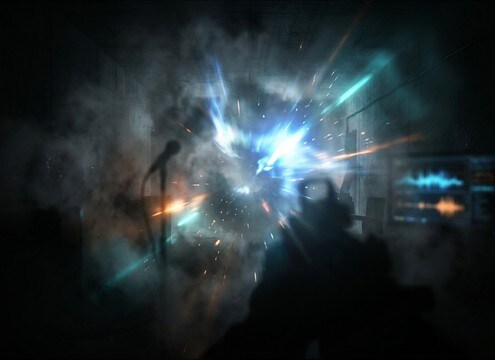
Flashbang aftermath scene with ears ringing sound effect

Flashbang aftermath POV

Sell the moment after a stun grenade with a tight, high ring and a long fade that leaves room for muffled dialogue to return.

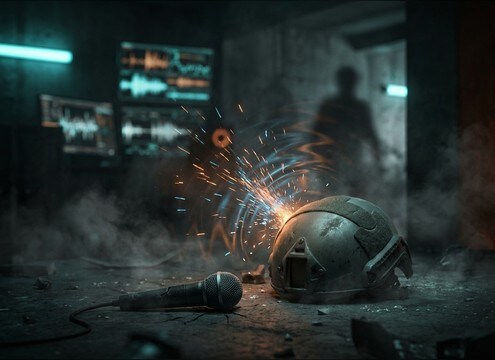
First-person head impact moment needing muffled ringing audio

Concussion or head

Add a brief ring with softened attack to signal impact and confusion without overpowering the rest of the mix.

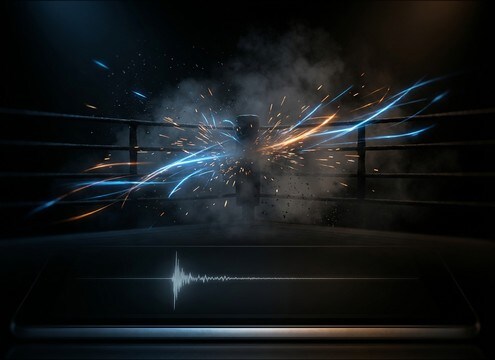
Fight punch POV edit with short ear ring accent

Boxing or MMA

Accent a punch landing with a short, piercing tone that decays quickly so the crowd and breaths can come back in.

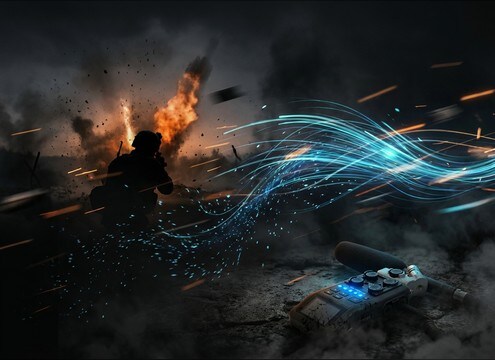
Battle scene transition with drifting ringing and long decay

Battlefield shock cut

Transition from explosion chaos to internal perception using stereo drift and a lingering tail that implies temporary hearing loss.

Disorientation montage with fluttering ear ring tone

Disorientation montage

Use flutter modulation for dizziness scenes where visuals blur, time stretches, or the character struggles to focus.

Memory reset transition using clean high pitched ring sound

Memory wipe transition

Pair a clean tonal ring with a fade to white or hard cut to create a clinical, unsettling reset moment.

VR damage feedback UI using short controlled ringing sound

VR damage feedback

Trigger a short, controlled ring as a hit indicator that reads clearly even under music, without harsh spikes.

App diagnostic cue with stable pitched ringing tone

Hearing test or

Generate stable pitched tones for accessibility checks, calibration moments, or on-screen diagnostics with predictable decay.

Why Choose Media.io for Ears-Ringing Sound Generator?

See exactly why creators, developers and studios choose our AI audio generator over all others.

Prompt controls for ear ring pitch and modulation

Prompt control for pitch and wobble

Dial in a clean high tone, a harsher whistle, or a gentler ring by describing frequency feel, vibrato speed, and stability in plain English.

Multiple generated ringing variations ready to preview

Ears-Ringing Sound Generator variations

Generate multiple takes at once to compare intensity, stereo width, and decay timing, then keep the version that best matches the cut.

Duration options for short and long ringing effects

Scene-fit durations

Pick 5s, 10s, or 20s so your ring lands exactly on an impact beat, reaction shot, or longer recovery moment.

Previewing ringing sound effects before download

Preview first, download fast

Audition clips in-browser before exporting, so you do not waste time downloading tones that are too sharp, too wide, or too long.

WAV export of ringing sound effect for editing

Royalty-free, mix-ready WAV

Export WAV files that are easy to place under dialogue and music, with clean transients and controlled tails for predictable editing.

Regenerating a ringing sound with adjusted fade and stereo width

Regenerate to match continuity

Keep the same idea but change one detail, like slower fade, less wobble, or narrower stereo, to maintain continuity across shots.

How to Pick and Prompt Ears-Ringing Sounds That Fit the Cut

Ears-ringing SFX can read as shock, pain, dizziness, or a stylized transition depending on pitch, modulation, and how the tail decays. Use the library when you need something immediately, or use the AI prompts to match exact timing like a 5-second hit reaction, a 10-second recovery beat, or a 20-second flashbang aftermath. The tips below help you avoid harsh tones and choose a ring that sits correctly in your scene.

Start with pitch and harshness

A higher, narrower tone feels more piercing and urgent, while a slightly softer high tone feels more cinematic and easier to mix. If your scene already has bright elements (metal hits, glass, gunshots), choose a less harsh ring so it does not fatigue the listener.

  • Prompt for a clean high tone vs a narrow-band whistle
  • Ask for smooth dynamics to avoid sudden spikes
  • If it fights dialogue, request a softer presence

Control wobble, drift, and stability

Modulation sells disorientation. Slow vibrato can feel woozy and internal, while fast flutter can feel panicked or dizzy. Stereo drift can add unease, but too much movement can distract from the picture.

  • Use slow wobble for concussion or stunned POV
  • Use flutter for dizziness or spinning shots
  • Keep stereo movement subtle for dialogue scenes

Match the fade to your edit timing

The tail is where the effect becomes believable. Quick fades work for punchy impacts and fast-cut action. Longer decays work for flashbang aftermaths and recovery moments where the world slowly returns.

  • Short tail for quick reactions and snap cuts
  • Long fade for recovery beats and lingering shock
  • If you need room for a line, reduce tail length

Avoid common ring mistakes

The wrong ring can feel like a cheap beep or become physically uncomfortable. Keep it controlled, consistent, and purposeful. If it sounds like an alarm, narrow the use to UI; if it sounds gritty, remove distortion unless the scene demands it.

  • Avoid overly pure beeps that feel like UI alerts
  • Avoid heavy distortion unless it is a stylized choice
  • Keep loudness moderate and the attack non-abrasive

Frequently Asked Questions About
Ears-Ringing Sound Effects

Everything you need to know before downloading or generating your first sound.

Can I download ears-ringing sound effects as WAV files?

Yes. Preview the clips, then export the version you want as a WAV so it is easy to place on a timeline and trim or crossfade cleanly.

How do I make the ring feel like a flashbang aftermath instead of a simple beep?

Choose a higher tone with a longer, smoother fade-out, then add gentle wobble or stereo drift. A stable, short tone often reads like an interface beep, while a decaying, unstable ring reads like shock.

What duration should I pick: 5s, 10s, or 20s?

Use 5s for quick hit reactions and fast cuts, 10s for a short recovery beat where the character regains focus, and 20s for longer POV aftermaths where the ring slowly softens and stabilizes.

How can I keep the ringing from masking dialogue?

Pick a less harsh version, shorten the tail, and prefer a tighter stereo image. If needed, trim the ring to start after key consonants and use short fades so speech remains intelligible.

Are these ears-ringing sound effects free to download?

Yes. You can preview and download the AI-generated ears-ringing sound effects as WAV files and use them in personal or commercial projects.

Can I copy the prompt used for each sound?

Yes. Open any sound row to view the prompt, copy it, adjust the wording and generate a custom variation that better matches your scene.

Related Free Sound
Effect Categories

Explore other AI-generated sound libraries from Media.io

sound

Rain Sound Effects

10+ free sounds
sound

Thunder Sound Effects

10+ free sounds
sound

Farts Sound Effects

10+ free sounds
sound

Car Crash Sounds

10+ free sounds
sound

Explosion Sound Effects

10+ free sounds
sound

Gunshot Sound Effects

10+ free sounds
sound

Pistol Sound Effects

10+ free sounds
sound

AI Horror Sound Effects

10+ free sounds
sound

AI Forest Sound Effects

10+ free sounds
sound

AI Dog Whistle Sound

10+ free sounds
sound

AI Ding Sound

10+ free sounds
sound

Phone Ring Sound

10+ free sounds
media.io

AI Video Generator star

Easily generate videos from text or images

Generate
