














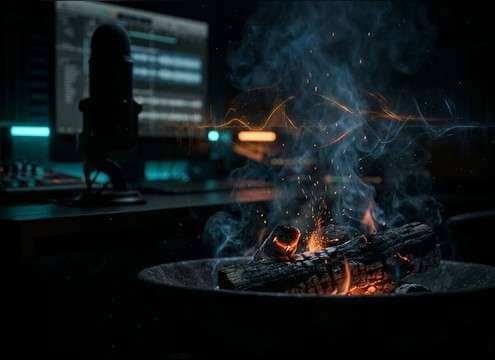
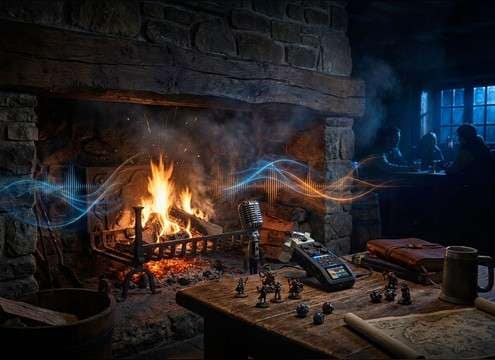
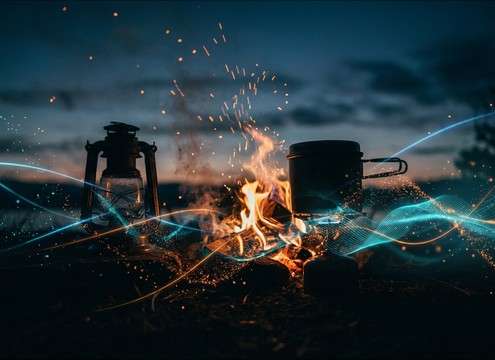


Fire crackle sells a scene when its pop density, distance, and tail match what the camera shows. Use the library items to start fast, then refine with prompts like close-mic pops, ember fizz, or distant fire bed. The tips below help you pick the right texture and avoid harsh, fatiguing crackle that masks dialog.
Match the fuel and intensity
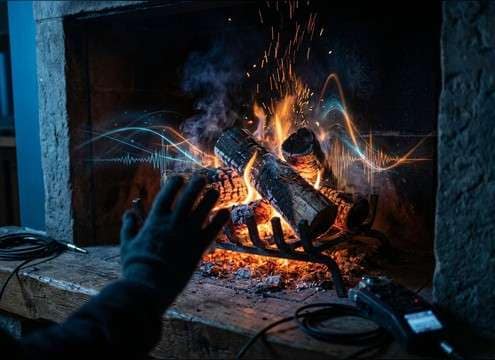
Different fires have different textures. A small ember bed is mostly fizz and light ticks, while a log fire throws occasional loud pops. When prompting, call out pop frequency and tone so you do not get a random bursty result.
- Use phrases like steady bed, occasional loud pop, or ember-only sizzle
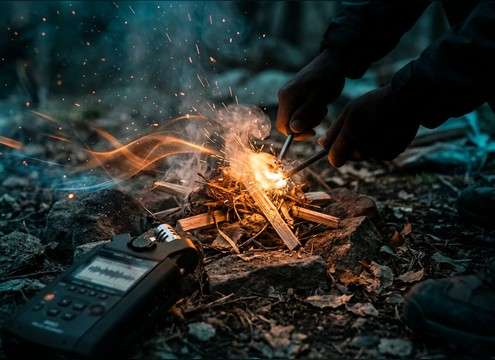
- Ask for warm low-end for a hearth, or brighter sparks for kindling
- Avoid vague prompts like realistic fire without intensity details
Choose perspective and space
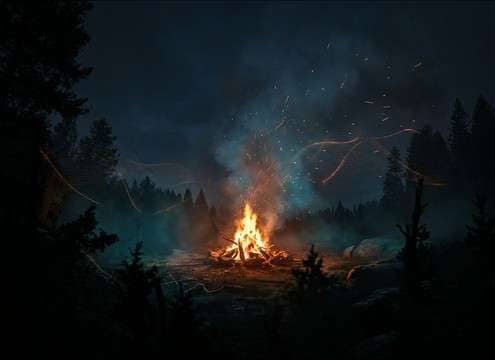
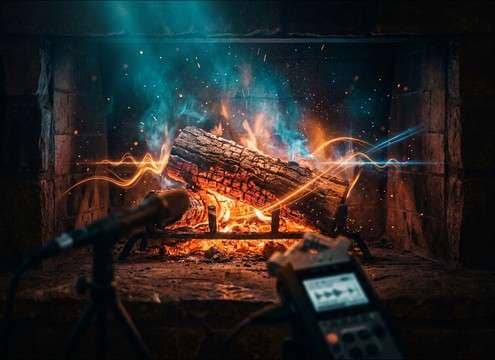
A close-up needs crisp transients and less room, while a wide shot needs softened attacks and more air. Stating distance and environment helps keep the crackle believable and prevents it from feeling pasted on.
- Prompt distance like close-mic, 3 meters, or 10 meters away
- Specify indoor fireplace room tone or outdoor open air
- Avoid adding heavy reverb unless the scene shows a reflective space
Plan for edits and looping
If you need ambience under a scene, consistency matters more than big pops. For loopable beds, request even intensity and fewer spikes so the loop point does not click or jump in loudness.
- Use 10s or 20s for smoother loops and less repetition
- Prompt loop-friendly, consistent texture, minimal loud pops
- Avoid prompts that encourage constant random explosions of pops
Keep it mix-safe
Fire can get sharp in the high end and fight sibilant speech. Aim for a controlled top end and stable noise floor, then layer at a level that supports the scene without drawing attention.
- Prompt clean background, minimal hiss, controlled brightness
- Choose softer crackle for narration or dialog-heavy moments
- Avoid overly bright, constant spark textures for long scenes




