














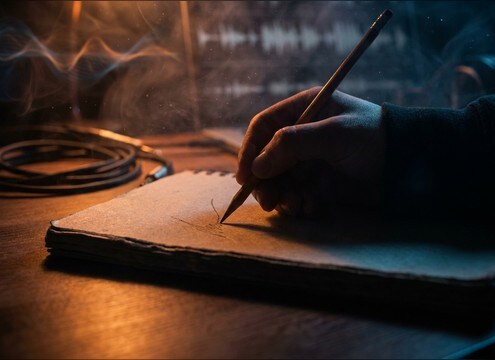
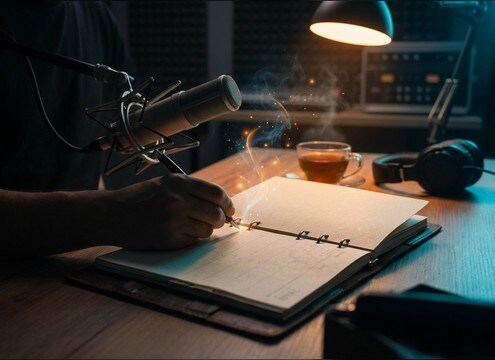



Scratch-paper sounds are easy to overdo: too squeaky, too bright, or too noisy for a quiet scene. Use prompts that specify the paper stock, the tool (pencil, marker, fingernail, eraser), and how close the mic should feel. Then request the tail behavior you need, like a clean stop for quick inserts or a loop-friendly ending for longer texture beds.
Name the paper surface first
Paper stock changes the grain and brightness more than most people expect. Start prompts with the surface so the generator knows whether to aim for thin notebook scratch, smooth printer paper, or thicker cardstock friction.
- Try: notebook paper, printer paper, sketchbook, cardstock
- Add texture words: smooth, fibrous, gritty, dusty
- Avoid vague prompts like "paper sound" when you need a specific grain
Specify the tool and motion
A pencil produces sharper micro-transients, while markers can squeak and erasers create a softer friction band. Call out the action and speed so the rhythm matches the visuals.
- Tool: graphite pencil, felt-tip marker, fingernails, rubber eraser
- Motion: short strokes, continuous shading, quick scribble, single scratch
- Intensity: light pressure vs heavy pressure
Dial in perspective and tail
Scratch foley can feel fake if the space is wrong. Ask for close-mic detail with dry room tone for intimate shots, or a slightly more open tail when the camera is wider.
- Close-mic: crisp attack, dry room, minimal reflections
- Wider feel: subtle room tone, softer transients, slightly longer decay
- For loops: request a stable level and a loop-friendly ending
Make it mix-friendly in one line
If your scene has dialogue or narration, a bright scratch can mask consonants. Use prompts that request a cleaner noise floor and reduced squeak so the sound supports the moment instead of stealing focus.
- Ask with clean noise floor, no hum, minimal hiss
- Reduce harshness: less squeak, softer highs, smoother decay
- Avoid extra foley: no pen clicks, no page flips, no hand taps




