











Popular Owl Sound Effects Library

Pick a ready-made hoot or screech, or copy the prompt to regenerate tighter attacks, longer tails, or a more distant perspective for your exact scene.

How to Generate Your Own
Owl Sound Effects

Cannot find the perfect owl sound effect you need? Generate custom AI owl audio effortlessly. Describe the style, such as short clean cue, cinematic hit, subtle background layer, branded UI alert, and Media.io AI builds tailored owl sound effects instantly. No audio editing experience needed. Turn your concept into a royalty-free, high-quality downloadable WAV owl clip in under 60 seconds.

1

Describe the owl call

Type or paste a prompt for the exact owl sound you need, like a close hoot, a distant call, a barn owl screech, or a flyby with wing whoosh.

2

Choose time and takes

Select 5s, 10s, or 20s and set how many variations to generate so you can quickly compare different intensities and spaces.

3

Generate and preview

Click Generate, then audition each result. Keep the one with the best pitch, decay, and background tone for your scene.

4

Download WAV and use

Download the WAV file and drop it into your timeline for films, shorts, audio drama, apps, games, or commercial projects.

What Can You Use These Owl Sound Effects For?

Creators in every field are using our royalty-free audio to set the perfect mood.

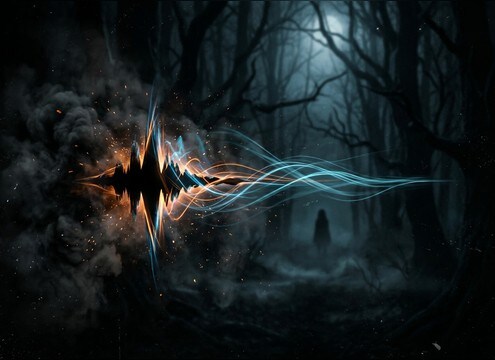
Owl screech sound effect for a haunted forest scare cue

Haunted woods stings

Use a sharp screech or tight hoot to punctuate a scare beat, then swap in a longer tail version for the next cut.

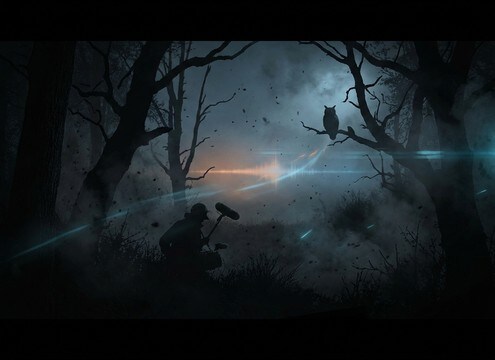
Distant owl hoot ambience for an exterior night establishing shot

Nighttime establishing shots

Add a distant call with a soft transient to sell an exterior night location without pulling focus from dialogue.

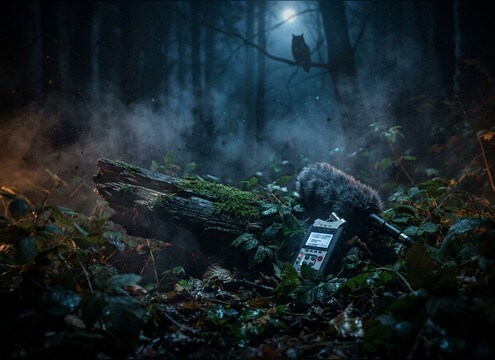
Natural owl calls for wildlife documentary narration beds

Wildlife documentary beds

Choose clean, natural decay and consistent noise floor so the call sits under narration and field recordings.

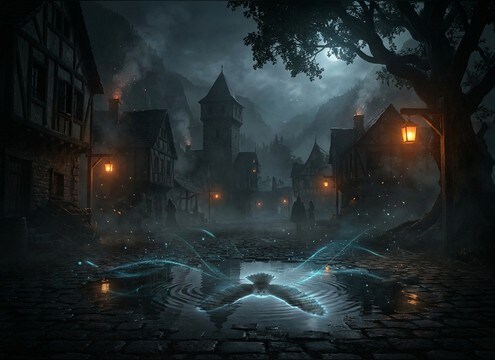
Soft owl hoot with outdoor reflections for fantasy village night ambience

Fantasy village nights

Blend a gentle hoot with subtle tree reflections to make a medieval or fantasy night feel lived-in and outdoorsy.

Mid-distance owl hoot for a camping scene with campfire sound

Camping scene realism

Pick a mid-distance hoot that does not mask campfire crackle, then regenerate to match the shot distance.

Two owls calling in stereo for an audio drama scene transition

Audio drama scene

Use call-and-response owls to suggest movement and geography, with stereo separation to guide the listener.

Loopable owl night ambience for a mystery game level

Mystery game atmosphere

Loop a 20-second night bed and place occasional calls as positional clues without overpowering footsteps and UI.

Calm owl calls in a relaxing night soundscape

Nature meditation soundscapes

Select softer attacks and longer, calmer decay for relaxing night soundscapes that remain smooth over time.

Why Choose Media.io for Owl Sound Generator?

See exactly why creators, developers and studios choose our AI audio generator over all others.

Prompt control for an owl sound generator

Owl Sound Generator prompt control

Steer hoot type, intensity, and space with plain-language prompts, then regenerate until it matches the shot and mood.

Close versus distant owl hoot variations

Distance and space variations

Quickly switch between close, mid, and distant perspectives, including subtle reflections or a drier, upfront call.

Selecting 5s 10s or 20s durations for owl sounds

Duration choices that fit edits

Pick 5s for stings, 10s for short cues, or 20s for loop-friendly beds without stretching artifacts.

Previewing owl sound effects before downloading

Preview-first download workflow

Audition multiple takes before you export, so you do not waste time downloading calls that do not cut well.

WAV export for owl sound effects

Clean WAV export

Download a WAV that is ready to place, trim, fade, and layer under ambience, dialogue, or music.

Mix-friendly owl audio with controlled room tone

Mix-friendly noise floor

Generate options with controlled background tone so your owls do not fight wind, insects, or scene foley.

How to Pick or Prompt Owl Sounds That Match the Shot

Owl calls can read as calm wilderness, eerie isolation, or an aggressive jump cue depending on distance, tone, and decay. Use this quick guide to choose the right library clip, or write a prompt that nails perspective and timing so the call lands on your cut without masking dialogue or key foley.

Decide the owl type and emotion

Start by naming the call behavior you want. A rounded hoot feels iconic and readable, while a raspy screech can feel tense or alarming. If your scene needs a naturalistic moment, avoid overly dramatic echoes and keep the delivery restrained.

  • Hoot for location cues, screech for tension, short chirps for quick accents
  • Specify pitch direction: low, mid, or slightly rising endings
  • Ask for calm, neutral, or aggressive delivery to match character reaction

Match camera distance with transient and tail

A close owl needs a clearer transient and less wash so it feels near the mic. Distant calls should lose some brightness, soften the attack, and carry a longer decay so they sit behind the scene. If the call sounds too present, it will pull focus.

  • Close: crisp attack, short decay, minimal background bed
  • Distant: softened attack, rolled highs, longer natural tail
  • Use stereo width for space, but keep center stable for dialogue scenes

Choose ambience and loop behavior on purpose

If you need a bed, pick a longer clip that stays consistent and does not jump in noise floor. For quick cues, keep the background minimal so it layers cleanly with your existing forest, wind, or campfire track.

  • For beds, request stable room tone and seamless start and end
  • For cues, ask for low masking so insects and leaves remain audible
  • Avoid heavy broadband hiss that becomes obvious after looping

Avoid common owl SFX mistakes

Overly loud owls, unrealistic echo, or repeated identical calls can break believability fast. Use regeneration to vary timing and tone, and keep the call level appropriate for the on-screen space.

  • Do not reuse the same hoot cadence every time a scene cuts to night
  • Avoid huge canyon reverb unless the environment supports it
  • Keep peaks controlled so the call does not clip when layered

Frequently Asked Questions About
Owl Sound Effects

Everything you need to know before downloading or generating your first sound.

How do I make the owl sound close versus far away?

For close shots, choose or prompt a dry hoot with a clearer attack and shorter tail. For distance, ask for a softened transient, less high-end, more room tone, and a longer decay so it sits behind the scene.

Which owl sound works best for horror moments: hoot or screech?

Use a screech when you want a sharp, unsettling accent with a fast attack and minimal tail. Use a hoot for slower dread or location cues, especially if you keep it distant and let the decay blend into the ambience.

Can I download owl sound effects as WAV for commercial use?

Yes. You can preview the clips, generate variations if needed, and download WAV files that are suitable for commercial projects. Always review the on-page license terms in your workspace to confirm your specific use case.

How do I avoid owl calls masking dialogue or narration?

Pick a take with lower midrange bite and a controlled peak, then place it in gaps between lines. Shorten the tail with fades, lower the level, and choose a more distant version with softer transients if it still pulls focus.

Are these owl sound effects free to download?

Yes. You can preview and download the AI-generated owl sound effects as WAV files and use them in personal or commercial projects.

Can I copy the prompt used for each sound?

Yes. Open any sound row to view the prompt, copy it, adjust the wording and generate a custom variation that better matches your scene.

Related Free Sound
Effect Categories

Explore other AI-generated sound libraries from Media.io

sound

Rain Sound Effects

10+ free sounds
sound

Thunder Sound Effects

10+ free sounds
sound

Farts Sound Effects

10+ free sounds
sound

Car Crash Sounds

10+ free sounds
sound

Explosion Sound Effects

10+ free sounds
sound

Gunshot Sound Effects

10+ free sounds
sound

Pistol Sound Effects

10+ free sounds
sound

AI Horror Sound Effects

10+ free sounds
sound

AI Forest Sound Effects

10+ free sounds
sound

AI Dog Whistle Sound

10+ free sounds
sound

AI Ding Sound

10+ free sounds
sound

Phone Ring Sound

10+ free sounds
media.io

AI Video Generator star

Easily generate videos from text or images

Generate
