














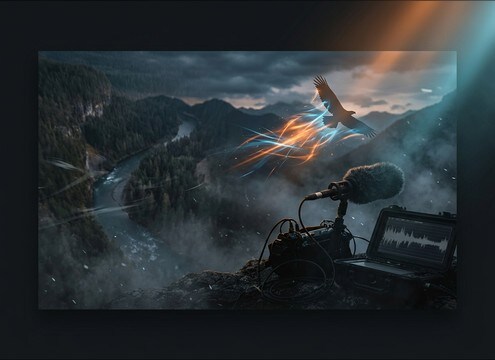
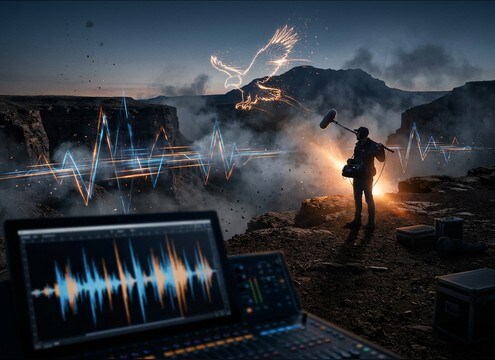

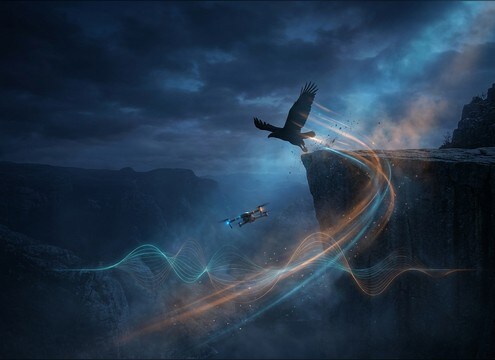




Eagle audio reads as fake when the call type, distance, and tail do not match the picture. Use the library for quick drop-ins, or write prompts that lock in perspective, intensity, and spacing. The tips below help you choose between close screeches, distant valley calls, echoing ridge cries, and wing-flap motion so your edit feels grounded.
Choose the call type first
Start with behavior: a piercing screech for dramatic presence, a calmer call for background life, or a short chirp for subtle cues. Picking the right vocal shape matters more than making it louder.
- Use screeches for hero moments and reveals
- Use short calls for quick cut points
- Use soft chirps for natural background texture
Match distance with tone and tail
Distance changes brightness and decay. Close calls feel sharper with less ambience, while distant calls lose high end and carry a longer tail. Prompt for the perspective you see on screen.
- Close: crisp transient, minimal bed noise
- Distant: softer highs, longer decay tail
- Ridge: audible reflections without boomy reverb
Control spacing and loudness for edits
Editors often need calls to land between words or on a visual hit. Prompt for the number of cries and the gaps, and keep levels consistent to avoid constant gain riding.
- Ask for 2 to 4 calls with clear pauses
- Request controlled peaks to sit under music
- Avoid nonstop calling that masks dialogue
Add motion with wings and flybys
If an eagle is on screen moving, a call alone can feel disconnected. Wing flaps and flyby whoosh add believable movement cues, especially on takeoff or passes over camera.
- Takeoff: feather foley plus short air whoosh
- Flyby: subtle doppler on the call
- Keep wind trails short so they do not smear cuts




