














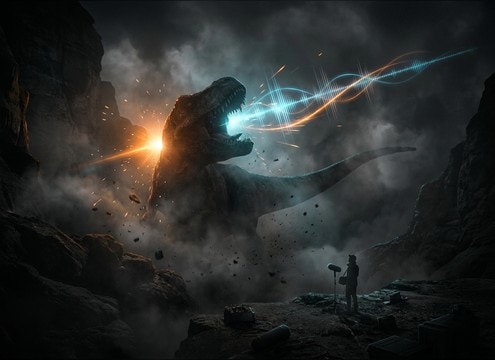
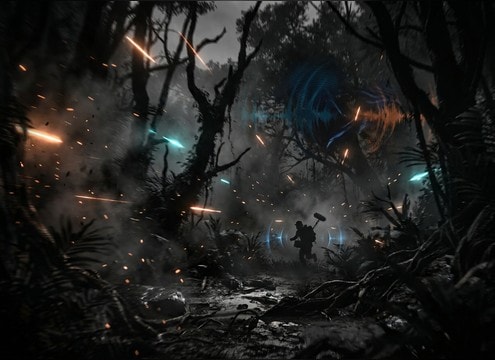
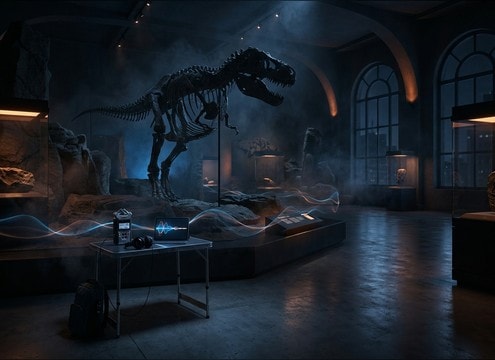
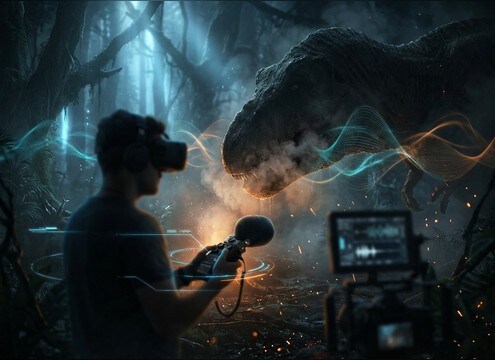

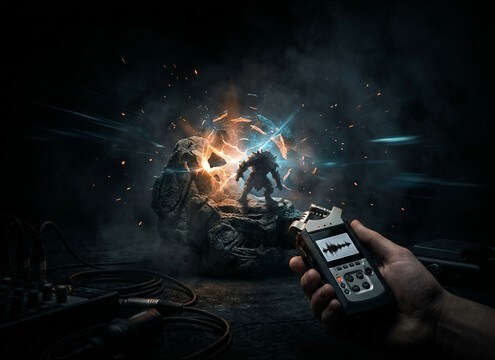
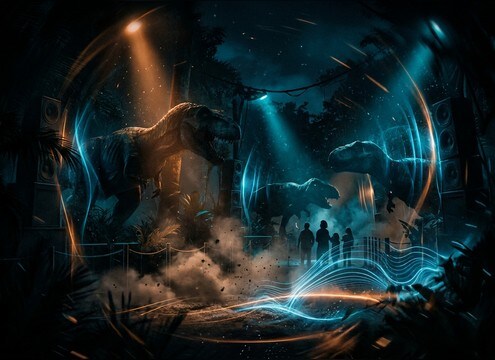
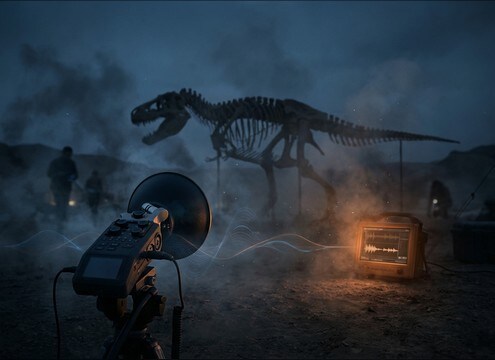


Dinosaur audio usually fails for two reasons: the vocal is the wrong size for the shot, or the space sounds wrong. Use prompts that state the creature type (T-Rex, raptor, herd), the perspective (close, mid, distant), and the environment (open valley, forest, cave). Then choose a clip by its transient strength, low-end weight, and tail length so it cuts through music without turning into noise.
Match the creature size and tone
Start by deciding whether you need a massive low roar, a mid-range growl, or a sharp screech. Size cues come from pitch, throat texture, and how much sub energy sits under the vocal.
- Use words like deep, chesty, sub-heavy for large predators
- Use words like sharp, raspy, high-pitched for raptor-style calls
- Avoid mixing tiny pitch with huge tail unless you want a stylized monster
Choose perspective: close vs distant
Perspective changes how much transient detail you hear and how much the environment dominates the tail. A close roar needs definition; a distant call needs air and reflections.
- Close: emphasize attack, breath detail, minimal room tone
- Distant: soften highs, add longer decay, reduce transient bite
- If the roar masks dialogue, try a more distant version with less midrange
Set the space: cave, forest, open valley
The same roar reads differently depending on reflections and ambience. A cave tail should be obvious; a forest tail should feel absorbed and shorter.
- Cave: strong echoes, long tail, darker tone, audible reflections
- Forest: shorter decay, subtle air, less slapback, tighter stereo
- Open valley: wide stereo, slower bloom, long but smoother tail
Pick durations that cut cleanly
For edits, shorter is often safer. Use 5 seconds for hits, 10 seconds for builds, and 20 seconds for stampedes or sustained threat moments.
- 5 seconds: logo hits, jump reveals, quick reaction shots
- 10 seconds: rising tension into a peak, then a readable decay
- 20 seconds: movement, herds, or looping beds with steady rumble




