
















Bar audio fails when the crowd is the wrong distance, the clinks are too bright, or the room tone fights dialogue. Use prompts that specify perspective (close booth vs across the room), crowd behavior (steady murmur vs bursts), and signature events (pour, laughter, last call). Then generate a few variations and choose the take with the cleanest transients and the most believable tail for your space.
Start with perspective and room size
A pub sounds different at the bar rail than from the hallway. Calling out distance and space helps the generator shape stereo width, high-end roll-off, and the length of the ambience tail.
- Use phrases like close-mic, mid-room, or distant corner
- Name the space: small cozy bar, narrow pub, large taproom
- Specify if you want dry room tone or noticeable reflections
Control crowd density and masking
The most useful bar beds keep energy without stepping on speech. Ask for steady murmurs, limit loud peaks, and keep the midrange from getting too busy when you need clarity.
- Request moderate crowd density for dialogue scenes
- Add constraints like no shouting, no whistling, no chants
- Ask for smooth dynamics to avoid sudden spikes
Add signature bar events on purpose
Clinks, pours, and door moments sell realism, but only if they land where the cut needs them. Generate one-shots separately when you want tight timing.
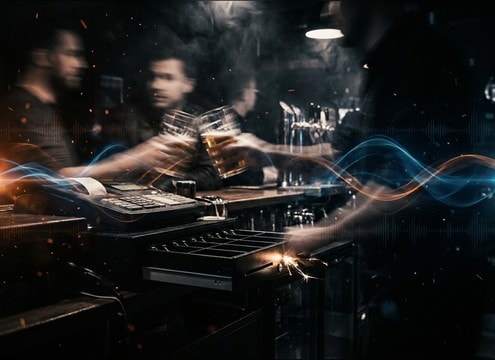
- Generate isolated glass clinks with crisp attack and short decay
- Create a dedicated beer pour with foamy fizz texture
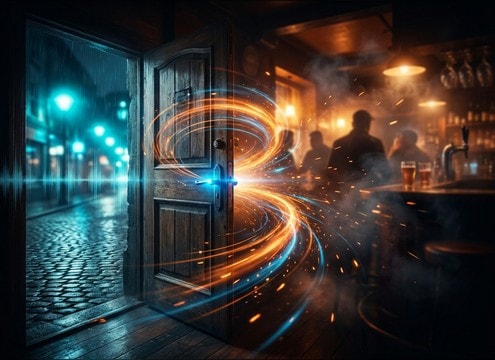
- Prompt a door open with latch click plus a brief room shift
Avoid common prompt pitfalls
Over-specified prompts can produce chaotic results, while vague prompts can sound like generic cafeteria noise. Keep the goal clear, then iterate with small changes.
- Avoid asking for too many actions in one 5-second clip
- Do not force extreme loudness if you need mix-friendly beds
- If it feels fake, remove keywords like cinematic and try realistic, natural, documentary




