














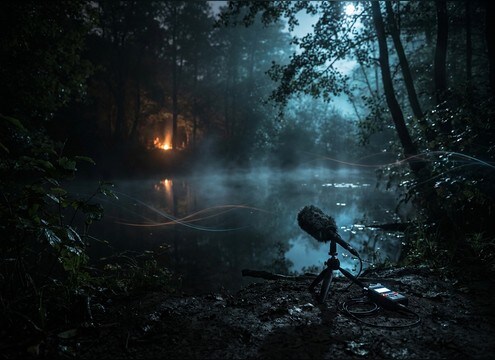
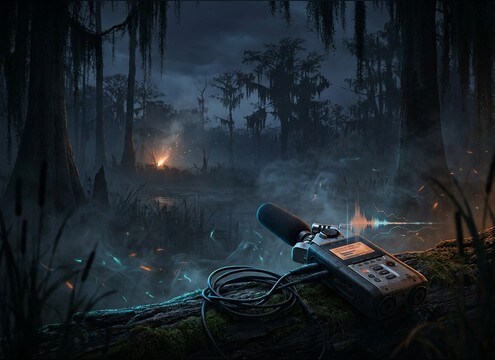



Frog sounds vary more by scene than most creators expect: a close ribbit in a quiet marsh can feel too dry, while a wide chorus can overwhelm dialogue. Use the library to grab a usable starting point, then prompt variations by distance, chorus size, and tone so the decay and ambience match your camera and environment.
Choose single calls vs choruses
Start by deciding whether your moment needs a readable, syncable single vocalization or an environmental bed. Singles work for character cues and cutaway jokes, while choruses sell geography and time of day.
- Single ribbit: crisp transient, short tail, easy to place on a frame
- Small chorus: light stereo spread, minimal masking, good under narration
- Full wetland bed: dense texture, needs careful level and EQ space
Prompt by distance and space
Distance changes more than volume. Close frogs have brighter detail and faster attacks, while distant calls lose highs and blend into room tone. Mention the environment so reflections feel natural.
- Close: "dry, close mic, minimal ambience" for clean sync moments
- Mid: "near waterline, subtle reflections" for natural outdoor scenes
- Far: "distant across swamp, rolled-off highs" for wide shots
Control pitch, density, and repetition
If the sound feels fake, it is usually because every call is identical or the timing is too regular. Ask for slight variation and avoid extreme pitch shifts unless you want a stylized result.
- Bullfrog: request "deep, low resonance" and a longer decay
- Tree frog: request "higher chirps, short pulses" and a lighter tail
- Chorus realism: request "randomized timing" and "no identical repeats"
Make it loopable when needed
For ambience, loop quality matters more than a single impressive croak. Aim for steady texture, stable stereo image, and no sudden loud peaks that will click at loop points.
- Ask for "consistent noise floor" and "no sudden spikes"
- Prefer a gentle tail over long ringing decay for seamless loops
- Keep chorus density moderate so it does not fatigue listeners




