











Popular Miss Sound Effects Library

Pick a ready-to-drop swish or pass-by, then copy the prompt to regenerate tighter transients, longer tails, or a more dramatic doppler sweep for your exact moment.

How to Generate Your Own
Miss Sound Effects

Cannot find the perfect miss sound effect you need? Generate custom AI miss audio effortlessly. Describe the style, such as short clean cue, cinematic hit, subtle background layer, branded UI alert, and Media.io AI builds tailored miss sound effects instantly. No audio editing experience needed. Turn your concept into a royalty-free, high-quality downloadable WAV miss clip in under 60 seconds.

1

Describe the near-miss

Type a prompt for the miss moment, like a punch whiff, bullet pass-by, arrow zip, or sword swing, and add notes such as close or distant.

2

Choose 5s, 10s, or 20s

Set the duration (5s, 10s, or 20s) and pick how many variations you want so you can audition different speeds and tails.

3

Generate and preview

Click Generate, then listen to each result and keep the version with the best transient timing, stereo feel, and decay for your scene.

4

Download WAV and use

Download the WAV file and drop it into your timeline for videos, games, apps, audio drama, or commercial projects.

What Can You Use These Miss Sound Effects For?

Creators in every field are using our royalty-free audio to set the perfect mood.

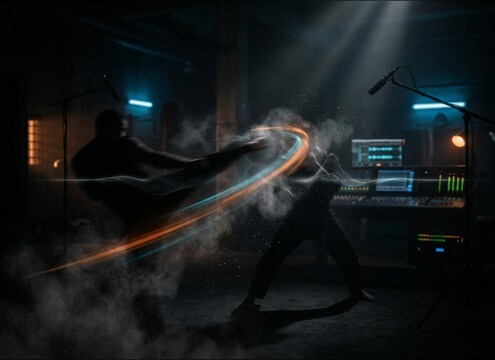
Punch swing and miss swish aligned to a fight animation

Fight scene whiffs

Sync a punch or kick miss to animation frames with a dry transient that sells speed without adding an impact.

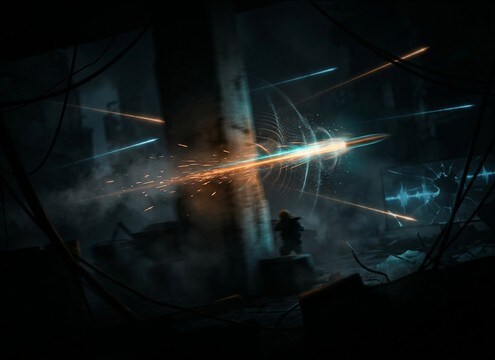
Bullet pass-by miss sound placed on a close camera flyby cut

Bullet near-miss moments

Add doppler pass-bys to emphasize danger when shots miss the character and zip past camera.

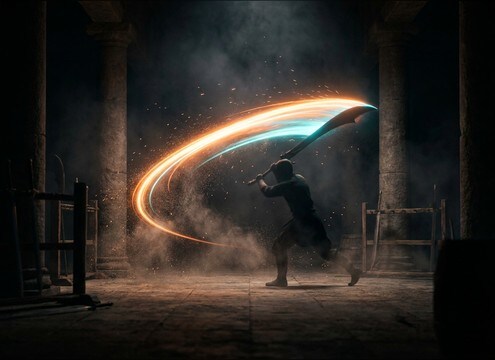
Sword swing miss whoosh layered under a blade move

Sword and staff

Use brighter swishes with a controlled tail for blades that cut air but do not connect.

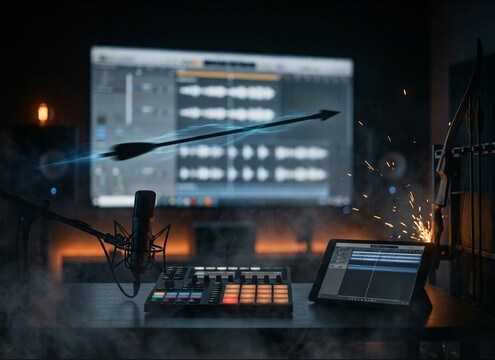
Arrow zip miss sound effect on a projectile flyby shot

Arrow or spear

Choose narrow-band zips for projectiles crossing frame quickly without muddying dialogue.

Dodge action with a short miss whoosh timed to motion

Dodge and sidestep

Support quick evasion with short whooshes that start exactly on the body move and end cleanly.

Sports swing-and-miss swish on a slow motion replay

Sports swing misses

Sell a bat or racket whiff with cloth-and-air movement while keeping the tail short for crowd beds.

Cartoon whip swish used for a comedic near hit

Comedic near-miss gags

Pick snappier whip-like swishes and exaggerate attack for slapstick timing.

Heavy near-miss whoosh used as a trailer transition accent

Trailer whoosh accents

Use heavier near-miss whooshes as transition hits that feel like something barely missed the lens.

Why Choose Media.io for Miss Sound Generator?

See exactly why creators, developers and studios choose our AI audio generator over all others.

Prompt controls for a miss sound generator with distance and doppler options

Miss Sound Generator with prompt control

Specify close flyby vs distant pass-by, add doppler notes, and regenerate until the swish matches the motion and camera distance.

Preview list of miss swish sounds ready to download

Preview-first, download-ready library

Audition swishes and whiffs quickly, then grab the best take without over-editing just to make it usable.

Waveform showing a sharp transient for a miss swish

Clean transients for tight sync

Choose assets with clear attacks so the miss reads on the exact frame, even in fast cuts and action montages.

Stereo width comparison for close flyby versus narrow zip

Distance and stereo width options

Dial in narrow mono zips for center hits or wide stereo whooshes for big camera moves and lens flybys.

Multiple generated miss sound variations queued for comparison

Fast variations for scene matching

Generate multiple options at once to compare speed, texture, and tail length across different choreography beats.

WAV download option for miss sound effects

WAV export that drops into your edit

Download WAV and place it directly under animation, Foley, or production audio without format headaches.

How to Pick and Prompt Miss Sound Effects That Read on Screen

A good miss is all about timing and perspective: the attack sells speed, the mid-body texture sells material, and the tail tells you how close it passed. Use the tips below to choose the right library clip or write a prompt that generates a swish, whiff, or pass-by that fits your shot scale and cut length.

Match the motion: swish, whiff, or pass-by

Start by naming what actually missed. A fist whiff is mostly air and cloth, a sword miss adds a brighter edge, and a bullet pass-by needs doppler and speed. When prompts are too vague, results drift into generic whooshes that do not communicate the action.

  • For melee misses: ask for a sharp transient and a short tail, with no impact thud
  • For blades: add bright top-end edge and a slightly longer controlled decay
  • For projectiles: include doppler pitch bend and specify close or distant

Choose distance with tail and room tone

The same miss can feel close or far depending on reflections and decay. Close flybys are drier, louder, and more present; distant misses are softer with more room tone. Pick the version that matches the camera, not just the character.

  • Close camera: dry, high detail, short decay, wider stereo movement
  • Medium distance: a little ambience and a smoother tail to glue into the scene
  • Far distance: softer transient, more room tone, less high-frequency bite

Time it to the cut with transient shape

A miss usually needs to start slightly before the visual peak and finish cleanly so it does not overlap the next beat. If the transient is too soft, the miss reads late; if the tail is too long, it smears into dialogue or music.

  • Fast cuts: prefer short 5s swishes with clear attacks and quick fades
  • Slow motion: pick longer decays or a 10s near-miss sequence to maintain energy
  • Busy mixes: use thinner textures with lower masking strength

Avoid common miss SFX mistakes

Misses fail when they sound like hits, or when they add unnecessary debris or bass that implies impact. Keep the sound honest: air movement, material hint, and the right perspective. If you need a contact moment, add a separate impact layer later.

  • Avoid impact clicks, crunch, or thuds unless the scene actually connects
  • Avoid overly long reverbs that suggest a giant hall in an outdoor shot
  • Avoid constant broadband noise that masks dialogue and foley

Frequently Asked Questions About
Miss Sound Effects

Everything you need to know before downloading or generating your first sound.

What counts as a miss sound effect versus a whoosh?

A miss SFX is a whoosh that implies a near hit: it often has a sharper attack, a more directional pass-by feel, and sometimes a doppler sweep. A generic whoosh can work for transitions, but a miss should track the object or limb moving past the listener.

How do I choose between a bullet pass-by and a sword swing miss?

Bullet pass-bys are faster with a tight transient and noticeable doppler pitch bend, usually drier and more pinpoint. Sword swing misses are slower, wider, and may have a brighter edge or slight metallic texture with a controlled tail.

Can I download these miss sound effects for free and use them commercially?

You can preview and download the available assets and use AI-generated variations for projects, including commercial work, as long as your use matches the license shown in the download flow on Media.io.

Do you provide WAV files, and what duration should I pick?

Yes, you can download WAV. Use 5 seconds for quick swishes and single misses, 10 seconds for a short sequence or setup plus flyby, and 20 seconds for extended dodges or longer choreography beats.

Are these miss sound effects free to download?

Yes. You can preview and download the AI-generated miss sound effects as WAV files and use them in personal or commercial projects.

Can I copy the prompt used for each sound?

Yes. Open any sound row to view the prompt, copy it, adjust the wording and generate a custom variation that better matches your scene.

Related Free Sound
Effect Categories

Explore other AI-generated sound libraries from Media.io

sound

Rain Sound Effects

10+ free sounds
sound

Thunder Sound Effects

10+ free sounds
sound

Farts Sound Effects

10+ free sounds
sound

Car Crash Sounds

10+ free sounds
sound

Explosion Sound Effects

10+ free sounds
sound

Gunshot Sound Effects

10+ free sounds
sound

Pistol Sound Effects

10+ free sounds
sound

AI Horror Sound Effects

10+ free sounds
sound

AI Forest Sound Effects

10+ free sounds
sound

AI Dog Whistle Sound

10+ free sounds
sound

AI Ding Sound

10+ free sounds
sound

Phone Ring Sound

10+ free sounds
media.io

AI Video Generator star

Easily generate videos from text or images

Generate
