












Popular Gaming Sound Effects Library

Pick a ready-made clip for common game moments like confirms, pickups, and impacts, or copy the prompt to generate a tighter transient, shorter decay, or wider stereo version that matches your mix.

How to Generate Your Own
Gaming Sound Effects

Cannot find the perfect gaming sound effect you need? Generate custom AI gaming audio effortlessly. Describe the style, such as short clean cue, cinematic hit, subtle background layer, branded UI alert, and Media.io AI builds tailored gaming sound effects instantly. No audio editing experience needed. Turn your concept into a royalty-free, high-quality downloadable WAV gaming clip in under 60 seconds.

1

Write a game moment

Type or paste a prompt that describes the action and feel, like UI confirm, loot pickup, hitmarker, jump, or boss intro, plus details like pitch, texture, and tail.

2

Pick 5s, 10s, or 20s

Choose a duration (5s, 10s, or 20s) and set how many variations you want so you can audition multiple takes quickly.

3

Generate and preview

Click Generate, then preview each result and keep the one that fits your timing and intensity. If it is close, tweak the prompt and regenerate.

4

Download WAV and place

Download the WAV file and drop it into your timeline or engine. Use it in videos, games, apps, podcasts, or commercial projects as needed.

What Can You Use These Gaming Sound Effects For?

Creators in every field are using our royalty-free audio to set the perfect mood.

Game HUD menu using UI click and confirm sounds

HUD and menu

Confirm, cancel, hover, and error cues with fast attacks and short tails that do not fight voiceover or music.

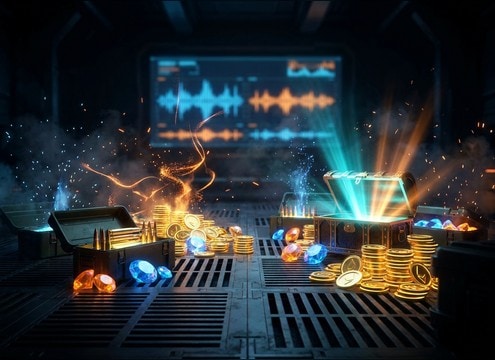
Player collecting loot with pickup chimes and drops

Loot and pickup

Coins, gems, ammo, crafting items, and quest rewards with bright transients and consistent loudness across repeated triggers.

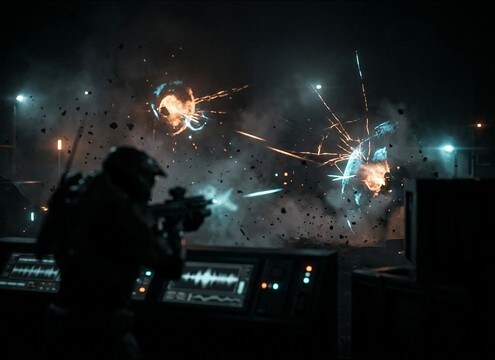
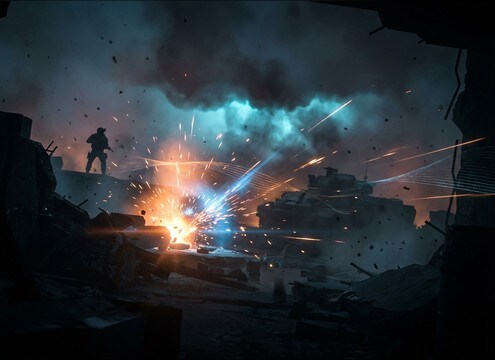
FPS hitmarker and damage impact sound design

Combat readability

Hitmarkers, shield breaks, crit pings, and damage thuds that cut through the mix without harsh high-end.

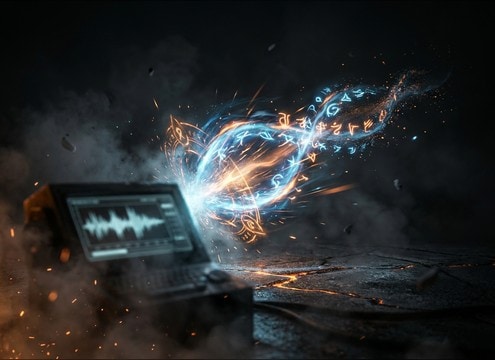
Ability cast with charge and release sound effects

Ability and spell

Charge-ups, releases, cooldown ticks, and buff activations with controllable pitch sweeps and tail length for timing.

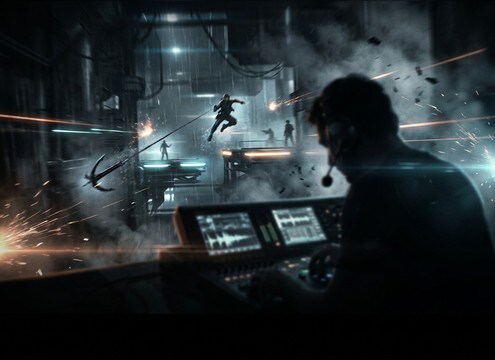
Character jump dash and landing sound cues

Movement and traversal

Jumps, dashes, grapples, and landings tuned to animation frames, with clean endings for tight edits.

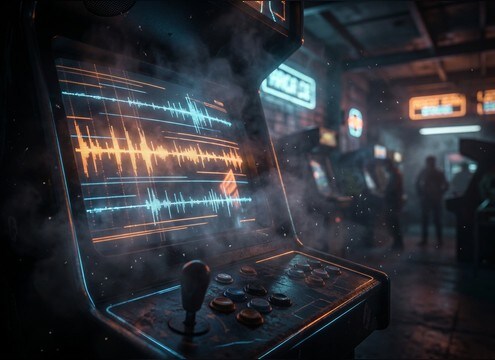
Retro arcade scene with 8-bit style sound effects

Retro arcade styling

8-bit and chiptune-like UI tones, short bleeps, and crunchy buzzes that feel authentic without muddy noise floors.

Cutscene reveal with cinematic stinger sound

Cutscene stingers

Logo hits, reveals, and suspense rises with wide stereo and controlled decay that supports dialogue and music.

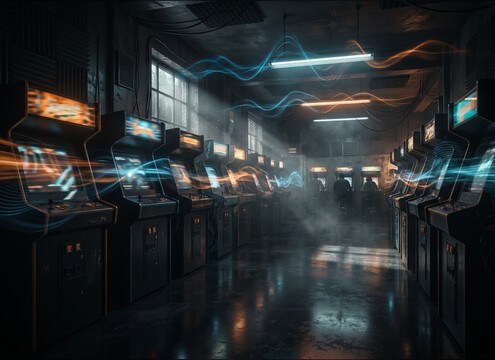
Loopable arcade ambience under gameplay

Arcade room ambience

Loopable beds like cabinet hum and crowd murmur with stable texture and no obvious seams for long play sessions.

Why Choose Media.io for Gaming Sound Generator?

See exactly why creators, developers and studios choose our AI audio generator over all others.

Prompt editor for gaming sound generator

Prompt control for game moments

Dial in action words like confirm, pickup, crit, or error, then refine pitch, transient snap, and decay until it matches the on-screen cue.

Multiple generated takes for one game sound prompt

Gaming Sound Generator variations

Generate multiple takes per prompt so you can choose a consistent set for a whole UI kit or combat system without hunting across libraries.

Preview player for gaming SFX

Fast preview before download

Audition clips quickly and keep only the versions that sit in your mix, whether you need dry mono UI or wider stereo stingers.

Duration selector for 5s 10s 20s sound effects

Duration that fits timing

Pick 5s, 10s, or 20s so the sound lands on animation frames, button taps, or cutscene beats without extra trimming.

WAV download for game engine import

WAV export for engines

Download WAV files that drop cleanly into timelines and game engines, making it easy to build sound banks and iterate.

Royalty-free gaming sound effects library and generator

Royalty-free resource workflow

Use the library as ready-to-download SFX, then regenerate custom variants when you need the same idea with a different tone or tail.

How to Choose and Prompt Gaming SFX That Feel Responsive

Gaming audio lives or dies on timing and clarity. When you preview downloads or write prompts, focus on the gameplay function first (confirm, warn, reward, damage), then specify the envelope (attack and tail), pitch direction, and stereo width so the sound reads instantly without masking dialogue or music.

UI sounds: keep the attack obvious

UI cues should start fast and get out of the way. Favor clean transients and short tails so repeated navigation stays readable and does not build up noise.

  • Use words like click, tap, confirm, cancel, error, and specify dry or minimal room tone
  • Ask for short decay or gated tail to avoid lingering tones under rapid inputs
  • Keep stereo narrow for UI unless you want a special reward moment

Pickups and rewards: pitch and sparkle matter

Pickups need an instantly positive feel. A small pitch rise and bright top-end help the sound cut through music, while consistent loudness keeps repeated triggers from feeling chaotic.

  • Prompt for upward pitch bend, bright chime, or sparkly high end without harshness
  • Request a tight tail so multiple pickups do not blur together
  • If your mix is busy, ask for a mid-forward tone with low masking

Combat feedback: separate hit types

Players rely on sonic contrast to understand hits, crits, shield breaks, and misses. Define the material and intensity, then control the tail so impacts feel punchy rather than boomy.

  • Specify thud vs crack vs tick and add material words like metal, flesh, armor, or energy shield
  • Ask for punchy low-mid with controlled decay to avoid rumble build-up
  • For hitmarkers, request very short tail and consistent volume for rapid repeats

Ambience loops: avoid obvious seams

Loop beds should stay stable over time. When generating or selecting ambience, prioritize even texture, no sudden peaks, and a clean loop point so it can run under gameplay for minutes.

  • Prompt for loopable ending, steady noise floor, and no one-off loud events
  • Choose gentle stereo movement instead of wide, phasey swirls
  • Keep the spectrum balanced so it does not fight music or VO

Frequently Asked Questions About
Gaming Sound Effects

Everything you need to know before downloading or generating your first sound.

Can I download gaming sound effects as WAV files?

Yes. Preview a sound you like, then download it as a WAV so it is easy to edit, loop, and import into most editors and game engines.

Are these gaming sound effects free to download and safe for commercial use?

The page provides royalty-free downloads intended for creator workflows. Preview and choose the option that fits your project needs, then export the WAV for use in games, apps, videos, or client work.

How do I make a UI click feel less harsh?

Choose or generate a click with a clean transient but reduced high-end bite. In prompts, ask for a softer top end, shorter tail, and a dry sound with minimal resonance.

What should I prompt to get a retro 8-bit arcade vibe?

Use terms like chiptune, 8-bit, pixel, arcade cabinet, and specify simple wave shapes, short decay, and a slightly crunchy texture. If you want authenticity, ask for narrow stereo and minimal reverb.

Are these gaming sound effects free to download?

Yes. You can preview and download the AI-generated gaming sound effects as WAV files and use them in personal or commercial projects.

Can I copy the prompt used for each sound?

Yes. Open any sound row to view the prompt, copy it, adjust the wording and generate a custom variation that better matches your scene.

Related Free Sound
Effect Categories

Explore other AI-generated sound libraries from Media.io

sound

Rain Sound Effects

10+ free sounds
sound

Thunder Sound Effects

10+ free sounds
sound

Farts Sound Effects

10+ free sounds
sound

Car Crash Sounds

10+ free sounds
sound

Explosion Sound Effects

10+ free sounds
sound

Gunshot Sound Effects

10+ free sounds
sound

Pistol Sound Effects

10+ free sounds
sound

AI Horror Sound Effects

10+ free sounds
sound

AI Forest Sound Effects

10+ free sounds
sound

AI Dog Whistle Sound

10+ free sounds
sound

AI Ding Sound

10+ free sounds
sound

Phone Ring Sound

10+ free sounds
media.io

AI Video Generator star

Easily generate videos from text or images

Generate
