














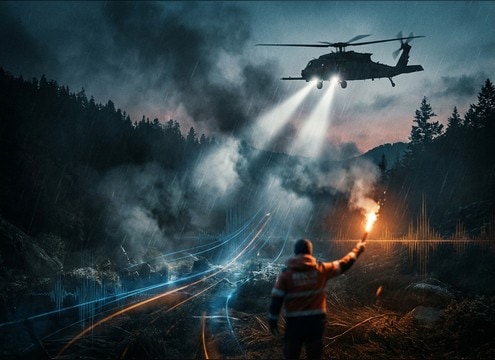

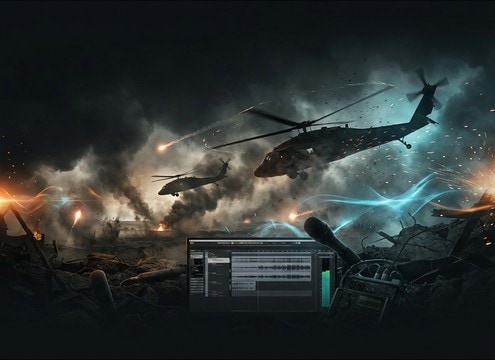

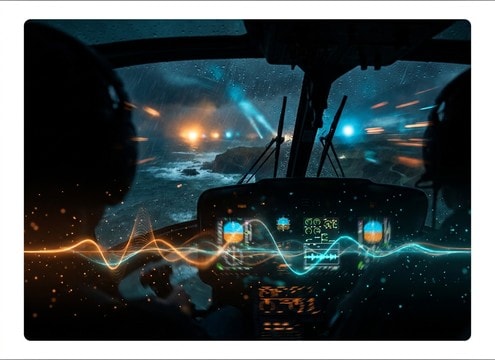
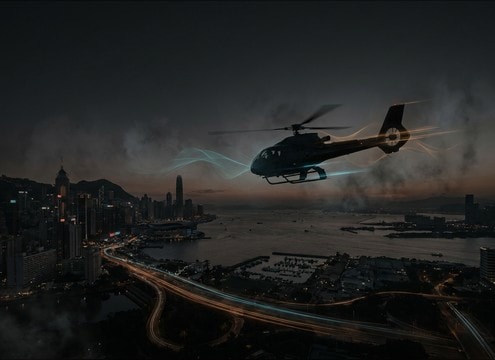



Helicopter audio reads differently depending on camera distance, speed, and surrounding space. Use these practical prompts and selection checks to get believable rotor thump, controlled wash, and the right tail for rooftops, open fields, or interior cabin moments.
Start with perspective and motion
Decide if the helicopter is hovering, approaching, passing, or receding. That choice determines the attack shape and whether you need an obvious Doppler pitch change or a steady rhythm.
- Close hover: heavier low-end thump, wider stereo, stronger wash
- Flyby: clear approach transient, peak at pass, then quick fade
- Distant: reduced transients, narrower stereo, more air than impact
Call out the environment and reflections
Rotor sound interacts with the location. A city canyon adds slap and longer decay, while an open field feels drier with less reflected tail. Prompting the space prevents mismatched reverb that gives the edit away.
- Urban streets: slap reflections, slightly metallic bounce, longer tail
- Open countryside: cleaner wash, minimal reflections, quicker decay
- Near buildings: intermittent flutter as reflections shift with movement
Control rotor character and intensity
Helicopter SFX can mask dialogue fast. If the scene has speech, ask for smoother highs and controlled wash. If it is an action beat, push the thump, blade slap, and intensity without adding distortion.
- For dialogue: reduced high-end, lower masking strength, smoother attack
- For action: stronger rotor thump, more blade definition, bigger stereo
- For loops: steady RPM feel, consistent noise floor, no sudden peaks
Include the action beats you need
Many edits need a specific moment, not just a bed: lift-off acceleration, landing settle, or a circling overhead hold. Add those verbs so the sound has a usable beginning and end for cutting.
- Takeoff: accelerating rotor rate, rising wash, clean end
- Landing: wash reducing, brief contact detail, controlled tail
- Circle: stable rhythm, subtle distance shift, smooth fade




