Add Butterfly to Photo
Free AI Butterfly Photo Effect & Magical Overlay Online
Want to transform any portrait, nature photo, or creative scene with beautiful, realistic butterflies — from delicate monarchs fluttering around your subject to magical butterfly swarms in enchanted garden settings? Use Media.io's AI Butterfly Photo Effect Tool to instantly add lifelike butterflies with natural wing positions, realistic lighting, and organic flight patterns — free online, powered by Nano Banana Pro.
Whether you're creating dreamy portrait photography, enhancing spring and summer social media content, designing whimsical children's photos, crafting fairy-tale wedding albums, or adding magical elements to artistic projects, our AI seamlessly blends butterflies into your scene with authentic shadows, depth, and natural movement for a truly enchanting result.
Try the AI Butterfly Effect Now →
How to Add Butterflies to Any Photo in Seconds
— Use Media.io AI & Prompts
Turn any portrait, outdoor photo, or creative scene into a magical butterfly masterpiece with just a few clicks. Follow these steps using Media.io's AI Image-to-Image tool, and use our curated prompts below to achieve anything from delicate single butterflies to enchanted butterfly swarms — perfect for portrait photography, social media content, wedding albums, children's photos, and creative artistic projects.
Open the AI Butterfly Effect Tool
Go to Media.io's AI Image-to-Image tool — your free, browser-based butterfly photo effect and overlay generator. No sign-up or app download required. Works on desktop and mobile, optimized for realistic butterfly rendering, natural wing positions, and seamless scene integration.
Upload & Describe Your Butterfly Scene
Upload any photo — a portrait, garden scene, outdoor shot, or creative image. Then type a prompt describing the butterfly effect you want, like "add colorful monarch butterflies fluttering around subject" or "create magical blue butterfly swarm in enchanted forest setting". Not sure what to write? Try one of our ready-made prompts below — tested for authentic butterfly anatomy, realistic lighting, and natural flight patterns.
Generate & Download Your Butterfly Photo
Click Generate, and in seconds your photo will be transformed with beautiful, realistic butterflies that match your scene's lighting, depth, and atmosphere. Use the before/after slider to compare, then download your image — ready for Instagram, photo albums, prints, or any creative project.
Portrait → Dreamy Monarch Butterfly Garden
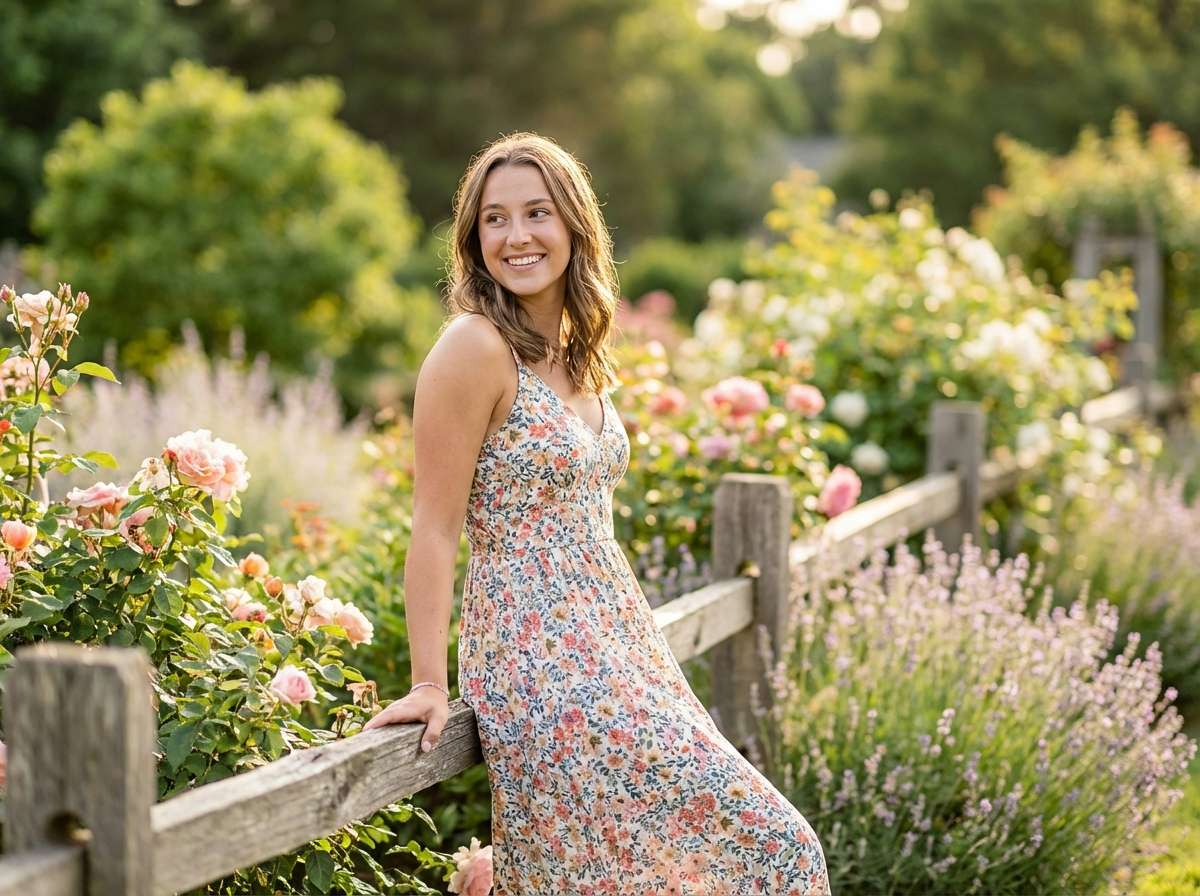
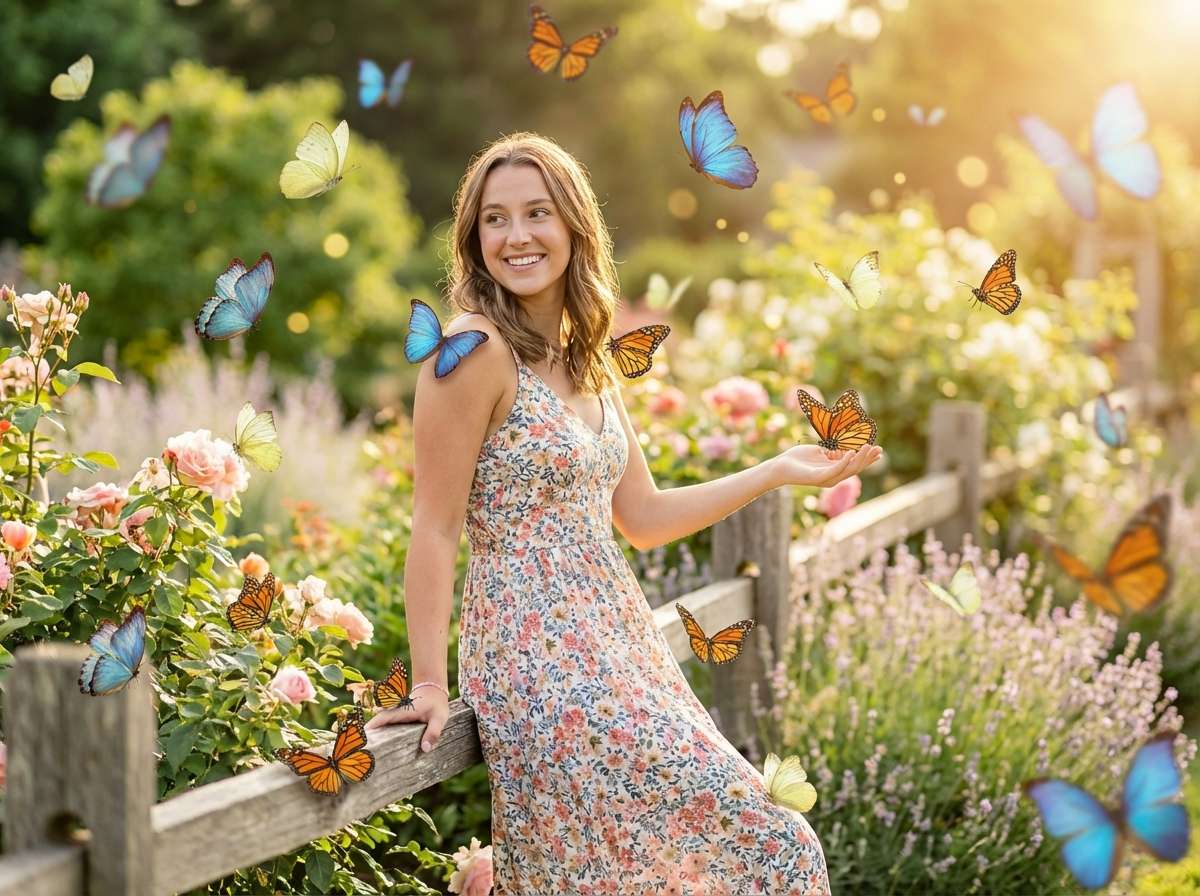
Same beautiful woman in the same sunlit garden, now with magical AI butterfly effect: dozens of stunning colorful butterflies — morpho blue, monarch orange, pale yellow — floating and landing gracefully around her and on her outstretched hand, soft bokeh wings in background, golden sunlight filtering through, the scene feels like a fairytale enchanted garden, dreamy and breathtaking, photorealistic butterflies seamlessly blended into the scene
Portrait → Enchanted Blue Butterfly Forest
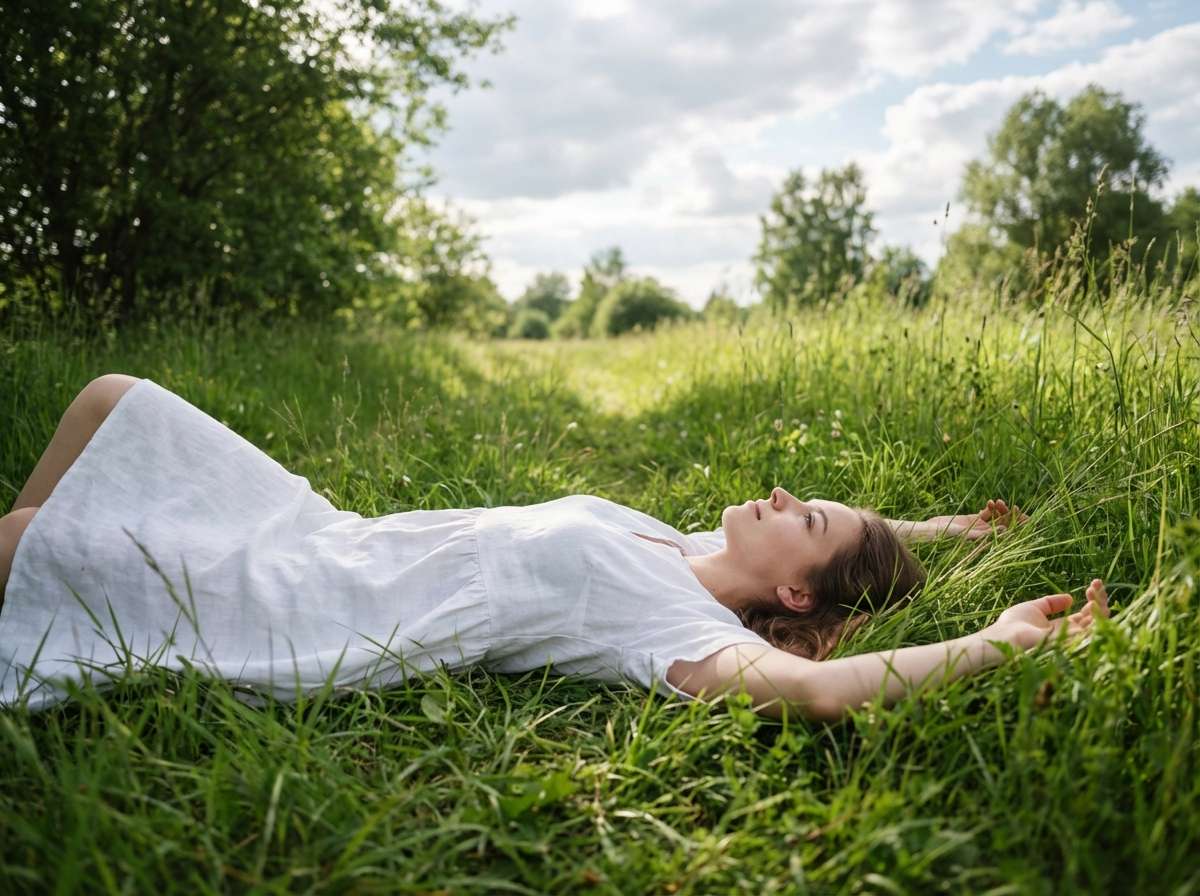
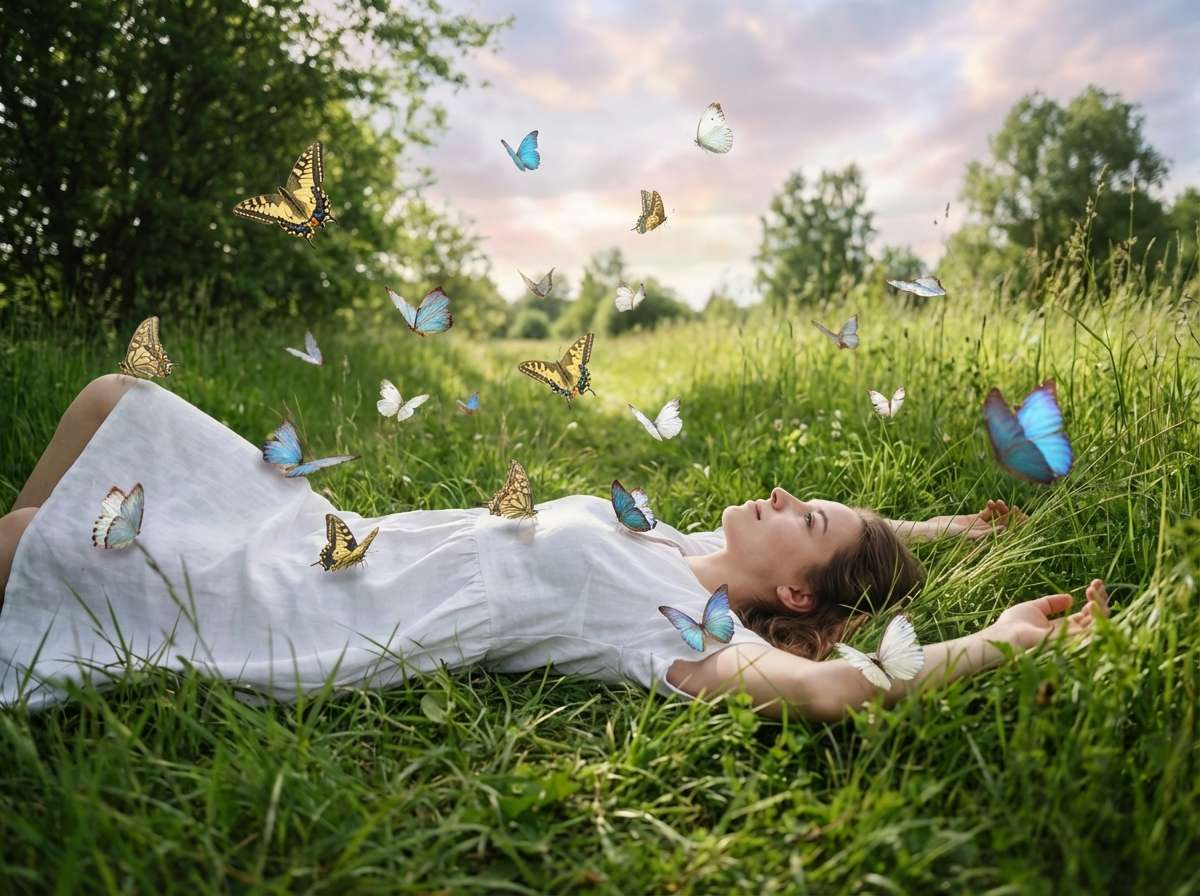
Same woman lying on the same meadow, now with magical AI butterfly effect: dozens of colorful butterflies floating above her and gently landing on her white dress and outstretched arms — swallowtail yellow, morpho blue, delicate white — soft afternoon light catching their wings, the sky above has a dreamlike quality, feels like an enchanted fairy tale moment, photorealistic, beautiful and serene








Why Use Media.io AI Butterfly Photo Effect
Whether you're a photographer wanting to add magical elements to portraits, a parent creating whimsical children's memories, a content creator crafting enchanting Instagram content, or someone who loves the beauty and symbolism of butterflies — your butterfly effect should look natural, not "pasted on." With Media.io's AI Image-to-Image tool, powered by Nano Banana Pro, you get intelligent butterfly placement with realistic wing positions, authentic lighting integration, and natural flight patterns — all in seconds, online, and free to start.

Realistic Butterfly Anatomy & Movement
Our AI renders butterflies with accurate wing patterns, natural body proportions, and organic flight positions. Each butterfly is uniquely positioned with realistic wing angles, motion blur for movement, and authentic species characteristics — not repetitive clipart-style overlays.

100% Free — No Skills, No Signup
No app installs, no Photoshop skills, no design experience needed. Just upload, prompt, and generate — on phone or desktop. Media.io's AI runs securely in the cloud for instant, high-quality butterfly effects with no sign-up and no watermark.

Multiple Butterfly Styles — Monarch, Blue Morpho & More
Orange monarch butterflies, iridescent blue morphos, delicate white butterflies, colorful swallowtails, tropical species, fantasy glowing butterflies — describe any butterfly type, color, or quantity in your prompt and the AI delivers exactly what you envision, from single elegant butterflies to magical swarms.

Portraits, Weddings, Children & Creative Content
Perfect for portrait and fashion photography, wedding and engagement photos, children's birthday and milestone pictures, spring and summer social media content, fairy-tale and fantasy artistic projects, memorial and tribute photos with butterfly symbolism, and any creative project that calls for natural beauty and magical transformation.
FAQs About
AI Butterfly Photo Effect
1. Do the butterflies look realistic or like stickers?


Completely realistic. Powered by Nano Banana Pro's AI, Media.io renders butterflies with authentic wing patterns, natural body proportions, and organic flight positions. Each butterfly integrates with your photo's lighting, casts realistic shadows, and has appropriate depth-of-field — not flat sticker overlays but genuine photorealistic butterfly integration.
2. What types of photos work best for adding butterflies?
Outdoor and nature photos work exceptionally well: garden portraits, park and forest scenes, spring and summer photography, wedding and engagement photos outdoors, children's outdoor portraits, and lifestyle images. However, butterflies can be added to any photo type — indoor portraits, studio shots, and even urban scenes — with appropriate lighting matching for seamless integration.
3. What butterfly types and colors can I create?
You can create any butterfly type by describing it in your prompt. Popular options include: Monarch (iconic orange and black wings), Blue Morpho (iridescent shimmering blue), White Butterfly (delicate pure white wings), Swallowtail (colorful with distinctive tail extensions), Tropical Species (vibrant exotic patterns), and Fantasy Butterflies (glowing, magical, or custom colors). Specify species, colors, and quantity for full creative control.
4. Can I control where the butterflies appear in my photo?
Yes! Just specify the location in your prompt. For example: "add butterflies fluttering around subject's head and shoulders", or "place butterflies in the background only with some in foreground for depth", or "add one butterfly landing gently on subject's hand", or "create butterfly swarm filling the entire scene". The AI follows your instructions to position butterflies exactly where you want them.
5. Is adding butterflies to a photo free?
Yes — Media.io's AI Butterfly Photo Effect is completely free to use online. No watermark, no subscription, and no app download required. Unlike apps that limit free butterfly stickers or require premium upgrades, Media.io lets you add realistic butterflies to photos for free, directly in your browser, with high-resolution results you can download and share instantly.



