Add Fireworks to Photo
Make Any Photo a Celebration — Free AI Fireworks Effect Online
Missing fireworks in your celebration photo? Use Media.io's AI Fireworks Effect to instantly add realistic, colorful fireworks to any photo — no app, no editing skills needed.
Whether you're lighting up a city skyline for New Year's Eve, adding sparkle to a wedding portrait, or creating festive content for 4th of July, our AI places fireworks naturally into your scene, following depth, light, and atmosphere for a truly photorealistic result.
Try the AI Fireworks Effect Now →
How to Add Fireworks to Any Photo in Seconds
— Use Media.io AI & Prompts
Turn any night photo or portrait into a dazzling celebration scene with just a few clicks. Follow these steps using Media.io's AI Image-to-Image tool, and use our curated prompts below to achieve anything from a soft sparkle backdrop to a full sky of brilliant multi-colored explosions — perfect for New Year, 4th of July, weddings, and any celebration photo.
Open the AI Fireworks Generator
Go to Media.io's AI Image-to-Image tool and get ready to add fireworks to your photo. No sign-up or download required — it runs entirely in your browser, optimized for realistic sky and celebration fireworks effects.
Upload & Describe Your Fireworks Style
Upload any photo (JPG or PNG — cityscapes, portraits, or event photos all work great). Then type a prompt like "add colorful fireworks bursting in the night sky" or "brilliant gold and red fireworks exploding above the city skyline". Not sure what to write? Try one of our ready-made prompts below — tested for realistic light blending, reflection effects, and festive atmosphere.
Generate & Download Your Fireworks Photo
Click Generate, and in seconds your photo will be transformed with stunning fireworks that follow the natural depth and lighting of your scene. Use the before/after slider to compare, then download your image — ready for social media, holiday cards, event invitations, or marketing campaigns.
New Year Fireworks Over City Skyline
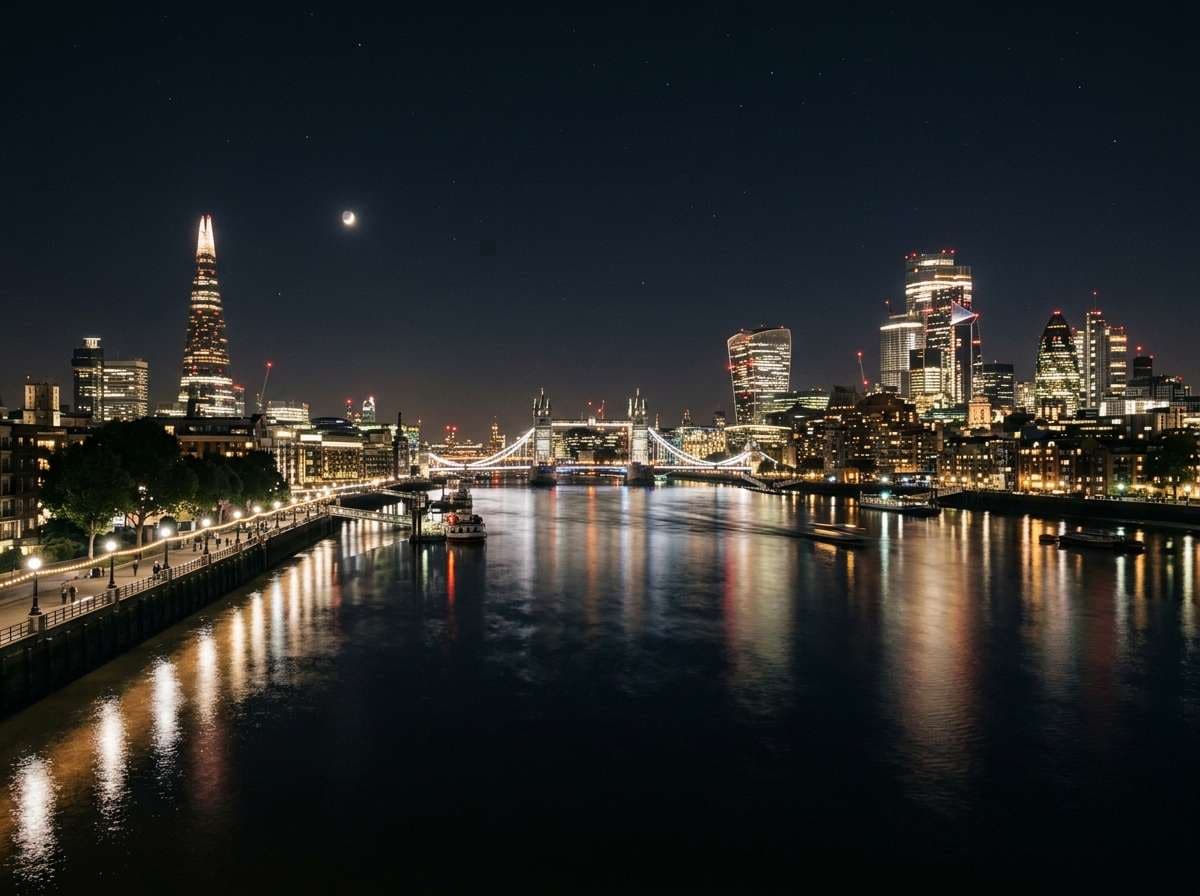
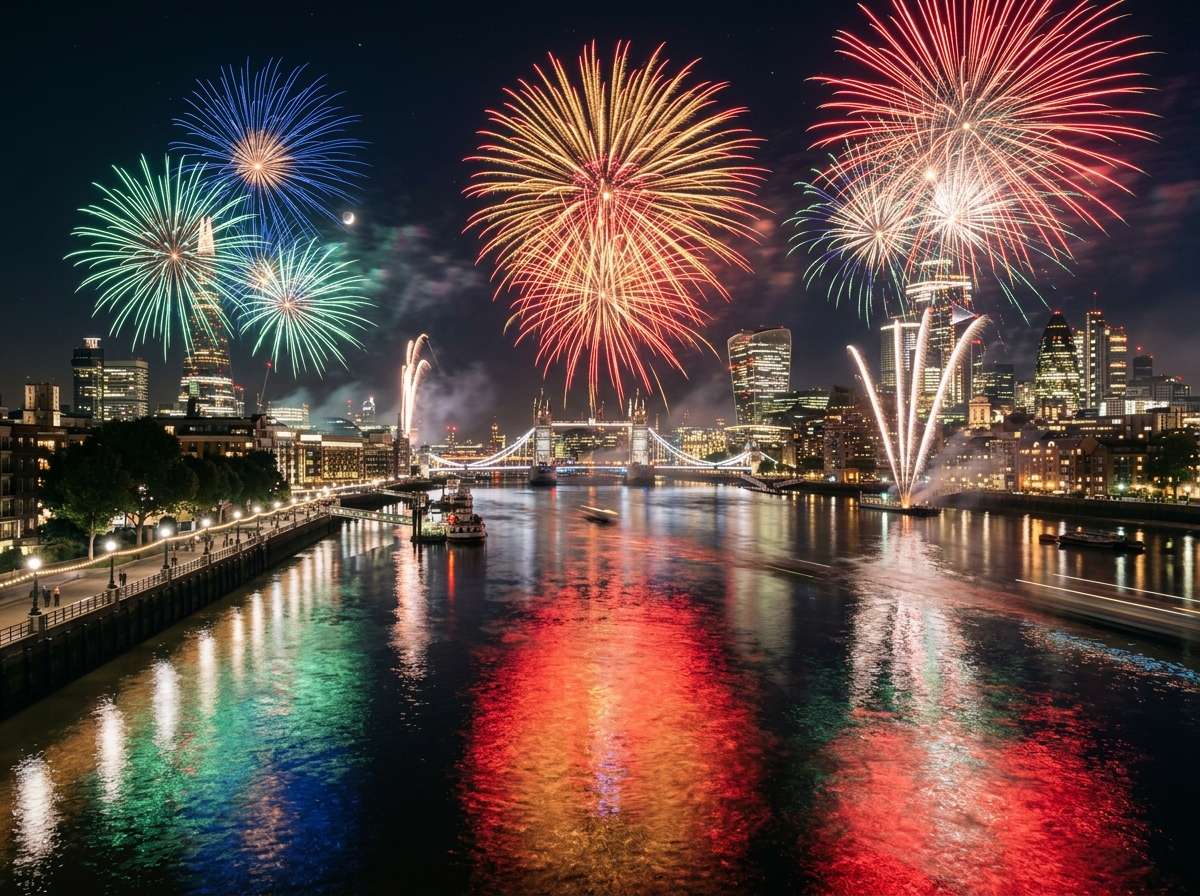
Add spectacular colorful fireworks bursting in the night sky above this city skyline, multiple large firework explosions in vivid red, gold, blue and white lighting up the sky, fireworks reflections shimmering on the river below, festive New Year celebration atmosphere, same city buildings and composition unchanged, ultra-realistic fireworks photography
Celebration Portrait with Fireworks Background
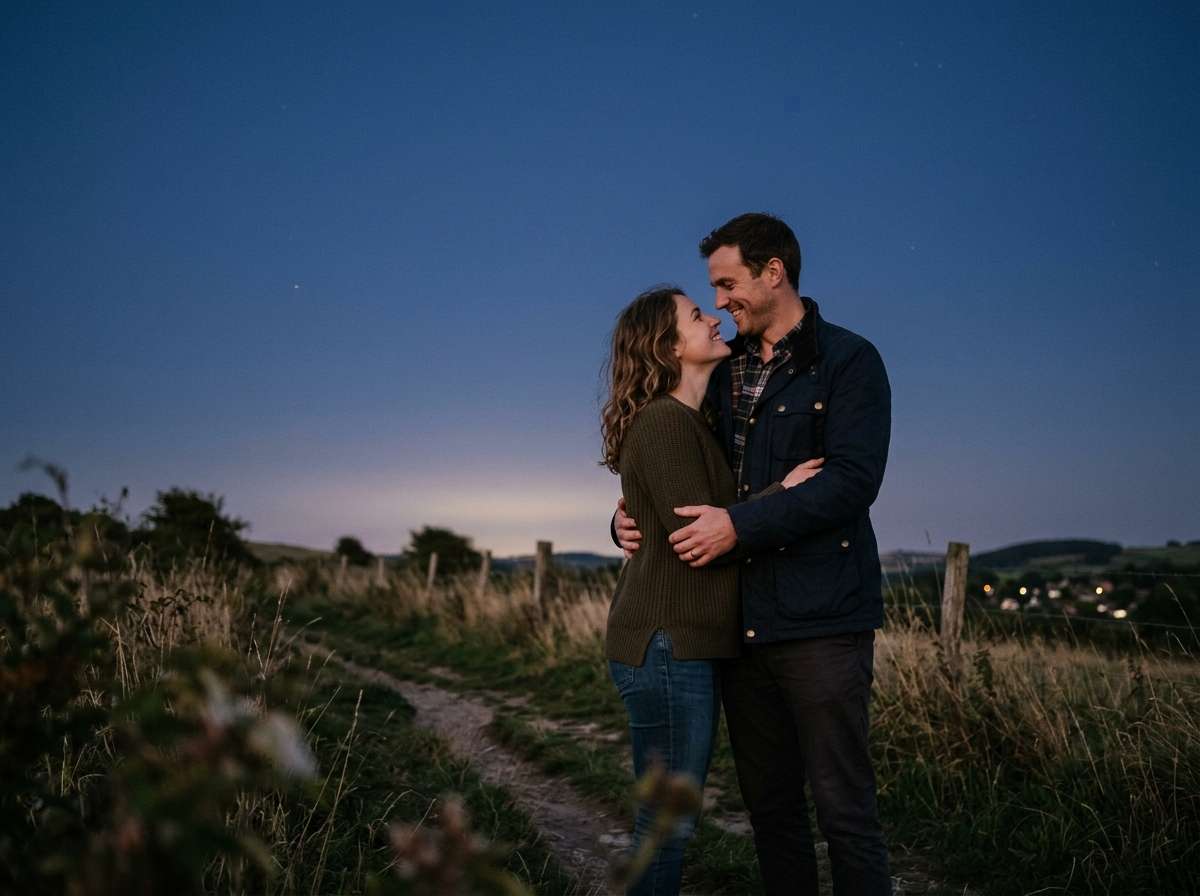
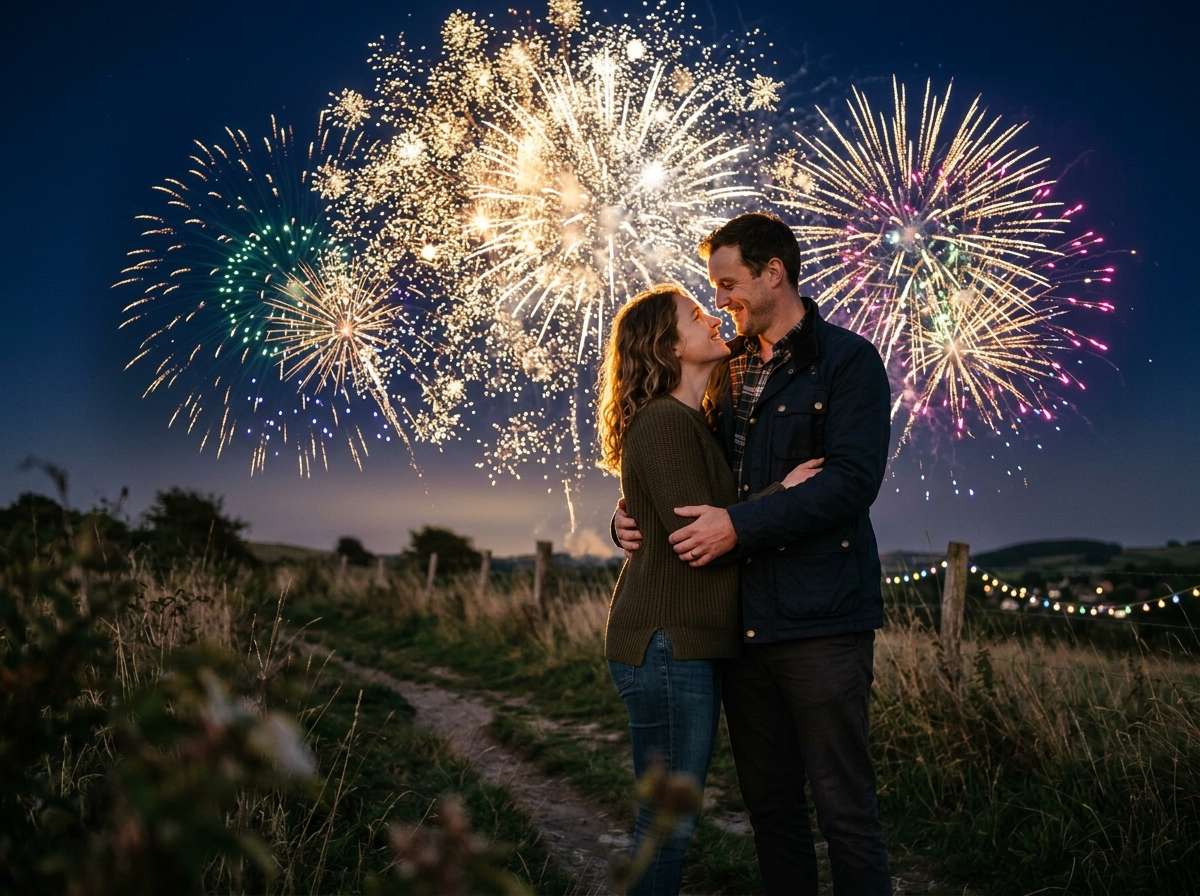
Add beautiful colorful fireworks bursting in the sky behind this couple, vivid gold and white firework explosions lighting up the night sky, warm fireworks glow softly illuminating the couple, romantic celebration atmosphere, same couple and foreground completely unchanged, faces stay sharp and clear, ultra-realistic celebration photography








Why Use Media.io for AI Fireworks Effects
Whether you're celebrating New Year's Eve, 4th of July, a wedding, or any special moment — your fireworks should look like they were always part of the shot. With Media.io's AI Image-to-Image tool, you get context-aware fireworks generation that blends naturally with your photo's depth and lighting — all in seconds, online, and free to start.

Realistic Light & Reflection Matching
Our AI reads your photo's sky, ambient light, and surfaces to generate fireworks that illuminate everything naturally — glow on faces, reflections on water, light on buildings. No flat overlay, just truly photorealistic results.

100% Online, Works in Browser
No app installs. No watermarks. Just upload, prompt, and generate — on phone or desktop. Media.io's AI runs securely in the cloud for instant, high-quality fireworks output with no sign-up required.

Any Color, Any Style via Prompt
Gold sparkle bursts, vivid multicolor explosions, soft white starmine trails, or a full sky of cascading color — describe any fireworks style in your prompt and the AI delivers exactly what you envision.

Portraits, Cityscapes & More
Perfect for New Year celebration photos, 4th of July shots, wedding portraits, birthday memories, event invitations, holiday cards, and social media content. Any photo becomes instantly festive.
FAQs About
AI Fireworks Effect
1. Do the fireworks look realistic or like a flat overlay?


Completely realistic. Media.io's AI understands your photo's existing lighting, sky depth, and surfaces to generate fireworks that blend naturally — including the warm glow on faces, light reflections on water, and illumination on buildings. Not a flat texture layer pasted on top.
2. What types of photos work best for adding fireworks?
Night photos and photos with dark or open skies work best — city skylines, outdoor portraits, landscapes, and event photos. The AI automatically places fireworks in the sky area while keeping your subjects in the foreground sharp and unchanged. Evening and dusk photos also work great.
3. Can I choose the fireworks color and style?
Yes — just describe it in your prompt. Try "large colorful fireworks in red, gold and blue", "soft white sparkle fireworks", "multiple small firework explosions scattered across the sky", or "single dramatic golden burst". The AI accurately follows any color or style description you provide.
4. Can I add fireworks to a wedding or portrait photo?
Absolutely! For portrait or wedding photos, add to your prompt: "fireworks bursting in the sky behind the couple, faces stay sharp and clear, warm fireworks glow illuminates them softly". This creates a stunning romantic celebration photo perfect for New Year, anniversaries, weddings, and birthday portraits.
5. Is adding fireworks to a photo free?
Yes — Media.io's AI fireworks photo effect is completely free to use online. No watermark, no subscription, and no app install needed. Simply upload your photo, describe your ideal fireworks, generate, and download your result instantly in high resolution.



