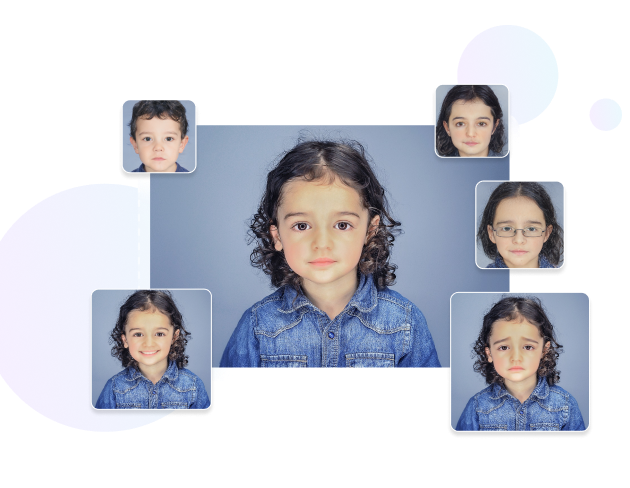
AI Gender Swapper Online – Change Gender in Photos
Upload a clear portrait and use Media.io's AI gender swap tool to create a masculine or feminine-looking version of your photo online. Explore male-to-female and female-to-male transformations for creative portraits, social media content, character concepts, and visual experiments.
Quick Answer
How Do You Change Gender in a Photo with AI?
To use an AI gender swap tool, upload a clear photo with a visible face, choose the transformation you want, and let AI generate a new version of the portrait. Media.io can be used online for creative male-to-female or female-to-male photo transformations, gender swap experiments, social media edits, character concepts, and before-and-after visual ideas.
Published by Media.io · Updated August 28, 2026
AI Gender Swap Online for Creative Photo Transformations
Looking for an AI sex change online tool, a gender swap AI, or a way to convert a male photo to a female-looking portrait? Media.io provides an online AI photo transformation workflow that helps you explore different gender expressions visually without manual face editing.


When Should You Use AI Gender Swap vs. Image-to-Image?
Different AI tools work best for different transformation goals. Choose a dedicated gender swap effect when you want a quick face-focused transformation, or use Image-to-Image when you need more control over styling, clothing, background, and the overall visual direction.
Choose AI Gender Swap When You Want
- A fast male-to-female or female-to-male visual transformation.
- A simple gender swap filter for a selfie or portrait.
- A quick AI face transformation without writing prompts.
- A before-and-after image for social media or creative experiments.
- A straightforward workflow: upload → select → generate.
Choose Image-to-Image When You Want
- More control over hairstyle, clothing, makeup, or visual style.
- To transform both the person and the surrounding scene.
- To combine gender transformation with anime, cinematic, fashion, or artistic styles.
- To use a reference image and prompt for a more specific creative direction.
- A flexible workflow for advanced AI portrait experiments.
How to Change Gender in a Photo Online with AI
-

Step 1. Upload a Clear Photo
Upload the portrait or selfie you want to transform. For a clearer AI gender swap result, use an image where the face is visible, reasonably well lit, and not heavily blocked by hands, masks, or objects.
-

Step 2. Choose the Transformation
Select the available target gender presentation and start the AI generation process. The tool analyzes the uploaded portrait and creates a new transformed version based on the selected effect.
-

Step 3. Review, Refine, and Download
Review the generated result. If you want a different visual direction, continue editing with other AI image tools. When you are satisfied with the result, download the image according to the available export options.


Creative Ways to Use an AI Gender Swap Tool
An AI gender swap is useful for more than a quick face filter. Use it to explore alternate portrait concepts, create social content, develop characters, or experiment with different visual identities.
Curious about an alternate version of your portrait? Use the AI gender swap effect to create a different masculine or feminine-looking version of yourself. You can then continue the creative process with hairstyle, age, glasses, beard, expression, or portrait editing tools.
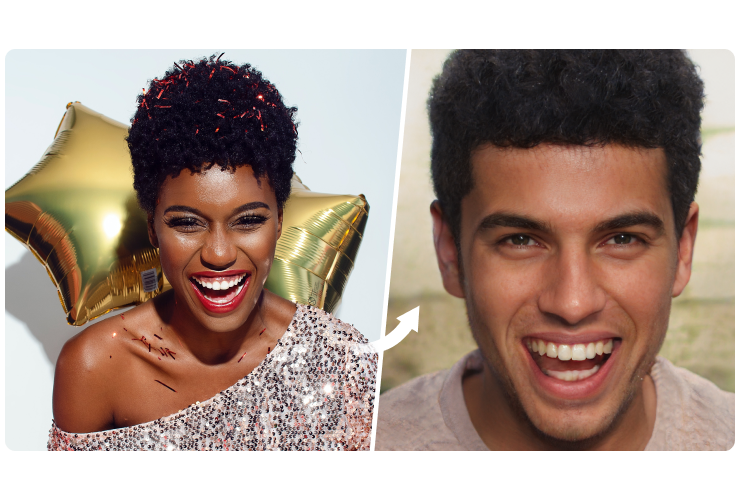
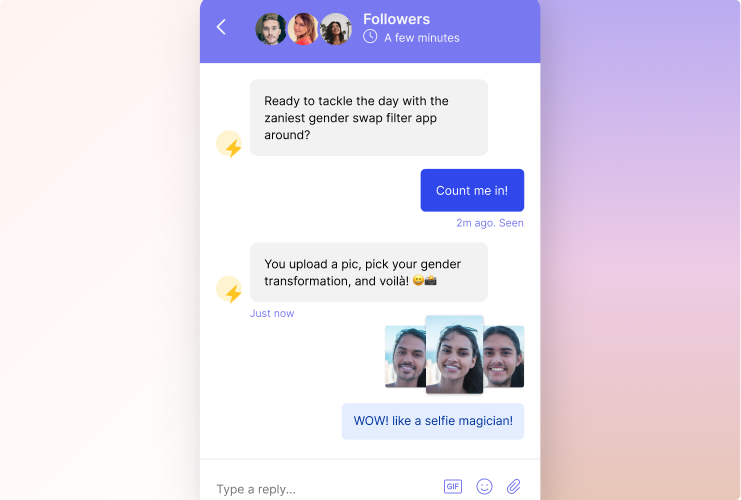
Turn one portrait into a visual transformation story. AI gender swap photos can be used for before-and-after posts, creative reels, reaction content, humorous edits, or visual challenges. For more control over the final style, continue with Image-to-Image or AI portrait tools.
Use a gender transformation as a starting point for character design and creative concepts. Try different visual directions for fictional characters, avatars, cosplay ideas, storytelling references, or artistic experiments. For celebrity or public-figure imagery, make sure your use respects applicable rights, platform rules, and consent requirements.
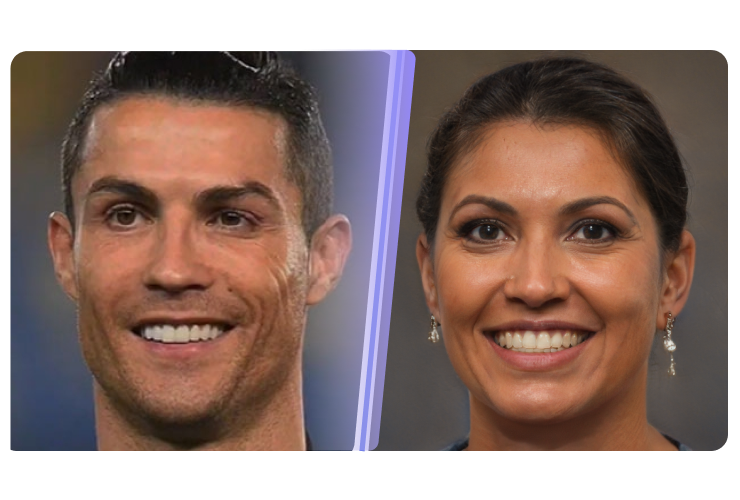
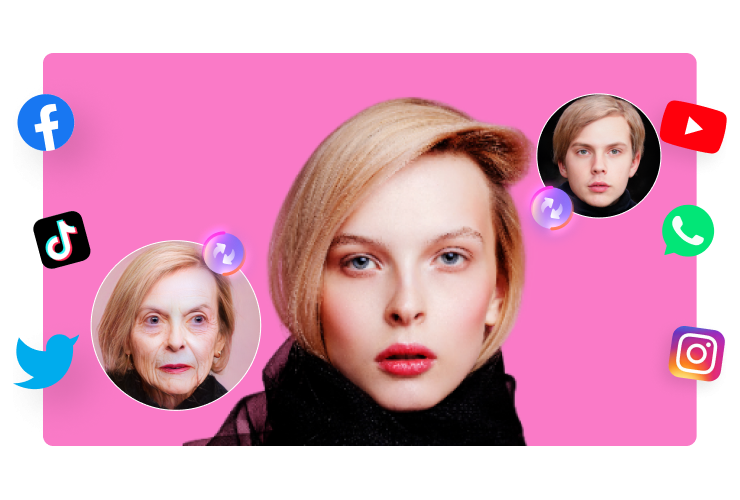
AI face transformations are often used as part of broader portrait and image-editing trends. Combine a gender swap result with fashion styling, cartoon effects, age transformations, cinematic looks, or AI-generated backgrounds to create a more distinctive visual concept.
Choose the Right AI Tool for Your Photo
Quick Gender Swap
Best when you want to transform a portrait quickly without detailed prompt writing.
Use for: male-to-female, female-to-male, gender swap filters, and quick face experiments.
Try Gender SwapperMore Creative Control
Best when you want to transform appearance, clothing, style, and scene with a reference image.
Use for: advanced portrait transformations, fashion looks, artistic styles, and detailed image concepts.
Try Gender SwapPortrait Enhancement
Best when you already have an AI-generated result and want to improve or refine the final image.
Use for: face editing, portrait generation, image enhancement, and background changes.
Explore AI Face EditorContinue Editing with More AI Photo Tools


Usage Notice
Create Responsibly with AI Photo Transformations
AI-generated results are creative visual interpretations and may not accurately represent real-world identity or appearance. Only upload images you have the right to use. Avoid misleading, harmful, or non-consensual uses of another person's likeness. Available features, credits, export options, and usage limits may change based on the current Media.io service and account conditions.
FAQs about AI Gender Swap Online
-
?
1. What is an AI gender swap tool?
An AI gender swap tool transforms a portrait into a different gender presentation using artificial intelligence. The AI analyzes visible facial features and generates a new image based on the selected transformation. Results are visual interpretations and can vary depending on the source photo.
-
?
2. How can I convert a male photo to a female-looking photo online?
Upload a clear portrait to the AI gender swap tool, select the available target transformation, and generate a new version of the image. A front-facing photo with visible facial features and good lighting can provide a clearer visual reference for the AI.
-
?
3. Do I need to download an AI sex change app?
No separate app is required to use this online workflow. You can access the AI gender swap tool in a supported browser, upload a photo, generate the transformation, and continue editing with other available Media.io AI tools.
-
?
4. What kind of photo works best for a gender swap filter?
Clear portraits generally work best. Try to use a photo with a visible face, reasonable lighting, and limited obstruction. Extreme angles, very low resolution, heavy filters, or objects covering the face may affect the generated result.
-
?
5. Should I use Gender Swap or Image-to-Image?
Use Gender Swap for a fast face-focused transformation with a simple workflow. Use Image-to-Image when you want more control over the complete image, such as hairstyle, clothing, background, artistic style, or detailed creative direction.
-
?
6. Is AI gender swap suitable for social media content?
Yes. AI gender swap images can be used for creative portraits, before-and-after posts, visual storytelling, character concepts, and trend experiments. Make sure you have permission to use the uploaded image and follow the relevant platform rules for AI-generated or edited content.
Ready to Create?
Upload a Photo and Explore a Different AI Look
Start with a quick AI gender swap, then continue your creative workflow with Image-to-Image, AI portrait editing, enhancement, and background tools.
Try AI Gender Swapper