Add Rainbow to Photo
Instantly Add a Realistic Rainbow to Any Landscape, Portrait, or Selfie — Free Online
Want a more magical, vibrant photo? Use Media.io's AI Rainbow Filter to instantly add a stunning, realistic rainbow to any photo — no Photoshop, no app, no editing skills needed.
From full-arc rainbows over mountain landscapes to subtle rainbow halos behind portraits, our AI places every color band naturally with correct atmospheric perspective and light interaction.
Try the AI Rainbow Filter Now →
How to Add a Rainbow to Any Photo in Seconds
— Use Media.io AI & Prompts
Turn any ordinary photo into a magical, share-worthy moment with just a few clicks. Follow these steps using Media.io's AI Image-to-Image tool, and use our curated prompts below to get anything from a soft pastel rainbow arc to a vivid double rainbow — perfect for landscapes, portraits, weddings, and social media.
Open the AI Rainbow Generator
Go to Media.io's AI Image-to-Image tool and get ready to add color and magic. No sign-up or download required — it runs entirely in your browser, optimized for natural rainbow placement in any photo type.
Upload & Describe Your Rainbow Style
Upload any photo (JPG or PNG — landscapes, selfies, group shots, or wedding photos all work great). Then type a prompt like "full arc rainbow over the mountains" or "soft rainbow halo behind the couple". Not sure what to write? Try one of our ready-made prompts below — tested for natural arc shape, ROYGBIV color accuracy, and atmospheric realism.
Generate & Share Your Rainbow Photo
Click Generate, and in seconds your photo will have a perfectly placed rainbow that follows the sky's natural perspective and lighting. Use the before/after slider to compare, then download your image — ready to share on Instagram, TikTok, or as a stunning print or card.
Rainbow Over Mountain Landscape
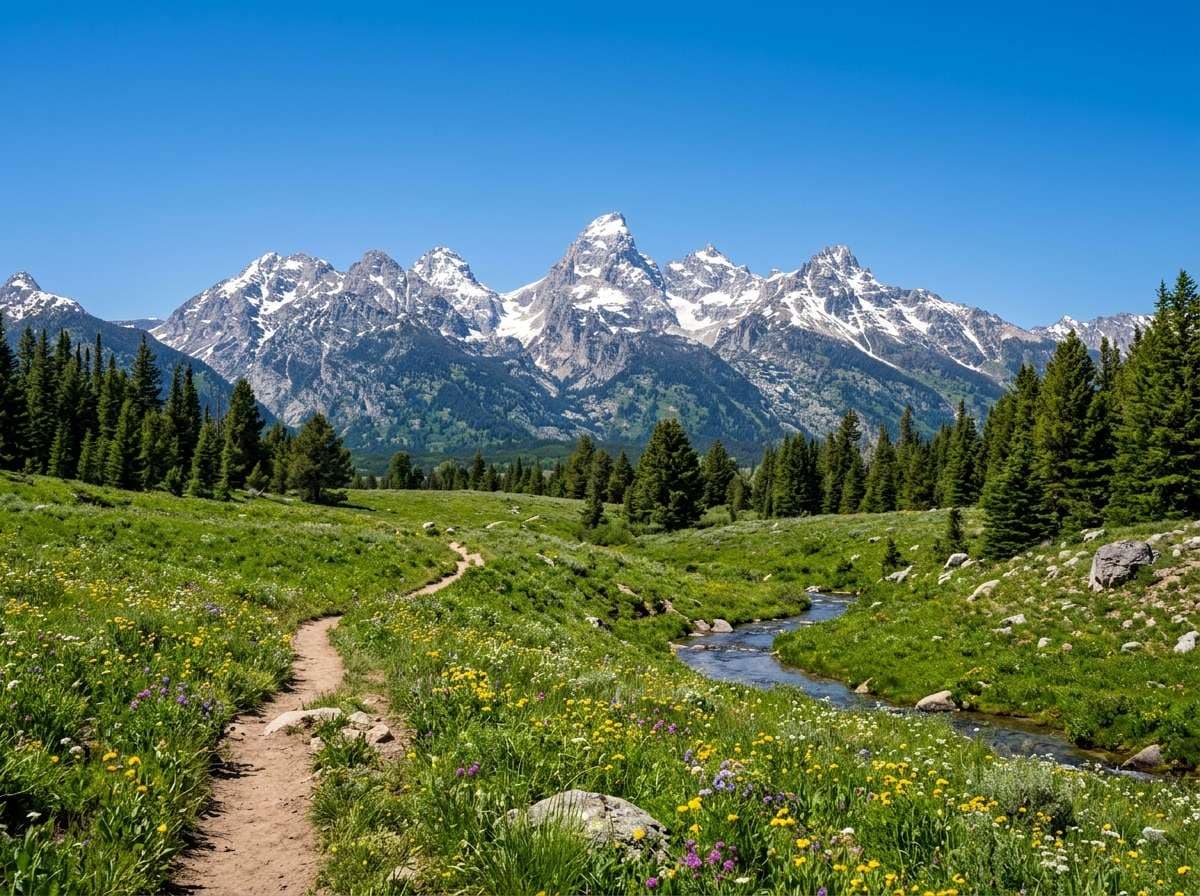
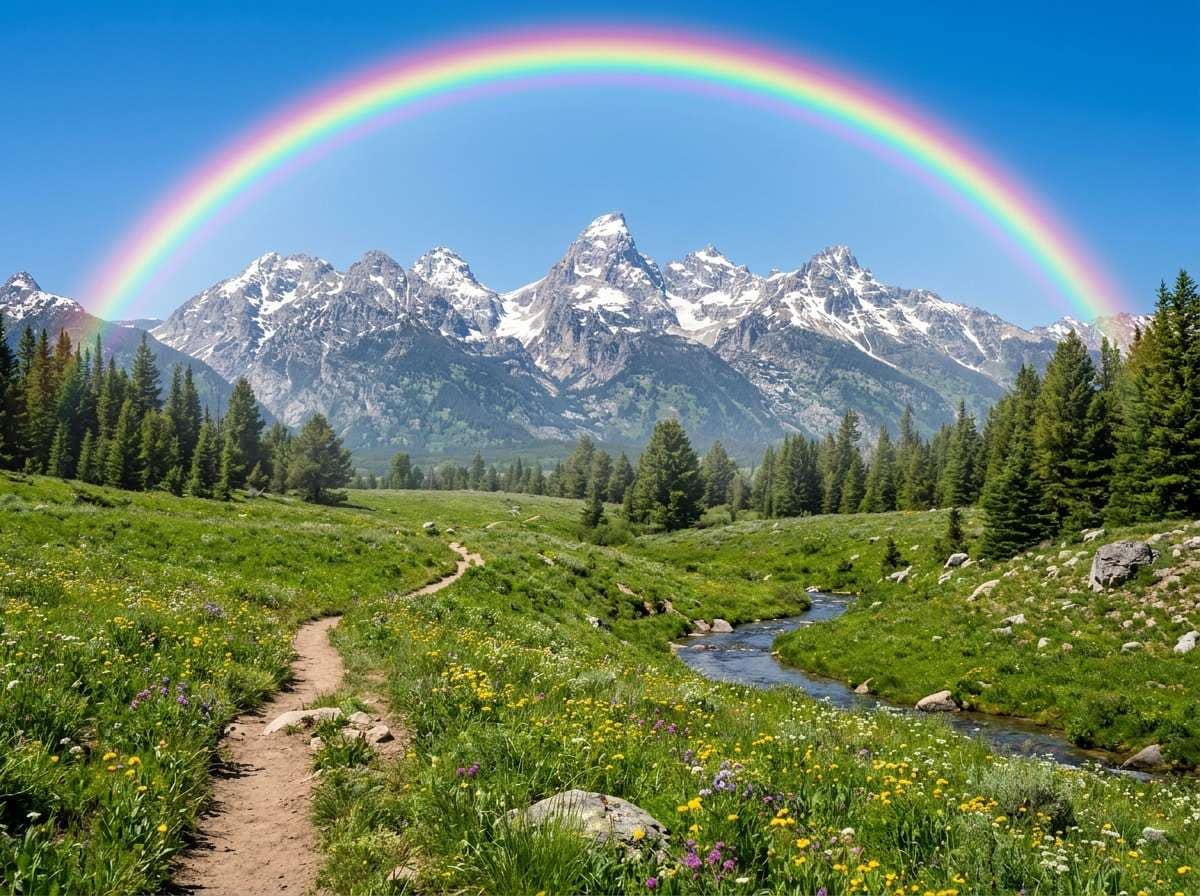
Add a stunning vibrant full arc rainbow in the sky over the mountains and meadow, realistic natural rainbow with vivid ROYGBIV colors, slight mist after rain, dramatic atmospheric effect, rainbow perfectly integrated into the scene with correct perspective and atmospheric fade at the edges, ultra-realistic photo quality
Rainbow Behind a Couple — Perfect for Celebrations
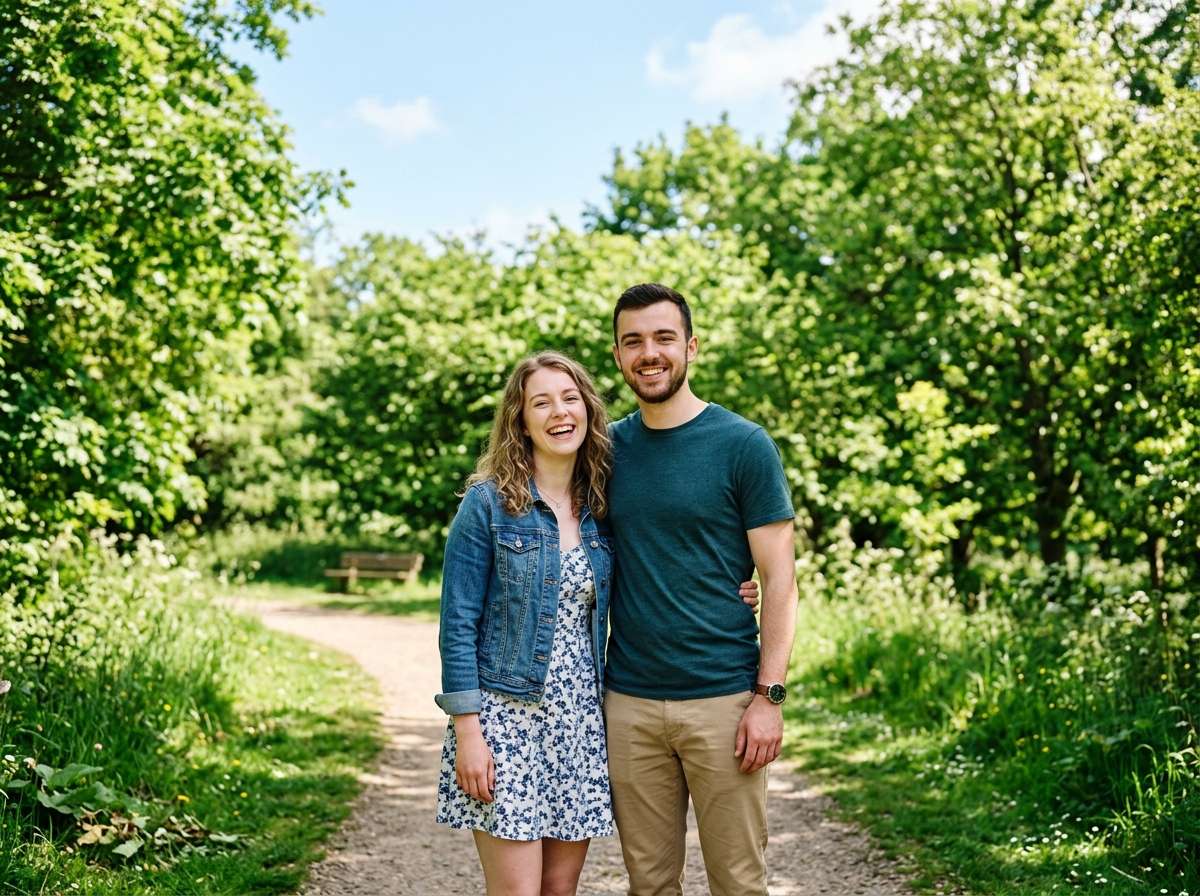
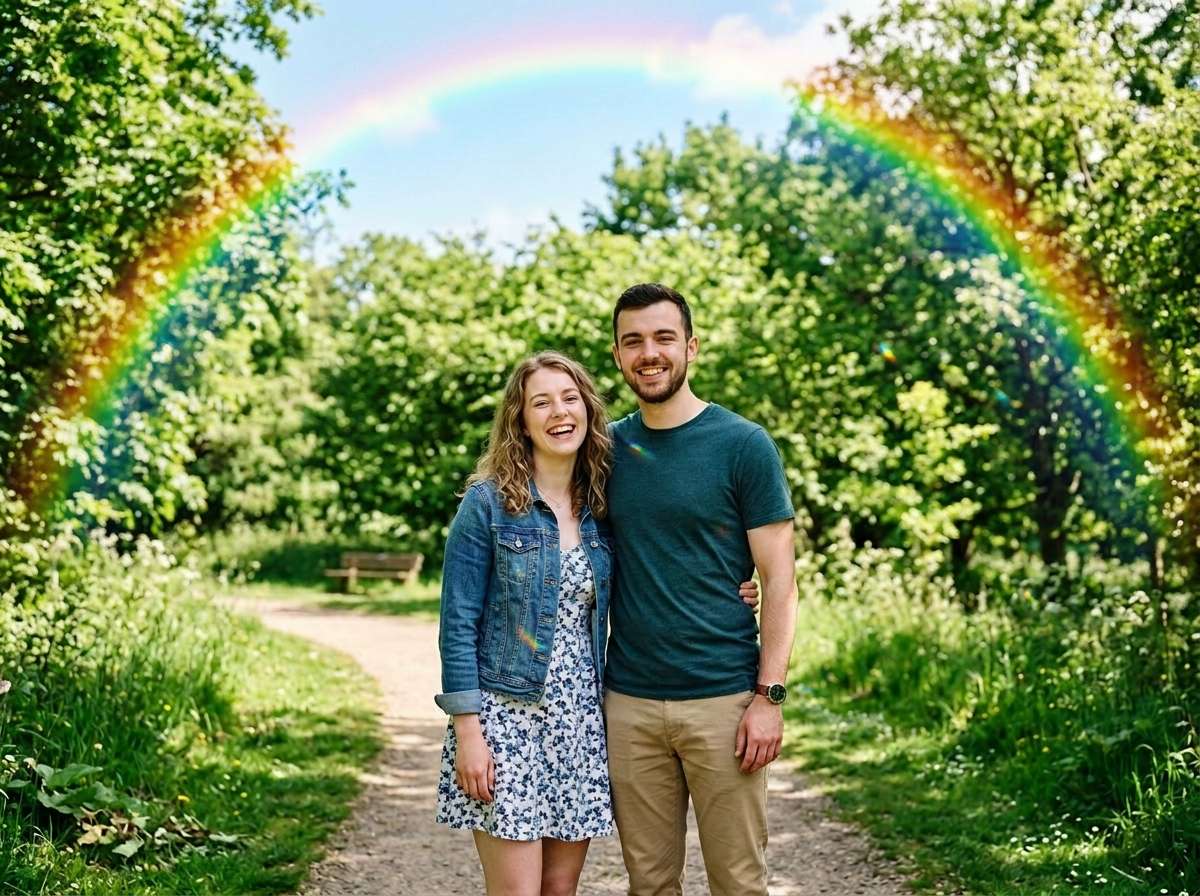
Add a beautiful vibrant rainbow arc in the sky behind the couple, rainbow spans the background naturally without covering the subjects, same couple same expressions same pose, colorful rainbow light reflects subtly on the scene, joyful festive celebratory atmosphere, realistic photo effect, rainbow seamlessly integrated with natural perspective fade








Why Use Media.io for AI Rainbow Effects
A rainbow should look like it was always part of the scene — not like a gradient sticker. With Media.io's AI Image-to-Image tool, you get perspective-aware rainbow generation that blends naturally with your sky, light, and scene — in seconds, online, and free to start.

Realistic Arc & ROYGBIV Colors
Our AI understands atmospheric optics — placing the rainbow with correct curvature, color band order (red outside, violet inside), and natural edge fade. No cartoonish flat bands, just photo-real rainbow arcs.

100% Online, Works in Browser
No app installs. No watermarks. Just upload, prompt, and generate — on phone or desktop. Our AI runs securely in the cloud for instant, high-quality rainbow output.

Describe Any Rainbow Style
Go classic with a full arc, dramatic with a double rainbow, soft with a pastel gradient, or vibrant with a tropical halo. Describe any look in words — our AI brings it to life with precision.

Perfect for Social & Celebrations
Ideal for Pride Month photos, birthday cards, wedding memories, travel posts, and Instagram aesthetics. Add hope, joy, and color to any moment — no weather required.
FAQs About
AI Rainbow Filter
1. Does the rainbow look realistic or like a sticker?


Realistic! Media.io's AI understands atmospheric optics and scene perspective to place a natural-looking rainbow arc — with correct color banding (ROYGBIV), edge fade, and light interaction. It looks like real weather, not a gradient overlay.
2. What types of photos work best for adding a rainbow?
Photos with visible sky areas work best — landscapes, outdoor portraits, wedding shots, cityscapes, and any photo taken outdoors. The AI needs sky space to place the rainbow arc naturally. Indoor photos can receive a rainbow window light or halo effect instead.
3. Can I add a double rainbow or a specific style?
Yes! Just describe it in your prompt: "double rainbow with a secondary fainter arc above", "soft pastel rainbow halo", "vivid tropical rainbow over the waterfall", or "small rainbow fragment emerging from clouds". The AI interprets any style — try the prompts in our compare cards for tested results.
4. Will the rainbow cover the people in my photo?
You control this with your prompt. Use "rainbow arc in the sky background, does not cover the subjects" to keep people clear, or "rainbow light reflects softly on the subjects" for a magical glow effect. The AI follows your description to position the rainbow where you need it.
5. How is this different from a rainbow filter app?
Traditional rainbow filter apps apply a fixed gradient overlay — the same position and size regardless of your scene. Media.io's AI uses image-to-image generation, meaning the rainbow adapts its size, curvature, position, and brightness to match your specific photo's sky, perspective, and lighting conditions.



