Photo Midnight Effect
Transform Any Photo with a Deep Cobalt-Blue Midnight Filter — Free Online
Want the viral TikTok midnight look on your own photos? Use Media.io's AI Midnight Photo Filter to instantly wrap any photo in a deep cobalt-blue and indigo color grade — no app, no editing skills needed.
Whether you're transforming a landscape into a moody midnight scene, giving your selfie that dark-blue cinematic atmosphere, or recreating the exact TikTok "Photo Midnight Effect" (Midnight Photo EVFeX) trend, our AI applies the color grade naturally to your whole photo, matching its depth and lighting.
Try the AI Midnight Effect Now →
How to Apply the Photo Midnight Effect to Any Photo in Seconds
— Use Media.io AI & Prompts
Turn any photo into a moody, deep-blue midnight masterpiece with just a few clicks. Follow these steps using Media.io's AI Image-to-Image tool, and use our curated prompts below to get anything from a subtle cobalt tint to a full deep-indigo midnight atmosphere — perfect for portraits, landscapes, and social media.
Open the AI Midnight Filter
Go to Media.io's AI Image-to-Image tool and get ready to apply the midnight effect to your photo. No sign-up or download required — it runs entirely in your browser, powered by Nano Banana AI for accurate color grade transformation.
Upload & Describe Your Midnight Style
Upload any photo (JPG or PNG — portraits, landscapes, selfies, and street photos all work great). Then type a prompt like "apply a deep cobalt-blue midnight color grade, dark indigo shadows, moody midnight atmosphere" or "photo midnight effect, rich blue-violet color cast throughout". Not sure what to write? Try one of our ready-made prompts below — tested for accurate hue, shadow depth, and saturation to match the viral TikTok midnight look.
Generate & Download Your Midnight Photo
Click Generate, and in seconds your photo will be wrapped in a rich midnight blue atmosphere that follows the natural depth and tone of your scene. Use the before/after slider to compare, then download your image — ready for TikTok, Instagram, or any social platform.
Midnight Effect on Landscape
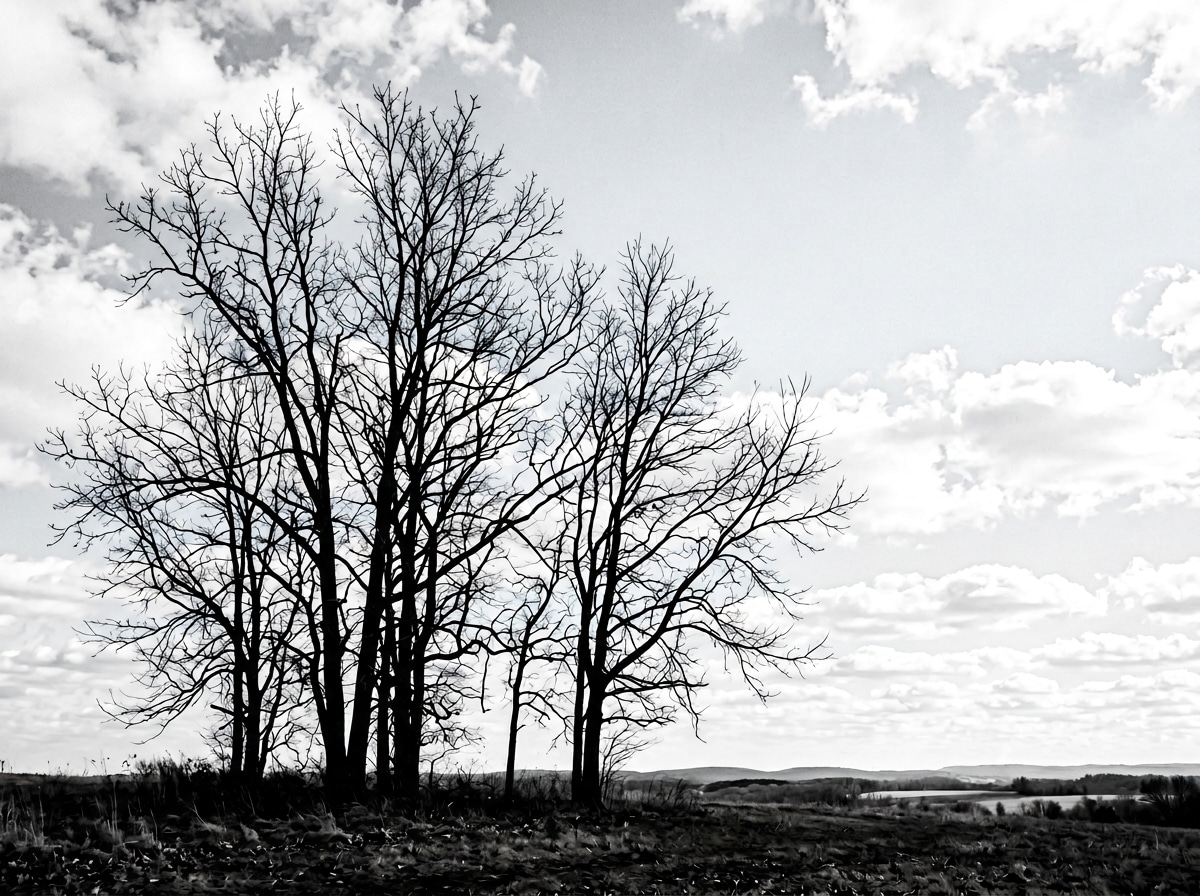
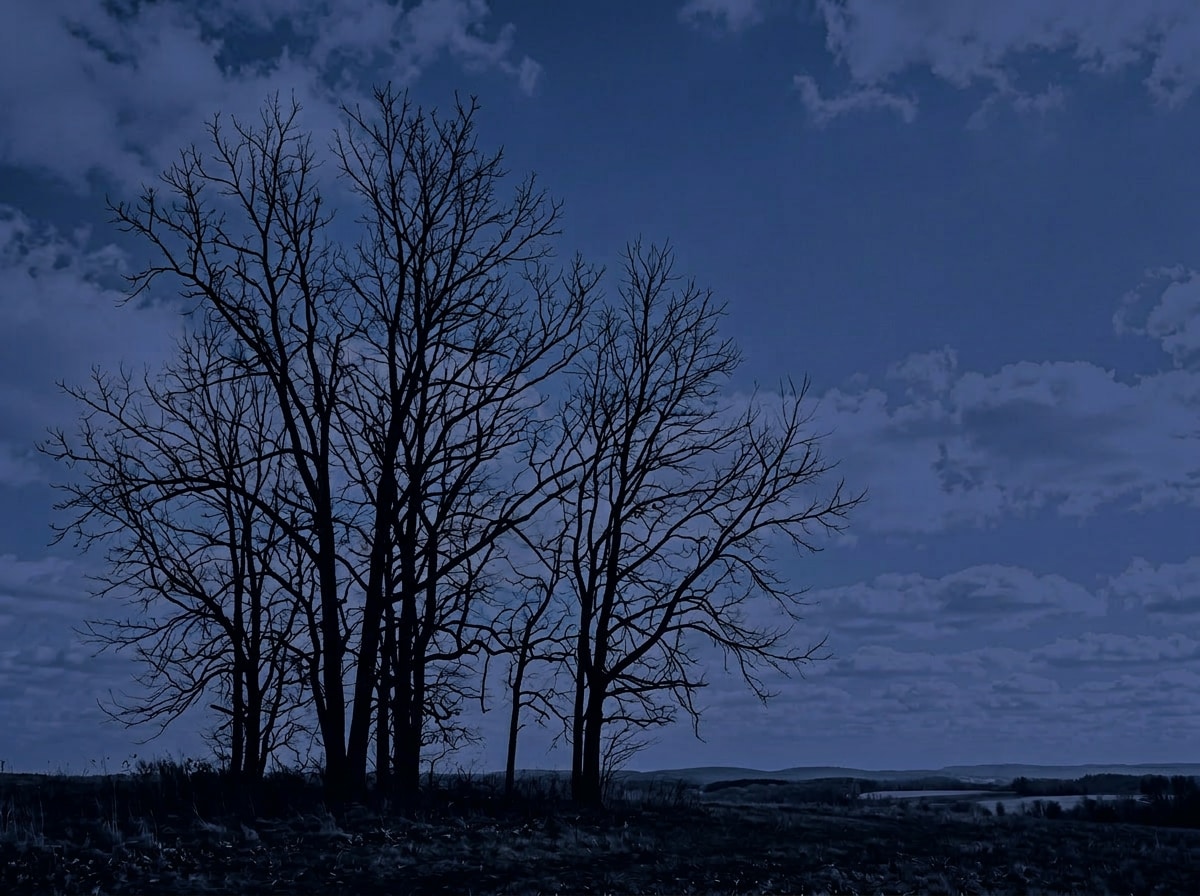
Apply photo midnight effect to this landscape: transform the entire scene with a deep cobalt-ultramarine blue color grade, sky becomes dark midnight blue with clouds as slightly lighter blue-grey shapes, foreground elements turn into dark silhouettes, deep navy-indigo shadows throughout, muted saturation, overall mood dark and cinematic like a cloudy midnight sky. Keep original composition unchanged.
Midnight Effect on Portrait
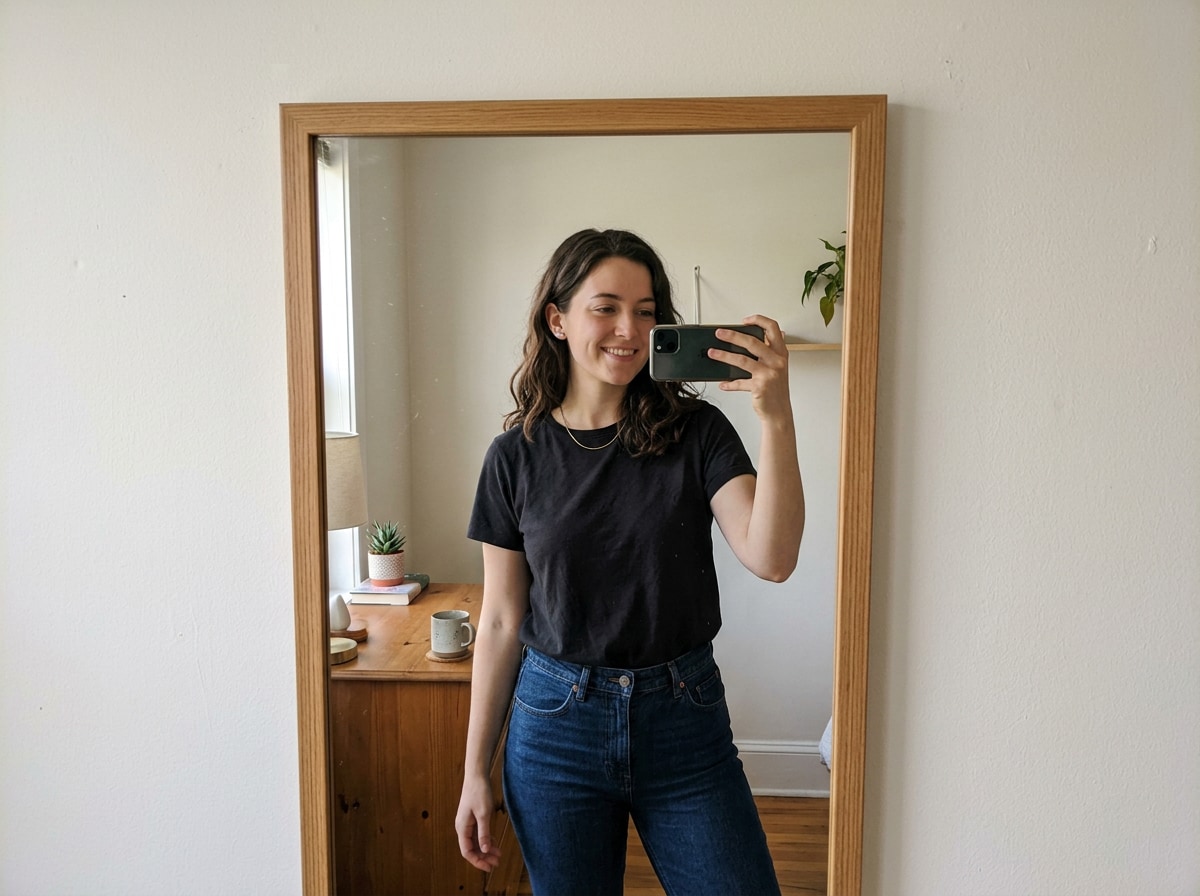
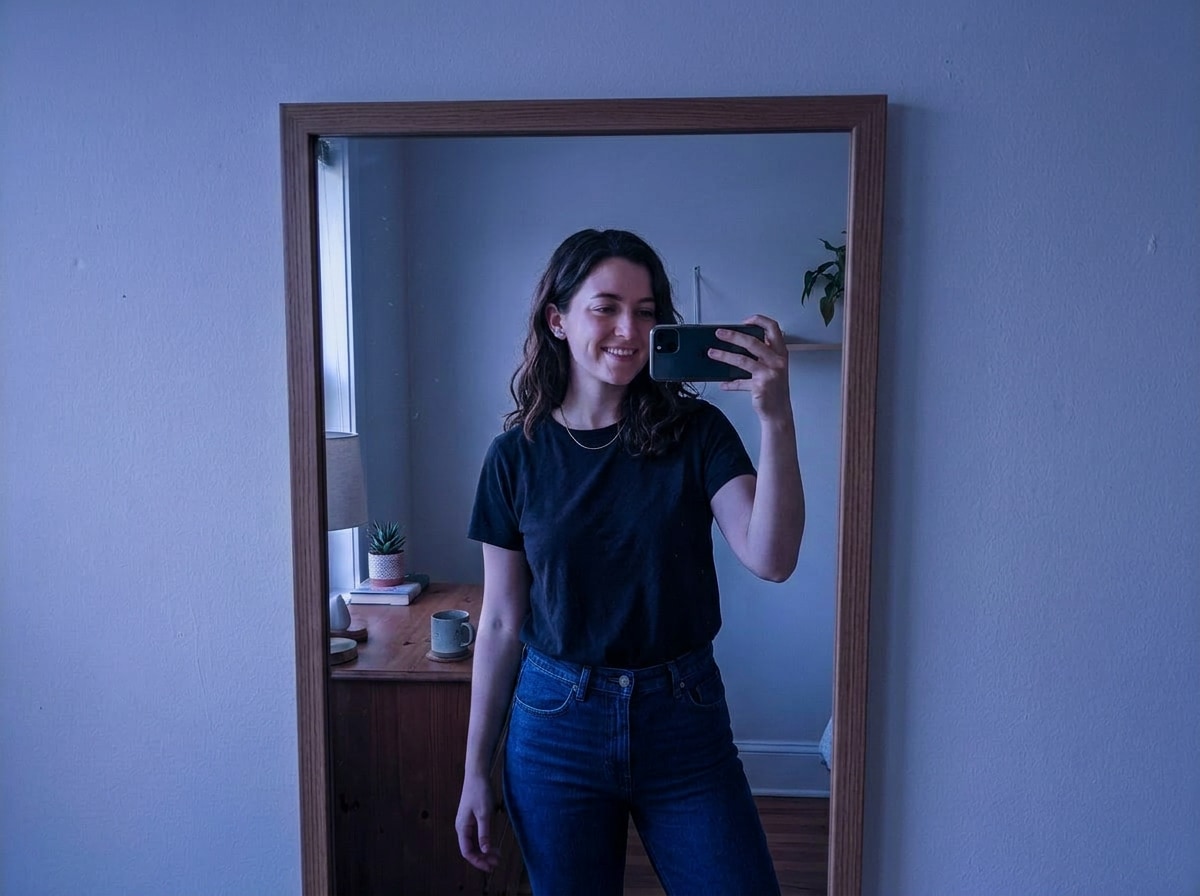
Apply photo midnight effect to this portrait: very dark exposure overall, dominant deep indigo-blue-violet color cast, midtones shift to muted blue-grey-purple, highlights become soft lavender-blue, deep shadows turn dark navy-indigo not pure black, skin takes on a cool blue-purple tint while face remains recognizable, overall deeply moody and dark like a deep indigo midnight filter. Keep the same person and composition unchanged.








Why Use Media.io for the AI Photo Midnight Effect
Whether you're shooting landscapes, selfies, or street photos — the midnight effect should look like a real cinematic color grade, not a flat blue filter. With Media.io's AI Image-to-Image tool, you get accurate deep cobalt-indigo color grading that adapts to your photo's natural tones and depth — all in seconds, online, and free to start.

True Midnight Blue Color Grade
Nails the exact deep cobalt-indigo palette of the viral TikTok midnight effect — not just a blue tint, but a full atmospheric color shift with accurate hue (232–250°), dark navy shadows, and soft lavender highlights.

100% Online, Works in Browser
No app installs. No watermarks. Just upload, prompt, and generate — on phone or desktop. Media.io's AI runs securely in the cloud for instant midnight color grade output with no sign-up required.

Control Darkness & Intensity
Subtle cobalt tint, full deep-indigo atmosphere, or anything in between — describe the intensity in your prompt and the AI delivers the exact midnight mood you want.

Portraits, Landscapes & More
Perfect for selfies, mirror photos, street scenes, night cityscapes, and outdoor landscapes. Any photo becomes a moody midnight masterpiece — just like the TikTok trend.
FAQs About
Photo Midnight Effect
1. What is the photo midnight effect?


The photo midnight effect is a viral TikTok trend from January 2026 (also known as "Midnight Photo EVFeX") that transforms ordinary photos with a deep cobalt-blue and indigo color grade. The result has a dark, moody midnight atmosphere — rich deep blue tones, dark navy shadows, and a cool blue-violet color cast across the entire image, as if the scene was lit only by deep blue moonlight.
2. What's the difference between the midnight effect and a regular blue filter?
A simple blue filter adds a uniform flat overlay. The midnight effect is a full cinematic color grade: it shifts the hue to a specific deep cobalt-indigo (around 232–250°), crushes shadows to dark navy rather than pure black, lifts highlights to soft lavender-blue, and fine-tunes saturation to create a layered, photographic look — the same result you'd get from professional color grading in a film production.
3. Does the midnight effect work on both landscapes and portraits?
Yes. For landscapes, the sky transforms into a deep cobalt-blue with visible cloud detail and foreground elements become dramatic dark silhouettes. For portraits, the background takes on a deep indigo-blue cast, skin gets a cool blue-purple tint, and the face remains visible with moody shadow depth — just like the selfies trending on TikTok.
4. Is this the same as the TikTok Photo Midnight Effect / EVFeX?
Yes — the "Photo Midnight Effect" (also known as "Midnight Photo EVFeX") trending on TikTok in January 2026 refers to this same deep cobalt-blue atmospheric color grade. Media.io's AI filter replicates this exact look using AI image-to-image transformation, so you can apply it to any photo without the TikTok app.
5. Is the photo midnight effect filter free to use?
Yes, completely free. Use Media.io's AI Image-to-Image tool online — no subscription, no watermarks, and no download required. Upload your photo, enter a midnight effect prompt, and download your result in full resolution.



