Add Beach Background to Photo
Free AI Beach & Tropical Background Generator Online
Want to transform any portrait, product shot, or travel photo with a breathtaking beach backdrop — from golden-hour sandy shores to turquoise ocean waves and tropical palm sunsets? Use Media.io's AI Beach Background Tool to instantly replace or add realistic beach backgrounds to any photo — free online, no app or editing skills needed.
Whether you're creating dreamy vacation portraits, enhancing e-commerce product images with coastal vibes, designing social media content with summer aesthetics, or crafting travel blog visuals with serene ocean scenes, our AI seamlessly blends your subject with natural beach lighting, shadows, and perspective for a truly photorealistic result.
Try the AI Beach Background Tool Now →
How to Add a Beach Background to Any Photo in Seconds
— Use Media.io AI & Prompts
Turn any indoor portrait, studio product shot, or everyday photo into a stunning beach scene with just a few clicks. Follow these steps using Media.io's AI Image-to-Image tool, and use our curated prompts below to achieve anything from soft sunrise beaches to dramatic tropical sunsets — perfect for social media profiles, travel blogs, e-commerce listings, wedding albums, and creative content.
Open the AI Beach Background Tool
Go to Media.io's AI Image-to-Image tool — your free, browser-based beach background generator. No sign-up or app download required. Works on desktop and mobile, optimized for realistic beach lighting, natural shadow blending, and seamless subject integration.
Upload & Describe Your Beach Scene
Upload any photo — a portrait, product shot, pet photo, or group picture. Then type a prompt describing the beach background you want, like "replace background with golden sunset beach with gentle waves" or "add tropical palm tree beach with turquoise water behind subject". Not sure what to write? Try one of our ready-made prompts below — tested for authentic beach lighting, natural perspective, and seamless subject blending.
Generate & Download Your Beach Photo
Click Generate, and in seconds your photo will be transformed with a stunning, realistic beach background that matches your subject's lighting, angle, and mood. Use the before/after slider to compare, then download your image — ready for Instagram, TikTok, travel blogs, product listings, or any creative project.
Portrait → Dreamy Tropical Sunset Beach

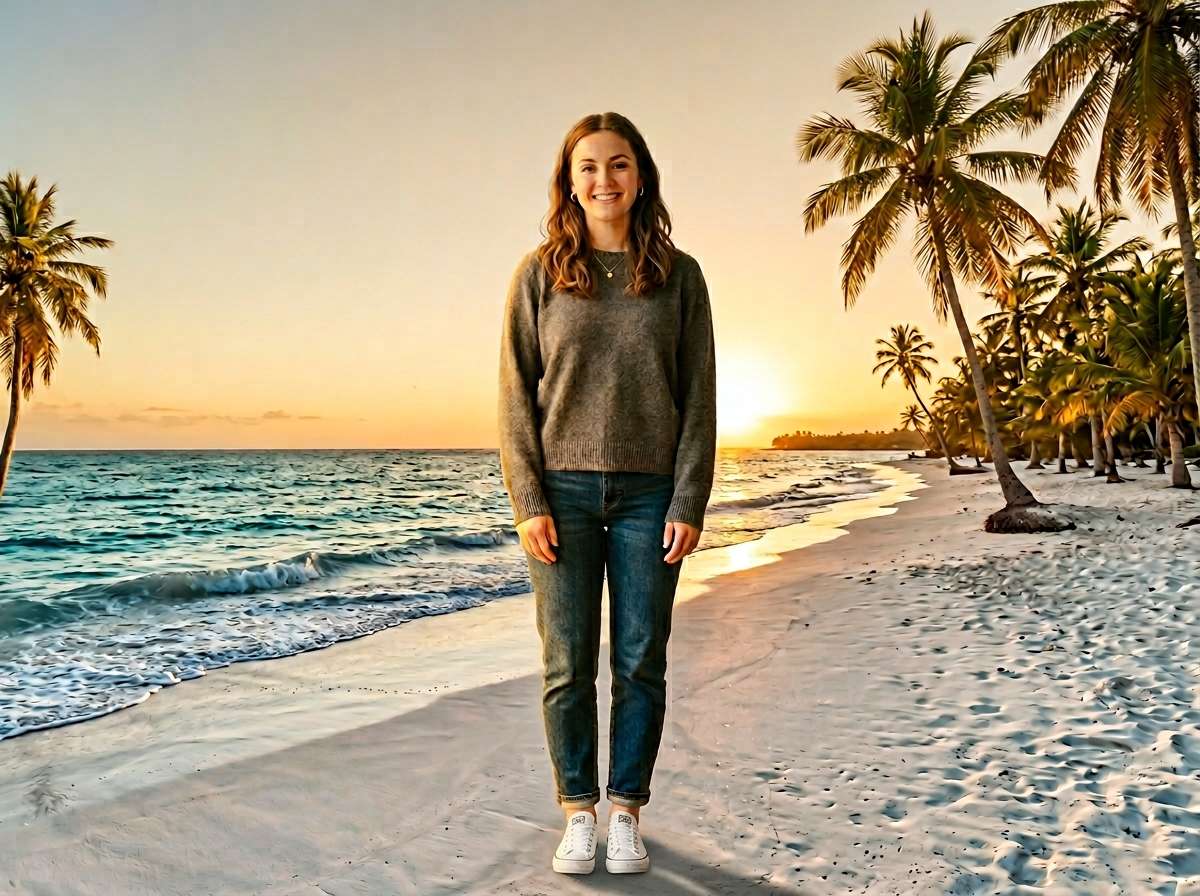
Replace the background with a stunning tropical sunset beach. Golden hour lighting, soft orange and pink sky, gentle ocean waves, distant palm trees silhouetted against the horizon. Keep the subject's original lighting and shadows naturally blended with the beach scene, realistic perspective, same person completely unchanged, face stays sharp and clear, photorealistic beach background integration
Product Shot → Serene Sandy Beach Shore
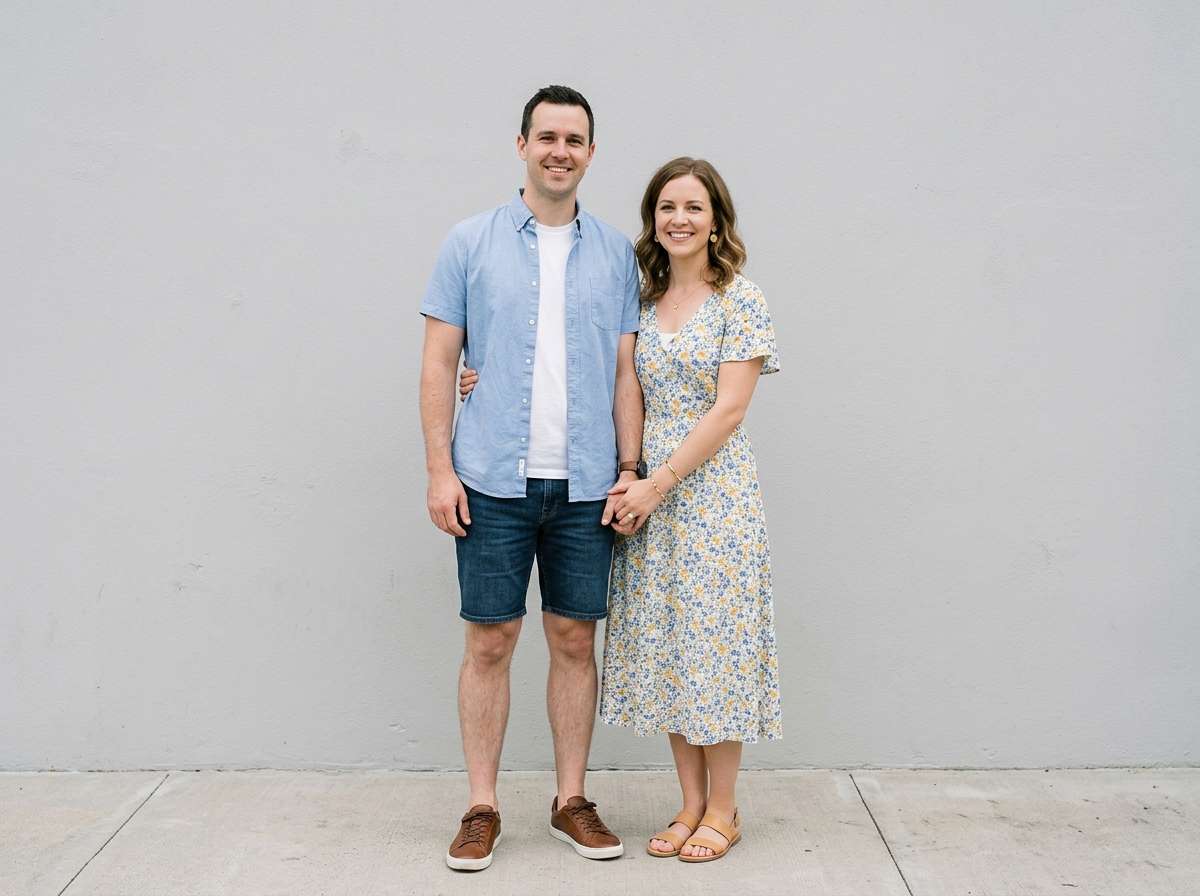
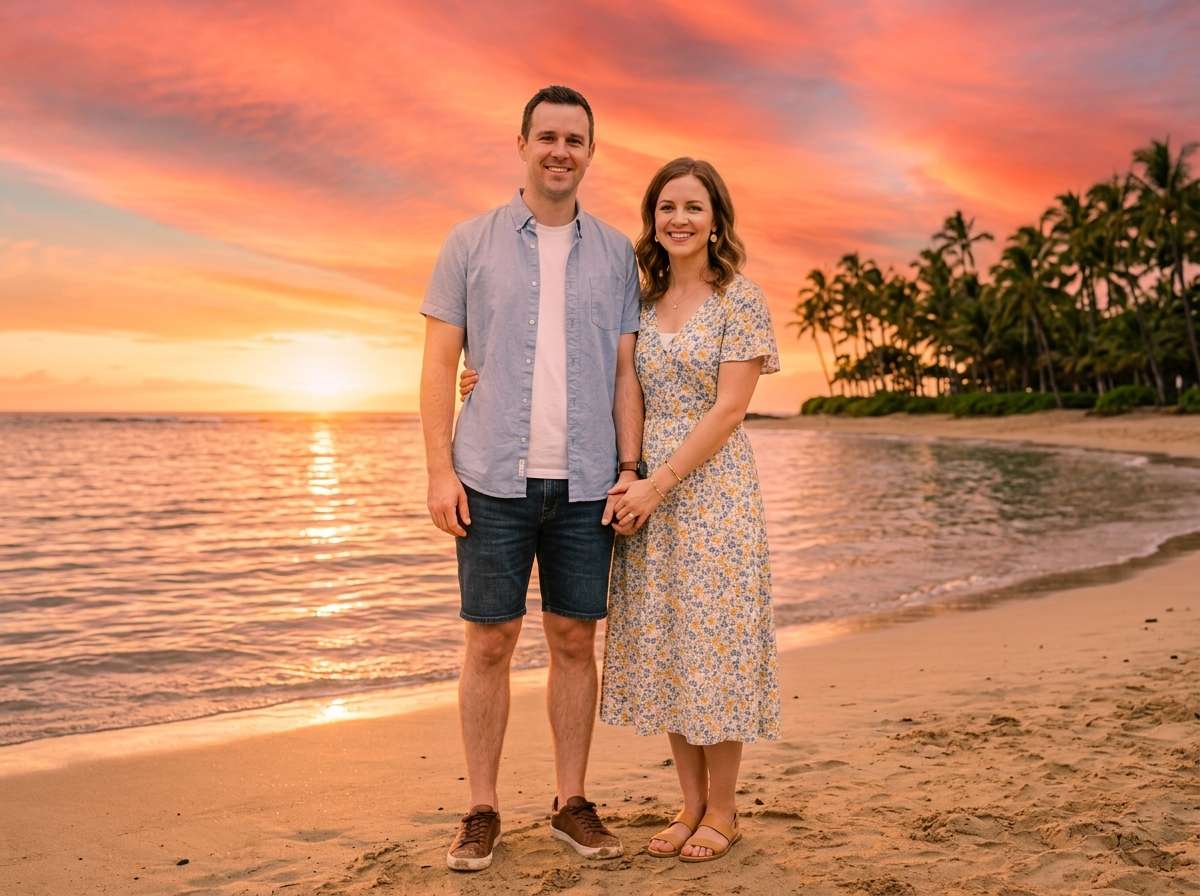
Replace the background with a serene sandy beach shore. Soft white sand, gentle turquoise waves in the distance, natural daylight with soft shadows. Keep the product sharply focused and naturally lit to match the beach environment, realistic product photography with beach aesthetic, same product completely unchanged, photorealistic beach background integration








Why Use Media.io to Add Beach Backgrounds to Your Photos
Whether you're a traveler wanting to enhance vacation memories, a brand creating summer-themed product visuals, a content creator crafting Instagram-worthy beach aesthetics, or someone who just wants to escape to the shore from a studio photo — your beach background should look like it was captured in the moment. With Media.io's AI Image-to-Image tool, you get context-aware background replacement that matches real lighting, perspective, and subject contours — all in seconds, online, and free to start.

AI-Intelligent Background Blending
Our AI analyzes your photo's lighting direction, subject contours, and perspective to blend beach backgrounds naturally — matching shadow angles, color temperature, and depth of field. Not a simple cut-and-paste, but true context-aware integration that makes your subject look like they were photographed on the beach.

100% Free — No Skills, No Signup
No app installs, no Photoshop skills, no design experience needed. Just upload, prompt, and generate — on phone or desktop. Media.io's AI runs securely in the cloud for instant, high-quality beach background output with no sign-up and no watermark.

Every Beach Style — Sunset, Tropical, Ocean & More
Golden hour sunset beaches, tropical palm-lined shores, calm turquoise coves, dramatic rocky coastlines, soft misty morning beaches, vibrant summer boardwalks — describe any beach style in your prompt and the AI delivers exactly what you envision, from serene minimalism to vibrant vacation vibes.

Portraits, Products, Travel & Social Content
Perfect for travel and vacation photography, jewelry and fashion product listings, TikTok and Instagram social content, dating profile pictures, wedding and engagement photos, brand summer campaigns, and any creative project that calls for a touch of coastal magic and wanderlust.
FAQs About
AI Beach Background Tool
1. Does the beach background look realistic or like a fake overlay?


Completely realistic. Media.io's AI understands your photo's lighting conditions, subject angles, and perspective to integrate beach backgrounds that look genuinely part of the original scene — including authentic shadow direction, color temperature matching, depth-of-field blending, and natural horizon alignment. It's not a sticker or flat image pasted on top; the result looks like the photo was taken on the beach.
2. What types of photos work best for adding beach backgrounds?
Virtually any photo works well. The beach background effect is especially popular for: portrait and selfie photos (vacation vibes, dating profiles), product photography for swimwear and accessories (summer catalog visuals), travel and lifestyle content (Instagram and TikTok), wedding and engagement photos (destination wedding aesthetics), and social media profile pictures. Well-lit photos with clear subject separation typically yield the most seamless and realistic results.
3. What beach background styles can I create?
You can create any beach style by describing it in your prompt. Popular styles include: Golden Hour Sunset (warm orange-pink sky with gentle waves), Tropical Paradise (palm trees, turquoise water, white sand), Calm Ocean Cove (serene blue water, rocky shoreline), Misty Morning Beach (soft fog, peaceful atmosphere), Vibrant Summer Boardwalk (colorful beach town vibe), Dramatic Rocky Coast (moody cliffs, crashing waves), and Minimalist Sandy Shore (clean, simple aesthetic). Specify time of day, weather, and scenery details in your prompt for full creative control.
4. Can I control the lighting and mood of the beach background?
Yes! Just specify the lighting and atmosphere in your prompt. For example: "add a beach background with soft golden hour lighting and warm tones", or "create a bright midday tropical beach with vibrant blue sky", or "use a moody overcast beach with soft diffused light", or "match the beach background lighting to my subject's original indoor lighting". The AI follows your instructions to adjust color temperature, shadow intensity, and overall mood for cohesive visual results.
5. Is adding a beach background to a photo free?
Yes — Media.io's AI Beach Background Tool is completely free to use online. No watermark, no subscription, and no app download required. Unlike Canva (which limits premium backgrounds) or Adobe Photoshop (which requires a paid subscription), Media.io lets you add realistic beach backgrounds to photos for free, directly in your browser, with high-resolution results you can download and share instantly.



