

Remove Gemini Star Watermark Cleanly
Easily erase the AI-generated Gemini star watermark (and small text marks) with a quick brush selection. Perfect for cleaning up Gemini Nano Banana (Pro) images for sharing and reuse.
Want a clean image without distracting watermarks? Upload your photo and use Media.io’s Gemini watermark remover to remove Gemini-style logos and AI-generated star watermarks in seconds. Get natural-looking results with smooth background fill — perfect for sharing, wallpapers, or design reuse.
No downloads. Free credits on signup.







Easily erase the AI-generated Gemini star watermark (and small text marks) with a quick brush selection. Perfect for cleaning up Gemini Nano Banana (Pro) images for sharing and reuse.
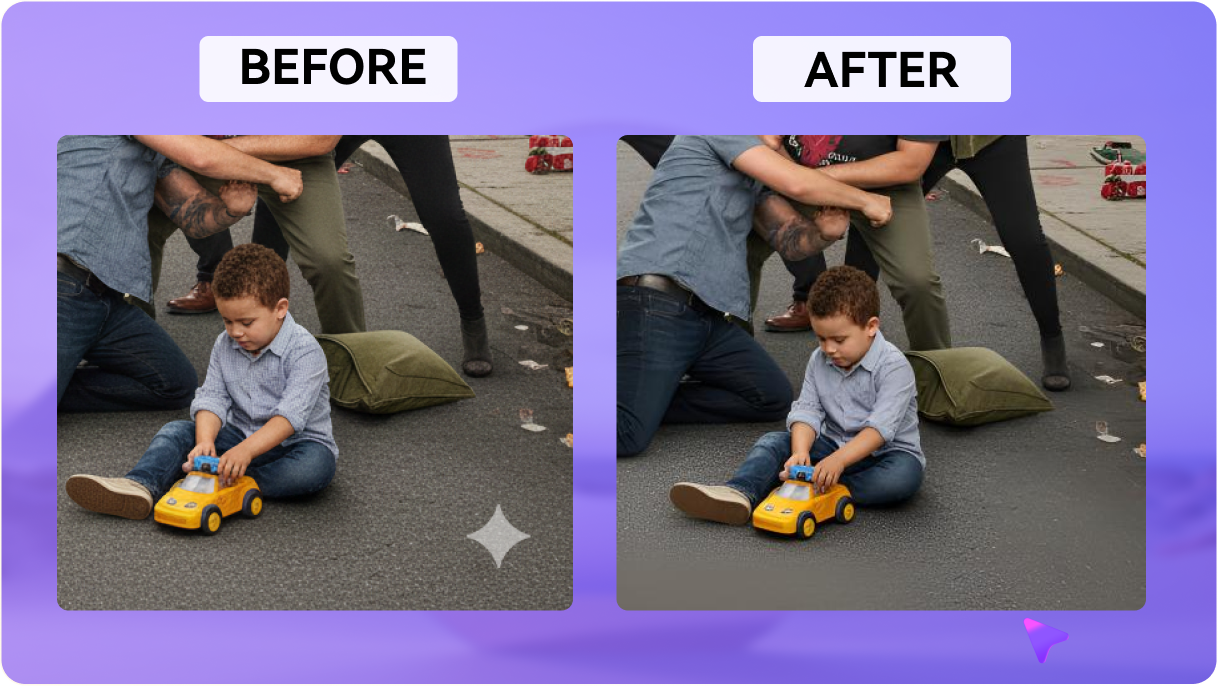
Media.io fills the removed area with realistic texture and lighting, so your image stays clean and natural — without obvious smudges or messy patches.
Beyond watermarks, you can also remove small objects, stickers, or unwanted elements from your AI images. Just brush over the area and generate a clean version in seconds.
No Photoshop needed. Use the watermark remover directly in your browser and download results instantly. New users can start with free credits after signup/login.
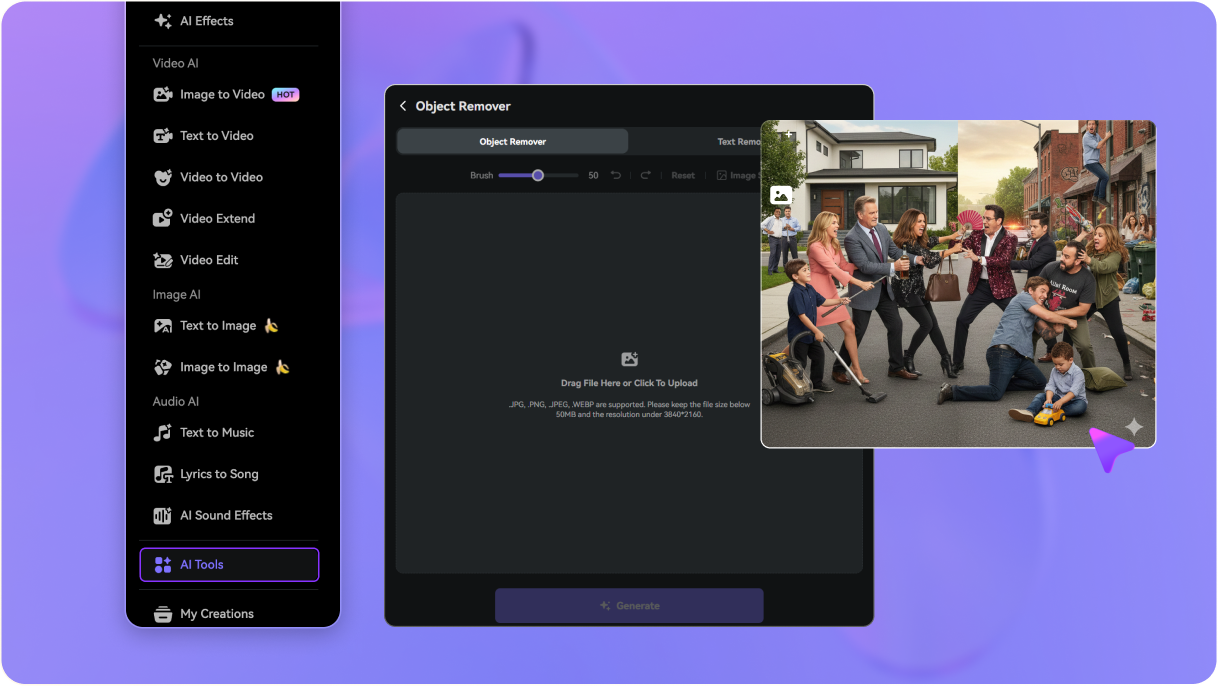
Go to media.io/ai/ai-tools. Under the Image category, find and open Object Remover to remove unwanted marks from your photo.
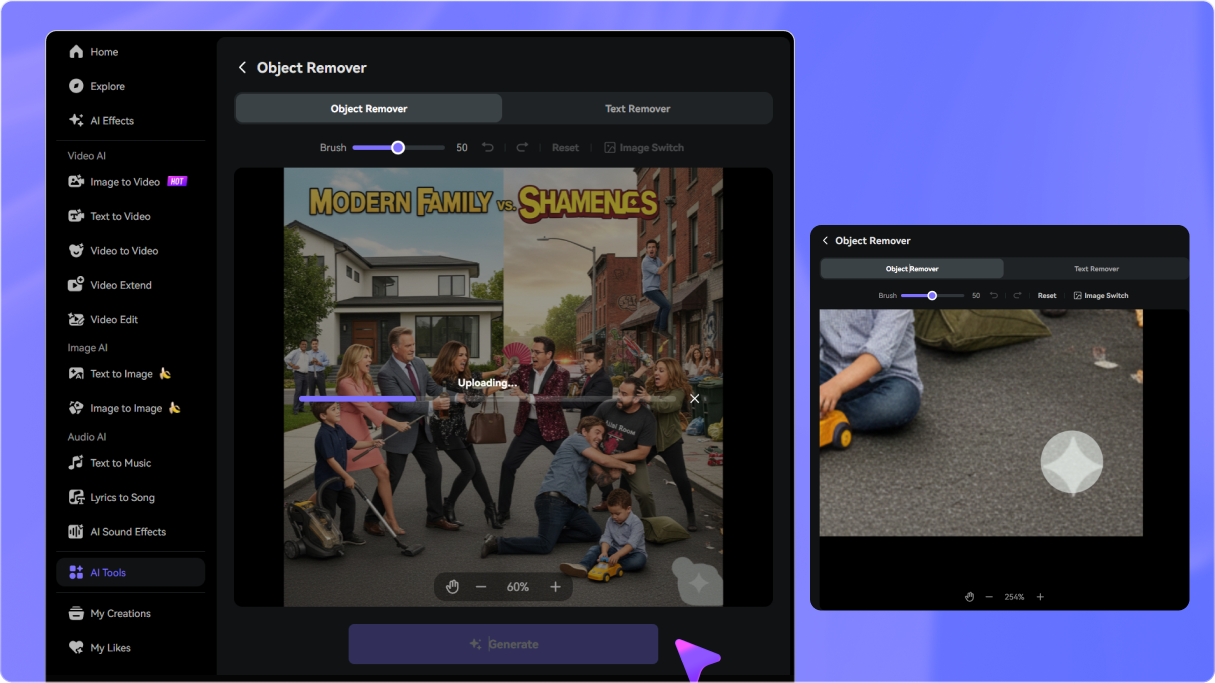
Upload the image generated by Gemini Nano Banana (Pro), then brush over the AI-generated star watermark (and any leftover text marks) you want to remove. You can zoom in for cleaner edge details.
Click Generate to remove the watermark and restore the background naturally. Preview the result, refine if needed, then download your watermark-free image.

Graphic Designer

“Finally, a way to remove Gemini AI photo watermarks cleanly.” The Nano Banana Pro watermark was ruining my mockups, but this tool erased it without smudging the texture. Highly recommended!

Content Creator
“The best gemini watermark remover online.” I love generating images, but the Gemini star watermark is annoying. This tool removes it instantly so I can share clean visuals on social media.

Digital Marketer
“Perfect for reusing AI assets.” Needed to get rid of Gemini logo for a campaign. Media.io did it perfectly. The background restore is impressive—no blur blocks at all.

Student
“Super easy to use.” Best Nano Banana watermark remover I've tried. It handles the small text and the star logo easily. Plus, the free credits let me test it out instantly.


 4.7 (162,357 Votes)






