Home>AI Tools>AI Lipsync Reel Maker

Make Lip Sync Reels with AI

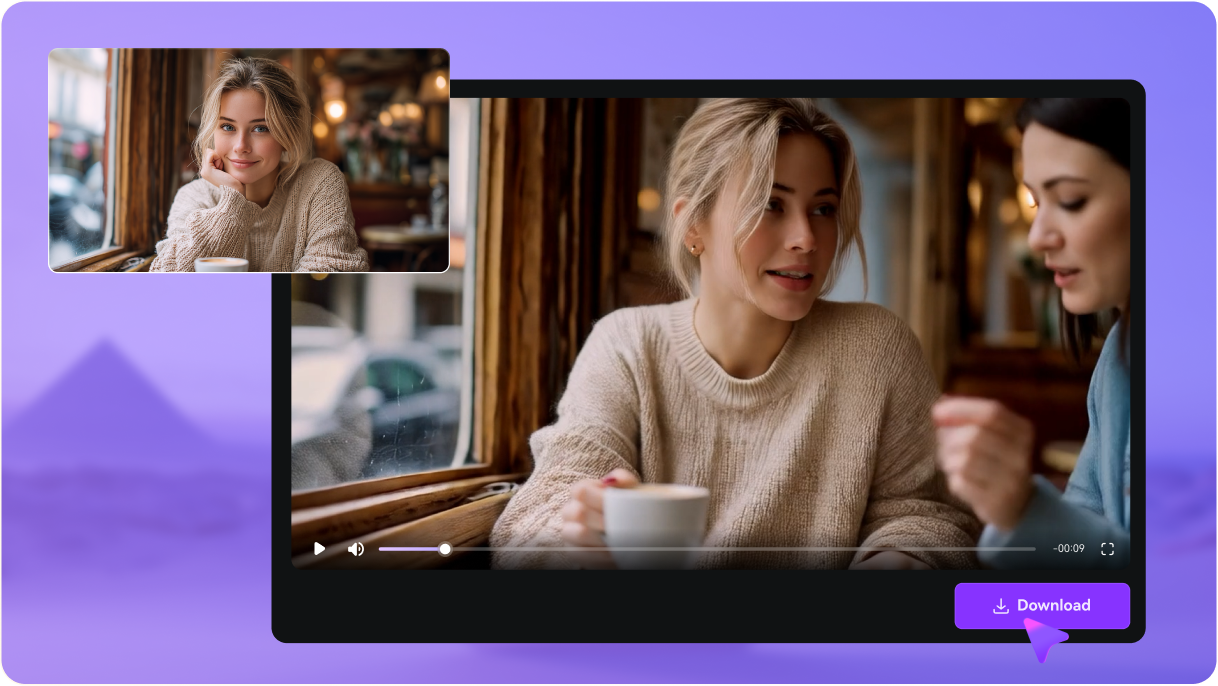
Want to jump on trending audio without spending hours editing? Media.io helps you turn any face video into a Reel-ready lip sync clip in just minutes. Simply upload your video, add trending audio or a voiceover (or use text-to-speech), and generate naturally synced Reels for memes, POV skits, funny voiceovers, and scroll-stopping short-form content made to get views.

Create Viral Lipsync Reels↗

No downloads. Free credits on signup.

Why Choose Media.io AI Lip Sync Reels Generator

Make Lip Sync Reels in Minutes

Want to jump on trending audio without spending hours cutting clips? With Media.io, you can create a lip sync Reel fast—just upload a face video and generate a ready-to-post result for Instagram Reels, TikTok, and YouTube Shorts.
Natural Mouth Sync for Voiceovers

Get smoother, more believable results with AI lip sync that matches mouth movements to your audio. Perfect for voiceover Reels, POV skits, reaction edits, and meme-style lip sync videos that look real.

Add Trending Audio or Text-to-Speech

Upload a sound, record your own voice, or type a script and generate audio with AI—then turn it into a lip sync video. It’s an easy way to create talking clips, funny voiceovers, or even singing-style lip sync for short-form content.

Reel-Ready Vertical Export (9:16)

Export your video in a vertical 9:16 format so it’s ready to post as a Reel right away—no extra resizing. Create and download your AI lip sync Reels online in MP4 for social sharing.

How to Make AI Lip Sync Reel for Instagram? (Fast & Online)

1
2
3
1
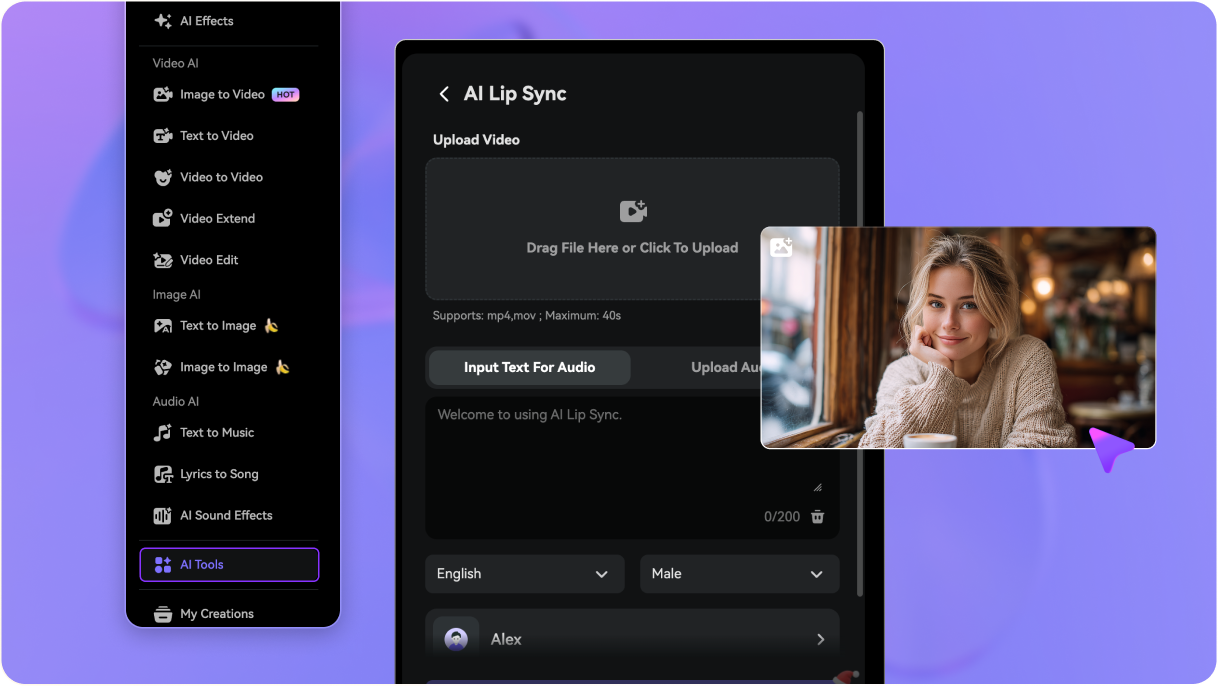
Step 1: Pick Your Input (Video or Photo)

Starting from a face video? Use AI Lip Sync to create a lip sync Reel. Only have a face photo? Use AI Talking Avatar to animate the image into a talking video first.

2
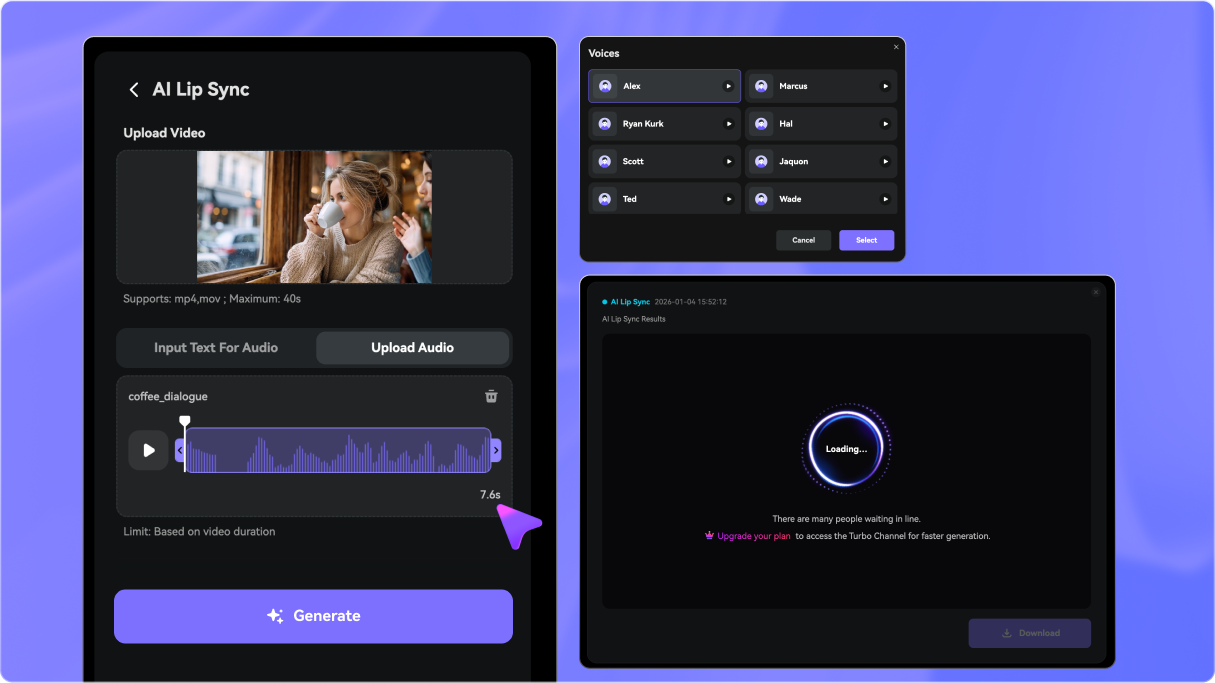
Step 2: Add Trending Audio or a Voiceover

Upload a sound, record your own voice, or type a script and generate speech with text-to-speech. This is ideal for viral audio, meme clips, and quick creator-style edits.

3
Step 3: Generate & Export in Vertical 9:16

Click Generate to sync the mouth movement with your audio, then export in vertical 9:16 so it’s ready to upload to Instagram Reels, TikTok, or YouTube Shorts.

Step 1 — Upload your pet video to AI Lip Sync
Step 2 — Add text-to-speech or upload audio for your talking pet
Step 3 — Generate and download your talking pet video in MP4
bg bg

Frequently Aksed Questions Regarding on AI Lip Synced Reels

Lip sync Reels are short, scroll-friendly videos made for Instagram Reels (and often TikTok or YouTube Shorts) where a face video matches mouth movements to trending audio, voiceovers, or meme sounds.
Start with a clear face video, add an audio track or voiceover, then let AI generate the lip sync automatically. Export the finished clip in a vertical format so it’s ready to post as a Reel.
Yes. Most creators use lip sync to ride trending audio—upload a sound clip or voiceover, then generate mouth sync that matches the timing for memes, skits, and reaction-style content.
The “best” tool depends on your workflow, but most people prioritize fast results, natural-looking mouth sync, and easy vertical export for Reels and TikTok. If you want a simple browser-based option, Media.io is designed for quick lip sync creation without a complicated editing setup.
Yes, many online AI tools, like Media.io, let you try lip sync with free credits or a trial. It’s a good way to test quality first, especially if you’re making short clips for social media.
For Instagram Reels, the most common format is vertical 9:16, typically 1080 × 1920. This fills the screen on mobile and helps your lip sync video look native in the feed.
Timing issues usually happen when the mouth is hard to see (side angles, hands covering the face, fast motion), or when the audio has background noise or multiple speakers. For better results, use a front-facing clip, clear audio, and shorter segments with one main voice.
Lip sync works best with video. If you only have a photo, you’ll usually need to animate it into a talking video first using a talking photo/avatar tool, then create the lip sync from that video. Or you can try our AI talking avatar tool that turns photo into lip synced video.
Media.io Online Tools Quality Rating:
vote 4.7 (162,357 Votes)
media.io

AI Video Generator star

Easily generate videos from text or images

Generate