No Cropping Required
Remove the Kling AI watermark without cropping the edges of your video. Media.io preserves your original aspect ratio, resolution, and composition flawlessly.
Effortlessly clean visible Kling logos, corner marks, and watermark text from your AI-generated clips. Use Media.io’s Kling watermark remover to reconstruct the underlying pixels naturally — without cropping your video or losing original dimensions.
Free credits on signup.
*Only edit videos you own or are authorized to modify, and respect any attribution or provenance requirements of the original platform.







Remove the Kling AI watermark without cropping the edges of your video. Media.io preserves your original aspect ratio, resolution, and composition flawlessly.
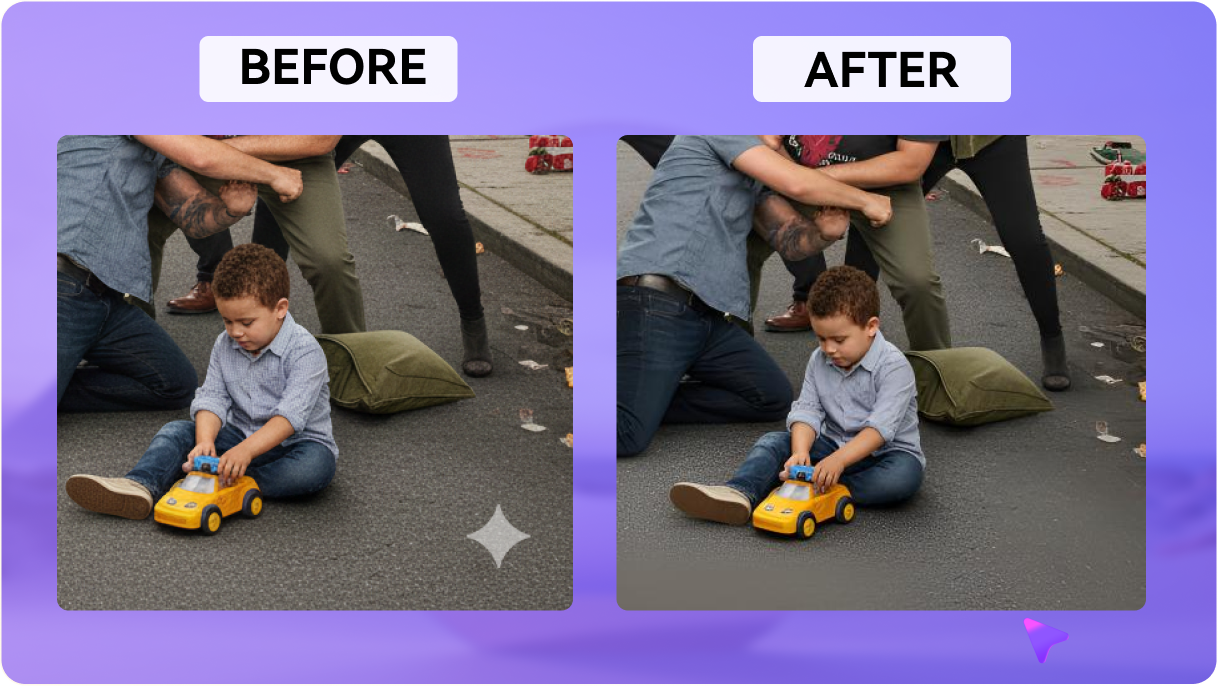
Our AI analyzes surrounding frames to naturally reconstruct the covered area. It fills complex moving backgrounds perfectly, leaving no blurry smudges behind.
Forget tedious manual masking in complex software. Just highlight the visible Kling logo or corner watermark once, and the AI clears it across the entire duration.
Clean your videos instantly using our web-based toolkit. Access the Kling watermark remover free trial with complimentary credits upon signing up.
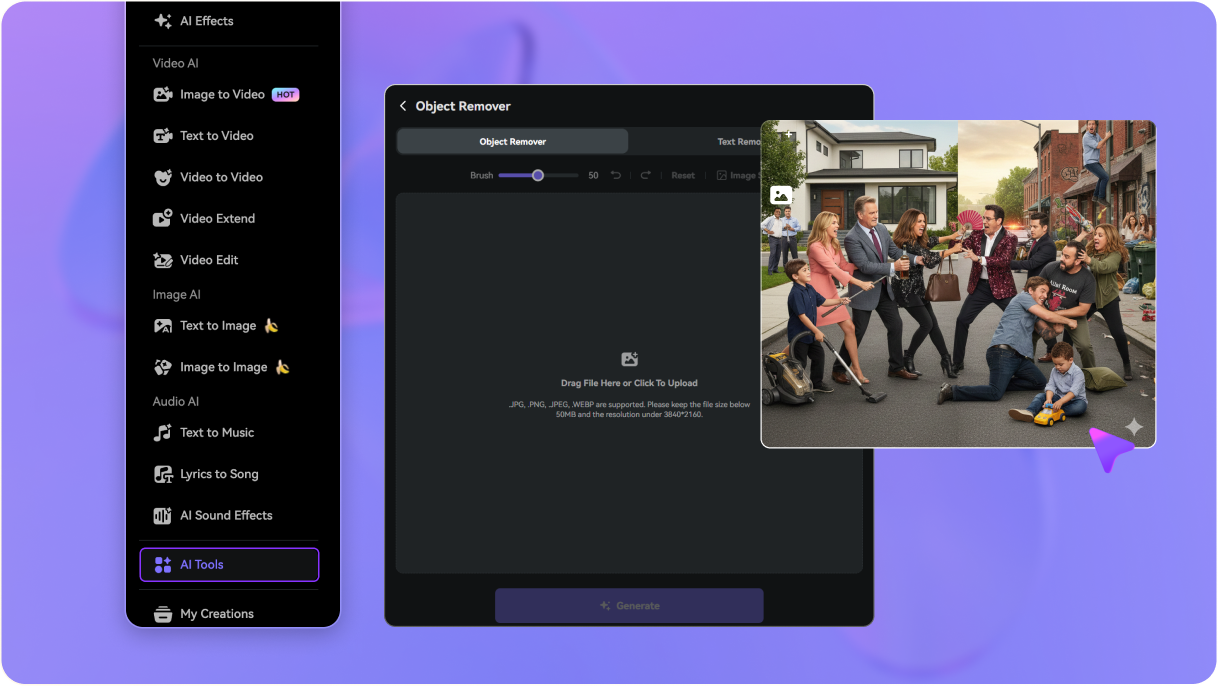
Go to media.io/ai/ai-tools and open the Video Eraser, then drag and drop your AI-generated MP4 video into the Kling video watermark remover dashboard directly from your device.
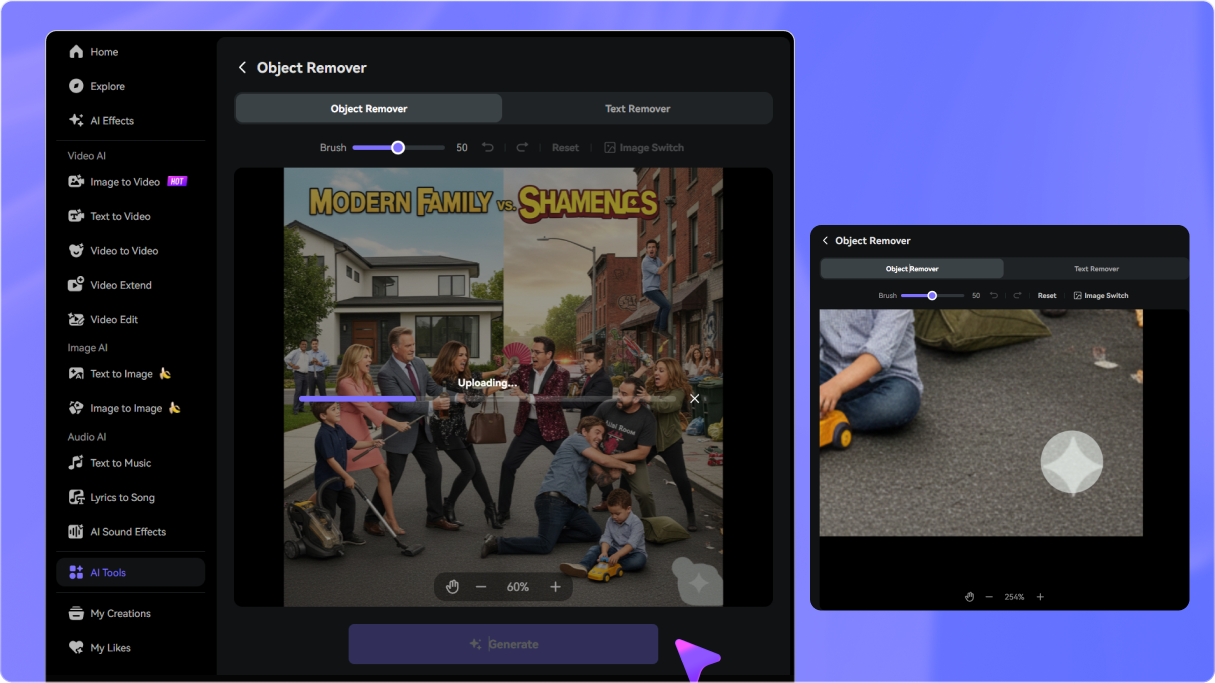
Use the brush selector to mark the visible Kling logo or corner watermark. Adjust the brush size to fit the watermark area precisely.
Click Remove and let the AI instantly reconstruct the background. Preview your clean, watermark-free video and download it in high quality.

AI Video Creator

“The best kling watermark remover online!” I generate hours of B-roll with Kling AI, but the corner watermark always gets in the way of presentations. Media.io cleared it instantly without cropping or losing a single pixel of my original background!

Social Media Manager
“Seamless AI background restoration.” I needed to remove Kling watermark from MP4 files for a client's reel. I was shocked at how well the AI reconstructed the moving background behind the logo. No manual frame-by-frame editing required.

Independent Filmmaker
“Kept my aspect ratio perfectly.” Other tools make you crop the corners, which completely ruins the composition. This tool cleans up the visible logo while preserving the exact 16:9 widescreen dimensions.

Content Producer
“Incredibly fast and web-based.” Had a couple of clips from Kling AI with watermarks right in the corner. Media.io's clean Kling watermark tool did the job in seconds. Super straightforward workflow for anyone.


 4.7 (162,357 Votes)






