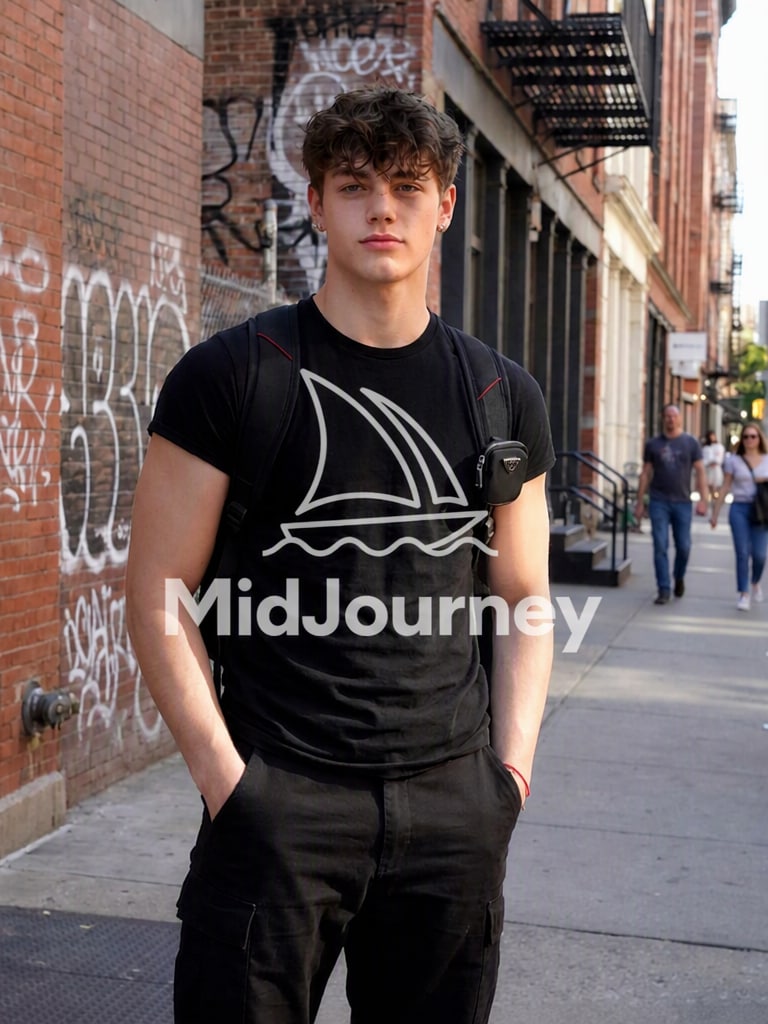
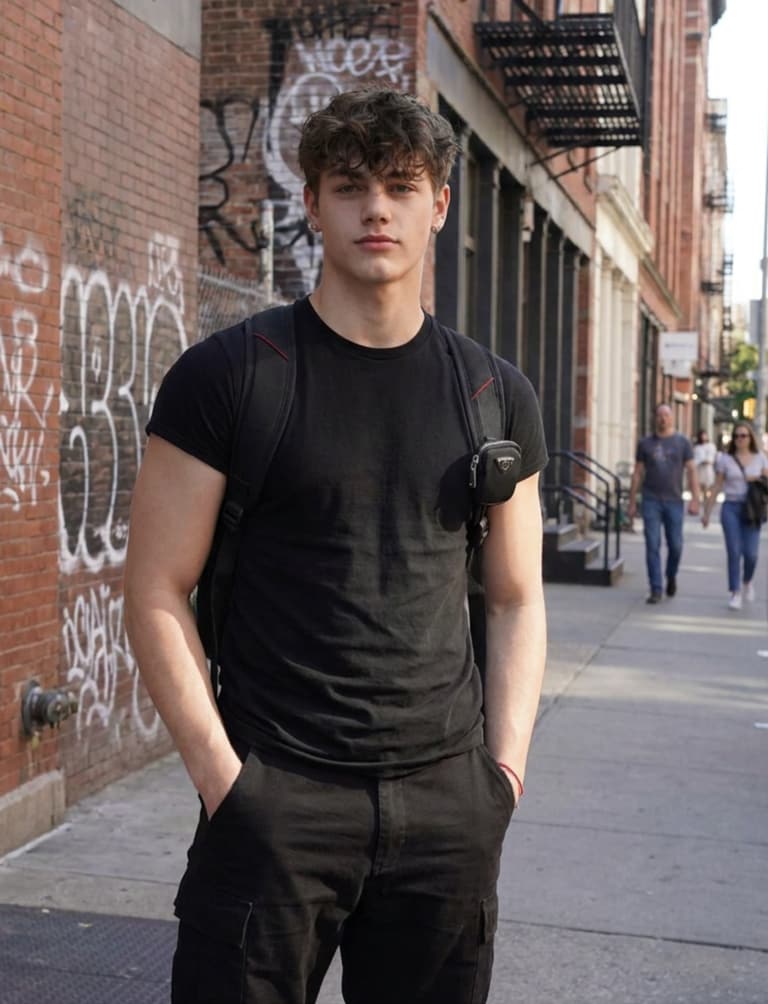
Remove Text from Midjourney Image
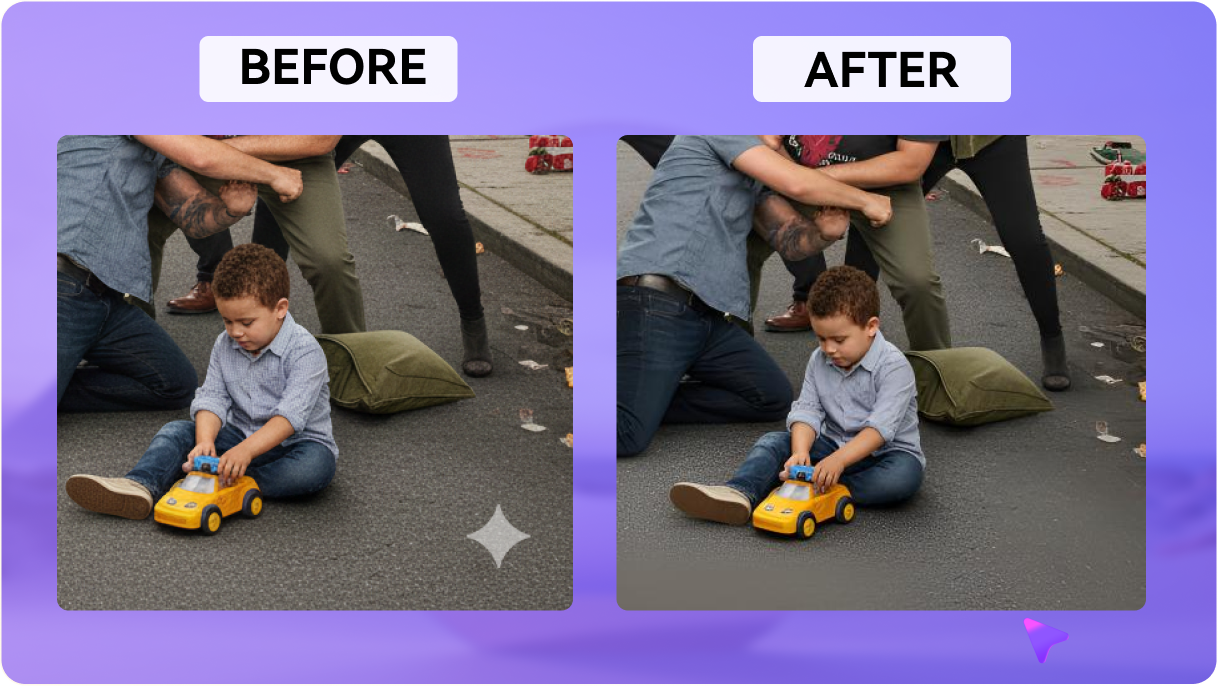
Easily brush over and remove unwanted visible text, gibberish captions, or generation coordinate overlays. Restore your AI artwork to its absolute cleanest form.
Remove watermark from Midjourney image creations effortlessly. Instantly erase visible captions, unwanted overlays, and logos while naturally reconstructing the background using context-aware AI. Use Media.io’s Midjourney watermark remover to perfect your authorized AI art — no Photoshop required.







Easily brush over and remove unwanted visible text, gibberish captions, or generation coordinate overlays. Restore your AI artwork to its absolute cleanest form.
No manual cloning or complex Photoshop layers required. Simply highlight the visible mark, and our advanced AI reconstructs the background area within seconds.
Media.io uses state-of-the-art context-aware models to keep the original image textures, complex lighting, and colors completely natural and undisturbed.
Get started online with free credits on signup. Remove unwanted visible marks from images you own or are authorized to edit, and download clean results instantly.
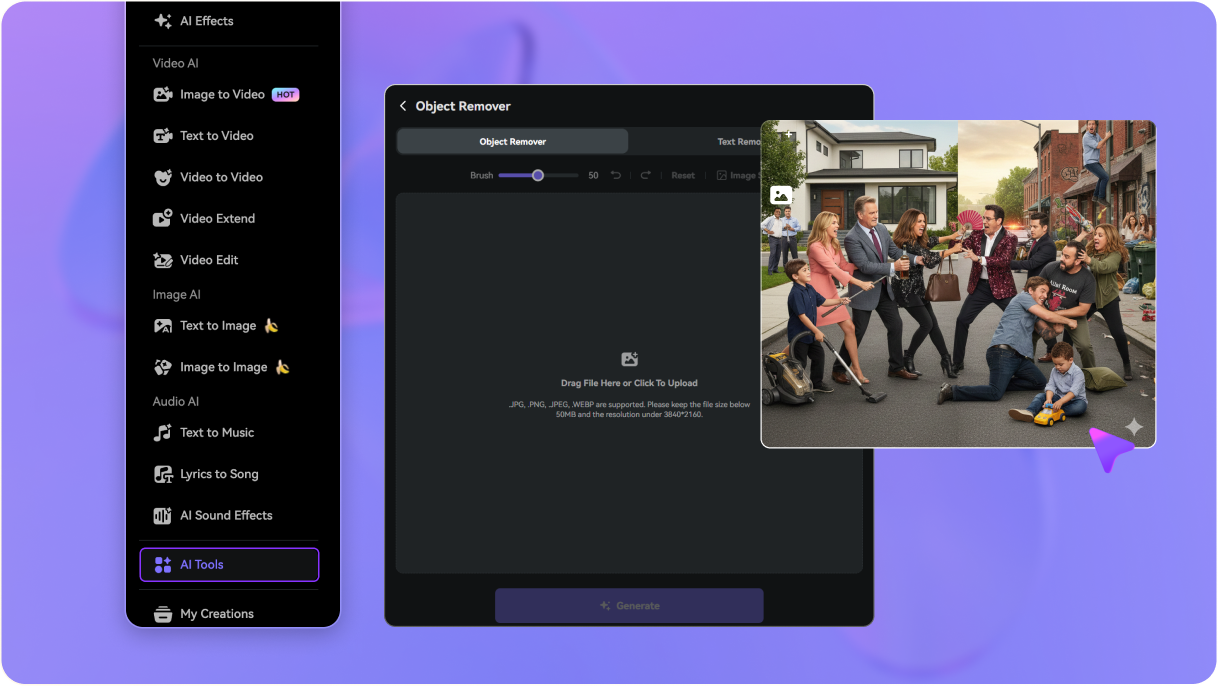
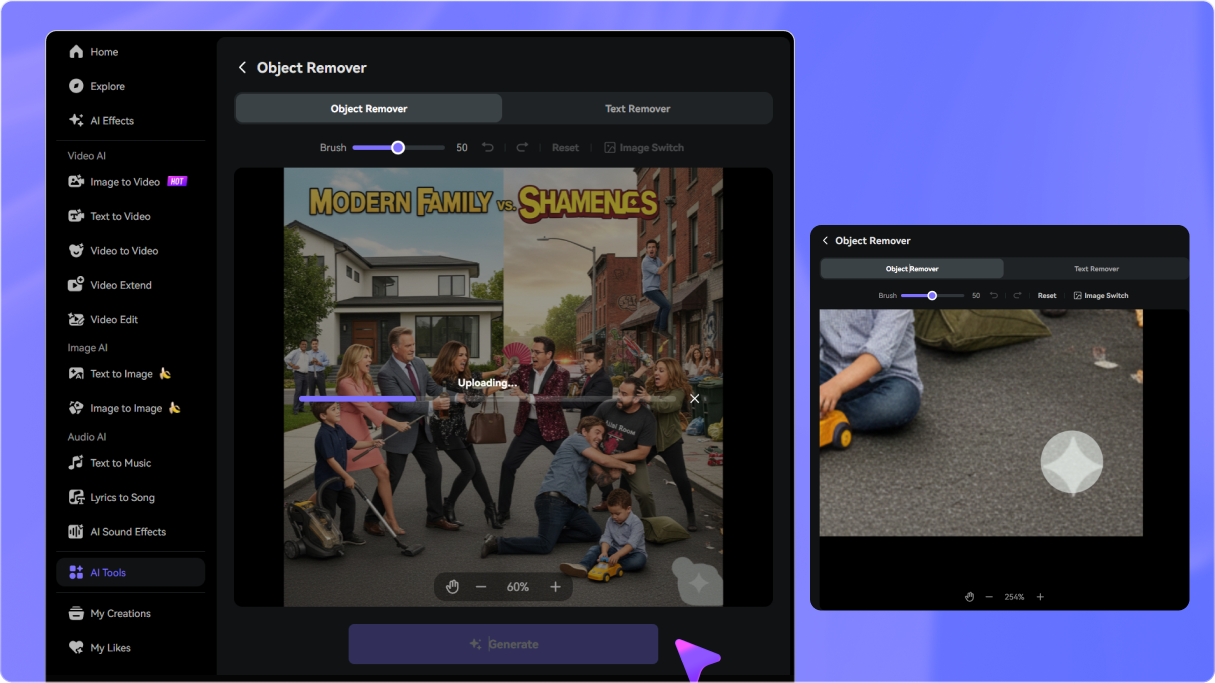
Go to media.io/ai/ai-tools. Under the Image category, find and open Object Remover, then drag and drop or select the Midjourney-generated image you wish to clean from your device.
Use the brush tool to highlight the visible watermark, text, logo, or overlay you want to remove. Adjust the brush size for precision and zoom in for cleaner edge details.
Click the “Remove” button, let the AI restore the background naturally, then preview and download your clean artwork instantly.

AI Concept Artist

“Seamless background reconstruction, no Photoshop needed!” I frequently need to clean Midjourney images containing unwanted visible text or captions. This tool makes AI image cleanup incredibly fast, saving me hours of manual cloning.

Graphic Designer
“Erased annoying visible text from Midjourney image perfectly.” I had a gorgeous illustration that unfortunately got generated with weird gibberish text in the corner. Media.io removed the visible mark and kept the detailed texture completely intact!

Indie Game Dev
“The ultimate Midjourney image watermark remover.” Whenever I capture design references that have unwanted overlays, I run them through this AI image cleanup tool. The workflow is incredibly smooth and the output is flawless.

Content Strategist
“Cleaned unwanted overlays in a click.” I needed to use some of my AI-generated mockups for a social campaign but had to clear some watermark-like grids first. This tool handled it beautifully with zero blurriness.


 4.7 (162,357 Votes)
4.7 (162,357 Votes)
4.7 (162,357 Votes)






