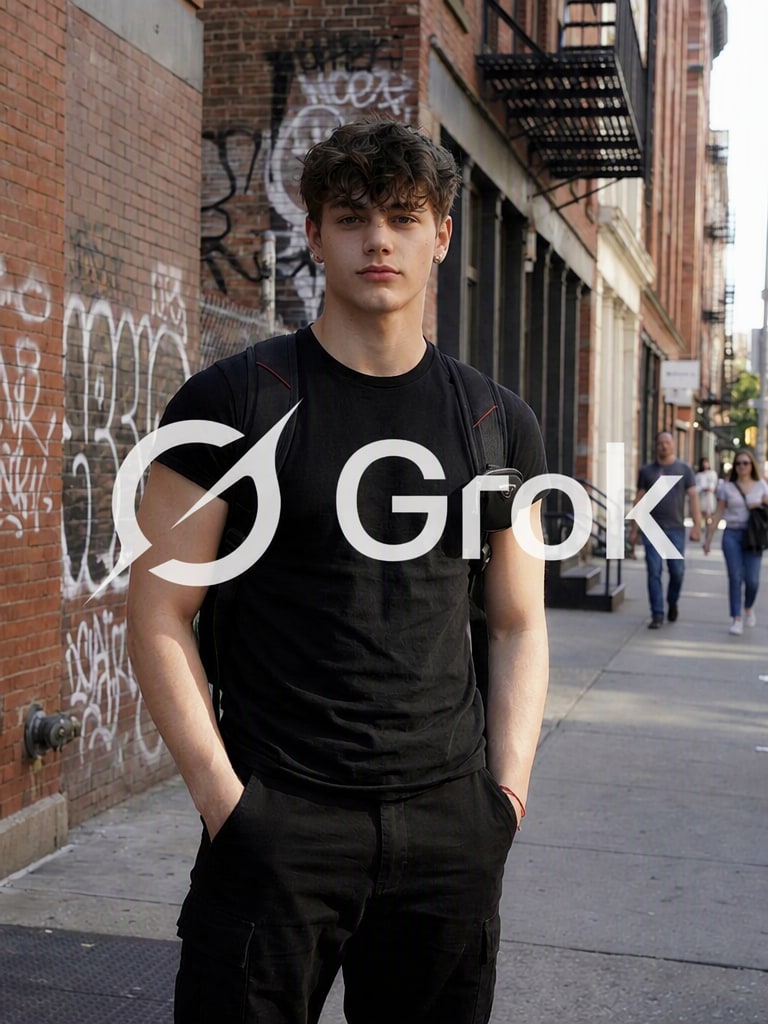

Precise Smart Brush Selection
Easily highlight any visible Grok watermark or text overlay. Our adjustable smart brush tool lets you precisely target the exact area without affecting the surrounding details.
Clean unwanted visible Grok marks from images you're authorized to edit in seconds. Upload your photo and use Media.io’s Grok watermark remover to erase visible AI logos and text overlays, with AI background reconstruction for a natural-looking result — no manual retouching required.
No downloads. Free credits on signup. Please only edit content you own or are authorized to modify, and retain any attribution or provenance required by the source platform.







Easily highlight any visible Grok watermark or text overlay. Our adjustable smart brush tool lets you precisely target the exact area without affecting the surrounding details.
Instead of simple blurs, Media.io uses advanced AI background reconstruction to naturally recreate the textures, lighting, and colors behind the visible watermark.
Perfect for non-designers. Skip manual cloning, healing layers, and tedious lasso edits. Get professional, seamless image cleanup online in seconds.
We focus entirely on cosmetic pixel cleanup. Media.io does not bypass or strip embedded C2PA data, hidden digital signatures, or original AI provenance metadata.
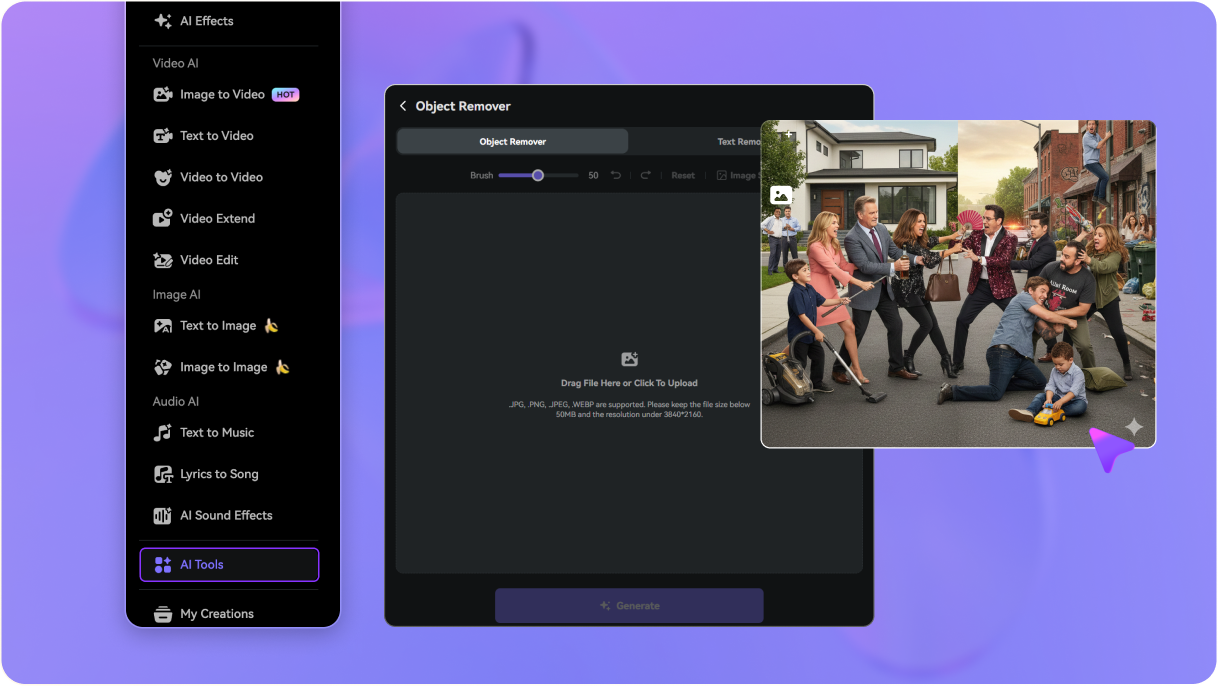
Go to media.io/ai/ai-tools. Under the Image category, find and open Object Remover, then drag and drop or select the Grok-generated image that you own or have explicit permission to modify.
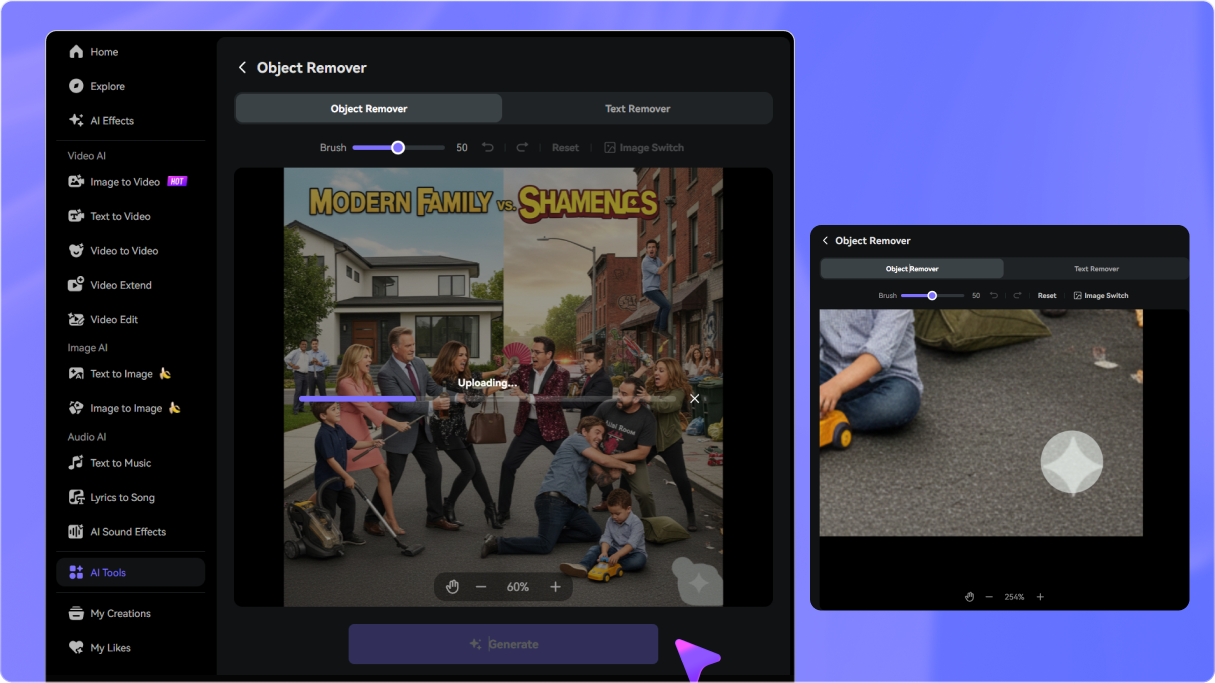
Use the online brush to easily highlight the visible Grok watermark or text overlay. Adjust the brush size for absolute precision and zoom in for cleaner edge details.
Click Generate (Remove). The AI analyzes surrounding details to restore the background seamlessly. Preview the result, refine if needed, then download your clean image instantly.

Need to clean a Gemini-generated image instead? Try our Gemini Watermark Remover.

Marketing Coordinator

“Saves hours of cloning and healing.” I needed to remove a visible overlay on a licensed AI mock-up. Media.io's Grok watermark remover tool rebuilt the complex sky background seamlessly. Zero manual patching needed!

E-commerce Owner
“Incredibly clean results for product promos.” I wanted to use a customized AI-generated image for my store's banners. The visible text logo was distracting, but this AI background reconstructor filled in the product display table flawlessly.

Content Producer
“No Photoshop skills required!” I'm not a Photoshop pro, but I had authorized mockups that had distracting text marks. I just painted over them, and the AI rebuilt the underlying textures like magic.

Web Developer
“Perfect for ethical asset preparation.” Love that it doesn't try to strip metadata or mess with provenance standards like C2PA. It simply cleans up the visible pixels on images I have permission to edit, making asset prep clean and fast.


 4.7 (162,357 Votes)






