Preserve Complex Camera Motion
No need to waste credits regenerating. Media.io erases the visible Hailuo watermark while keeping your exact camera pans, character expressions, and cinematic motion intact.
Got the perfect camera motion and character performance from Hailuo AI (MiniMax) but need to remove the visible corner watermark? Media.io’s online Hailuo watermark remover cleans overlay logos across dynamic frames without blurry boxes, cropping, or losing your video quality.
Free credits on signup.







No need to waste credits regenerating. Media.io erases the visible Hailuo watermark while keeping your exact camera pans, character expressions, and cinematic motion intact.
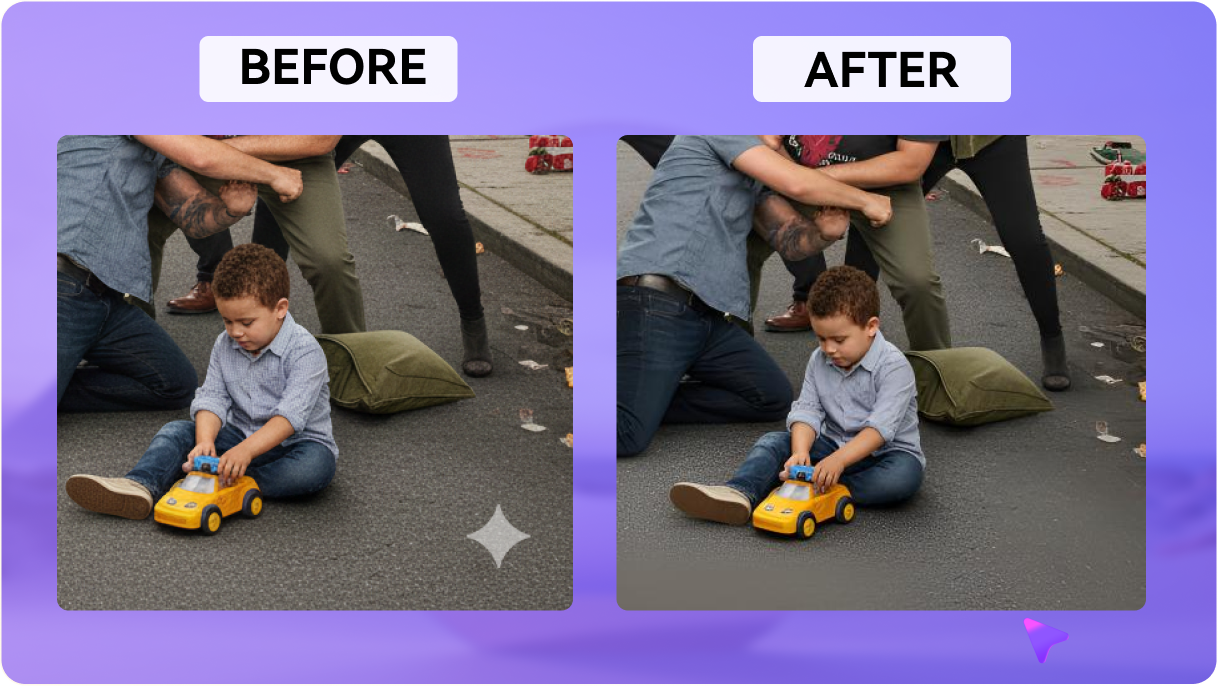
Forget ugly blur boxes. Our advanced AI analyzes surrounding video frames to seamlessly reconstruct the moving background textures behind the MiniMax logo.
Keep your cinematic composition exactly as designed. Remove corner watermarks without cropping out visual details or altering your original widescreen aspect ratio.
Export your cleaned videos in their native high resolution with background audio completely untouched. Perfect for integration into your creative rendering pipeline.
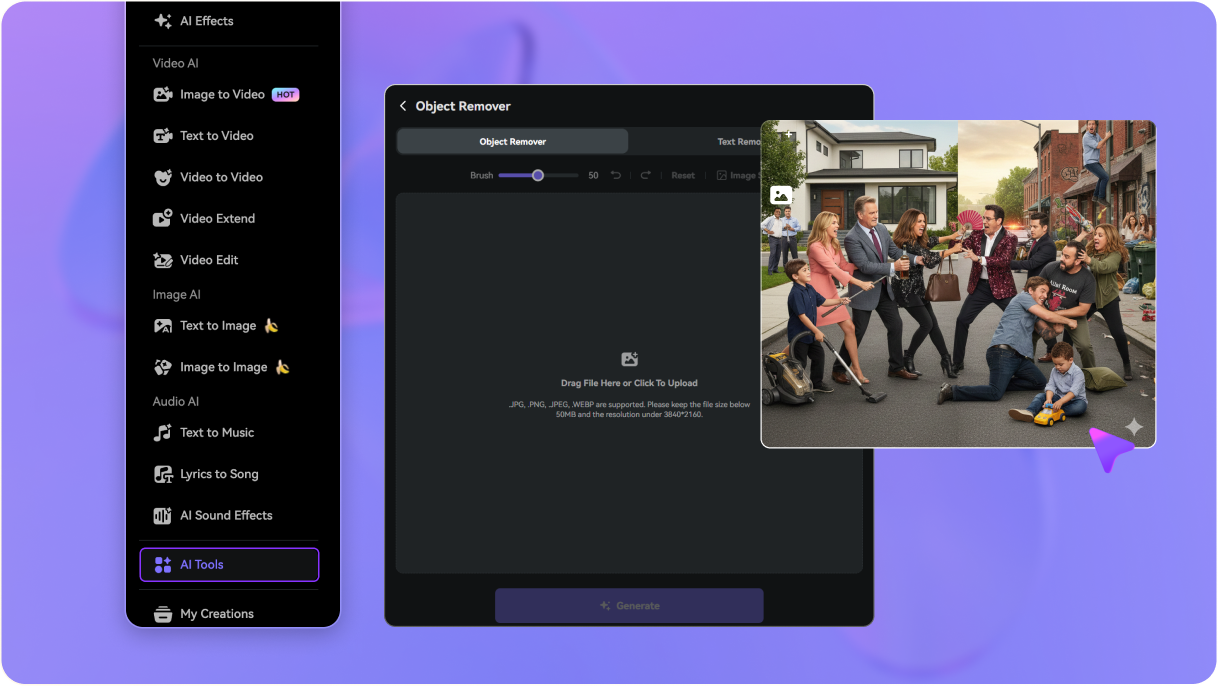
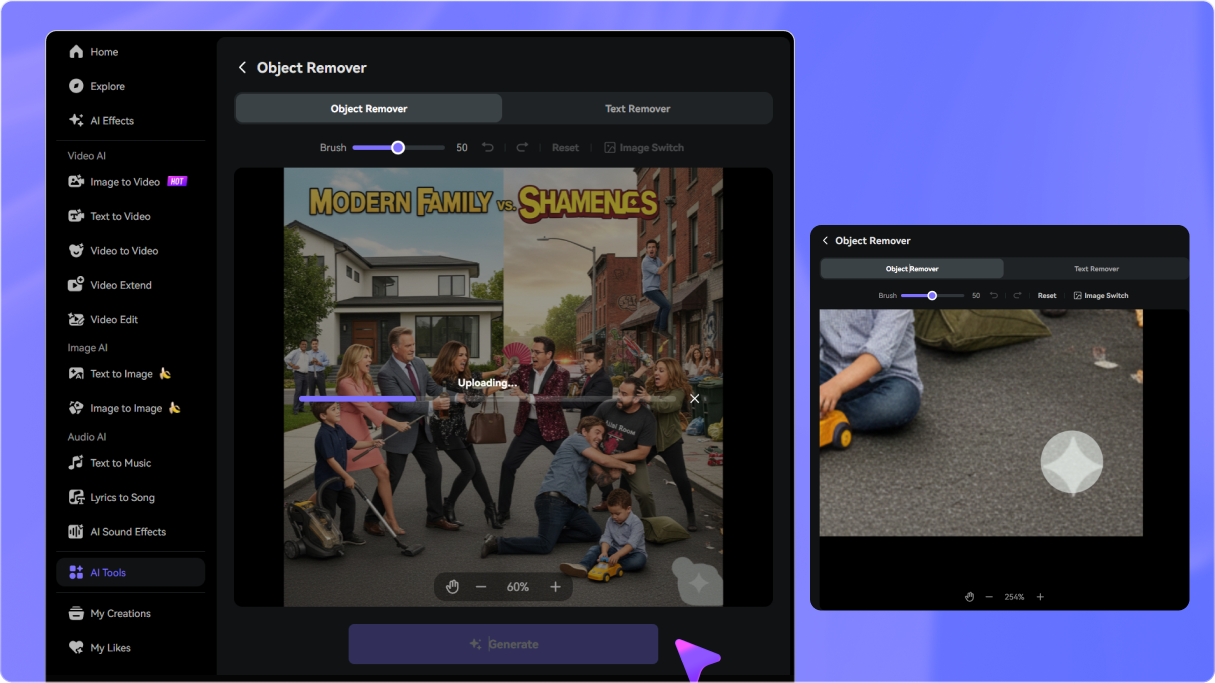
Drag and drop your generated Hailuo/MiniMax video preview into Media.io. We support all major video formats online.
Highlight the visible watermark overlay. Our AI model targets the exact boundaries of the logo to clean it across every frame.
Click to remove. Watch the background restore itself automatically, then download your watermark-free video clip instantly.

AI Filmmaker

“Perfect temporal restoration for moving shots!” The tracking shots from my Hailuo AI generations are beautiful, but the Hailuo watermark got in the way. Media.io removed it cleanly as the background moved, leaving no pixel smudges.

Freelance Animator
“Saved me from credit-heavy regenerations.” Trying to regenerate the exact camera pan and character expression on MiniMax was costing me endless credits. This tool cleaned my favorite export take in seconds!

Social Media Editor
“No cropping needed!” I used to crop widescreen Hailuo video outputs to hide the watermark, which ruined my framing. Media.io erases the logo while preserving the full aspect ratio.

Visual FX Artist
“Cleans watermarks behind moving characters.” When characters walked right behind the corner logo on my MiniMax video, other tools failed. Media.io’s spatial reconstruction filled the frames perfectly.


 4.7 (162,357 Votes)






