Frame-by-Frame AI Watermark Restoration
Runway videos feature complex camera pans and moving scenes. Media.io reconstructs what lies behind the Runway watermark, restoring pixels consistently across frames instead of just plastering a static filter.
Keep the exact Runway Gen-3 or Gen-4 generation you love without starting over or wasting credits. Media.io’s online Runway watermark remover deletes the visible Runway logo across moving frames, reconstructing the background perfectly with no cropping, no quality loss, and no messy blur boxes.
Free credits on signup.







Runway videos feature complex camera pans and moving scenes. Media.io reconstructs what lies behind the Runway watermark, restoring pixels consistently across frames instead of just plastering a static filter.
Avoid losing your original framing or masking details behind a heavy blur. Remove the Runway watermark without cropping or sacrificing the exact composition and aspect ratio you exported.
Regenerating clips in Runway is unpredictable and costs valuable credits. If you finally got the perfect character movement or camera sweep, clean the visible logo directly and preserve the original output.
Media.io’s Runway AI watermark remover preserves original audio, frame rates, and resolutions (MP4 or MOV) without compression or syncing issues. Free to try online.
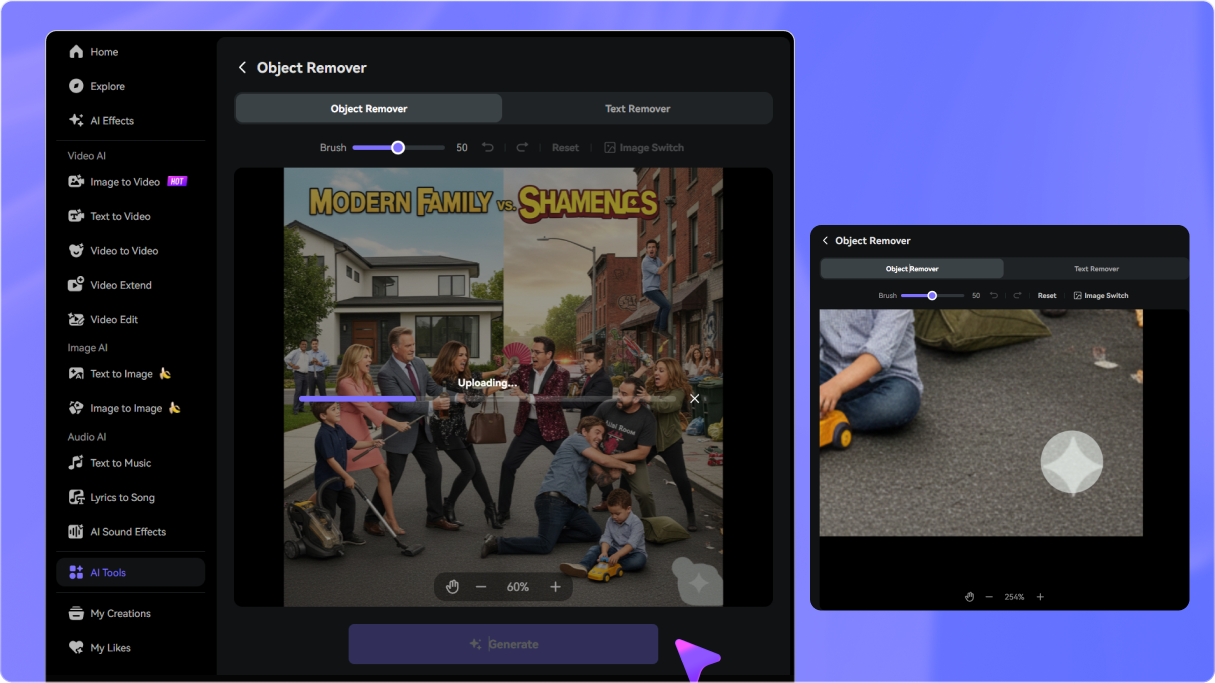
Upload your exported Runway Gen-3 or Gen-4 MP4/MOV video containing the visible logo into the Media.io AI video watermark remover.
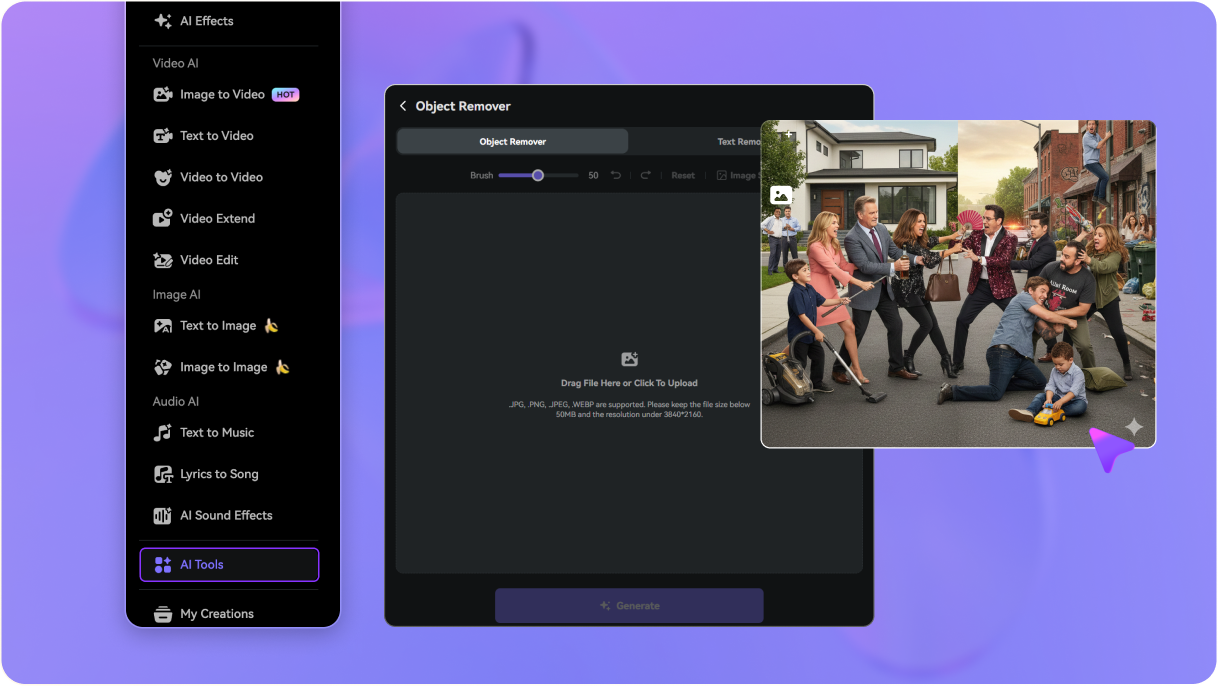
Use the brush tool to highlight the visible Runway logo overlay. For videos with dynamic motion, our AI intelligently tracks and fills the background frame by frame.
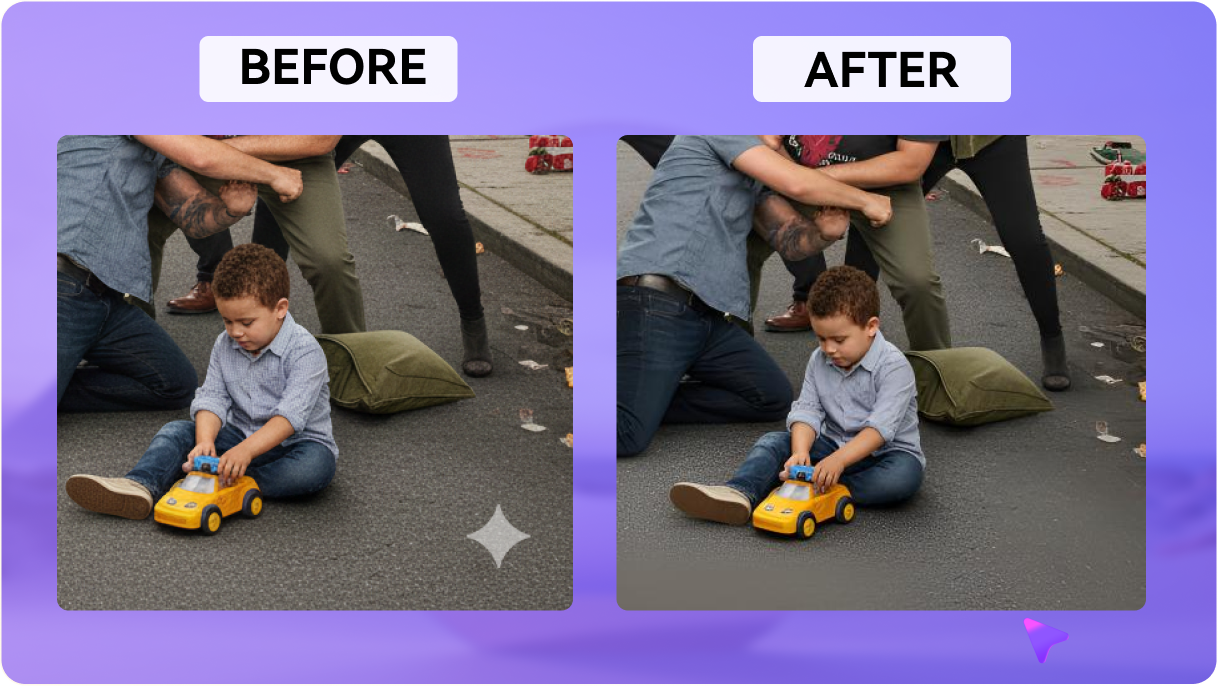
Click to preview the restored video. Export your cleaned, high-quality video instantly with consistent backgrounds, zero cropping, and original audio intact.

AI Filmmaker

“The best Runway video watermark remover online.” I had the perfect cinematic camera sweep from Runway Gen-3, but the free watermark was right over a detailed background. Media.io inpainted it flawlessly frame-by-frame without losing details or adding blur.

Motion Designer
“No cropping required.” Other tools make you crop out the logo, which ruins the 16:9 cinematic framing. Media.io let me remove the Runway logo from video while keeping the exact framing, aspect ratio, and background intact.

Indie Game Dev
“Perfect for dynamic scenes.” Runway's AI generated an incredible background track for my game, but the visible logo was in the corner. Media.io successfully reconstructed the texture behind the Runway watermark seamlessly as the camera rotated.

Social Media Manager
“Saved my generation credits.” I didn't want to burn more credits upgrading my subscription just to download one clean clip. This Runway AI watermark remover saved me time and money. Absolutely brilliant tool!


 4.7 (162,357 Votes)






