








Home>AI Tools>Luma Watermark Remover

Remove Luma Dream Machine Video Watermarks Free

Already generated the perfect Luma Dream Machine clip but it carries a visible watermark? Upload the video to Media.io's Luma Watermark Remover, choose a removal mode, brush over the visible logo, and let AI reconstruct the selected area across frames. Keep the exact generated video instead of regenerating it.

Remove Luma Watermark Free

Free credits on signup.

Before
After

For videos you own or are authorized to edit. This tool cleans visible on-frame logos and overlays only; it does not alter invisible provenance or metadata signals.

Key Features of Media.io's Luma Video Watermark Remover

Remove the Visible Luma Logo Without Cropping

Upload an authorized exported Dream Machine clip and brush over the visible Luma logo or watermark. The video eraser is designed to restore the selected area rather than force you to cut away the original frame.
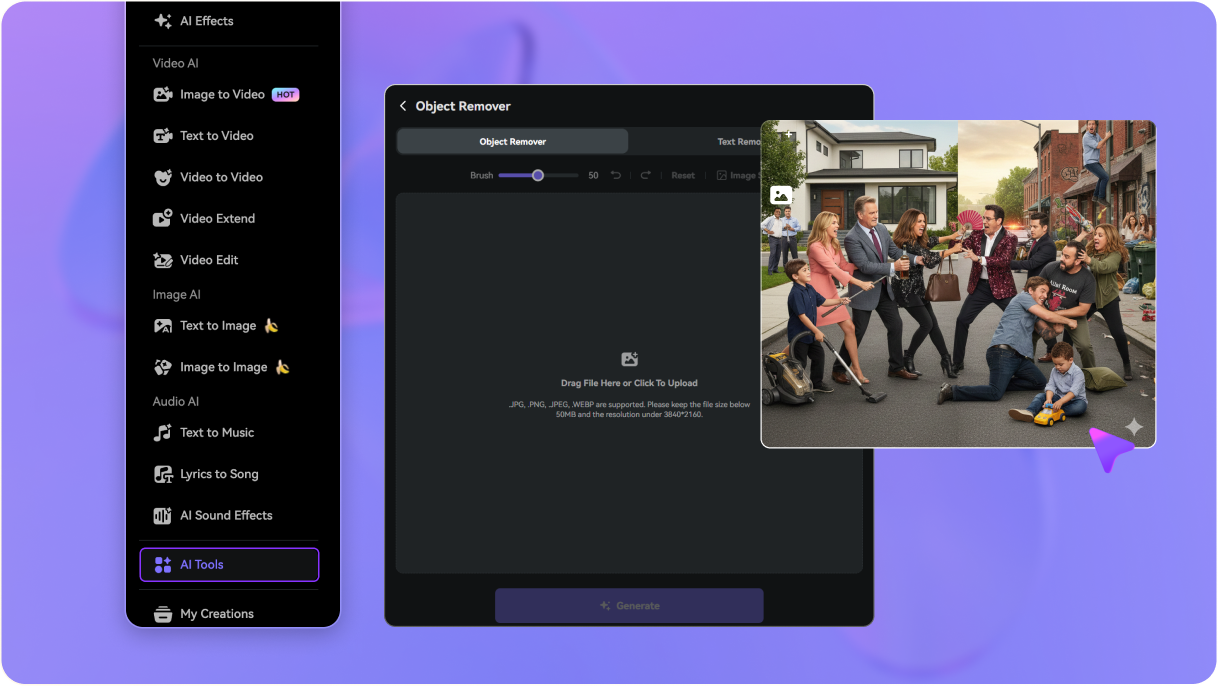
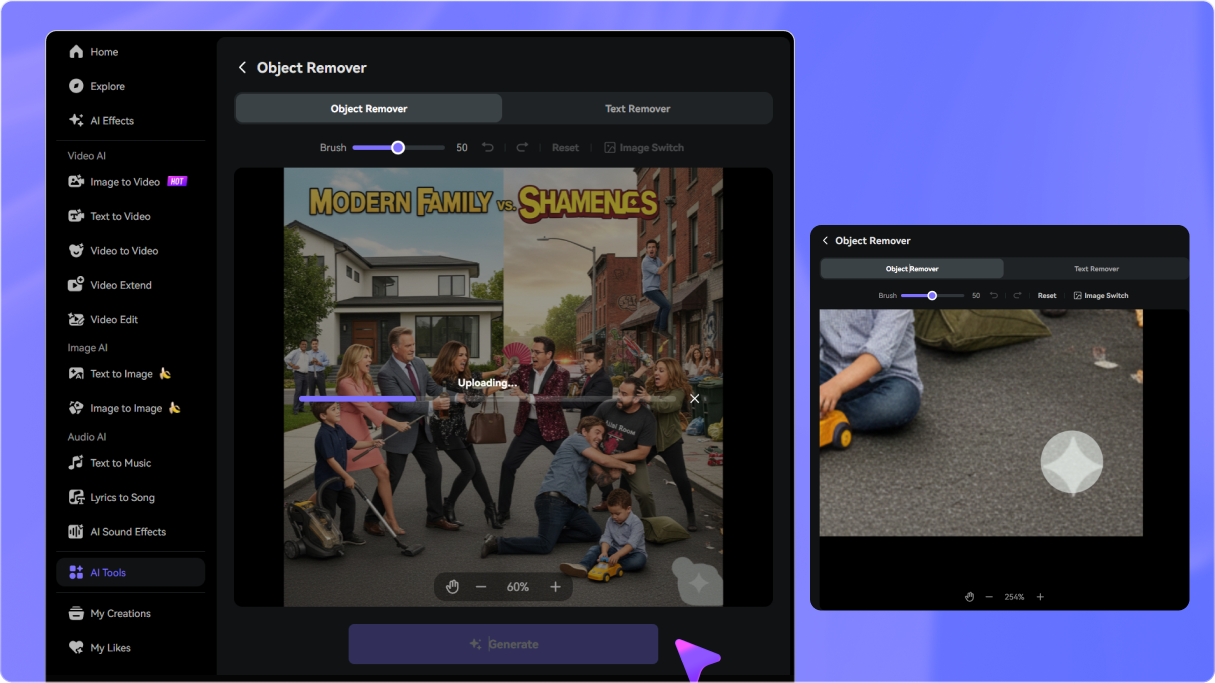
Clean Watermarks from Free and Lite Generations

According to Luma's official plans, Free and Lite generations can include a visible watermark, while Plus, Unlimited, and Enterprise generations are watermark-free. If you have an authorized clip with a visible mark, brush it and preview the cleaned result without regenerating.

Restore the Area Across Frames

For a logo that stays fixed or shifts slightly across frames, set the timeline to cover its full appearance. The AI reconstructs the covered region frame by frame instead of pasting a static blur box over the mark.

Preview Before You Download

Generate the cleanup, inspect the logo area and surrounding motion, then refine the brush or timeline and regenerate if needed. Results can vary with movement, blur, occlusion, and background detail.

How to Remove a Luma Watermark from a Dream Machine Video in 3 Steps

1
2
3
1
Step 1: Open Video Eraser and Upload Your Luma Clip

Go to media.io/ai/ai-tools. Under the Video category, find and open Video Eraser to start removing the visible mark from your exported Luma clip.

2
Step 2: Choose a Mode, Brush the Mark, and Set the Timeline

Choose a removal mode, then brush over the visible Luma logo or watermark. Set the timeline to cover every frame where the mark appears, especially when cleaning a fixed corner logo.

3
Step 3: Generate, Preview, Refine, and Download

Click Generate, review the reconstructed area and the surrounding motion, and refine the brush or timeline if necessary. Download the cleaned video when the result fits your intended use.

Step 1 — Open Media.io Video Eraser to remove a Luma watermark
Step 2 — Upload the exported Luma video and brush over the visible watermark
Step 3 — Generate and download the cleaned Luma video

Trusted by Creators for Cleaning Exported Luma Dream Machine Videos

user
@MotionCreator_K

Short-Form Video Creator

star star star star star

“Keep the perfect clip and clean only the mark.” I had an authorized Luma Dream Machine generation with a visible logo over a moving subject. Media.io let me brush the mark, cover its timeline, and preview the reconstructed area without cutting down the frame.

user
@StudioMara

Freelance Video Editor

star star star star star

“I did not need to regenerate the clip.” The original watermark-free export wasn’t available, so I uploaded the Free-tier generation instead. The brush and timeline workflow gave me a focused way to clean the visible Luma logo and check the result before downloading.

user
@AdCreator_Dev

Digital Marketer

star star star star star

“The original composition stayed intact.” I needed to remove a Luma watermark from an exported video for a brand-owned mockup. Keeping the full frame was important, so I previewed the generated area and adjusted the selection before delivery.

user
@IndieFilmer_J

Independent Filmmaker

star star star star star

“Previewing helped me choose the right cleanup.” I tested a Luma Dream Machine watermark remover workflow on an authorized clip. Tight brush placement and timeline coverage mattered most, and previewing let me refine the result before I downloaded it.

bg bg

FAQs About Luma Watermark Remover

A Luma watermark is the visible logo or branding that can appear on videos generated by Luma Dream Machine. According to Luma's official plans, Free and Lite generations can include a watermark, while Plus, Unlimited, and Enterprise generations are watermark-free. Free and Lite generations keep the original watermark even if you upgrade later. This page is for cleaning visible on-frame pixels in a video you are authorized to edit.
Go to Media.ioAI ToolsVideo Eraser. Upload the exported Luma Dream Machine video, choose a removal mode, brush over the visible logo, set the timeline, click Generate, preview the result, and download the cleaned clip.
Yes. The tool works on the already exported video file, so you can keep the exact generated clip and clean only the visible mark instead of regenerating it. This is useful when the original watermark-free export is unavailable or the generation tier included a watermark.
Media.io is designed to reconstruct the selected visible area instead of requiring a crop, but results vary with motion, blur, occlusion, camera movement, and background detail. Brush tightly, preview the result, and regenerate if the first pass needs refinement.
The workflow supports MP4, MOV, and WebM uploads up to 15 minutes. For the most predictable cleanup, use a clear exported clip and select only the visible area that needs removal.
Only edit a Luma Dream Machine video you own or are authorized to modify, and follow any applicable platform, client, copyright, and privacy terms. Media.io edits the uploaded visible overlay; it does not change Luma export settings or grant rights to someone else's content.
Media.io Online Tools Quality Rating:
vote 4.7 (162,357 Votes)
media.io

AI Video Generator star

Easily generate videos from text or images

Generate