Smiling Filter Online
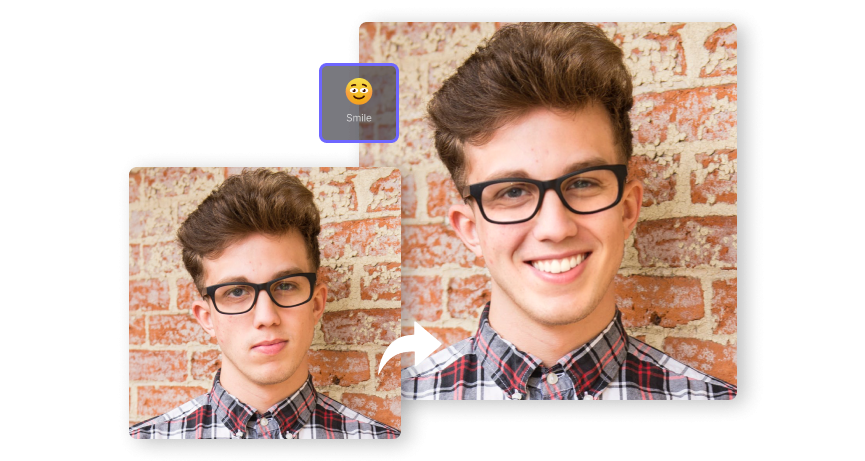
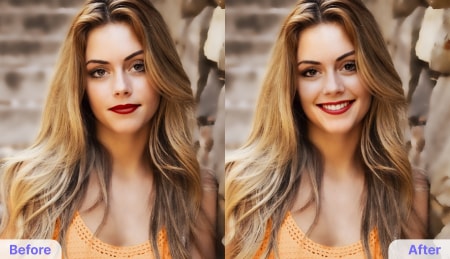
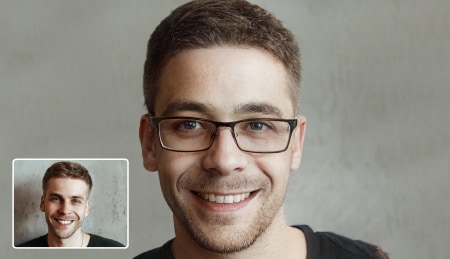
Instantly add a smile to your photo online for free with our AI face editor. Reveal your inner glow with a positive expression and spread the joy with your friends and family.
AI Smile Video Generator
Make your smile brighter and more expressive with Media.io’s AI Image-to-Video Generator. Instantly turn a still photo into a short, natural-looking smile video that'll captivate everyone. 👉 Try Now!

No downloads. Free credits on signup.

Easy Smile Editor
You don't need to hire professional photo retouchers or use complex software to create a natural-looking smile in your photos. With Media.io AI smile filter, you can readily infuse joyful emotions into the images. Simply upload a photo directly from your browser and let AI do the magic for you.

AI Beautify Smiling Face
To achieve a flawless smile in your portrait, this photo editor has been trained to touch up your smile by whitening and reshaping the teeth. No other further touch-ups required. Say goodbye to photo smile insecurities today!

Authentic Smile Effect
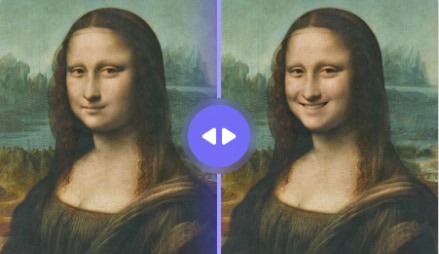
Thanks to its cutting-edge AI algorithms, this smile editor can accurately detect and analyze your photo, identify all those facial features that make you unique. After that, it will generate a super-realistic smile that blends seamlessly with your face.

All-in-one Face Editor
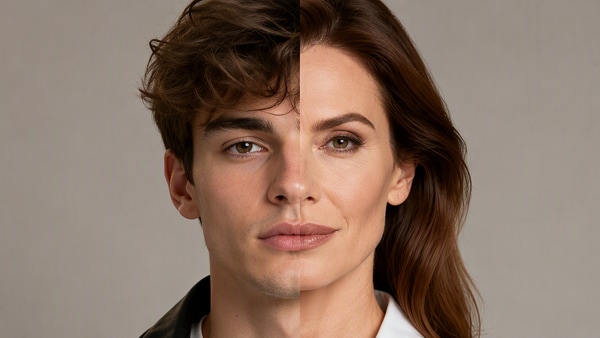
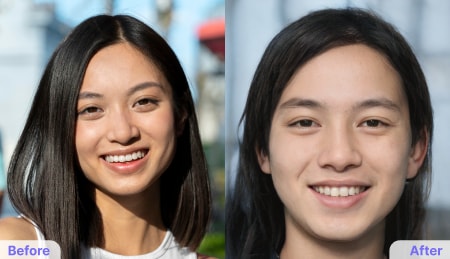
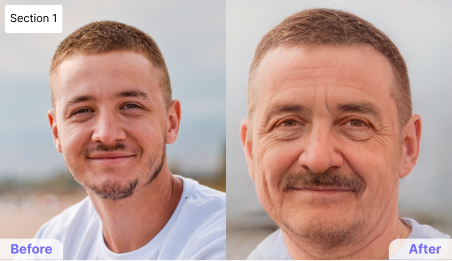
Explore beyond just changing your smile expression with our AI face filters! From aging transformations to gender alterations, eye direction adjustments, adding beard, glasses, and much more - there's endless fun to be had. Embrace the happiness and discover the possibilities today!
How to Add Smile to Photo Online?
-

Step 1. Upload Your Photo.
Visit Media.io Smiling Editor on your mobile or PC browser, then upload the photo you want to apply. It supports JPG, JPEG, PNG, and WebP photos.
-

Step 2. Choose Smile Filter.
Next, select smile filter from the available effects to make your photo look happy.
-

Step 3. Change Face Expression & Download.
Click Start to Process to apply the AI smile filter. If you're impressed by the new facial expression, tap Download to save it as an image or GIF format.
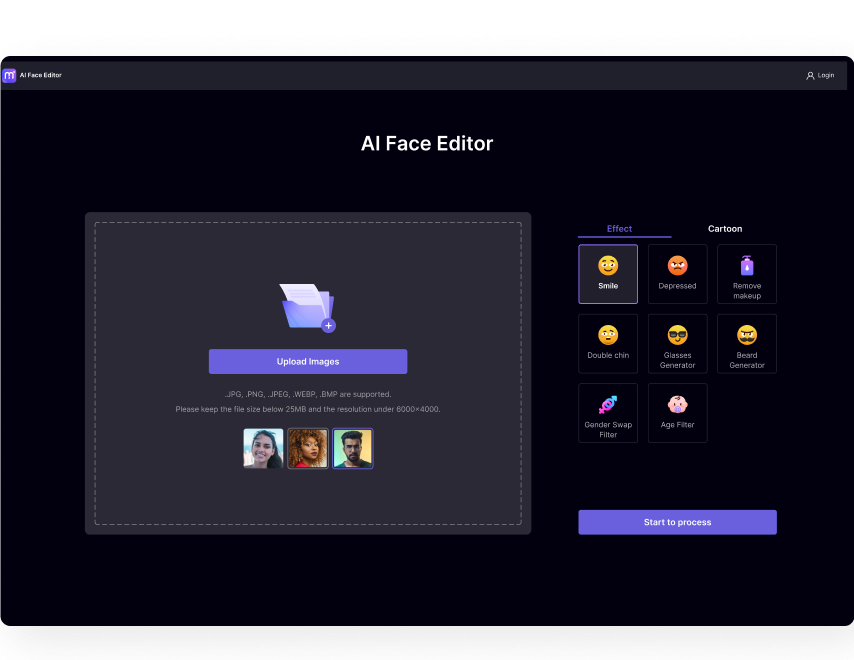
Step 1. Upload Your Photo.
Visit Media.io Smiling Adder on your mobile or PC browser,then upload the photo you want to apply. It supports JPG, JPEG, PNG, and WebP photos.
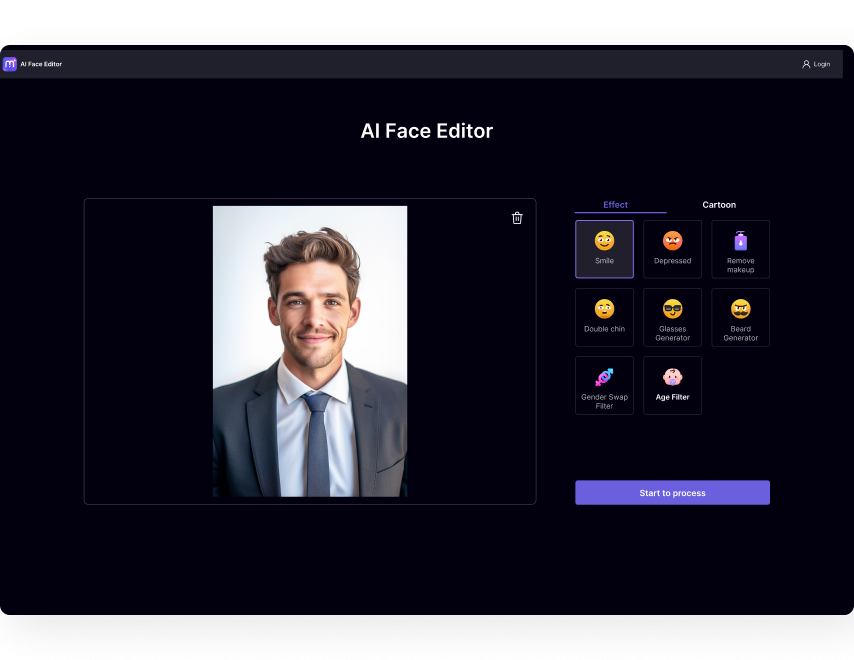
Step 2. Choose Smile Filter.
Next, select smile filter from the available effects to make your photo look happy.
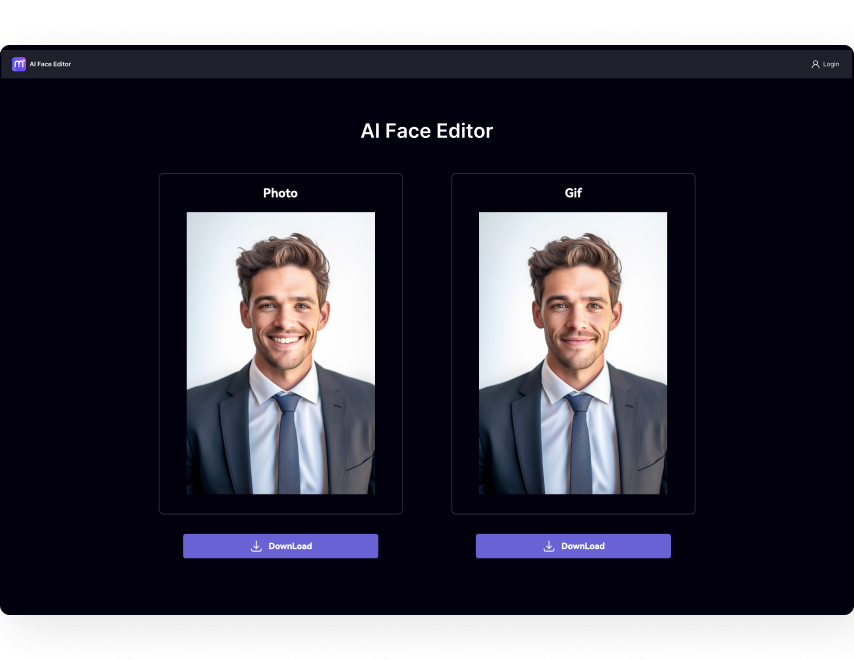
Step 3. Change Face Expression & Download.
Click Start to Process to apply the AI smile filter. If impressed by the new facial expression, tap Download to save it as image or GIF format.









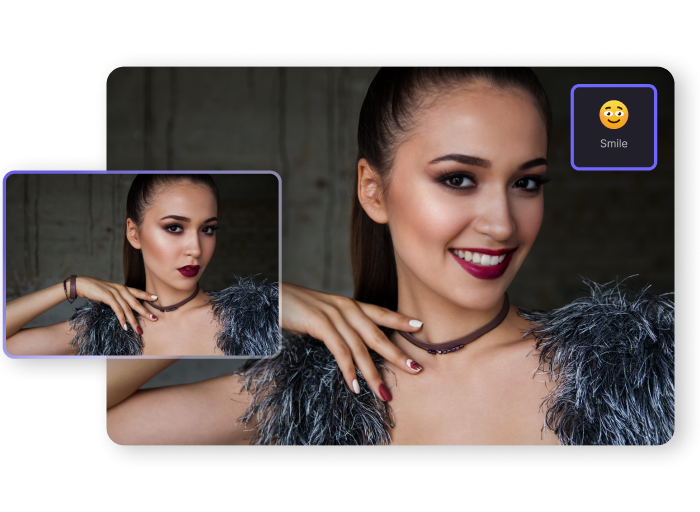
Apply Smiling Filter to Selfie Photo
Selfie photos have never been more critical in this digital era. For example, you can capture a selfie photo for your online accounts such as LinkedIn, Steam, Discord, and Facebook. Unfortunately, you can sometimes capture a nice selfie photo with a cool pose but spoil it with a sad facial expression. In that case, use Media.io to change your facial expression to look happier and more professional. You don’t need to look sad or depressed in your online photos.
Change Facial Expression to Alter Mood
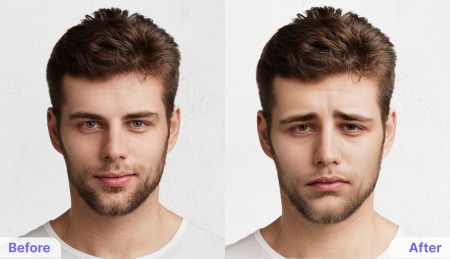
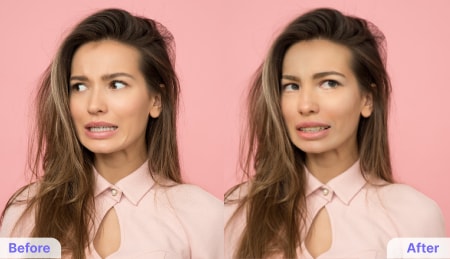
They say that photos speak a thousand words. That’s why sometimes you don’t need to utter a word to convey your emotions and feelings. Instead, you can share a photo to show you’re sad, surprised, angry, happy, and more. With our AI-powered expression changer, you can convert your photos to show how you feel at the moment. This program is trained on vast datasets to quickly scan your photos and craft your mood based on your preference.
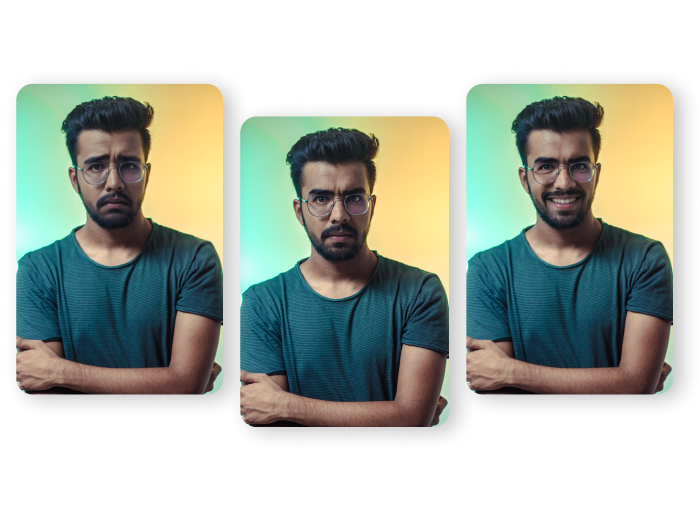
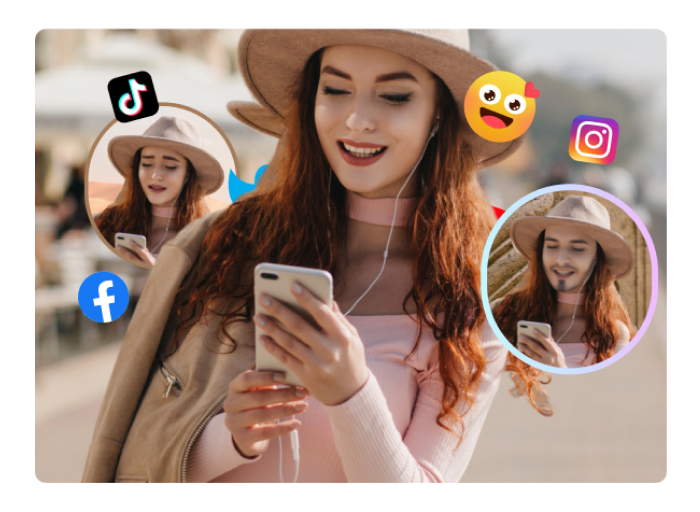
Anonymize Your Face Photos with Emotion Changer
If you and your friends or social media fans are always having fun together, this is the best tool to add to your arsenal. With our AI face expression editor, you can easily apply a different mood and feeling to any photo. For example, if your friends know you are moody, you can prank them with a picture of yourself with all smiles. Or, you can share a photo of Donald Trump or Joe Biden looking sad or surprised.
More Than Free Smile Filter
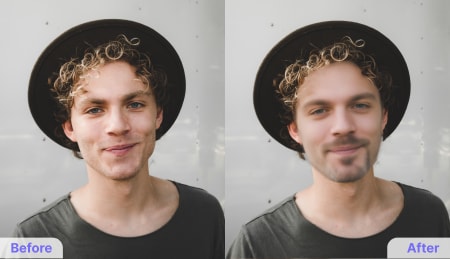
Media.io AI Face Editor allows you to transform your photos into unique artworks: besides adding a smile or depressed mood to your face photos, this program also has numerous exciting AI tools to edit your facial details. For instance, you can remove makeup, add cool glasses, or apply beards. You can also swap your gender and apply an age filter to look older or younger.
FAQs of Making Photo Smile Online
-
?
1. Is there a free AI smile editor online?
The rise of AI technology means you can find countless programs to apply happy expressions to your portrait photos. However, Media.io is the best tool to add smile to your face online for free. Upload your photo, pick smile face filter, and download the new image after a few seconds.
-
?
2. How can I make photo smile easily?
Media.io AI Face Editor is the easiest program to apply happy emotions to your face photos. Follow these quick steps:
• Open Media.io AI Face Editor and add a portrait or selfie photo.
• Pick the smile face filter and click on Start to Process.
• Download the picture once the AI has finished applying the happy expression. -
?
3. How do you add a smile to an image with Photoshop?
Photoshop is a powerful desktop editor that lets you add natural smiles by adjusting facial expressions with the Face Tool. But if Photoshop feels too complex or costly, Media.io AI Face Editor offers a simpler solution. With an intuitive interface and advanced AI, it creates realistic, natural-looking smiles effortlessly.
-
?
4. What types of photos work best?
Clear portrait photos with:
Front-facing or 3/4 angle
Good lighting (natural or indoor)
Neutral or serious expression
Unobstructed face (no sunglasses/masks) -
?
5. Will the smile look natural?
Yes, the AI preserves your facial features and creates a smile that looks yours authentically—not artificially pasted on.

I love this tool because it controls my emotions on my profile photos and social media uploads. It offers better active expression effects than the fixed and artificial expressions I get on other tools. Highly recommended!
I rarely give any reviews about the apps and programs I use, but this one is an exception. The changes in smiling editor app are of top quality and natural. I also love that it leaves room for more facial expression effects in the future. Keep up, Media.io!
This program is perfect for detecting faces and applying changes to happy expressions. You’ll clearly see the difference between the original and edited photos without noticing any artificial alterations. And it’s free!
I love this AI smile filter. It allows me to add the much-needed extra emphasis and feel to my photos. I often use it whenever I want to upload a portrait photo with specific facial expressions.
This is such a clever AI expression changer that does precisely what it’s meant to do. I could add a big smile to my LinkedIn profile photo to look more cheerful. Excellent!

Let Your Smile Shine Brighter than Ever Before with AI.