














Kling 2.6 AI Video Model – See the Sound, Hear the Visual.
Meet the next breakthrough in AI video generation. With Kling 2.6, you can create cinematic clips where video and audio are generated together from a single text prompt. Enjoy native audio sync for dialogue, singing, and sound effects in both English and Chinese, industry-leading character and scene consistency, and up to 10-second, 1080p high-fidelity output — all driven by one powerful AI video model.
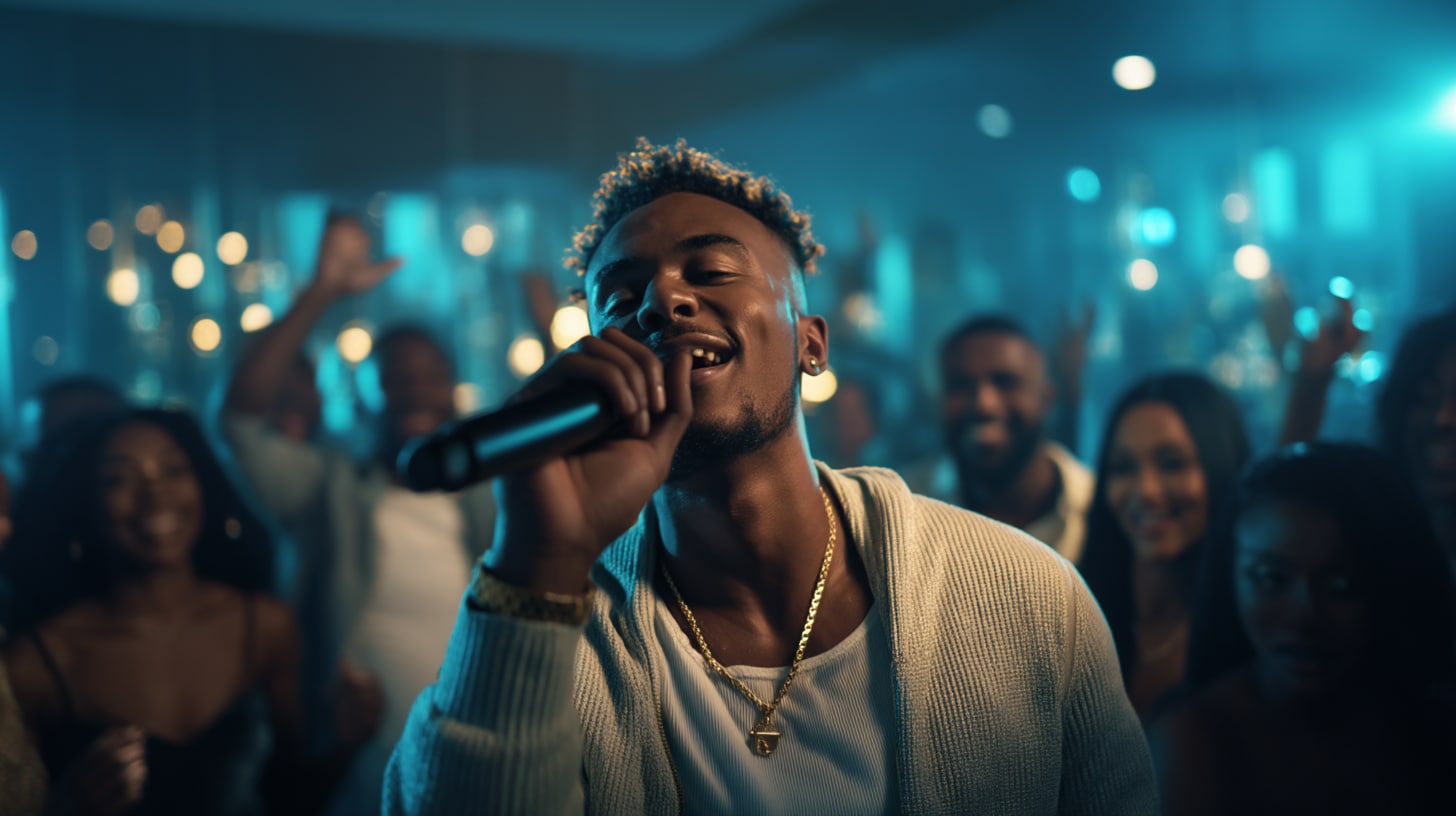
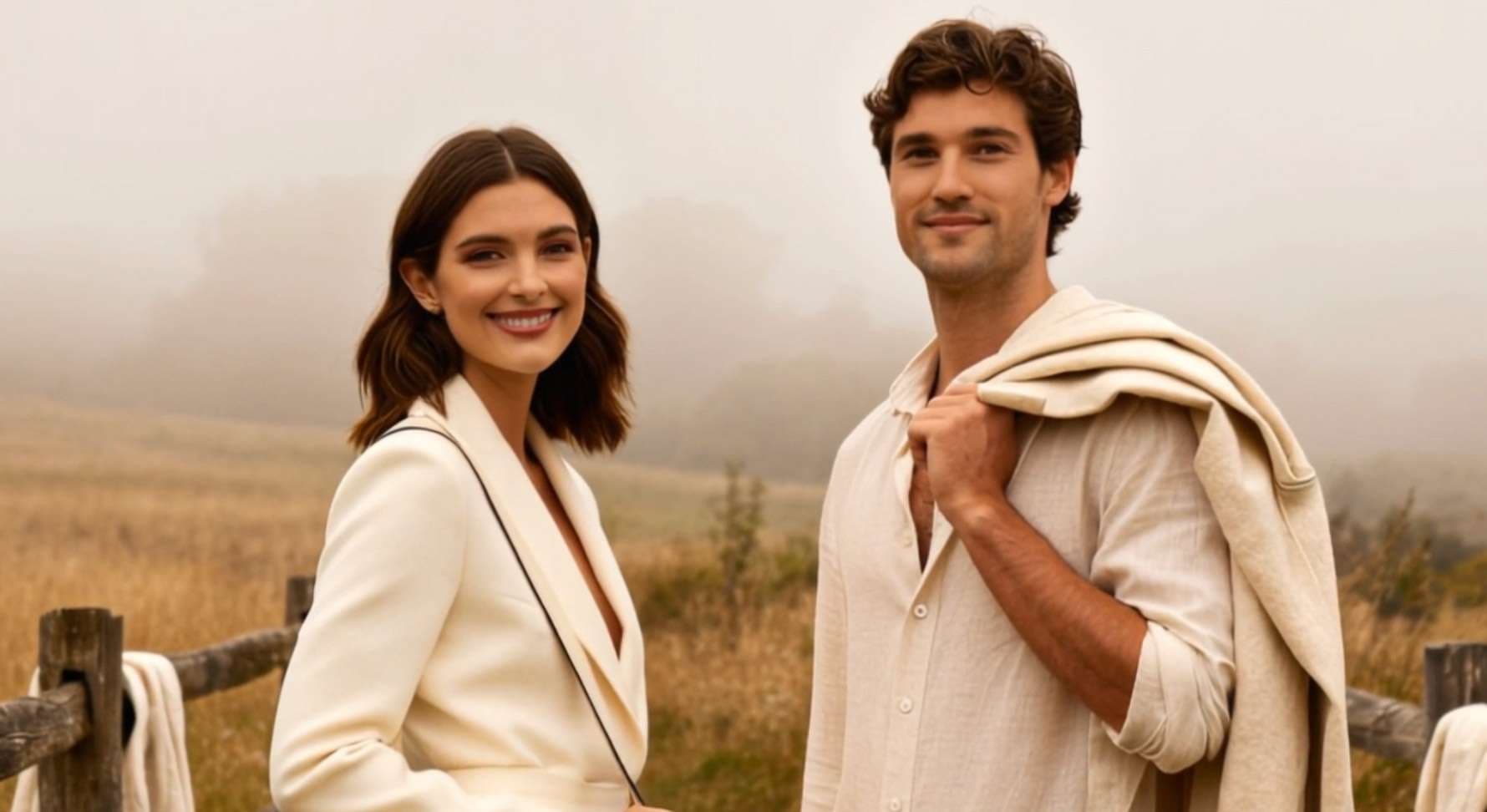
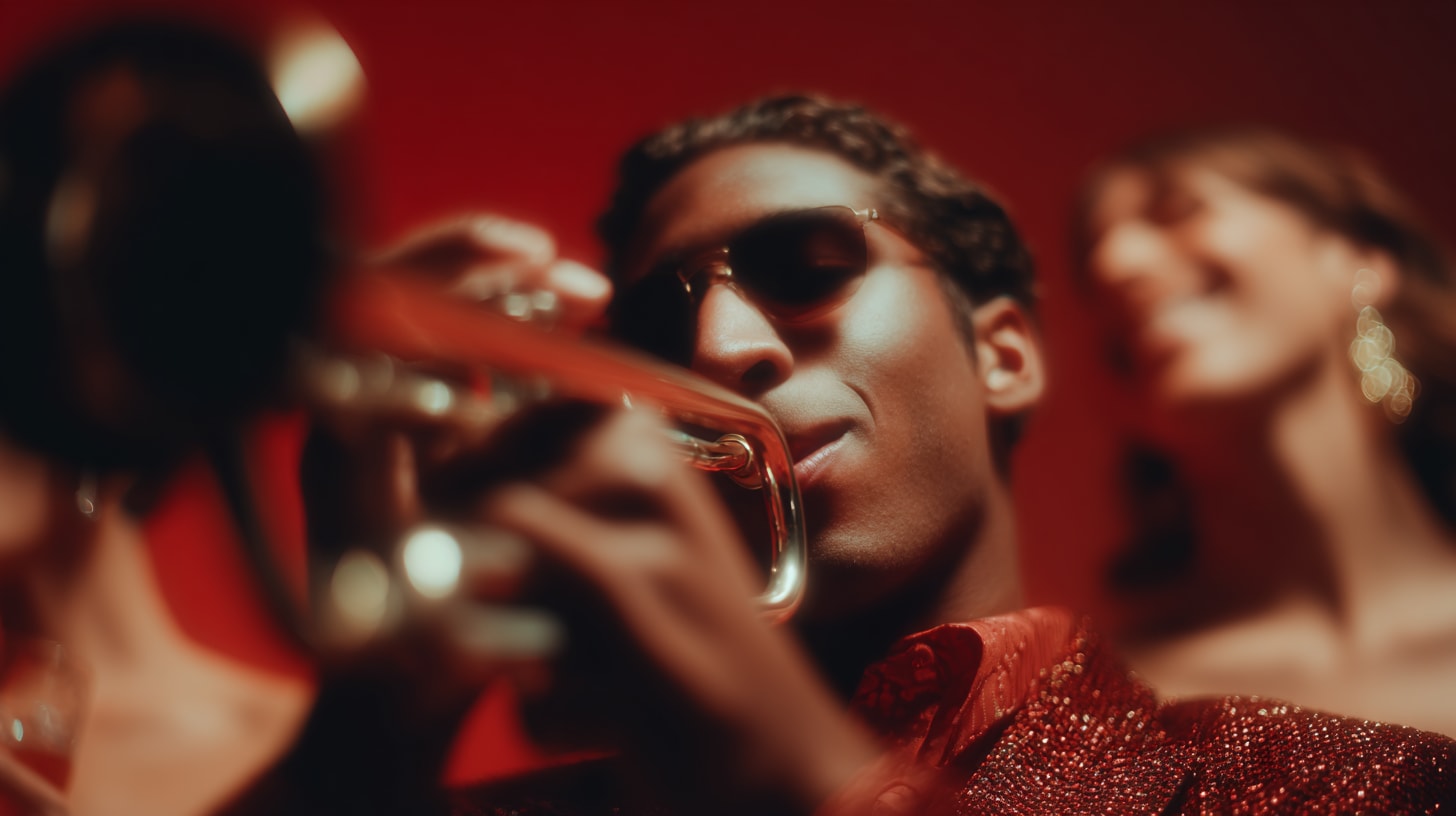

Get to Know the Kling 2.6 AI Video Generator
Native Audio + Video Generation
Kling 2.6 is the first Kling model that creates video and audio together, giving you fully synchronized scenes straight from text.
- Dialogue, narration, singing & sound effects generated automatically
- Perfect lip-sync — characters’ mouth shapes match the script
- Natural ambience like street noise, rain, crowd chatter, etc.
- Bilingual audio support: generates speech in English and Chinese
Industry-Leading Motion & Character Consistency
Say goodbye to jittery motion or shifting character faces. Kling 2.6 delivers stability that rivals top-tier cinematic models.
- Physics-accurate motion for smooth, natural movement
- Consistent identity — same face, outfit, and style across every frame
- Cinematic camera control for pans, zooms, tracking shots, and more
Text & Image-to-Audio-Visual Storytelling
Kling 2.6 is fully multimodal—generate videos from text, a single image, or both combined.
- Image-to-Video: Animate a photo while keeping the person’s identity and style intact
- Text-to-Video: Build entirely new scenes, characters, and environments from a prompt
- Multi-image guidance: Use up to 4 reference images to lock in style, props, characters, or mood
Access the World's Best AI Video Models in One Workspace
Media.io gives you instant access to leading engines like Kling VIDEO O1, Veo, Sora, Hailuo, Wan, Vidu, Runway, and Pixverse—all in one place. Switch models with one click and generate videos in any style, quality level, or creative direction.


Kling 2.6 vs Kling O1 vs Veo 3.1 vs Sora 2
A simple comparison to help you choose the right AI video model for your project.
| Feature | Kling 2.6 | Kling O1 | Veo 3.1 | Sora 2 / 2 Pro |
|---|---|---|---|---|
| What it’s best at | ⭐ Video + audio together (speech, sound effects) | ⭐ Best for video editing & consistency | ⭐ Cinematic, polished visuals, and now with audio | ⭐ Long, realistic, physics-accurate videos with audio |
| Generates audio | ✅ Yes (dialogue, singing, SFX) | ❌ No | ✅ Yes (dialogue, SFX, ambience) | ✅ Yes (dialogue, SFX, ambience) |
| Generates from text | ✅ Yes | ✅ Yes | ✅ Yes | ✅ Yes |
| Generates from images | ✅ Yes (can animate photos with sound) | ✅ Yes | ✅ Yes | ✅ Yes |
| Generates from video | ❌ Not the main focus | ✅ Yes (edit or extend video) | ✅ Yes (extension/interpolation) | ✅ Yes (extension/inpainting) |
| Character consistency | Good | ⭐ Excellent | Good | Very strong |
| Motion realism | Smooth & stable | Very stable | Very cinematic | ⭐ Best-in-class |
| Editing ability | Basic (via prompt) | ⭐ Strong — add/remove objects, restyle scenes | Limited | Limited |
| Typical clip length | Short (up to ~10s) | Short–medium | Medium (up to ~15s base, extendable) | ⭐ Longest videos (up to 1+ min) |
| Best use cases | Talking characters, singing, story clips with audio | Storytelling, edits, UGC, ads | Cinematic ads, mood videos, controlled transitions | Long videos, realistic movement, complex scenes |
How to Generate Audio + Video with Kling 2.6 in Media.io
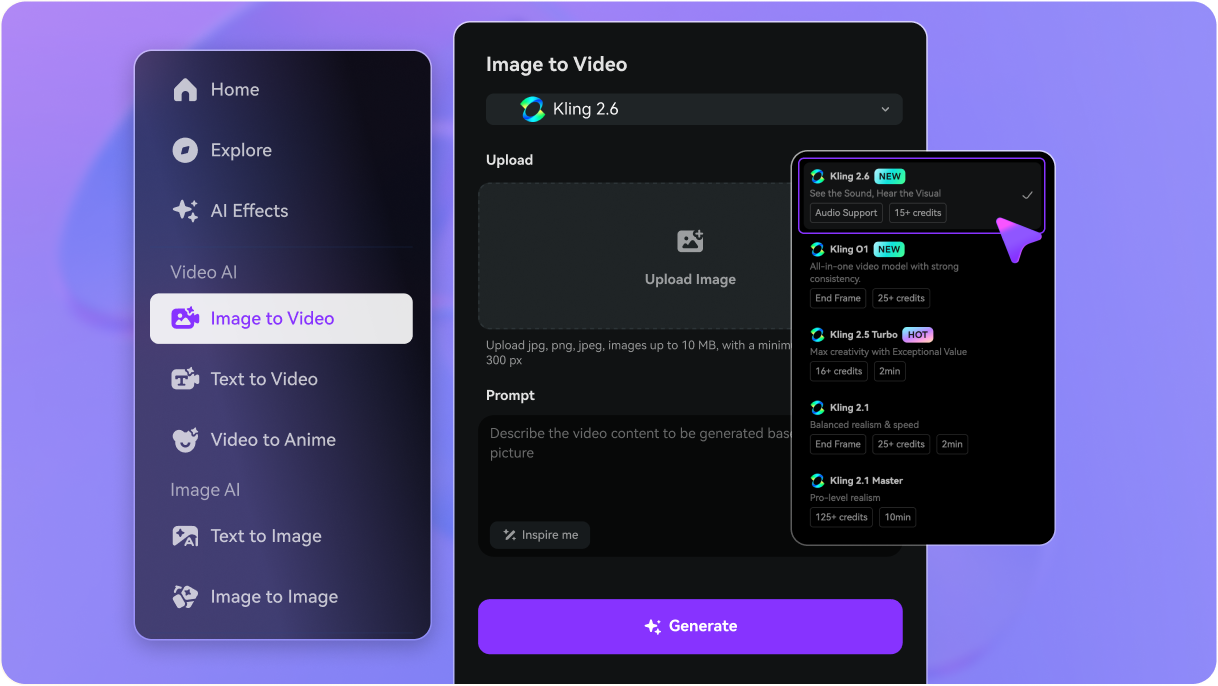
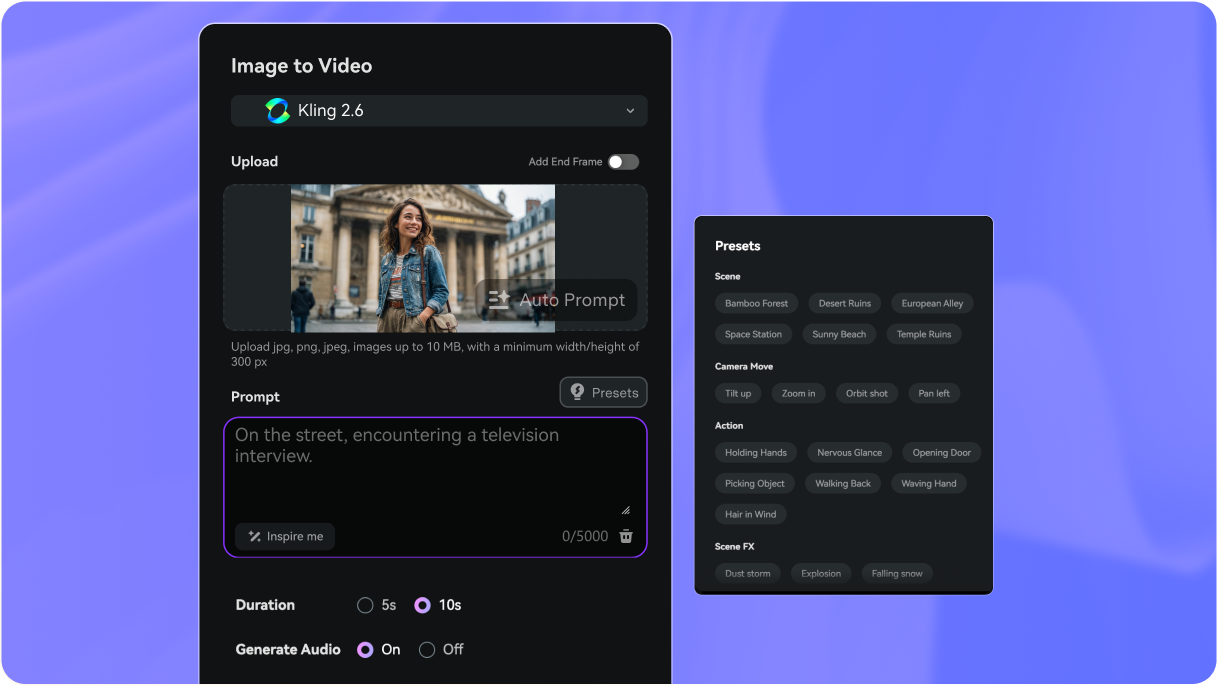
Go to Media.io/ai and select Image-to-Video or Text-to-Video.
Upload a photo you want to animate, or start with a plain text description. Choose Kling 2.6 as your video engine.
Describe the scene you want: actions, mood, style, camera movement, and optional dialogue or sound effects.
Example: “A woman walking down a neon street at night, she says: ‘Let’s begin.’ Ambient rain + soft footsteps.”
Set your aspect ratio, duration, and video quality.
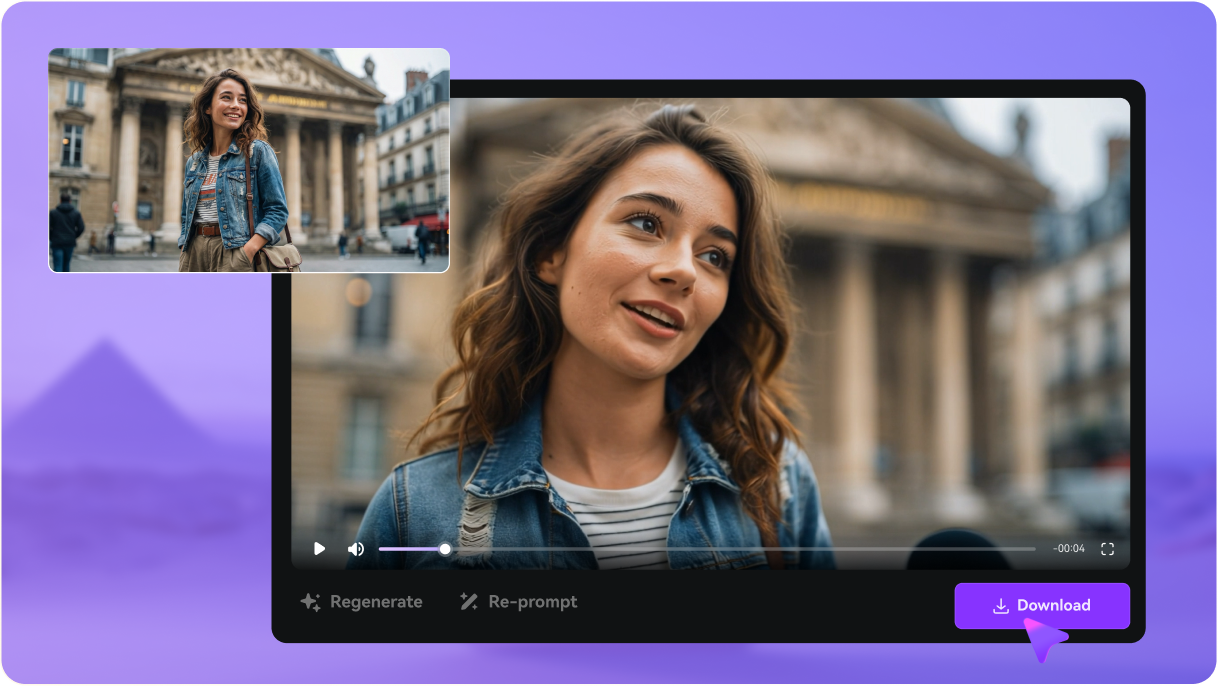
Click Generate and let Kling 2.6 create a fully synchronized video + audio clip. Once you’re happy with the result, download the MP4 and share it on TikTok, Reels, Shorts, or anywhere you post.
Explore the Hottest AI Video & Image Effects



Frequently Asked Questions About Kling 2.6
1. What is Kling 2.6?
Kling 2.6 is the latest version of the AI video generator from Kuaishou, known for its flagship feature: Native Audio-Visual Synchronization. It generates high-quality video, dialogue, sound effects, and ambient audio all in a single pass from either a text prompt or a static image.
2. How is Kling 2.6 better than previous versions like Kling 2.5?
The core difference is the Sound Layer. Kling 2.6 moves from a "Visual First" approach (like Kling 2.5) to an "Audio-Visual Sync" approach. This means it generates native lip-sync and frame-accurate sound effects with the visuals simultaneously, eliminating the need for separate post-production sound design.
3. What is the maximum video length and resolution for Kling 2.6?
Kling 2.6 supports a maximum output of 10 seconds per generation at a high-definition 1080p resolution. For longer sequences, clips can be chained together using the video extension feature.
4. What languages does Kling 2.6 support for audio generation?
The model offers built-in, native audio support for generating both English and Chinese dialogue, narration, and singing with correct lip-sync and tone.
5. Can I control the character's voice, dialogue, and sound effects?
Yes, you have control through the text prompt. You can specify the exact dialogue, narration, and desired soundscapes (like "sound of waves" or "melodic flute playing"), and the AI will generate the audio synchronized with the visual content.
6. How fast is the video generation process?
While exact times vary by server load and membership, it generally offers a fast, all-in-one workflow. For a standard 5-second, audio-visual clip, the estimated credit deduction is slightly higher than 2.5, but the overall time is reduced because it eliminates the need for manual sound design and lip-sync editing.
7. How does Kling 2.6 compare to competitors like Sora 2 and Veo 3?
Kling 2.6 competes by focusing on accessibility, faster content production, and native bilingual audio (English/Chinese). While Sora 2 and Veo 3 are known for cinematic realism and physics simulation, Kling is positioned as a powerful tool for social video and long-form storytelling (via chaining) with a strong emphasis on lip-sync and rapid output for content creators.
8. What are the pricing and plans for Kling 2.6?
Kling 2.6 can be accessed in two primary ways:
1. Direct Subscription: Kling AI operates on a credit-based system within tiered monthly/annual
subscriptions (e.g., Standard, Pro, Premier, Ultra). Pricing for a video varies by length and quality, with a
5-second clip costing an estimated 35 credits on the new model. You can find detailed breakdowns on the Kling
AI Membership Plans page.
2. Multi-Model Platform Access (Recommended): Platforms like Media.io offer a single subscription that
grants access not only to Kling 2.6, but also to other advanced models like Sora 2, Veo 3, and more. This
provides more flexibility and variety in video generation for one price.
More from Media.io
 4.7 (162,357 Votes)