Vidu AI Video Generator

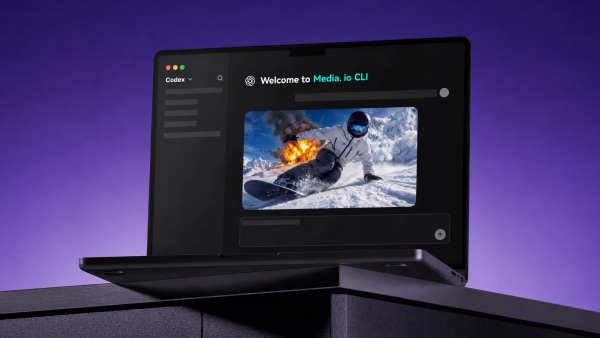
Vidu Studio is one of the most advanced AI video generators available — known for its realistic motion, sharp cinematic quality, and storytelling precision. With just a text prompt or an image, you can create AI videos that feel like a short film. Now available on Media.io, you can try the Vidu Q3 AI model online with synced audio, cinematic camera movement, and up to 16s 2K video output.

yes Vidu AI Studio Online Free
yes Vidu AI Hug & Kiss Video
yes Try Vidu Studio API

Vidu Q3 AI Video Examples
✓ Up to 16s native 2K video ✓ Audio-visual sync (voice, music, SFX) ✓ Multi-shot & smarter camera motion ✓ Multimodal prompts (text + image)
Original Image
Vidu Q3 demo original image 01
Vidu Q3 Prompt
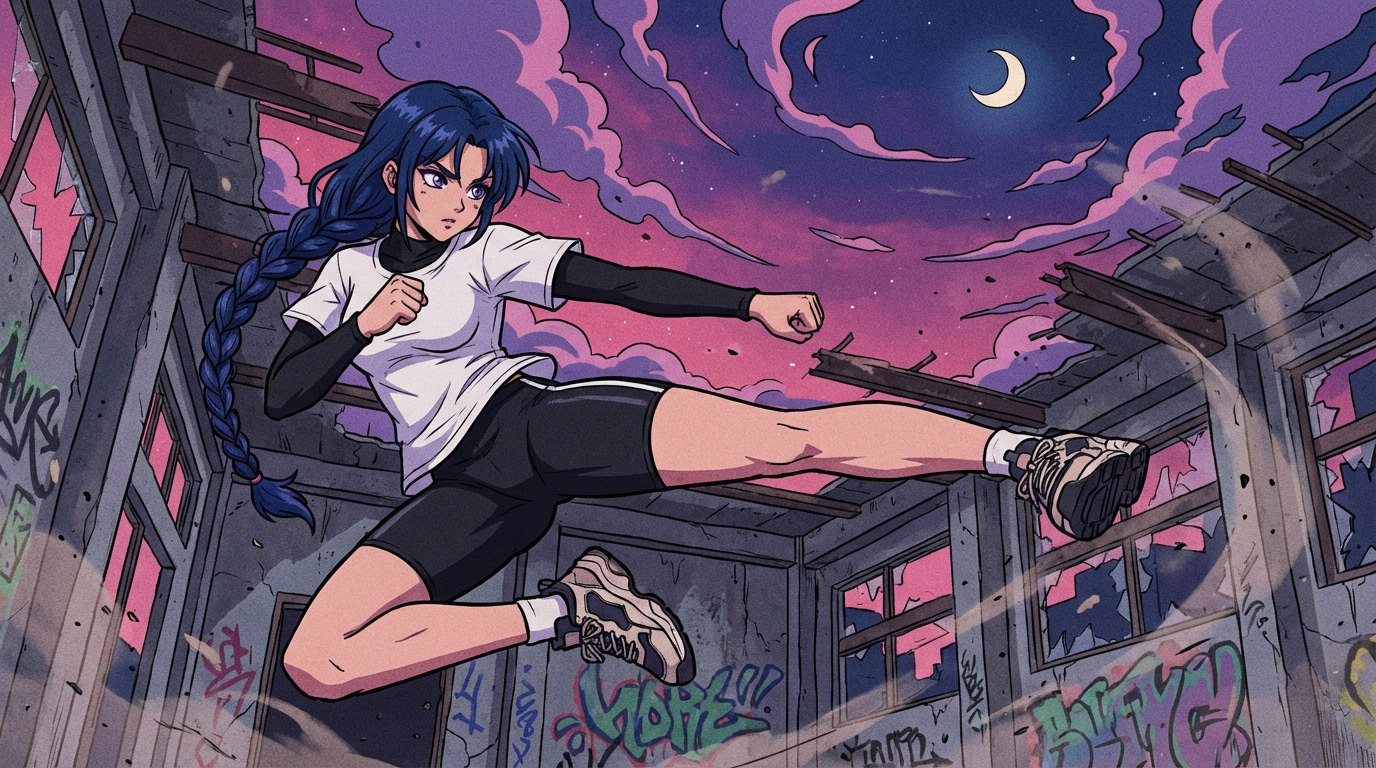
"A nighttime scene of ruins, with swirling purple-pink clouds, a waning moon hanging high, and pebbles and dust floating in the air—the overall atmosphere is intense, tense, and about to explode. Musical Tone Japanese anime opening theme style electronic rock / strong drum beats, the first half with a low tempo, culminating in a powerful chorus."
Vidu Q3 Demo 01: Anime-Style Cinematic Scene with Synced Music & SFX
Original Image
Vidu Q3 demo original image 02
Vidu Q3 Prompt
Shot 1 (0–2s | Intro) Slow drum beats. Low-angle shot, the character stands in the center of a dilapidated building, leaning slightly forward, fists clenched, hair and braids swaying in the wind. The background clouds slowly rotate, creating a sense of building tension. Shot 2 (2–4s | Rhythm Start) The drum beats accelerate. A quick cut to a close-up of the eyes → a close-up of the fist → a close-up of the soles of the shoes, using a common fast-cut shot format in Japanese anime openings, with slight camera shake to enhance the tension. Shot 3 (4–7s | Chorus Burst) The music explodes. The character instantly leaps into the air, performing an exaggerated flying kick. Slow-motion side view with speed lines: Leg fully extended, air ripples and distorts, debris is kicked up by the airflow. Shot 4 (7–9s | Climax Continued) Music remains high-energy. Low-angle follow shot of the flying kick's trajectory, the sole of the shoe sweeps past the camera, creating a strong dynamic blur and comic book-style impact line. Shot 5 (9–12s | Final Freeze) Music fades. Character lands, wide shot zooms out, dust billows. Clouds slowly rotate behind, moonlight illuminates the character's silhouette, the scene pauses briefly, presenting a typical Japanese anime opening hero-style ending.
Vidu Q3 Demo 02: Multi-Shot Storytelling with Beat-Matched Camera Cuts
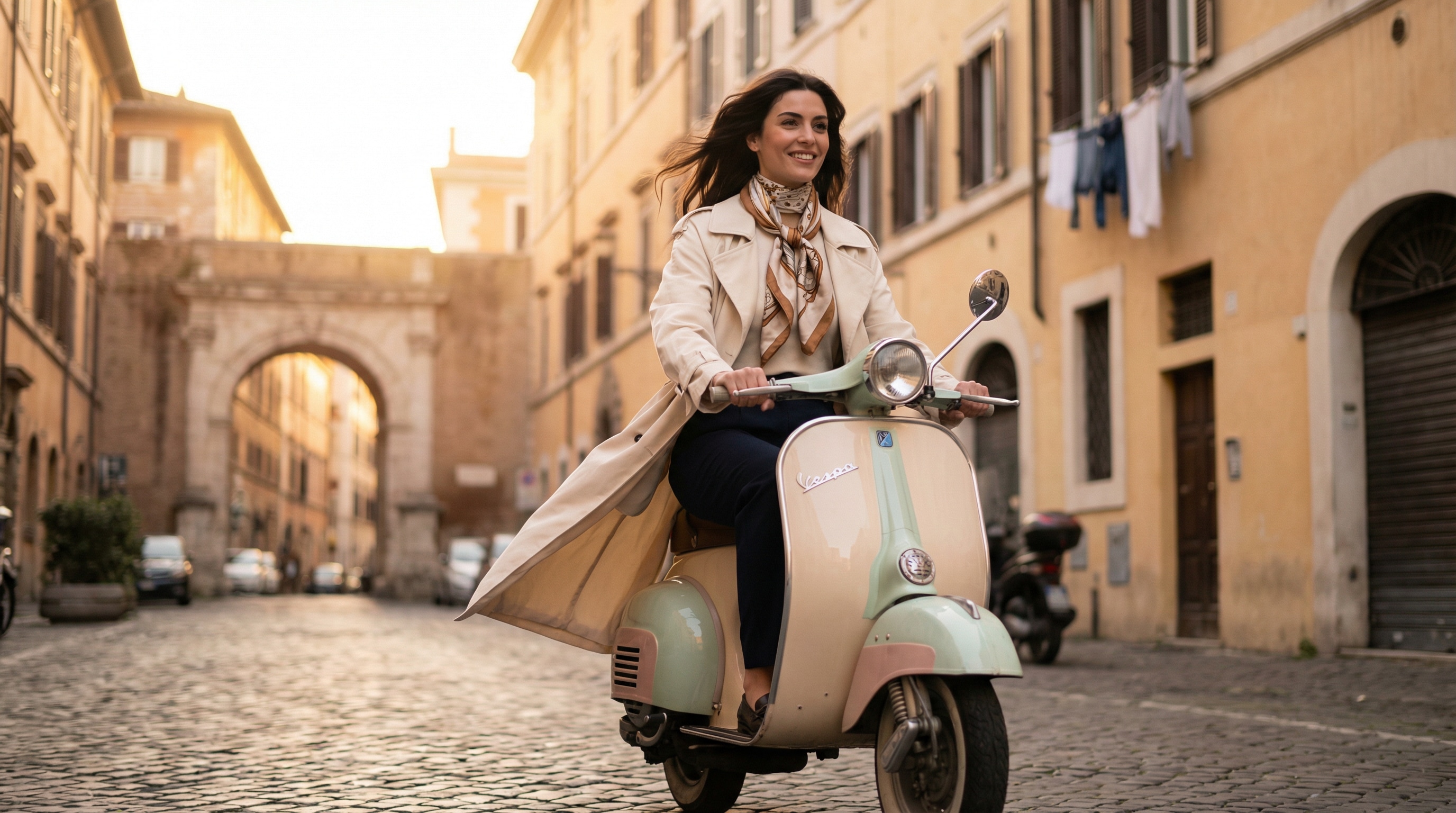
Original Image
Vidu Q3 demo original image 03
Vidu Q3 Prompt
The first frame is a user-uploaded image. A 12-second cinematic short film set in an old European town street, bathed in golden sunset light, with cobblestone streets and arched doorways in the background. The camera begins with a wide shot of the environment, slowly panning to establish the urban atmosphere. This is followed by a medium shot tracking a person riding a vintage scooter, their windbreaker and hair billowing in the wind, their expression relaxed and confident. The camera cuts to a close-up, capturing the person's profile and smile. The person softly says, "Here, time seems to slow down." A director's montage then cuts quickly, focusing on the hands gripping the handlebars, a flowing scarf, tires rolling over the cobblestones, and sunlight reflecting off the scooter. The music enters its main theme but remains restrained. Finally, the camera pulls back, showing the person riding through a street archway, turning back to smile at the camera, saying, "I like it, walking my own path." The image lingers on the person's silhouette as they ride deeper into the street, the light fading, ending naturally. The overall style is cinematic, with a lifestyle advertisement feel. The lighting is realistic and warm, the proportions of the characters are consistent with their appearance, and there are no exaggerated special effects.
Vidu Q3 Demo 03: Cinematic Lifestyle Ad with Natural Dialogue & Ambient Audio

Get to Know Vidu Studio AI Features!

Multiple Video Generation Modes

Why stick to one way of creation when you can have it all? The Vidu AI video generator offers a variety of video creation modes that adapt to your vision. With these generators, you can switch between text-to-video, image-to-video, and advanced editing modes in seconds. Overall, it gives you flexibility to create anything from catchy social posts to cinematic brand stories without damaging your credit.

Try Vidu AI Now
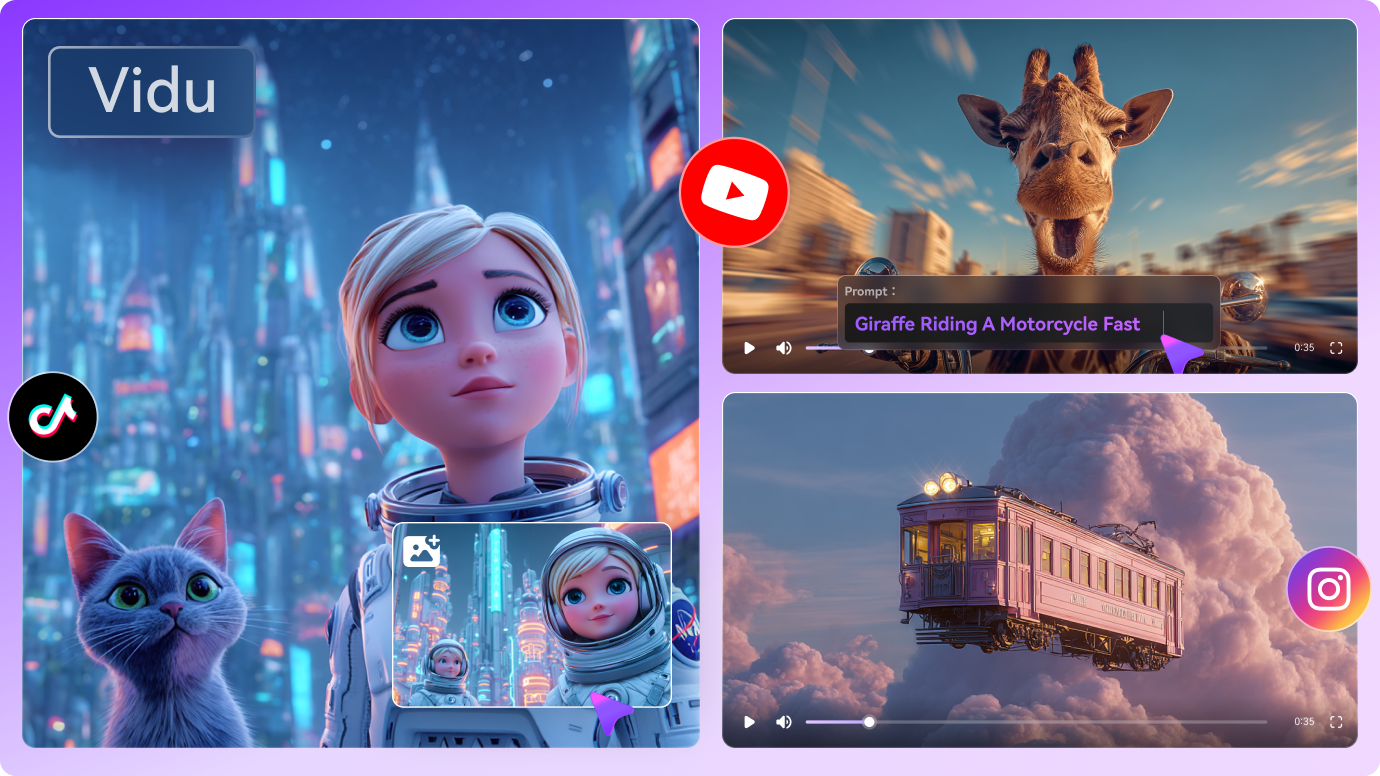
Vidu AI Video Model

Consistent Character and Subject Coherence

Are you tired of characters morphing from scene to scene, similar to a glitchy video game? A Vidu studio solves that next-level character and subject consistency for keeping your visuals coherent or smooth. Here, the AI guarantees your characters, objects, and themes stay visually aligned from start to finish. From building a story, showcasing a product, or explaining a concept, it gives a professional feel to your viewers.

Try Vidu AI Now
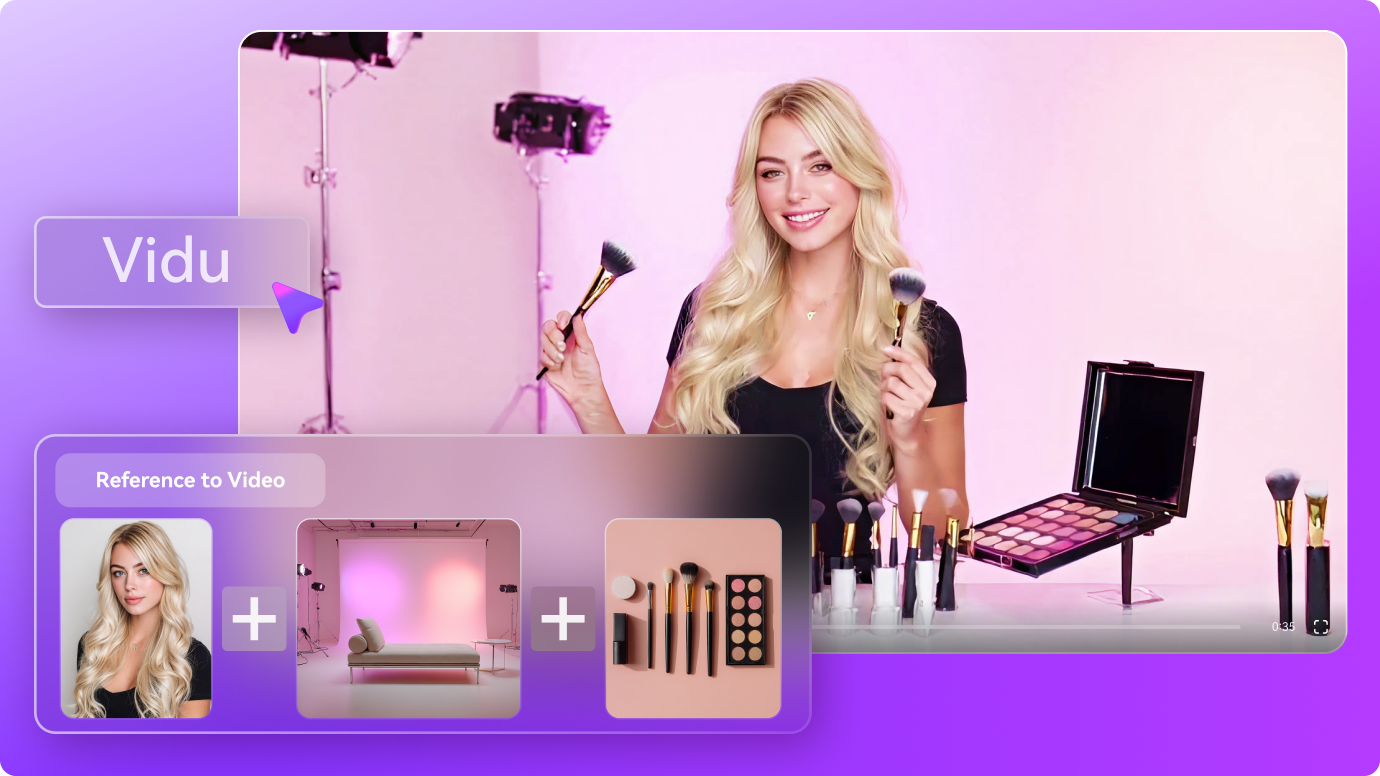
Vidu Studio

AI-Driven Sound and Upscaling

Visuals may draw the eye, but audio keeps viewers hooked, and the Vidu AI video generators nail both. The AI-driven audio capabilities here improve every aspect of your sound experience. With these generators, you can add crystal-clear voiceovers and immersive sound effects without a sweat. On top of everything, the platform’s AI synchronizes with your visuals to resonate storytelling emotionally. Besides this, it impresses your audience every time on any screen.

Try Vidu AI Now
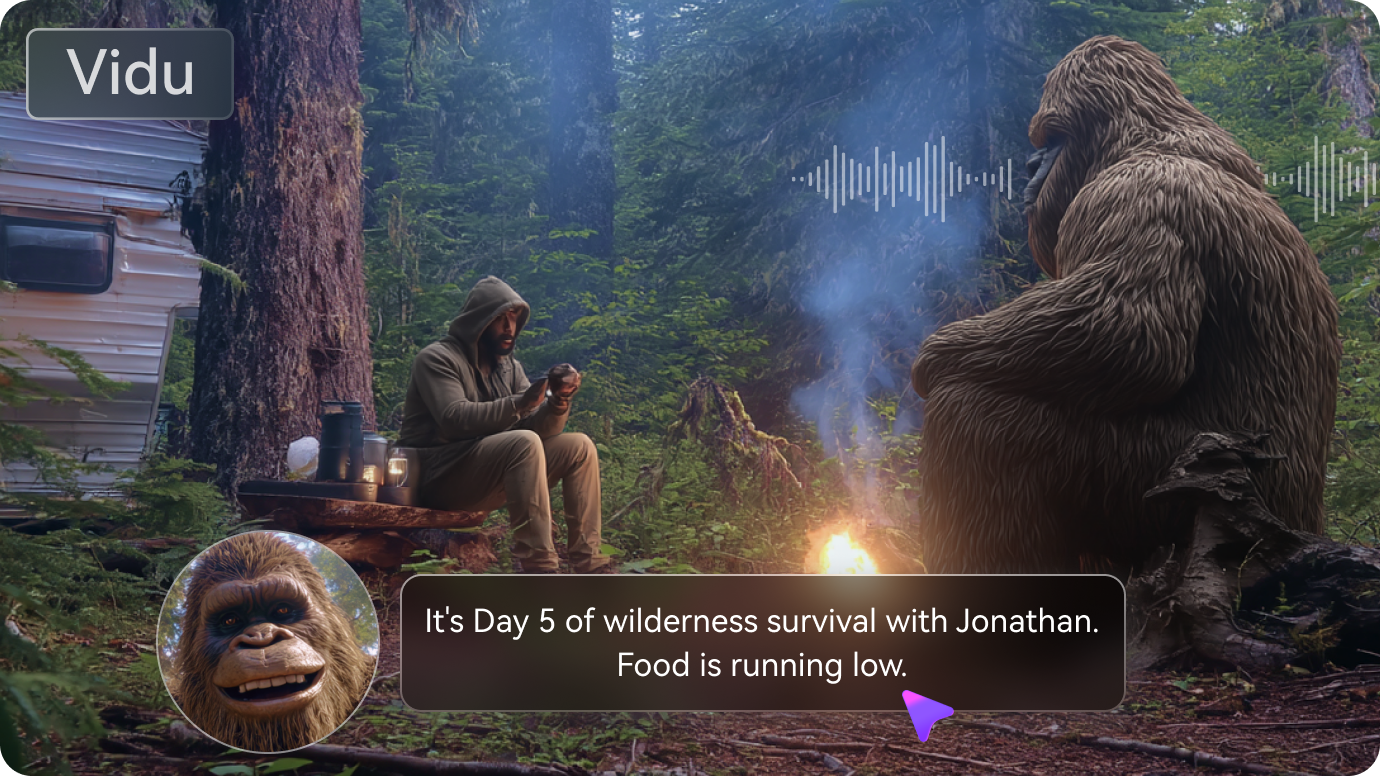
Vidu AI image to video generation

How to Create AI Videos from Images Using Vidu on Media.io

1
2
3
1
Step 1: Open Media.io and Access Image to Video

First, visit Media.io AI Video Generator from your web and gain access to “Image to Video” from the left side panel of the main screen.

2
Step 2. Choose an AI Vidu Model and Upload Images

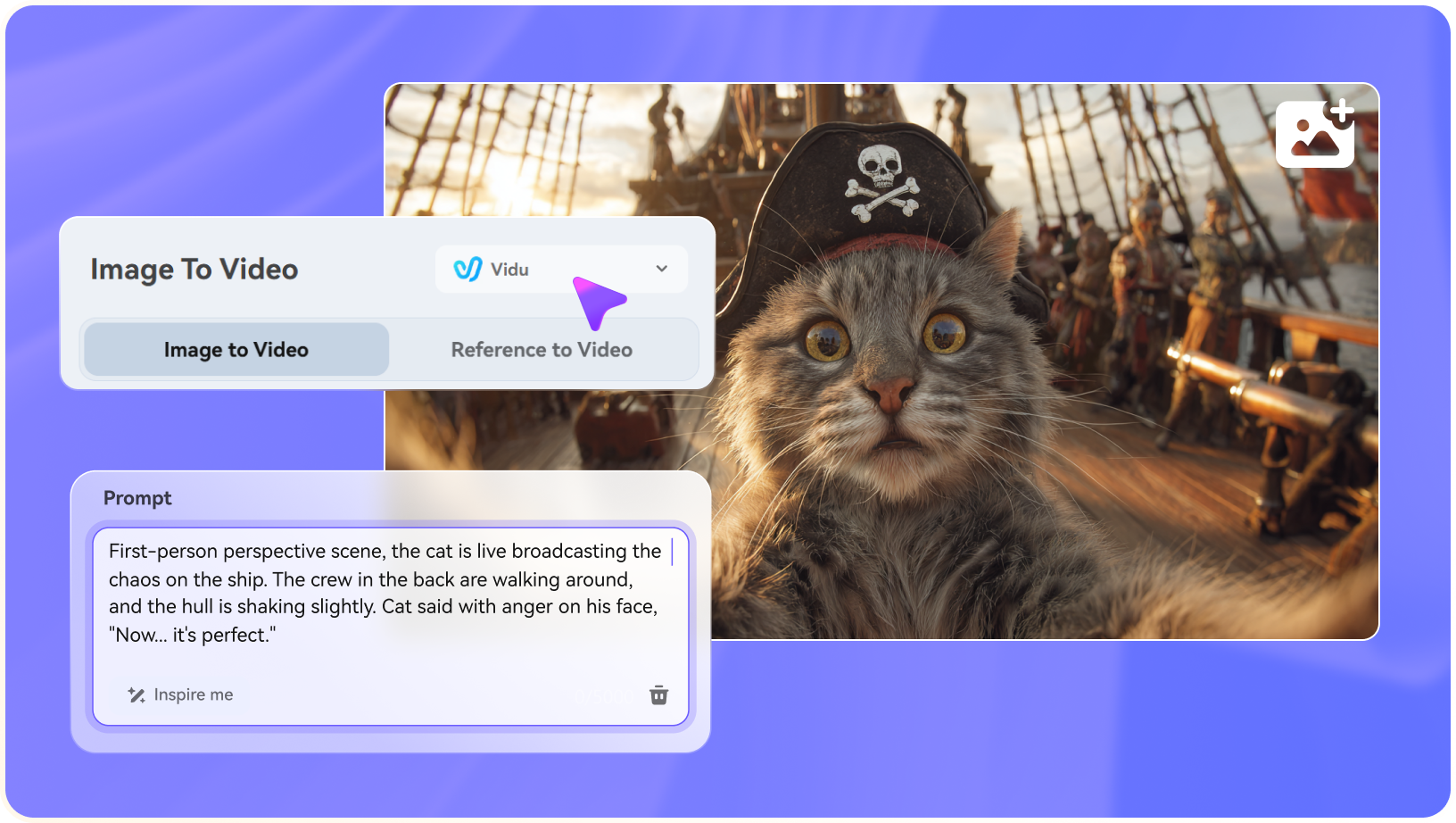
Extend the menu besides “Image to Video” and choose the “Vidu” from the options. After this, upload your image under the “Upload Image” section and add a prompt in the respective space.

3
Step 3. Generate an AI Hugging Video

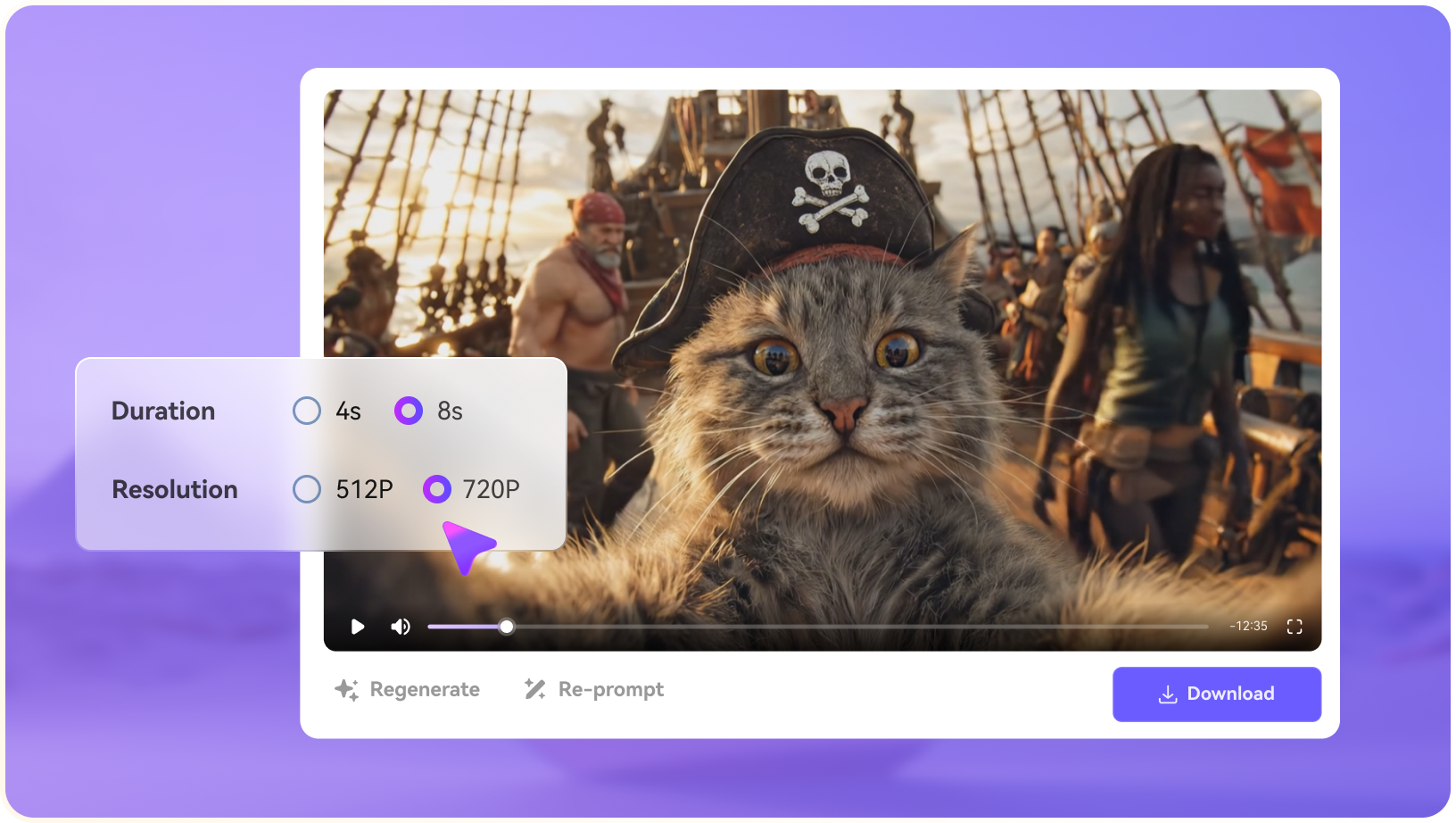
Next, specify the “Duration” and “Resolution” for your video as per your requirement. Finally, navigate to the “Generate” button and wait a while to create a natural video.
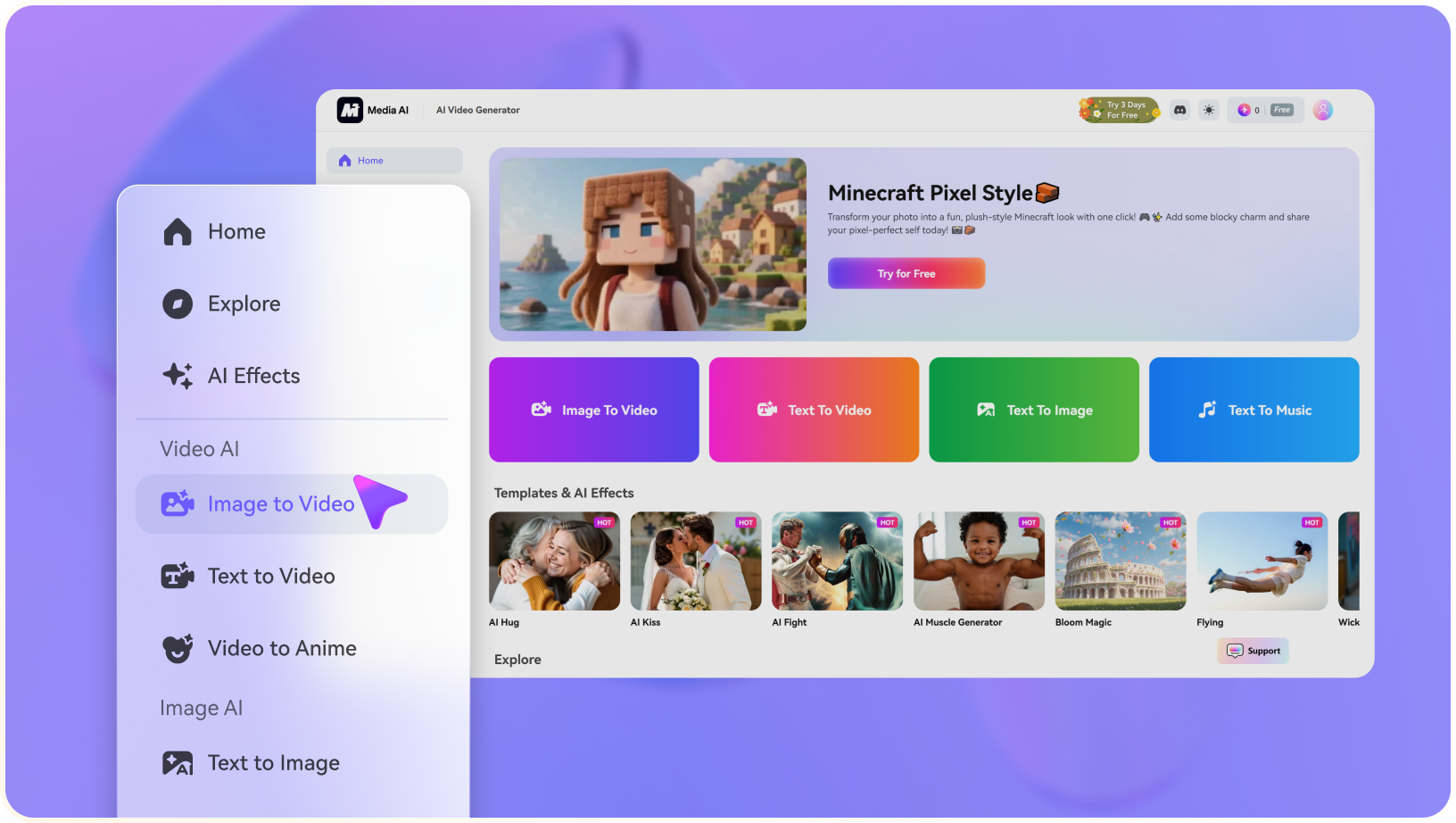
step1 visit media.io
step2 choose vidu ai model and upload an image
step3 generate video from photo

Create with AI, Connect with Creators

case
user SassyPancake
heart 4,501
case
user PizzaWizard
heart 4,815
case
user FrostByte
heart 3,092
case
user VirtualCore
heart 2,764
case
user SwiftEdge
heart 5,483
case
user PuppyPaws
heart 6,109
case
user CrystalShade
heart 7,225
case
user LunaSky
heart 8,641

FAQs on
Vidu AI Video Generator

1. What kind of videos can I create with the AI Vidu Generator?
faq faq

With Vidu Studio, you can create diverse videos, including explainer videos, product demos, and promotional clips. For further assistance, Media.io provides plenty of possibilities that only require uploading images and prompting a text.

In Media.io, it generally depends on your credits; there might be a limit on video duration or file uploads. However, most creators can create standard-length videos suitable for social media and presentation. Still, it is suggested that you visit Media.io’s official website to check the pricing page for specific limits.

Media.io takes privacy and data protection very seriously by storing your files securely unless you share them. With this platform, you can safely create, save, and export your videos without worrying about getting shared with third parties.

The AI-powered automation of Media.io allows users to go from ideas to final video in just a few minutes. The tool cuts down the production time, which used to take hours or days, and can now be completed during the coffee break. It usually depends on the complexity of your uploaded images and prompt on how fast it generates the video out of them.

Media.io Online Tools Quality Rating:
vote 4.7 (162,357 Votes)
media.io

AI Video Generator star

Easily generate videos from text or images

Generate