












Popular Writing Sound Effects Library

Pick a ready-made clip for signing, journaling, chalkboard lessons, or on-screen text reveals. Each sound card includes a copyable prompt so you can regenerate cleaner transients, more paper texture, or a tighter tail when your edit needs it.

How to Generate Your Own
Writing Sound Effects

Cannot find the perfect writing sound effect you need? Generate custom AI writing audio effortlessly. Describe the style, such as short clean cue, cinematic hit, subtle background layer, branded UI alert, and Media.io AI builds tailored writing sound effects instantly. No audio editing experience needed. Turn your concept into a royalty-free, high-quality downloadable WAV writing clip in under 60 seconds.

1

Describe the writing action

Type a prompt for the tool and surface you need, like ballpoint on notebook paper, pencil sketching, or chalk on board, plus pace and perspective.

2

Choose length and variations

Set 5s, 10s, or 20s, then select how many options to generate so you can compare cleaner transients vs more texture.

3

Generate and preview

Click Generate to hear multiple takes, preview each one, and keep the version with the best attack, tail, and room tone for your cut.

4

Download WAV and place

Download the WAV file and drop it into your timeline for videos, audio drama, apps, games, or commercial projects.

What Can You Use These Writing Sound Effects For?

Creators in every field are using our royalty-free audio to set the perfect mood.

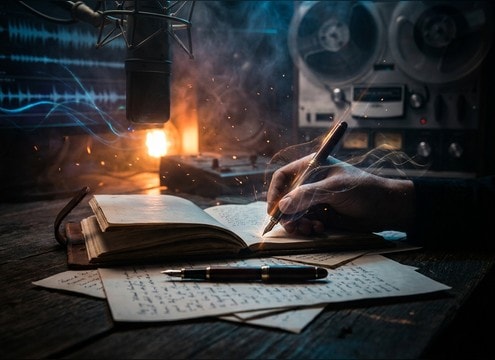
Handwriting montage sound design with pen strokes on paper

Handwriting montage

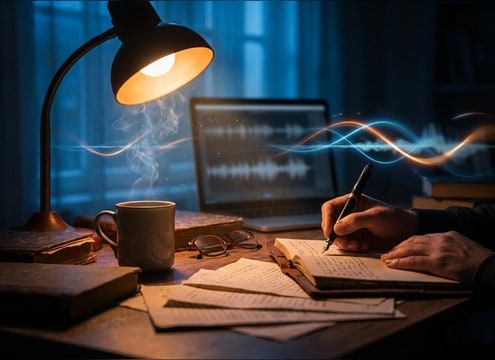
Cut between quick jots, pauses, and underline strokes to sell journaling, diary entries, or a character planning a scheme.

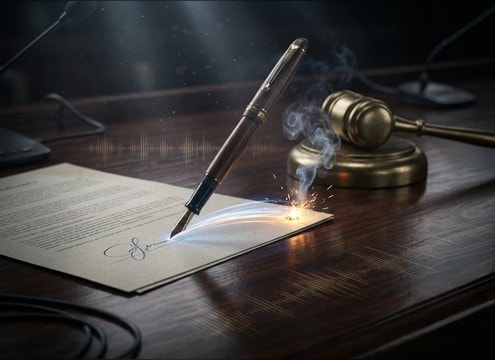
Signing a document with a pen sound effect

Document signing scene

Use a short signature flourish with a clean stop to match contract signing, consent forms, or courtroom paperwork.

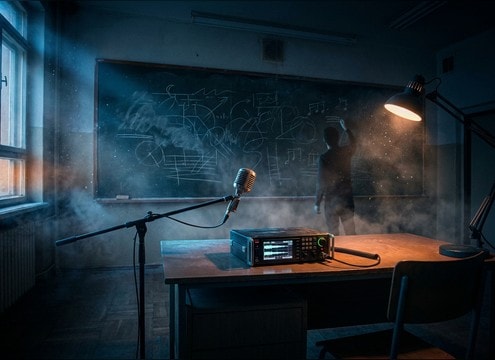
Chalkboard writing sound for a classroom scene

Classroom chalkboard lesson

Layer chalk writing with subtle room tone so wide shots feel lived-in without masking dialogue.

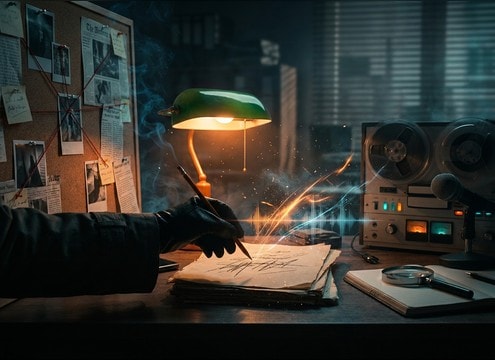
Detective writing notes with pencil scribble foley

Detective case notes

Pick scratchier pencil textures and uneven rhythm for hurried notes, clue boards, and late-night desk work.

Text write-on animation synced with writing sounds

On-screen text reveal

Sync short pen strokes to kinetic typography, whiteboard animations, or title cards that write on letter-by-letter.

ASMR journaling loop with pencil writing texture

ASMR study atmosphere

Use loop-friendly journaling beds with controlled transients to keep the feel intimate without harsh squeaks.

Fantasy spellbook writing sound with quill style texture

Magic spellbook writing

Choose smoother ink glide or quill-like scratches for fantasy props, then regenerate takes to match camera distance.

Marker writing on paper sound for a craft tutorial

DIY craft instructions

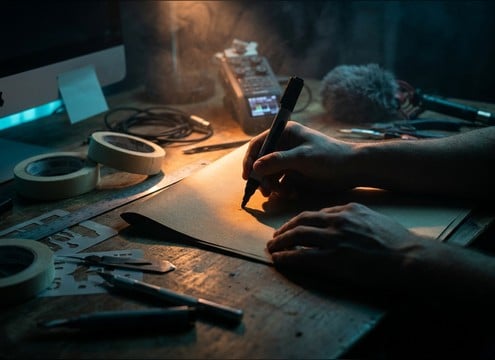
Match marker thickness and paper drag for labeling, stenciling, or sketching outlines during a hands-on tutorial.

Why Choose Media.io for Writing Sound Generator?

See exactly why creators, developers and studios choose our AI audio generator over all others.

Prompt controls for writing sound generator

Writing Sound Generator prompt control

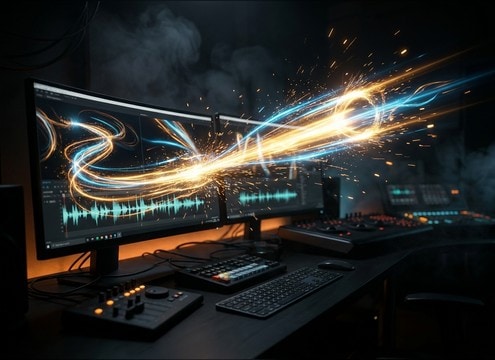
Tell the Writing Sound Generator the exact tool, surface, speed, and perspective so the transient and friction texture fit your shot.

Preview writing sound effects before downloading

Instant preview before download

Audition multiple takes quickly and keep the one with the cleanest stop, least masking, and the right room tone.

Multiple writing sound variations for continuity

Batch variations for continuity

Generate several versions in one go to maintain consistent tone across cuts, inserts, and B-roll of the same notebook scene.

Duration options for writing sound effects

Duration choices that match edits

Choose 5s for quick jots, 10s for continuous note-taking, or 20s for longer chalkboard passes without stretching artifacts.

WAV export for writing sound effects

Clean WAV exports for post

Download WAV so you can trim, fade, or EQ in your editor while keeping detail in the highs and controlled low-end rumble.

Regenerate writing sounds to match different surfaces

Regenerate to match surfaces

If the first take is too squeaky or too dry, regenerate with a new prompt for smoother paper, rougher board, or tighter stereo width.

Prompting Writing SFX: Pen vs Pencil vs Chalk, Without Guesswork

Writing sounds are easy to overdo: too much squeak feels fake, and too little texture disappears under dialogue. When you pick a clip or write an AI prompt, focus on the tool, the surface, and the rhythm of the hand. A signature has a different attack and stop than continuous journaling, and chalk needs more grit plus room tone to feel like a classroom.

Start with tool and surface

Name the writing instrument and what it is touching. The same motion sounds radically different on smooth notebook paper, thick stationery, or a dusty chalkboard.

  • Pen: crisp attack, short tail, lower noise floor
  • Pencil: grainy friction, softer highs, slightly wider texture
  • Chalk: gritty scrape, powdery noise, board resonance

Specify rhythm, pauses, and pressure

Writing is not a constant stream. Prompts that mention pace and pressure produce more believable micro-dynamics and fewer random artifacts.

  • Use words like quick jot, careful print, hurried scribble, or slow cursive
  • Ask for natural pauses at word breaks instead of nonstop scratching
  • Call out light pressure vs heavy pressure to control brightness and grit

Match perspective and space

Decide whether the audience is inches from the page or across the room. Perspective changes stereo width, room reflections, and how much detail you should hear.

  • Close-up: dry, detailed transients, minimal room tone
  • Medium: some room reflections, reduced scratch detail
  • Wide classroom: audible ambience, chalk taps, broader stereo

Avoid common mismatches

Most writing SFX problems come from a wrong material cue or an unrealistic ending. Use prompts to remove what your scene cannot support.

  • Avoid loud squeaks unless the shot shows a marker or glossy surface
  • Avoid page turns or pen clicks when the hands never leave frame
  • Avoid overly long tails in quiet dialogue scenes; ask for a tighter decay

Frequently Asked Questions About
Writing Sound Effects

Everything you need to know before downloading or generating your first sound.

Can I download these writing sounds as WAV files?

Yes. After you preview a clip or generate a new variation, you can export and download a WAV file so it is easy to trim, fade, or EQ in your editor.

How do I choose between pen, pencil, and marker writing for a close-up shot?

Match the transient and texture to what you see. Pen tends to be sharper and cleaner, pencil is grainier with softer highs, and marker has thicker friction with occasional squeaks. If your audio feels too harsh, regenerate a take with lighter pressure and a smoother surface.

What prompt details help me get realistic chalkboard writing?

Include chalk on board, gritty scrape, dustiness, and mild classroom room tone. If it sounds too thin, ask for more midrange grit; if it masks dialogue, ask for a tighter tail and lower intensity.

Do you have loopable writing beds for long study or journaling scenes?

Yes. Use a 10-second or 20-second prompt and request a steady rhythm with a loop-friendly start and end. Preview multiple variations and pick the one with consistent texture and minimal clicks.

Are these writing sound effects free to download?

Yes. You can preview and download the AI-generated writing sound effects as WAV files and use them in personal or commercial projects.

Can I copy the prompt used for each sound?

Yes. Open any sound row to view the prompt, copy it, adjust the wording and generate a custom variation that better matches your scene.

Related Free Sound
Effect Categories

Explore other AI-generated sound libraries from Media.io

sound

Rain Sound Effects

10+ free sounds
sound

Thunder Sound Effects

10+ free sounds
sound

Farts Sound Effects

10+ free sounds
sound

Car Crash Sounds

10+ free sounds
sound

Explosion Sound Effects

10+ free sounds
sound

Gunshot Sound Effects

10+ free sounds
sound

Pistol Sound Effects

10+ free sounds
sound

AI Horror Sound Effects

10+ free sounds
sound

AI Forest Sound Effects

10+ free sounds
sound

AI Dog Whistle Sound

10+ free sounds
sound

AI Ding Sound

10+ free sounds
sound

Phone Ring Sound

10+ free sounds
media.io

AI Video Generator star

Easily generate videos from text or images

Generate
