














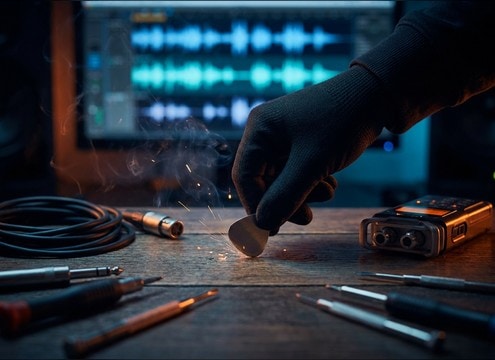





Knife audio can read as fake when the transient is too soft, the ring is too long, or the scrape texture does not match the surface on screen. Use the library for quick picks, then prompt the AI for the same action with different materials, distance, and decay so the blade lands exactly where your edit needs it.
Match the action: slice, chop, stab, or draw
Start with the verb, then add what the blade is doing at the peak moment. A slice needs a fast transient and short tail, while a draw needs a smooth swish with light metal scrape.
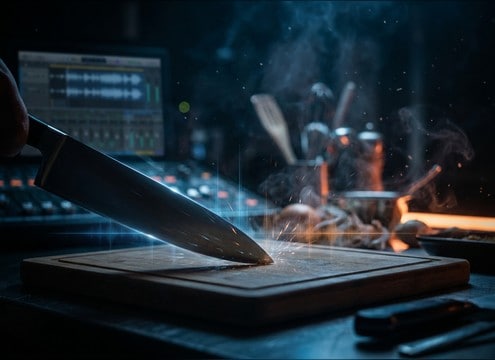
- Use slice for clean through-material motion, and add board contact if visible
- Use chop for heavier impacts with more low-mid body
- Use draw or unsheathe when the motion is continuous and needs a swish
Call out materials to control texture
Material words strongly affect friction noise and brightness. Wood and plastic boards sound drier, while steel-on-steel adds a gritty scrape and possible ringing tail.
- Specify surface: wooden board, plastic board, granite counter, or metal tray
- Specify blade: steel knife, ceramic knife, or small pocket knife
- Add texture cues: gritty scrape, smooth swish, or clean click
Set distance and tail so it sits in the scene
Perspective changes the amount of room tone, reflections, and stereo width. Close-mic reads intimate and sharp; distant reads softer with more ambience and longer decay.
- Close-mic for crisp transients and minimal ambience
- Medium distance for natural room tone and light reflections
- Distant for softer attacks and longer, quieter tails
Avoid the common giveaways
Knife foley often becomes distracting when it turns into a sword effect or a loud whoosh. Keep the sound scaled to the prop size and the camera distance.
- Avoid overly long metallic ringing unless the blade hits metal hard
- Avoid huge cinematic whooshes for small hand movements
- Avoid loud squish or gore textures unless your scene clearly needs it




