














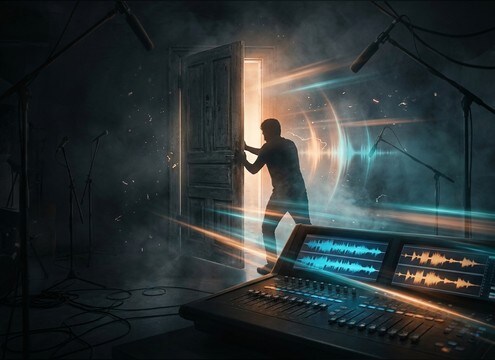
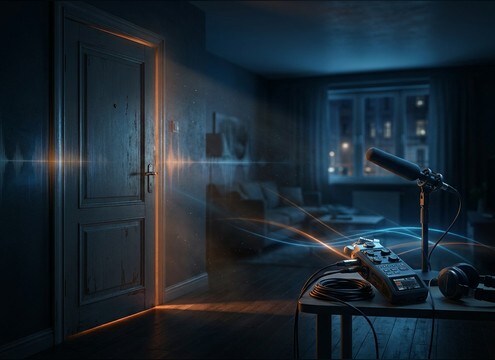
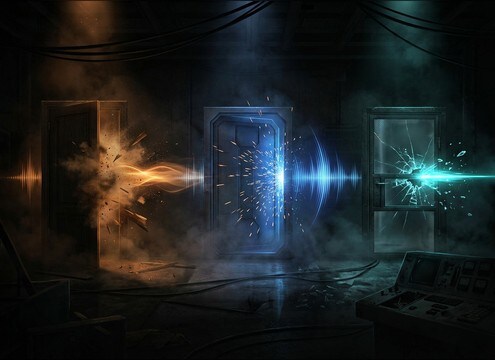



Door sounds are easy to spot when they do not match the picture. The fastest way to get believable results is to describe the door material and hardware, the action (open, close, slam, knock), and the space you are in. Use prompts to control attack, rattle, and decay so the sound lands exactly on the frame where the handle moves or the door meets the jamb.
Name the door and hardware
Start with what the door is made of and what parts make noise. A wood interior door often gives a softer body tone and a clear latch, while a metal door rings and a glass door can add a light rattle.
- Material: wood, metal, glass, car door, security door
- Hardware: latch click, bolt slide, handle jiggle, chain lock
- Condition: new tight fit, old loose hinge, squeaky pivot
Control the action intensity
The edit usually needs one clear moment: the transient. Ask for soft close, firm shut, or full slam, and mention whether you want one hit or a sequence like open then close.
- Speed: slow close, normal shut, fast slam
- Detail: add or remove rattle, chatter, secondary clicks
- Timing: single close, double knock, open-to-close pass
Match space and distance
A close-mic door can feel too dry in a wide shot, while a distant door can feel mushy under dialogue. Prompt for distance and ambience so the reflections and tail align with the room on screen.
- Distance: close, medium, distant, behind a wall
- Environment: small bedroom, tiled hallway, stairwell, exterior porch
- Stereo: narrow for centered foley, wider for hallway reflections
Quick selection and edit checks
After generating a few versions, pick the one whose attack lines up with the picture and whose decay does not mask the next line. Small trims usually beat heavy processing.
- Trim leading silence so the transient hits on the handle movement
- Fade the tail to avoid stepping on dialogue or music
- If it feels fake, reduce rattle or shorten the decay in a new prompt




