













Popular Spray Sound Effects Library

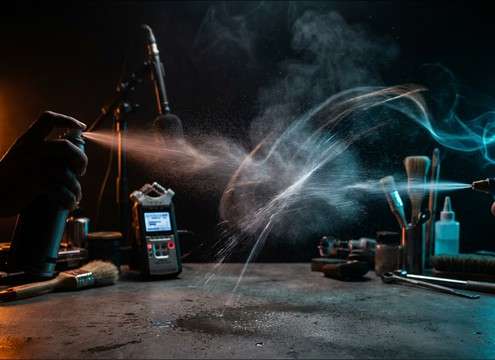
Pick a ready-to-use spray clip or copy its prompt to generate a closer, wider, drier, or longer version. Each sound is labeled by timing so you can match quick spritzes, steady mist, or sustained bursts to the exact moment in your edit.

How to Generate Your Own
Spray Sound Effects

Cannot find the perfect spray sound effect you need? Generate custom AI spray audio effortlessly. Describe the style, such as short clean cue, cinematic hit, subtle background layer, branded UI alert, and Media.io AI builds tailored spray sound effects instantly. No audio editing experience needed. Turn your concept into a royalty-free, high-quality downloadable WAV spray clip in under 60 seconds.

1

Describe the spray

Type a prompt for the exact spray action you need, like aerosol burst, fine mist, trigger spritz, paint pass, or extinguisher whoosh, plus distance and room tone.

2

Pick time and takes

Choose 5s, 10s, or 20s, then select how many variations to generate so you can audition different intensities and tails.

3

Generate and preview

Click Generate, listen to each result, and keep the version with the right transient, hiss texture, and decay for your scene.

4

Download WAV and use

Export the chosen sound as a WAV file and drop it into your timeline for videos, apps, games, podcasts, or commercial projects.

What Can You Use These Spray Sound Effects For?

Creators in every field are using our royalty-free audio to set the perfect mood.

Spray bottle sound synced to cleaning montage edits

Cleaning montage cuts

Match quick trigger pulls to wipe transitions, with short tails that do not smear into dialogue.

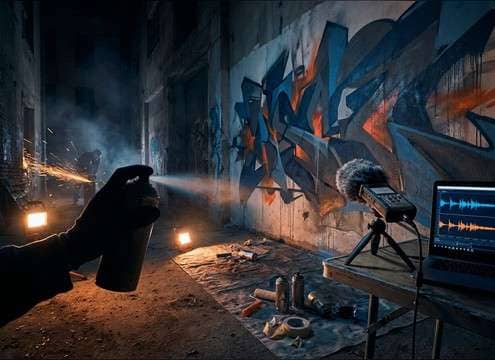
Spray paint can sound effect for graffiti wall scene

Graffiti and mural

Use longer paint passes with subtle can rattle to sell hand motion and distance in alley shots.

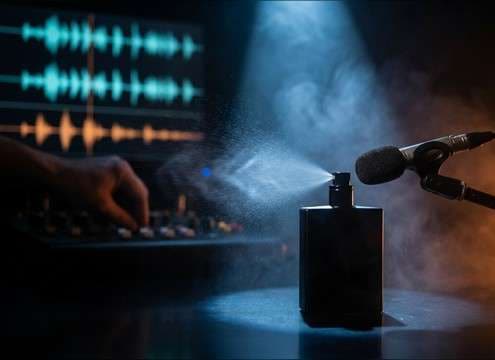
Perfume spritz spray sound for product demo video

Skincare and perfume

Pick a delicate spritz with a clean transient and low noise floor for close product shots.

Aerosol disinfectant spray sound in indoor scene

Disinfectant spray in

Layer a dry aerosol hiss under gloved hand foley to replace weak production audio in tight interiors.

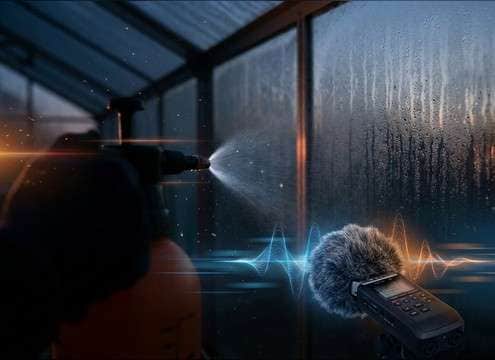
Garden mister spray sound for plant watering scene

Gardening and plant

Choose fine mist with a soft attack and light outdoor air bed for calm watering sequences.

Cooking oil spray sound effect in kitchen close-up

Kitchen oil spray

Use a short aerosol burst with minimal room reflections to keep it crisp over sizzling pans.

Compressed air duster spray sound for keyboard cleaning

Tech cleaning and

Add compressed air duster blasts with strong transients for keyboard, camera, or PC build shots.

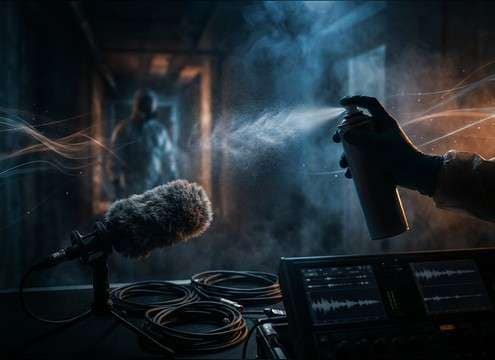
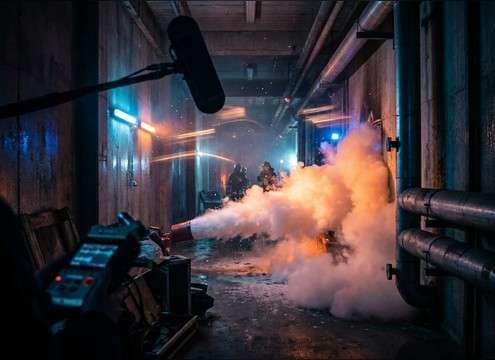
Fire extinguisher spray sound effect in emergency scene

Emergency extinguisher action

Drop in forceful foam spray with heavy masking to sell urgency in hallway or warehouse scenes.

Why Choose Media.io for Spray Sound Generator?

See exactly why creators, developers and studios choose our AI audio generator over all others.

Prompting different spray nozzle types in Media.io

Prompt control for nozzle types

Media.io Spray Sound Generator lets you specify aerosol, trigger bottle, mister, or air duster behavior so the attack and hiss texture match the prop on screen.

Multiple generated spray variations for edit timing

Fast variations for timing

Generate multiple takes at once to find the right burst length and cutoff, then keep the one that lands on your cut without extra trimming.

Adjusting spray distance and room tone in prompts

Distance and room tone options

Ask for close, medium, or distant perspective and control how much ambience or reflection sits under the spray, ideal for interiors versus outdoors.

Previewing spray sound effects before downloading

Preview first, download second

Audition the spray transient and tail before exporting, so you do not waste time downloading sounds that mask dialogue or feel too harsh.

WAV export workflow for spray sound effects

Mix-ready WAV export

Download clean WAV files that drop into your NLE or DAW, making it easy to place a spray exactly under a hand movement or product close-up.

Combining spray SFX library with AI regeneration

Library plus generator workflow

Start with curated spray presets, then use Media.io Spray Sound Generator prompts to regenerate sharper clicks, softer hiss, or longer decay when the scene demands it.

How to Choose and Prompt Spray Sounds That Fit the Shot

Spray audio changes a lot with the dispenser, the pressure, and how close the mic feels. Use the library when you need a ready burst, then refine with AI prompts when you must match a specific prop (aerosol can versus trigger bottle), a particular intensity (fine mist versus forceful blast), or a space (dry studio versus reflective bathroom).

Name the dispenser and action

Start by stating what is making the spray and how it is used. Aerosols usually have a valve click and a steady hiss body, while trigger bottles add mechanical squeeze and release. If the visual shows a sweeping pass, ask for a continuous spray; if it shows quick taps, ask for short pulses.

  • Use words like aerosol can, trigger bottle, pump sprayer, mister, air duster
  • Specify action: quick spritz, sustained press, sweeping pass, repeated pulses
  • Ask for mechanical details: valve click, trigger squeak, can rattle

Control harshness and masking

Sprays can get piercing in the 6 to 10 kHz range and can easily mask speech. Prompt for a smoother top end when the sound sits under dialogue, or a brighter hiss when it is a hero foley moment. If you need the spray to read on small speakers, request a clear transient and controlled noise floor.

  • For dialogue scenes: smooth hiss, low sibilance, quieter noise floor
  • For close hero foley: crisp transient, brighter texture, minimal ambience
  • If it feels too aggressive: ask for less high-end and a shorter tail

Match distance and space to the scene

A close perspective emphasizes valve clicks and texture; a distant perspective shifts focus to room reflections and overall wash. For bathrooms or tiled rooms, prompt for audible reflections and a slightly longer decay. For outdoor gardening, keep reflections low and add a subtle air bed instead.

  • Close: louder click, detailed hiss grain, tighter stereo image
  • Indoor reflective: more room tone, longer decay, audible reflections
  • Outdoor: minimal reverb, light ambience, softer tail

Avoid common mismatches

The fastest way to break realism is using the wrong spray type for the prop or a tail that is too long for the hand motion. Watch for looping artifacts on sustained mist, and avoid overly cinematic whooshes when the action is a small household spritz. If the edit needs consistency across multiple cuts, regenerate a set with similar texture and loudness.

  • Do not use extinguisher-style whoosh for perfume or cleaning sprays
  • Avoid long decay when the hand releases quickly on screen
  • For repeated cuts, generate several takes with matched intensity

Frequently Asked Questions About
Spray Sound Effects

Everything you need to know before downloading or generating your first sound.

Can I download these spray sound effects for free and use them commercially?

You can preview the clips, download usable WAV assets, and also generate new variations with prompts. Licensing and commercial permissions depend on the license shown in the product at download time, so check the on-page license details for your specific file before publishing.

How do I get an aerosol sound with an audible valve click at the start?

In your prompt, mention a close-up aerosol can, specify a distinct valve click at the start, and ask for a bright pressurized hiss body with a clean cutoff. If the click is too soft, regenerate and request a sharper transient and less room tone.

What prompt should I use for a continuous mist that can loop cleanly?

Ask for fine mist spraying with a smooth steady noise texture, minimal mechanical clicks, stable loudness, and a controlled tail. If you hear pumping or flutter, regenerate and request steadier pressure and fewer rhythmic fluctuations.

A spray clip sounds too harsh in my mix. How can I fix it?

Choose a version with a softer top end, or regenerate with instructions like lower sibilance, smoother hiss, and reduced high-frequency bite. In editing, a gentle high-shelf cut or de-esser can help, and a shorter fade-out can prevent the hiss tail from masking speech.

Are these spray sound effects free to download?

Yes. You can preview and download the AI-generated spray sound effects as WAV files and use them in personal or commercial projects.

Can I copy the prompt used for each sound?

Yes. Open any sound row to view the prompt, copy it, adjust the wording and generate a custom variation that better matches your scene.

Related Free Sound
Effect Categories

Explore other AI-generated sound libraries from Media.io

sound

Rain Sound Effects

10+ free sounds
sound

Thunder Sound Effects

10+ free sounds
sound

Farts Sound Effects

10+ free sounds
sound

Car Crash Sounds

10+ free sounds
sound

Explosion Sound Effects

10+ free sounds
sound

Gunshot Sound Effects

10+ free sounds
sound

Pistol Sound Effects

10+ free sounds
sound

AI Horror Sound Effects

10+ free sounds
sound

AI Forest Sound Effects

10+ free sounds
sound

AI Dog Whistle Sound

10+ free sounds
sound

AI Ding Sound

10+ free sounds
sound

Phone Ring Sound

10+ free sounds
media.io

AI Video Generator star

Easily generate videos from text or images

Generate
