











Popular Breathe-In Sound Effects Library

These ready-to-use inhale clips cover close-mic foley, softer breaths, and more ambient takes. Copy a prompt to regenerate cleaner versions, adjust intensity, or match distance to your scene.

How to Generate Your Own
Breathe-In Sound Effects

Can't find what you're looking for? Easily create custom AI sounds. Simply describe your needs, and our AI will craft the perfect sound effect for you — no audio production skills required. Go from a blank idea to a downloadable WAV in under a minute.

1

Describe the inhale

Type a prompt for the breathe-in you need (close mic, distant, anxious, masked, clean, airy), and mention any room tone or texture preferences.

2

Pick duration & variants

Choose 5s, 10s, or 20s and set how many variations you want so you can audition different intensities quickly.

3

Generate and preview

Click Generate, listen to each result, and keep the take with the best transient, decay, and noise character for your scene.

4

Download WAV and use

Download the WAV file and drop it into your timeline for videos, games, apps, podcasts, or other commercial projects.

What Can You Use These Breathe-In Sound Effects For?

Creators in every field are using our royalty-free audio to set the perfect mood.

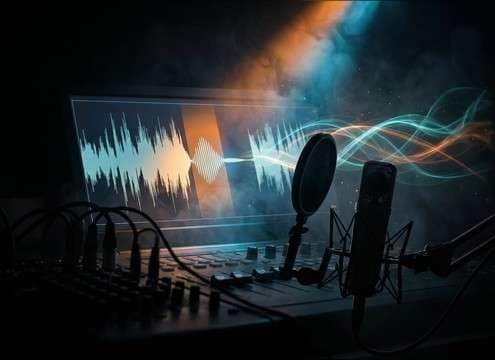
Editor patching an inhale between dialogue lines

ADR inhale patching

Replace clipped or missing breaths between dialogue lines with a matching close-mic inhale and a clean tail that won't bump the noise floor.

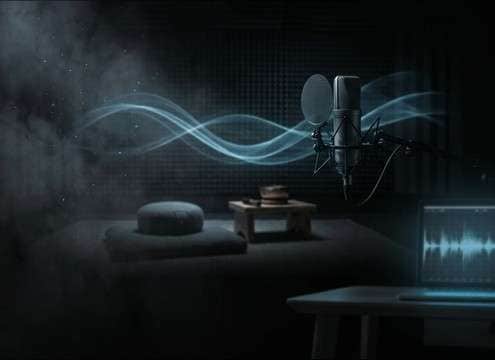
Meditation timeline with soft inhale cue markers

Meditation breath cues

Use soft, low-hiss inhales as gentle pacing markers for guided breathing where harsh transients would distract listeners.

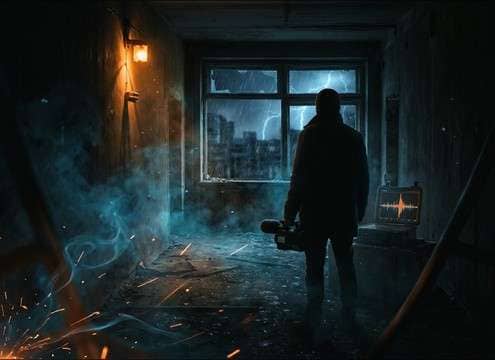
Horror scene cut with an anxious inhale sound cue

Horror pre-scare tension

Drop in a tight, anxious intake right before a reveal to emphasize panic without adding extra music hits.

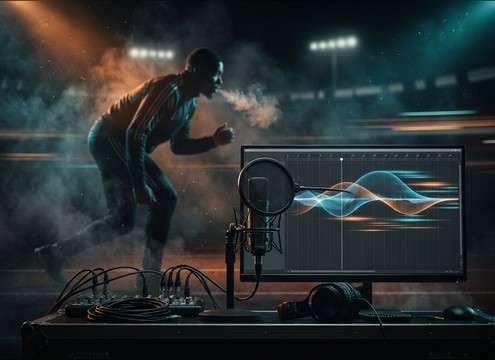
Sports coach video with sharp inhale timing

Athletic coaching counts

Pair sharper intakes with form cues for training videos where breath timing needs to read clearly over music beds.

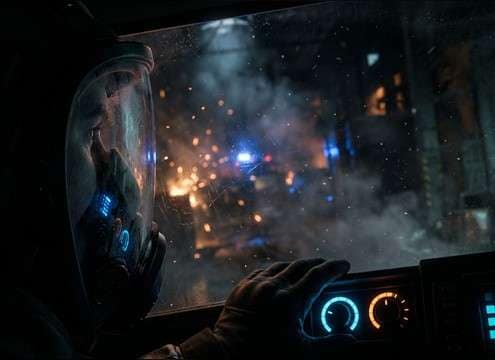
First-person view with mask breathing sound design

First-person mask POV

Sell helmet or mask perspective with filtered, muffled inhales that keep the voice band clear while adding realism.

ASMR recording setup for close breath sounds

ASMR breath intimacy

Choose delicate, close, low-room takes with minimal mouth clicks for intimate headphone listening and whisper-adjacent moments.

Animated character taking a quick breath intake

Animation reaction beat

Use a quick intake to punctuate surprise or realization—fast attack and short decay help it land on the frame.

VR scene with proximity-based breathing audio

VR proximity realism

Swap between close and slightly distant inhales to match player distance changes, keeping room tone consistent across transitions.

Why Choose Media.io for Breathe-In Generator?

See exactly why creators, developers and studios choose our AI audio generator over all others.

Prompt field controlling inhale intensity

Prompt-controlled intensity

Dial in gentle, sharp, or anxious intakes by describing pace, pressure, and texture—then regenerate until it matches the performance.

Toggle between clean and textured inhale results

Clean vs textured takes

Ask for minimal mouth clicks or intentionally add throat texture and breath hiss depending on how exposed the scene is.

Waveform examples of close and distant inhales

Distance and room tone

Specify close mic, off-axis, or roomier inhales to fit the camera perspective and avoid obvious cutaways.

Multiple inhale variations listed for preview

Multiple variations fast

Generate several options at once so you can pick the inhale with the best transient and the least distracting noise.

Duration selector showing 5s 10s 20s

5s, 10s, 20s durations

Match the clip length to your edit: quick reaction breaths, longer sustained inhales, or inhale-forward ambience beds.

WAV download button for inhale sound

Export-ready WAV

Download a WAV and place it straight into your session for precise trimming, fades, and level matching.

How to Choose the Right Inhale for Your Scene

Inhale SFX are small, but they're painfully noticeable when the perspective or noise character is wrong. Use these tips to pick a library clip quickly or write a prompt that steers the transient, mouth detail, room tone, and decay toward what your cut needs.

Match camera distance first

An inhale that's too close will feel like a jump cut; one that's too distant may disappear under dialogue or ambience. Decide whether you need a tight foley breath, an off-axis inhale, or a roomier take, then keep that perspective consistent across adjacent lines.

  • Close mic: crisp transient, minimal room, more mouth detail
  • Off-axis: softer attack, less lip noise, slightly darker tone
  • Roomy/distant: audible room tone and longer decay that sits behind dialogue

Choose emotion and pacing

Breaths communicate state: calm, nervous, exhausted, shocked. When prompting or selecting clips, focus on speed, pressure, and stability—those cues read more than volume alone.

  • Calm: slow ramp-in, smooth airflow, even level
  • Anxious: quicker intake with flutter or slight tremble
  • Exertion: louder airflow with a rougher texture and less pristine high end

Control mouth noise and hiss

Clicks, lip smacks, and harsh hiss can pull attention, especially under headphones. If the inhale needs to live under dialogue, aim for a cleaner transient and a controlled noise floor; if it's a POV moment, a bit of texture can add realism.

  • Prompt for "minimal saliva clicks" when the breath is exposed
  • Ask for "soft high-frequency hiss" instead of sharp sibilance
  • Keep noise character consistent with surrounding production audio

Edit for invisible cuts

Once you have the right take, small edits make it sit: tight trimming on the transient, short fades to avoid ticks, and matching the tail to the scene's room tone. The goal is for the audience to feel the breath, not notice the asset.

  • Trim to the first clean transient so timing hits the frame
  • Use micro fades on both ends to prevent clicks
  • If the tail fights the ambience, shorten decay or crossfade into room tone

Frequently Asked Questions About
Breathe-In Sound Effects

Everything you need to know before downloading or generating your first sound.

Can I download these breathe-in sounds for commercial use?

You can preview and download clips from this page, but always check the license/usage notes shown in the download flow for your specific file and project. If you're unsure, generate a fresh variant and keep the exported file details with your project documentation.

Do these inhale clips download as WAV?

Yes—download is provided as a WAV file so you can trim, fade, and level-match without extra conversion steps.

Close-mic vs distant inhale: which one should I pick?

Pick close-mic when the character is right up on camera or you need breath detail between lines. Choose distant/roomy when the shot is wider or you need the inhale to sit behind dialogue with more room tone and softer transients.

How do I reduce lip smacks and clicks in a generated inhale?

In your prompt, explicitly ask for "minimal mouth clicks" or "no lip smacks," and request a "clean transient." If you still hear artifacts, regenerate a few variations and choose the cleanest take, then apply short fades around the transient.

Are these breathe-in sound effects free to download?

Yes. You can preview and download the AI-generated breathe-in sound effects as WAV files and use them in personal or commercial projects.

Can I copy the prompt used for each sound?

Yes. Open any sound row to view the prompt, copy it, adjust the wording and generate a custom variation that better matches your scene.

Related Free Sound
Effect Categories

Explore other AI-generated sound libraries from Media.io

sound

Rain Sound Effects

10+ free sounds
sound

Thunder Sound Effects

10+ free sounds
sound

Farts Sound Effects

10+ free sounds
sound

Car Crash Sounds

10+ free sounds
sound

Explosion Sound Effects

10+ free sounds
sound

Gunshot Sound Effects

10+ free sounds
sound

Pistol Sound Effects

10+ free sounds
sound

AI Horror Sound Effects

10+ free sounds
sound

AI Forest Sound Effects

10+ free sounds
sound

AI Dog Whistle Sound

10+ free sounds
sound

AI Ding Sound

10+ free sounds
sound

Phone Ring Sound

10+ free sounds
media.io

AI Video Generator star

Easily generate videos from text or images

Generate
