
















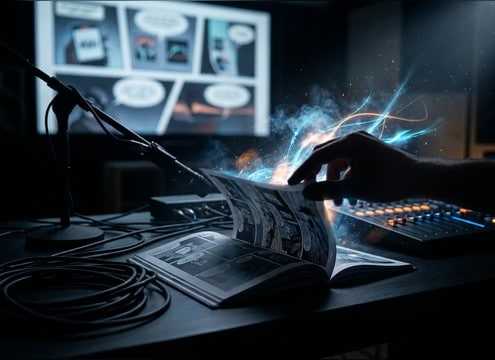

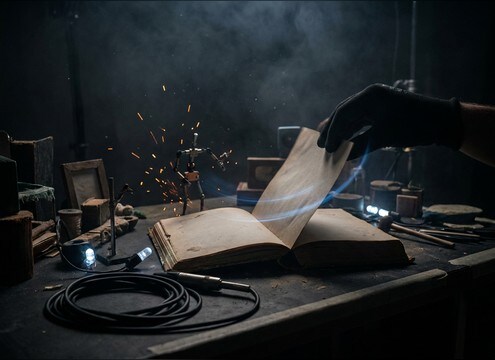




Page turns are small sounds that read as fake fast when the paper texture, flip speed, or room tone does not match the shot. Use prompts to specify what the page is made of, how fast it moves, and how close the listener is, then choose a version with the right transient and tail for your edit point.
Call out the paper and binding
A hardcover novel, a glossy magazine, and a comic book all produce different friction and brightness. Naming the material helps the generator create the right texture and high-end sheen.
- Use terms like hardcover, paperback, glossy magazine, or thick illustrated paper
- Ask for fiber texture for books, or airy flutter for thin glossy pages
- If it sounds plasticky, request less high end and less squeak
Set the flip speed and intensity
The same visual action can feel wrong if the transient hits late or the rustle runs too long. Prompt for fast flicks, slow turns, or multiple-page riffling to match the cut.
- For quick edits, request a tight attack and short decay
- For reveals, use a slightly longer tail so the moment lands
- For riffling, ask for repeated micro-transients rather than one big snap
Match distance and room tone
Close-mic page turns emphasize detail and finger noise, while distant turns carry more room bed and softer transients. Pick the perspective that fits the camera and ambience.
- Close shot: minimal room tone, detailed paper texture, tight stereo
- Medium shot: subtle reflections, controlled rustle, natural decay
- Wide shot: softer attack, audible room bed, longer tail
Choose clips that cut cleanly
The best page flip is easy to place: fast start, no weird pre-noise, and a tail that does not mask dialogue. Preview with your scene audio playing to judge masking strength.
- Prefer clean leading edges so the transient syncs to the visual flip
- Avoid harsh scratch peaks that poke through narration
- If the ending feels abrupt, regenerate with a slightly longer decay




