











Popular Woman-Breathing Sound Effects Library

Pick a ready-to-use breath take, or copy its prompt to generate a tighter cadence, a drier room, or a more intimate close-mic texture. Each clip is tuned for clean transients and natural decay so it sits under dialogue without overpowering the scene.

How to Generate Your Own
Woman-Breathing Sound Effects

Cannot find the perfect woman-breathing sound effect you need? Generate custom AI woman-breathing audio effortlessly. Describe the style, such as short clean cue, cinematic hit, subtle background layer, branded UI alert, and Media.io AI builds tailored woman-breathing sound effects instantly. No audio editing experience needed. Turn your concept into a royalty-free, high-quality downloadable WAV woman-breathing clip in under 60 seconds.

1

Describe her breathing

Type a prompt for pace and tone, like calm nasal breaths, post-run panting, or anxious shallow breathing, plus distance and room feel.

2

Pick length and takes

Choose 5s, 10s, or 20s, then set how many variations you want so you can audition different intensities quickly.

3

Generate and preview

Click Generate, listen to each result, and keep the version with the right transient sharpness, decay, and room tone for your cut.

4

Download WAV and place

Download the WAV file and drop it into your timeline, game scene, app, or podcast. Trim, fade, and sync it to action as needed.

What Can You Use These Woman-Breathing Sound Effects For?

Creators in every field are using our royalty-free audio to set the perfect mood.

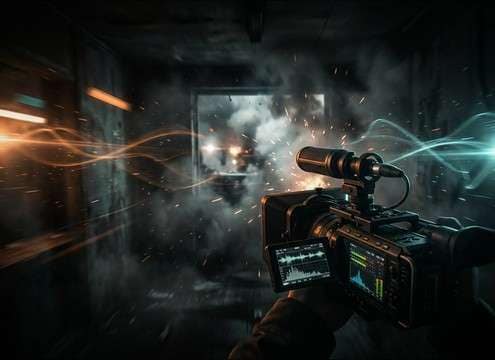
Close POV scene with tense breathing sound design

POV suspense breathing

Sync tight, close breaths to a handheld POV shot to sell fear without adding dialogue. Choose a dry tail so it does not smear into cuts.

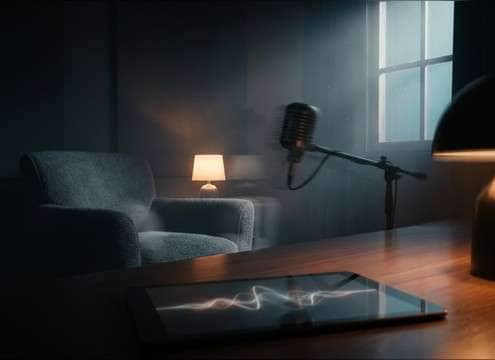
Intimate dialogue pause supported by subtle breathing

Romance pause intimacy

Use soft mouth breaths between lines to add closeness in a quiet room scene. A gentle decay and low sibilance keep it natural.

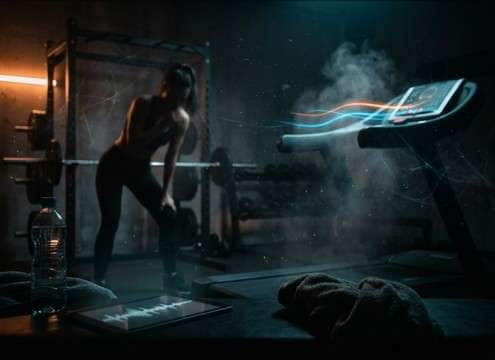
Workout clip with realistic panting overlay

Fitness and recovery

Add post-run panting to workout reels, treadmill shots, or recovery moments. Faster cadence and breath grit help the effort read instantly.

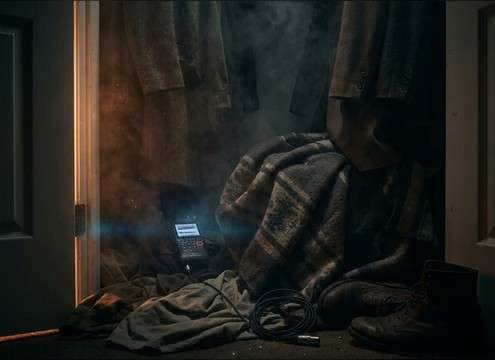
Stealth scene with controlled breathing under foley

Stealth hiding moment

Layer shallow breaths under cloth rustle when a character hides in a closet or under a bed. Keep masking low so tiny foley stays audible.

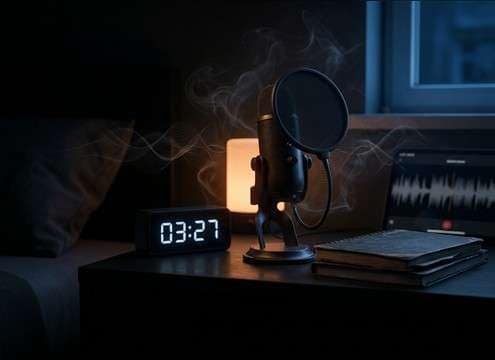
Night bedroom scene with soft breathing ambience

Sleep and bedside

Place slow sleepy breathing as a gentle bed for nighttime scenes. Pick loop-friendly timing for longer holds and fades.

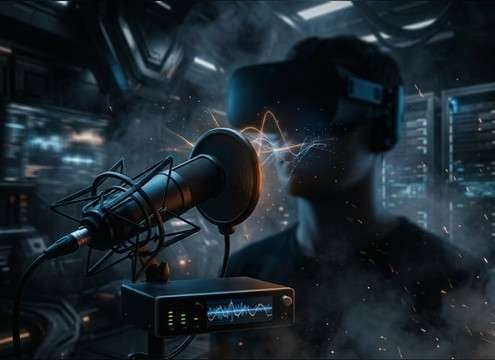
VR scene requiring close proximity breathing audio

VR proximity realism

For VR or binaural-style moments, choose close proximity breaths with narrow stereo and clear mouth detail to feel inside the listener space.

Trailer edit using panic breathing for tension

Trailer tension build

Cut panic bursts into rising music for a human stress cue. Use a slightly wider stereo and a controlled tail so impacts stay punchy.

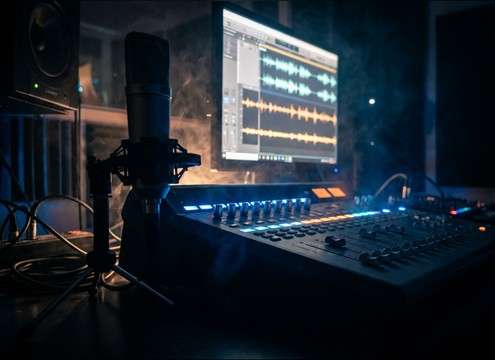
Audio editing timeline patching breaths between dialogue

ADR gap patching

When production dialogue has gaps, add subtle breaths that match room tone and distance. Short decays help avoid obvious edits.

Why Choose Media.io for Woman-Breathing Sound Generator?

See exactly why creators, developers and studios choose our AI audio generator over all others.

Prompt controls for intensity and cadence

Promptable intensity control

Specify calm, tired, anxious, or panic breathing and regenerate takes until the cadence matches your actor and pacing.

Controls for proximity and room tone

Distance and room tone options

Dial in close-mic intimacy or a more distant presence with room reflections so the breath fits the scene perspective.

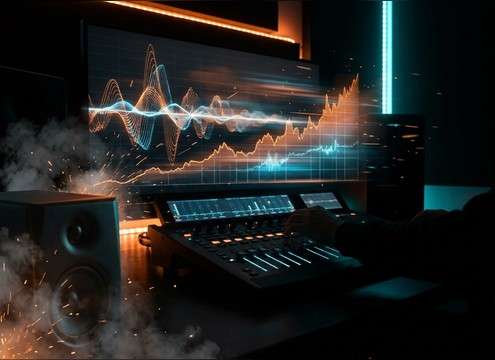
Waveform view showing clean inhale transients

Clean transients for editing

Choose versions with sharper inhale attacks or softer edges, making it easier to sync breaths to cuts and motion.

Multiple generated takes listed for preview

Variation sets in one run

Generate multiple alternatives per prompt to quickly compare texture, stereo width, and decay without rewriting everything.

In-browser audio preview player

Fast preview before export

Audition clips in-browser and keep only the takes that sit under dialogue without harsh highs or distracting mouth noise.

Download button exporting WAV audio

WAV download for timelines

Export WAV for straightforward trimming, crossfades, and level automation in NLEs, DAWs, and game audio pipelines.

How to Prompt Woman Breathing SFX That Fit the Scene

Breathing reads as performance, not just noise. To pick or generate the right take, describe pace, proximity, and what the listener should feel. Use prompts that mention cadence (slow, shallow, rapid), mic distance (intimate close vs across the room), and the kind of tail you need (dry vs lightly reflective). Then regenerate small variations until the breath matches the cut and does not fight dialogue.

Choose cadence and pattern first

Cadence is what sells the moment: steady for calm, clipped for fear, fast for exertion. If the rhythm is wrong, no amount of trimming will make it feel believable.

  • Use words like steady, shallow, rapid, uneven, or measured to lock timing
  • Ask for single relief exhale vs continuous breathing bed depending on the shot
  • For exertion, request faster inhale attacks and stronger breath texture

Set proximity: intimate vs distant

Mic distance changes realism. Close breaths carry mouth detail and proximity effect; distant breaths need more room tone and softer transients so they do not feel pasted on.

  • Close-mic: request audible mouth detail, dry room, minimal reflections
  • Mid-distance: ask for natural room tone and slightly softened attacks
  • Distant: specify quieter level, more reflections, and less high-end detail

Control texture and masking under dialogue

Breaths can mask consonants or pull attention if they are too bright or noisy. Aim for a clean noise floor and decide how much breath grit you actually want.

  • For dialogue scenes, prompt low masking and low sibilance
  • For panic, allow stronger transients but avoid harsh hiss
  • If you hear distracting mouth clicks, regenerate with less lip noise

Match tail and editability to the cut

A long decay can smear across edits, while a too-dry breath can feel unnatural in a roomy scene. Pick tails that match the space and the transition speed.

  • Fast cutting: request short decay and minimal room reflections
  • Slow holds: allow a gentle tail so the breath sits in the space
  • For looping beds, ask for consistent room tone and loop-friendly phrasing

Frequently Asked Questions About
Woman-Breathing Sound Effects

Everything you need to know before downloading or generating your first sound.

How do I choose between nasal and mouth breathing for a woman character?

Nasal breaths usually feel calmer and cleaner with less mouth detail, so they sit under dialogue well. Mouth breathing sounds more intimate or stressed because you hear more airy texture and lip noise. If your scene is close-up, mouth breathing can add realism; for wider shots, nasal or softer takes often sound less intrusive.

What prompt details help avoid obvious mouth clicks or harsh hiss?

Add constraints like "clean noise floor," "low sibilance," and "minimal lip noise," plus a distance note such as "close but not harsh" or "slightly off-mic." If clicks remain, regenerate with a softer inhale attack or ask for "smoother transients" so edits and fades sound natural.

Can I download these for free and use them commercially?

On Media.io you can preview, generate variations, and download royalty-free WAV sound effects for use in commercial projects. If you have a specific license requirement for a client or platform, review the current licensing notes shown in-product before publishing.

Should I use 5s, 10s, or 20s for breathing clips?

Use 5 seconds for single beats like a relief exhale, a quick tense inhale, or a short reaction shot. Choose 10 seconds for panic bursts or a longer hold. Use 20 seconds when you need a steady breathing bed that can be faded, looped, or automated under a scene.

Are these woman-breathing sound effects free to download?

Yes. You can preview and download the AI-generated woman-breathing sound effects as WAV files and use them in personal or commercial projects.

Can I copy the prompt used for each sound?

Yes. Open any sound row to view the prompt, copy it, adjust the wording and generate a custom variation that better matches your scene.

Related Free Sound
Effect Categories

Explore other AI-generated sound libraries from Media.io

sound

Rain Sound Effects

10+ free sounds
sound

Thunder Sound Effects

10+ free sounds
sound

Farts Sound Effects

10+ free sounds
sound

Car Crash Sounds

10+ free sounds
sound

Explosion Sound Effects

10+ free sounds
sound

Gunshot Sound Effects

10+ free sounds
sound

Pistol Sound Effects

10+ free sounds
sound

AI Horror Sound Effects

10+ free sounds
sound

AI Forest Sound Effects

10+ free sounds
sound

AI Dog Whistle Sound

10+ free sounds
sound

AI Ding Sound

10+ free sounds
sound

Phone Ring Sound

10+ free sounds
media.io

AI Video Generator star

Easily generate videos from text or images

Generate
