












Popular Crunch Sound Effects Library

Browse ready-to-use crunches for eating, footsteps, and prop foley. Each clip is described by texture and decay so you can choose the right transient strength, grit, and room tone, or copy the prompt to generate a closer, drier, or heavier version.

How to Generate Your Own
Crunch Sound Effects

Cannot find the perfect crunch sound effect you need? Generate custom AI crunch audio effortlessly. Describe the style, such as short clean cue, cinematic hit, subtle background layer, branded UI alert, and Media.io AI builds tailored crunch sound effects instantly. No audio editing experience needed. Turn your concept into a royalty-free, high-quality downloadable WAV crunch clip in under 60 seconds.

1

Write your crunch prompt

Type what you need: food bite, footstep crunch, plastic wrinkling, or debris grind, plus details like dry vs wet, close vs distant, and tail length.

2

Choose length and variants

Pick 5s, 10s, or 20s, then select how many variations to generate so you can audition different textures and intensities.

3

Generate and preview

Click Generate, listen to each result, and keep the version with the right transient strength, room tone, and stereo width for your scene.

4

Download WAV and use

Download the WAV file and drop it into your timeline for videos, games, apps, podcasts, or commercial projects, then trim or fade as needed.

What Can You Use These Crunch Sound Effects For?

Creators in every field are using our royalty-free audio to set the perfect mood.

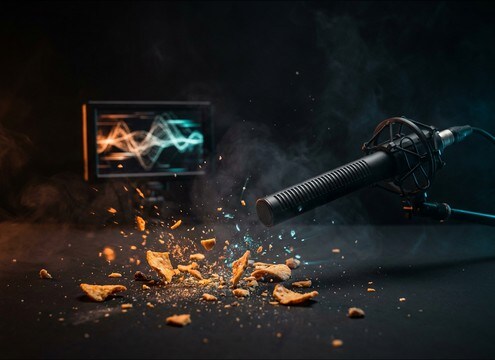
Close-up food bite needing crisp crunch foley

Eating close-ups

Add crisp bite punctuation for snack ads, mukbang cuts, or POV eating shots without overwhelming dialog.

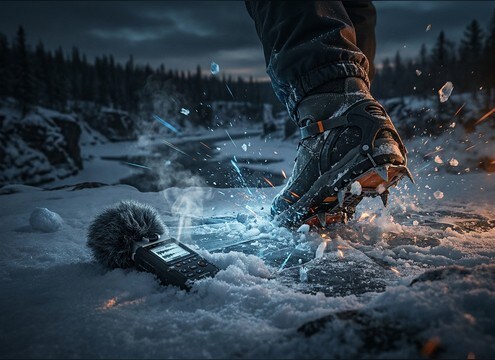
Boot steps on snow with powdery crunch texture

Snow and ice

Match winter walk cycles with softer powder crunch or sharper crusty snow, depending on boot weight and pace.

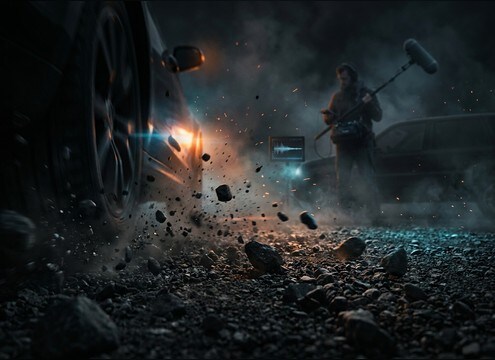
Footsteps on gravel driveway with gritty crunch

Gravel driveway movement

Sell entrances and exits with gritty step crunches that keep low-end controlled and transients readable under music.

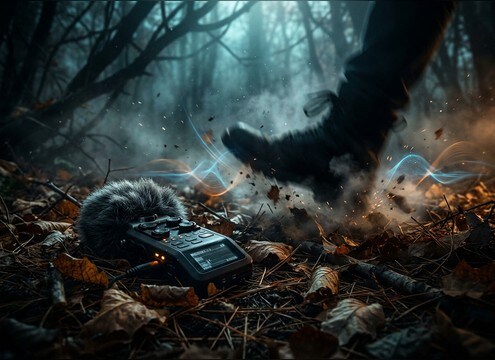
Person walking through dry leaves with crunchy foley

Forest floor tracking

Use leaf litter crunch for stalking scenes, hikers, or creature movement where dry crackle conveys proximity.

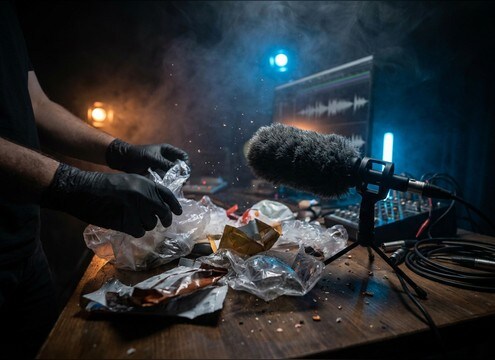
Hands crinkling a plastic bag for prop foley

Prop handling foley

Cover bag grabs, wrapper squeezes, and packaging handling with tight, close-mic plastic crunch textures.

Creature bite moment needing heavier crunch hit

Creature and bone

Create stylized crunch hits for monster bites or bone snaps by pushing density, pitch, and tail length via prompts.

ASMR scene featuring detailed crunchy textures

ASMR texture moments

Choose low-room, high-detail crunches with controlled peaks for intimate headphone listening and gentle pacing.

Cartoon scene needing exaggerated crunchy impact

Cartoon impact crunch

Swap realistic foley for exaggerated brittle cracks to underline slapstick chewing, squashes, and comedic breaks.

Why Choose Media.io for Crunch Sound Generator?

See exactly why creators, developers and studios choose our AI audio generator over all others.

Prompt fields controlling crunch texture and transient

Prompt control for texture

Use the Crunch Sound Generator to specify brittle, papery, gritty, or wet-fresh crunch qualities so the transient and debris match your shot.

Multiple generated crunch variations ready to preview

Fast variations for the cut

Regenerate multiple takes to find the right intensity, pace, and masking strength without hunting through unrelated categories.

Distance and room tone options for crunch sounds

Scene-ready perspective options

Ask for close-mic dryness or a slight room tail to fit kitchen, outdoors, or hallway scenes while keeping the crunch readable.

Audio preview player for crunch SFX selection

Preview before you download

Audition attacks and decay quickly, then keep only the clip that sits under dialog and music without harsh peaks.

WAV download button for crunch sound effects

Clean WAV export workflow

Download WAV files for easy trimming, fades, and layering in any editor or DAW, from quick shorts to longer sequences.

Library of crunch clips with consistent sound character

Royalty-free resource library

Start with downloadable crunch assets, then use the generator to create custom alternates that still feel consistent across a scene.

How to Choose and Prompt Crunch Sounds That Fit the Shot

Crunch is a transient-driven effect, so a good pick comes down to what is breaking (food vs debris), how close the listener is, and how long the decay can ring before it fights dialog. Use the library when you want a quick drop-in, then copy a prompt to regenerate a drier, louder, or more detailed take that matches your timing.

Pick the material first

Material determines the core texture: brittle foods snap, fibrous veggies crack, leaves papery-crackle, gravel grinds with little debris clicks, and plastic wrinkles with bright rustle. Naming the material in your prompt prevents generic crunch that feels disconnected from the visual.

  • Use specific nouns: potato chip, cookie, apple, celery, gravel, dry leaves, plastic bag
  • Add a texture adjective: brittle, gritty, papery, wet-fresh, crumbly
  • Mention debris behavior: shards, crumbs, granular, stones shifting

Control transient and tail

Crunch reads as a quick attack followed by a short decay. If the transient is too soft, it will disappear under music. If the tail is too long, it becomes a noisy bed. When generating, ask for a clean hit or a slightly longer crumble depending on the edit.

  • For tight cuts: sharp transient, very short decay, dry room
  • For satisfying bites: punchy attack with a brief crumble tail
  • For debris beds: steady crackle density with controlled high end

Match distance and space

Close perspective gives detail and peak energy; distant perspective reduces bite and adds room reflections. If your scene is outdoors, keep room tone minimal. If it is indoors, a light early reflection can help the crunch sit naturally, as long as it does not smear the transient.

  • Close-mic: tight mono, low room tone, high detail
  • Distant: softer attack, more air, subtle reflections
  • Stereo width: narrow for close props, wider for walking surfaces

Avoid common crunch mistakes

Bad crunch foley usually fails in three ways: wrong material cues, harsh peaks that hurt ears, or noisy beds that mask dialog. Use prompts and quick regenerations to fix the issue rather than over-EQing a mismatched clip.

  • Avoid hissy top-end fizz when the visual is soft (snow, foam, bread)
  • Avoid long noisy decay on single bites or single steps
  • Avoid random room hum if the scene is supposed to be clean and close

Frequently Asked Questions About
Crunch Sound Effects

Everything you need to know before downloading or generating your first sound.

What counts as a crunch sound effect, and how do I choose the right one?

Crunch usually means a short, transient-heavy break or grind: food bites, leaf crackle, gravel steps, plastic wrinkling, or debris compression. Choose by material first, then pick the transient strength (snappy vs soft) and the tail length (tight hit vs brief crumble) to match your on-screen action.

Can I download these crunch clips as WAV and edit them later?

Yes. Download the WAV file, then trim to the frame, add short fades to prevent clicks, and adjust gain so the transient pops without clipping. For chewing sequences, cut between multiple small crunches rather than stretching one hit.

How do I generate a custom crunch that matches a bite or footstep timing?

In your prompt, specify the action and pacing (single bite, two quick bites, slow step, fast walk), then set 5s for single hits, 10s for short patterns, or 20s for longer beds. Generate multiple variations and pick the one whose attack lines up with your visual.

Which duration should I pick: 5s, 10s, or 20s?

Use 5s for one-off bites, snaps, or single steps. Use 10s for short chewing or a few footsteps you can cut into. Use 20s for continuous debris, leaf crunch beds, or sustained texture you plan to place under movement.

Are these crunch sound effects free to download?

Yes. You can preview and download the AI-generated crunch sound effects as WAV files and use them in personal or commercial projects.

Can I copy the prompt used for each sound?

Yes. Open any sound row to view the prompt, copy it, adjust the wording and generate a custom variation that better matches your scene.

Related Free Sound
Effect Categories

Explore other AI-generated sound libraries from Media.io

sound

Rain Sound Effects

10+ free sounds
sound

Thunder Sound Effects

10+ free sounds
sound

Farts Sound Effects

10+ free sounds
sound

Car Crash Sounds

10+ free sounds
sound

Explosion Sound Effects

10+ free sounds
sound

Gunshot Sound Effects

10+ free sounds
sound

Pistol Sound Effects

10+ free sounds
sound

AI Horror Sound Effects

10+ free sounds
sound

AI Forest Sound Effects

10+ free sounds
sound

AI Dog Whistle Sound

10+ free sounds
sound

AI Ding Sound

10+ free sounds
sound

Phone Ring Sound

10+ free sounds
media.io

AI Video Generator star

Easily generate videos from text or images

Generate
