














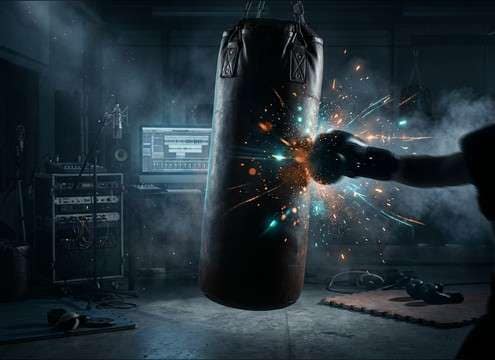
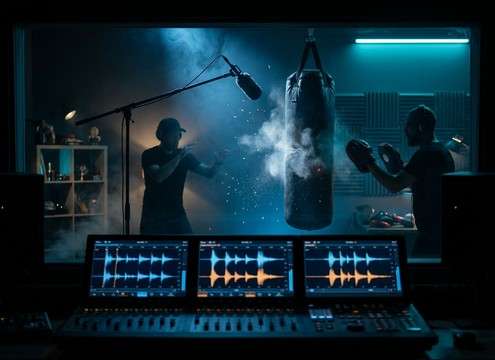


Punch sounds fail when the transient is late, the body is too thin, or the tail fights your scene ambience. Use the library for quick picks, then prompt the generator for the exact hit style: glove smack for gym footage, muted body thumps under clothing, sharp jabs for rapid combos, or heavier hooks with more low-end. Keep the perspective consistent with camera distance so impacts do not jump between dry and roomy takes.
Match the hit style to contact
Decide what is actually making contact and how much surface area is involved. A bare-knuckle hit reads sharper, while gloves tend to soften the attack and thicken the body. For body shots, reduce brightness and lean into a rounded thump instead of a snappy crack.
- Prompt for glove vs bare-knuckle texture
- Specify body shot vs face hit to shape brightness
- Ask for bruising thud vs snappy crack
Control attack and tail for timing
The perceived punch is mostly the transient. If the attack is too soft, the hit feels late; if the tail is too long, it smears over the next line or movement. Choose short-decay takes for fast choreography and slightly longer tails for single big hits.
- Use tight transient for frame-accurate sync
- Keep tails short for rapid combos
- Choose longer decay only for hero impacts
Keep perspective consistent with the scene
A close-up shot wants a drier, more detailed impact, while a wider camera angle can support more room reflections. If your scene already has ambience, avoid overly roomy hits that double the space. If the scene is dry, add a touch of room tone so the impact does not feel pasted on.
- Prompt for close, mid, or distant perspective
- Add light reflections only when the space supports it
- Avoid room tails that conflict with existing ambience
Add whoosh only when motion needs it
Not every punch needs a whoosh. Use it for fast swings, misses, or stylized edits, but keep it brief so it does not read as a sword swish. If dialogue is present, choose a quieter whoosh or none at all to reduce masking in the midrange.
- Ask for a short whoosh lead-in when swing speed is visible
- Keep whoosh subtle for realistic footage
- Skip whoosh on tight, close-mic impacts with dialogue




