












Popular Bite Sound Effects Library

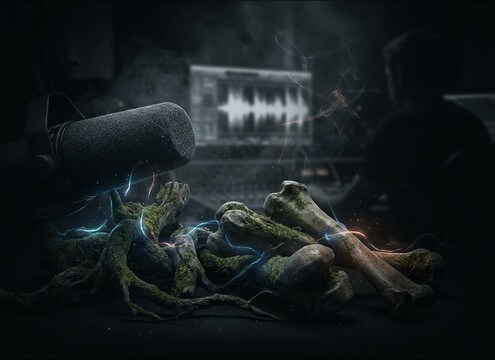
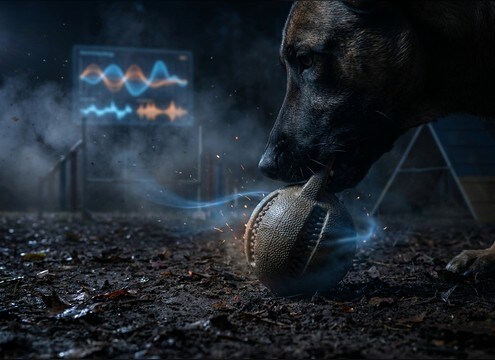
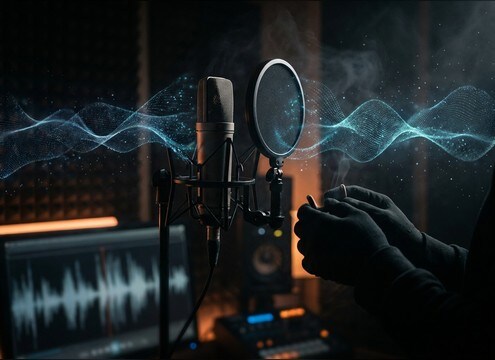
Pick a ready-made bite for your scene, or copy the prompt to generate a tighter crunch, a wetter squish, a wider stereo chomp, or a cleaner tail that sits under dialogue.

How to Generate Your Own
Bite Sound Effects

Cannot find the perfect bite sound effect you need? Generate custom AI bite audio effortlessly. Describe the style, such as short clean cue, cinematic hit, subtle background layer, branded UI alert, and Media.io AI builds tailored bite sound effects instantly. No audio editing experience needed. Turn your concept into a royalty-free, high-quality downloadable WAV bite clip in under 60 seconds.

1

Describe the bite

Type a prompt for the exact bite you need, like crunchy apple chomp, wet creature bite, or a tense lip bite, and add notes like close-mic or distant.

2

Pick length and variations

Choose a 5s, 10s, or 20s duration and select how many options to generate so you can compare different textures and intensities.

3

Generate and preview

Click Generate, then listen to each result and keep the take with the best transient, tail, and overall loudness for your scene.

4

Download WAV and use

Download your chosen WAV and drop it into your timeline for videos, games, apps, podcasts, or commercial projects.

What Can You Use These Bite Sound Effects For?

Creators in every field are using our royalty-free audio to set the perfect mood.

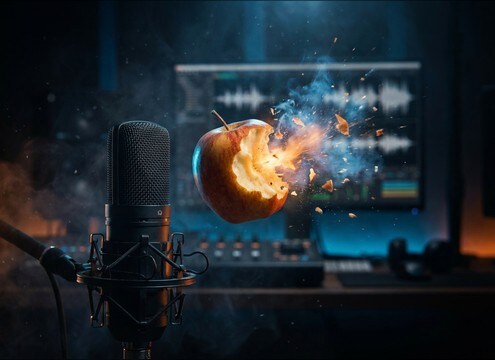
Editor syncing a crunchy bite to a food close-up

Food close-ups

Match a product shot with a crisp crunch bite that cuts through music without a long tail.

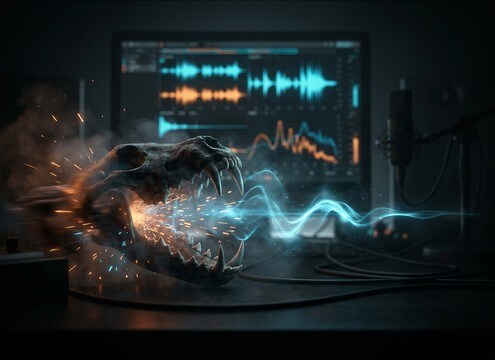
Creature bite sound design for a night attack scene

Vampire and creature

Swap between puncture, snap, and wet bite textures to sell different levels of gore and proximity.

Cartoon character chomp sound effect timing

Cartoon chomp gags

Use exaggerated chomps with clean transients for animated eating, props, and reaction beats.

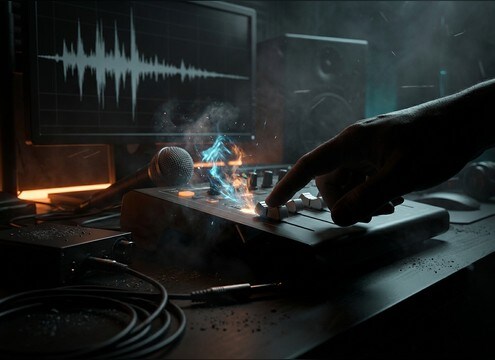
Lip bite foley under close dialogue

Tense lip bite

Add a small, intimate bite that reads as nervousness without masking dialogue.

Prop bite foley for a practical gag

Biting into props

Create unusual bites like fabric, rubber, or metal clamps for comedy stunts and prop interactions.

Looping chewing ambience for an off-screen creature

Creature idle chewing

Build a short chew bed for off-screen feeding with loop-friendly cadence and controlled dynamics.

Gentle nibble sound layered into a pet training video

Dog training and

Use gentle nibble and chew sounds to illustrate mouth behavior without harsh crunch spikes.

Close-mic bite texture for ASMR content

ASMR bite moments

Generate close-mic bites with detailed mouth texture and low room tone for intimate listening.

Why Choose Media.io for Bite Sound Generator?

See exactly why creators, developers and studios choose our AI audio generator over all others.

Text prompt controls for bite sound generation

Bite Sound Generator prompts

Steer crunch vs squish, jaw snap intensity, and mouth detail by writing exactly what happens in the bite.

Previewing bite variants before download

Fast, usable previews

Audition multiple bites quickly to find the right transient and decay for a tight edit point.

Selecting bite sound duration options

Duration control for timing

Pick 5s, 10s, or 20s so the bite lands cleanly on picture and does not leave unwanted tail.

Multiple generated bite sound options

Variation sets on demand

Generate several takes at once to choose between dry, roomier, brighter, or darker bite textures.

Downloading royalty-free bite WAV files

Royalty-free downloads

Download bite WAV files ready for real projects, with no need to record foley in a treated room.

Bite sound placed in a timeline under dialogue

Mix-friendly output

Get clean, cut-ready audio that is easier to tuck under dialogue or stack with cloth and movement foley.

How to Prompt Bite Sounds That Match the Shot

Bite foley is all about what is being bitten, how close the camera feels, and whether you need a clean comedic chomp or a wet, messy hit. Use prompts that specify material, intensity, and space so you get the right transient and tail on the first few generations, then regenerate small variations to match pacing and continuity between cuts.

Name the material, not just the action

The same bite can read crunchy, soft, or wet depending on the material. Call out what is in the mouth so the texture lands correctly and does not sound like a generic chomp.

  • Use material words: apple, cracker, bread, raw meat, leather, rubber
  • Ask for texture cues: brittle crack, soft tear, sticky squish, fibrous rip
  • If it sounds wrong, change only the material phrase and regenerate

Control intensity and mouth detail

A hard bite needs a pronounced transient, while a nervous or intimate bite needs subtle mouth noise and lower peak energy. Prompt for the amount of crunch and saliva so it fits the emotion of the moment.

  • For subtle: gentle, muted attack, low crunch, minimal saliva
  • For aggressive: sharp transient, heavy jaw snap, stronger low-end thump
  • For horror: wet, squishy, sticky decay, but keep the tail controlled

Set perspective with distance and space words

Bites often sit under dialogue, so room tone and reflections matter. Specify close-mic intimacy vs a wider room so the sound matches the camera distance and does not feel pasted on.

  • Close: close-mic, dry, minimal room tone, narrow stereo focus
  • Roomy: small room reflections, subtle ambience, slightly wider stereo
  • Avoid: long reverb tails unless the scene is intentionally stylized

Avoid common bite SFX mismatches

Most bite problems are timing and texture mismatches. Keep prompts simple and iterate with small changes so the bite hits on frame and does not mask speech.

  • Do not overdo wetness for food shots unless the visual is messy
  • Avoid overly loud crunch spikes when dialogue is present
  • If you need a series, request repeated nibbles or a chewing bed instead of one big chomp

Frequently Asked Questions About
Bite Sound Effects

Everything you need to know before downloading or generating your first sound.

How do I make the bite sound crunchy instead of wet?

In your prompt, name a brittle food (apple, chips, cracker) and ask for a sharp transient with a short dry tail. Avoid words like squishy, sticky, saliva, or suction, then regenerate a few variations to pick the cleanest crunch.

What prompt details help a monster bite feel larger?

Ask for an aggressive jaw snap, heavier low-end thump, and slightly slower decay. Adding cues like close perspective vs mid distance also changes the sense of scale, especially if you request subtle room reflections.

Can I download WAV bite sound effects for commercial use?

Yes. You can preview, generate, and download bite sounds as WAV and use them in commercial projects as royalty-free audio.

How do I choose between 5s, 10s, and 20s for a bite?

Use 5s for single bites or quick chomps that need tight timing. Choose 10s for bite plus chew detail or multiple mouth movements. Pick 20s when you need a continuous chewing bed or repeated bites that can be trimmed to fit different cuts.

Are these bite sound effects free to download?

Yes. You can preview and download the AI-generated bite sound effects as WAV files and use them in personal or commercial projects.

Can I copy the prompt used for each sound?

Yes. Open any sound row to view the prompt, copy it, adjust the wording and generate a custom variation that better matches your scene.

Related Free Sound
Effect Categories

Explore other AI-generated sound libraries from Media.io

sound

Rain Sound Effects

10+ free sounds
sound

Thunder Sound Effects

10+ free sounds
sound

Farts Sound Effects

10+ free sounds
sound

Car Crash Sounds

10+ free sounds
sound

Explosion Sound Effects

10+ free sounds
sound

Gunshot Sound Effects

10+ free sounds
sound

Pistol Sound Effects

10+ free sounds
sound

AI Horror Sound Effects

10+ free sounds
sound

AI Forest Sound Effects

10+ free sounds
sound

AI Dog Whistle Sound

10+ free sounds
sound

AI Ding Sound

10+ free sounds
sound

Phone Ring Sound

10+ free sounds
media.io

AI Video Generator star

Easily generate videos from text or images

Generate
