















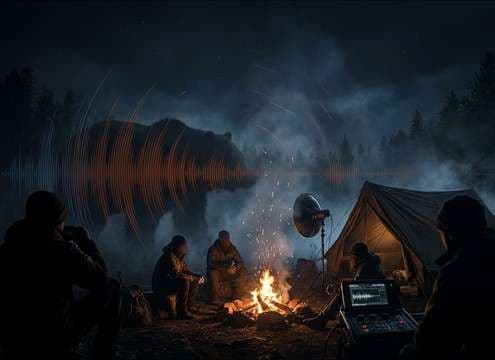
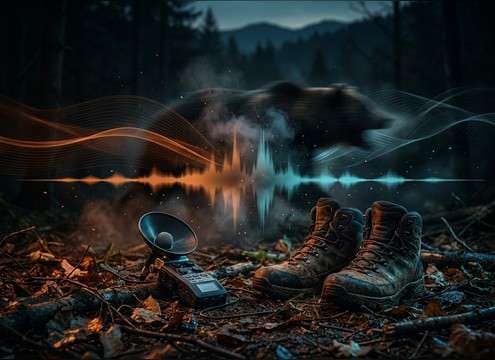



Bear vocals can read as realistic or cartoonish depending on pitch, grit, and decay. Use this quick guide to pick the right library clip or write a prompt that matches species, distance, and the emotional intent of the moment, whether it is a warning huff at close range or a distant territorial roar across a valley.
Start with the intent and type
Decide what the bear is doing on screen. A roar usually signals dominance or a big reveal, a growl communicates threat at closer range, and a huff or snort fits caution, agitation, or breathing detail.
- Roar: louder, longer sustain, more tail
- Growl: lower, steadier, often closer perspective
- Huff or snort: short burst, breath texture, quick decay
Specify distance and environment
Distance changes everything: transients soften, the high end rolls off, and reflections become part of the sound. Add the space so the generator can shape room tone and decay to match your shot.
- Close: crisp attack, minimal reflections, mouth detail
- Mid: balanced tone with light forest reflections
- Distant: diffuse attack, longer decay, wider stereo
Control texture and low-end
Bear vocals can get boomy fast. If your mix already has bass and impacts, keep the growl tighter and reduce rumble so it does not mask music or narration.
- Ask for controlled low-end instead of sub-heavy rumble
- Use gritty texture for menace, smoother tone for neutral
- Keep noise floor consistent with your ambience bed
Avoid the common giveaway sounds
The fastest way to break realism is using the wrong performance for the scene or an unnatural tail. If it sounds like a lion, a monster, or a clipped sample, regenerate with clearer constraints.
- Avoid overly pitched-up or pitched-down vocals
- Avoid tails that ring like a cave when the scene is outdoors
- Avoid heavy clipping or distortion unless it is stylized




