














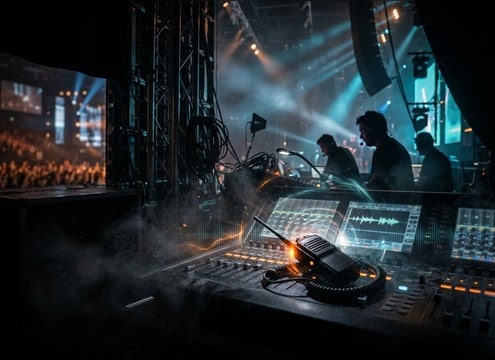
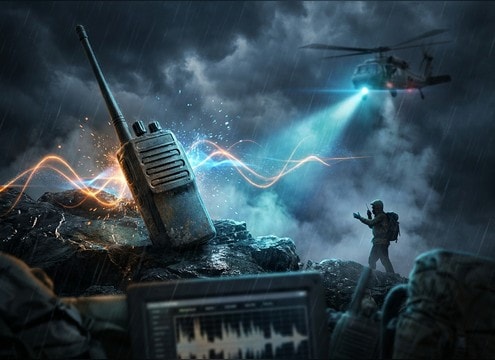
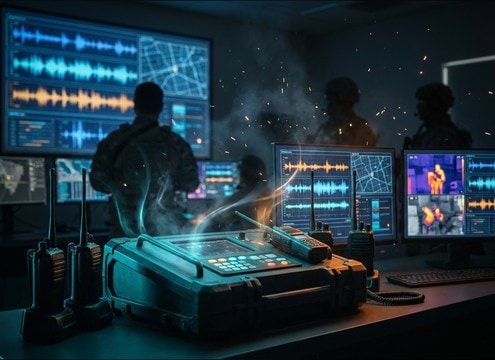


Walkie-talkie audio is defined by two things: the hardware actions (PTT press, release, squelch) and the channel sound (band-limited tone, hiss, distortion, dropouts). Use the tips below to choose the right library clip, or write a prompt that matches your scene timing and intelligibility needs, from clean dispatch to chaotic, breaking reception.
Start with the action cue
Decide what the audience should notice first: the PTT click, the beep, or the start of a voice burst. That first transient is what sells the prop and helps editors sync to hand movement.
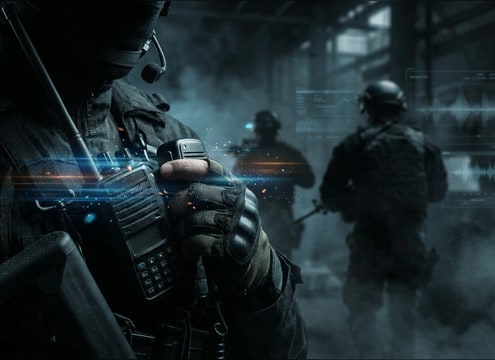
- For handheld radios, ask for a crisp plastic click with minimal tail.
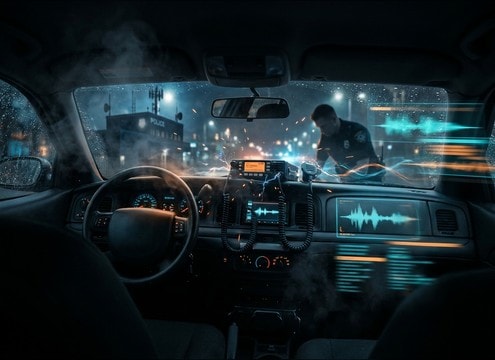
- For vehicle or belt radios, ask for a slightly duller click and a tiny speaker rattle.
- If you need instant readability, choose a beep that does not mask dialogue consonants.
Control the channel quality
Radio comms usually live in a narrow midrange band. Choose how aggressive the filtering and distortion should be so it matches the story: calm coordination sounds cleaner than a chase scene.
- Use prompts like "band-limited" and "mono" to keep it believable.
- Add "light distortion" for realism, or "harsh clipping" for urgency.
- For noisy environments, ask for more hiss so the voice feels embedded in the channel.
Match signal strength to distance
Weak reception is more than louder static. It is often uneven, with dropouts and flutter that come and go. Use this when characters are far apart, obstructed, or moving through dead zones.
- Ask for "dropouts" and "flutter" instead of constant noise when you want realism.
- For distant units, reduce intelligibility and extend the squelch tail slightly.
- If the scene is close and calm, avoid heavy crackle that distracts from the performance.
Avoid common radio SFX mistakes
A few small issues make comms sound fake: too-wide stereo, overly bright beeps, and tails that ring like a reverb plugin instead of a squelch gate.
- Avoid wide stereo effects unless the radio is a stylized sci-fi device.
- Do not stack loud beeps right on top of dialogue starts; leave a small gap.
- If the tail feels like room reverb, switch to a shorter, noisier squelch decay.




