
















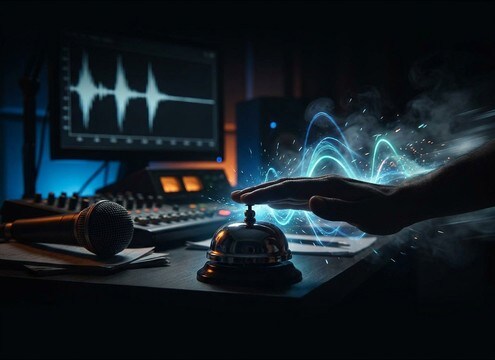





A good triple ding is more about intent and timing than loudness. When you prompt, decide whether you want a clean digital UI cue, a physical bell ring with a resonant tail, or a retro tri-tone. Then specify spacing between hits, the brightness of the pitch, and how quickly the decay should get out of the way of narration or music.
Start with the action and use case
Tell the generator what the ding means in your scene. A success confirmation should be tight and dry, while a bell moment can be ringier and more acoustic.
- Say success, correct answer, arrival, or warning
- Specify digital UI vs metal bell vs arcade synth
- Mention whether it must feel friendly, urgent, or comedic
Control timing, rhythm, and spacing
The same three notes can feel like a notification or a countdown depending on gaps. Ask for tight spacing for UI, or deliberate pauses for pacing beats.
- Request tight, medium, or wide spacing between dings
- Ask for even timing or a quick-quick-slow pattern
- Include silence between hits if you need edit markers
Describe tone: pitch, brightness, and texture
Choose a bright, glassy ping for modern interfaces, a rounder midrange for softer feedback, or a slightly gritty tone for retro vibes.
- Ask for bright high pitch or warmer midrange
- Mention clean transients vs softer attack
- Add lo-fi grit only when you want an arcade feel
Set tail length and space without clutter
Most editors want dings that cut through quickly and then disappear. If you need a ring-out, keep it controlled so it does not wash over dialogue.
- Request very short decay for UI overlays
- Add light room reflections for a bell-in-a-space feel
- Avoid long reverb tails when the cue sits under voice




