















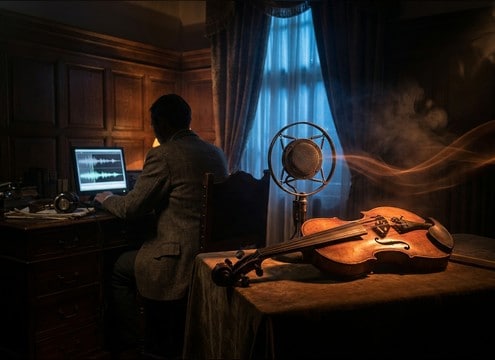








Violin SFX can read as musical, creepy, or purely textural depending on articulation and noise. Use this quick guide to pick the right clip from the library or write prompts that control attack, bow noise, and tail so the sound lands in the edit without sounding like a full score cue.
Start with the articulation you need
Articulation is the fastest way to get the right storytelling function: punctuation, motion, or tension. Name it first in your prompt or filter for it in the list.
- For punctuation: staccato hits, short sustains, or harmonic pings
- For motion: glissando rises, quick slides, or repeated pizzicato
- For tension: tremolo beds, sul pont sustains, or noisy bow pressure
Control attack and decay for the cut
Most editing problems come from the transient being too soft or the tail being too long. Describe both so the clip fits under dialogue and picture edits.
- Ask for a sharper attack when you need a clear hit point
- Ask for a shorter decay when the next line or SFX follows immediately
- Ask for a longer tail only when the scene has space for it
Decide how much bow noise is acceptable
Bow noise can make a violin feel intimate and real, or it can become scratchy and distracting. Prompt for the amount of texture you want.
- Clean tone: low bow noise, smooth top end, quiet noise floor
- Gritty texture: rosin noise, bow scrape, slightly rough harmonics
- Avoid harshness: request no distortion, no piercing highs, no brittle fizz
Match space and stereo width to your scene
A dry close mic can feel immediate, while room reflections place the violin in a believable environment. Choose the space that matches your production audio.
- Close and dry for tight edits and UI-like musical cues
- Small-room reflections for intimate drama or interior scenes
- Wider stereo and longer reflections for stage or cinematic moments




