











Popular Television Sound Effects Library

These TV-ready clips cover the moments editors reach for most: remote clicks, channel surfing, static hits, and in-room playback beds. Copy any prompt to regenerate a cleaner transient, a longer tail, or a more distant perspective, then export a WAV that drops into your timeline.

How to Generate Your Own
Television Sound Effects

Cannot find the perfect television sound effect you need? Generate custom AI television audio effortlessly. Describe the style, such as short clean cue, cinematic hit, subtle background layer, branded UI alert, and Media.io AI builds tailored television sound effects instantly. No audio editing experience needed. Turn your concept into a royalty-free, high-quality downloadable WAV television clip in under 60 seconds.

1

Write your TV prompt

Type what you need, like remote click, channel surf, CRT hum, or TV audio playing in a room. Add details such as distance, stereo width, and noise texture.

2

Pick length and variations

Choose a duration of 5s, 10s, or 20s, then set how many options you want generated so you can quickly compare different takes.

3

Generate and preview

Click Generate, listen to each result, and keep the version with the right transient, tail, and overall tone for your scene.

4

Download WAV and use

Download the selected file as WAV and drop it into videos, apps, games, podcasts, or commercial projects as a clean TV cue or background bed.

What Can You Use These Television Sound Effects For?

Creators in every field are using our royalty-free audio to set the perfect mood.

Television turning on sound effect synced to a screen cut

On-screen TV moments

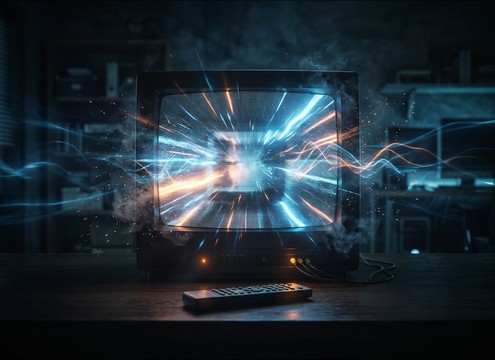
Sell a shot of a TV turning on, switching channels, or losing signal with a timed click, short noise burst, and a believable tail.

Distant TV playing ambience under conversation in a living room

Living room ambience

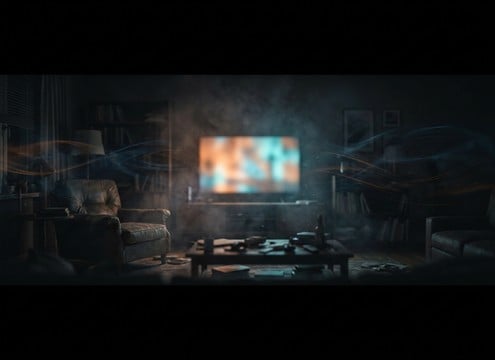
Add distant TV playback behind dialogue so the space feels lived-in, with muffled highs and gentle room reflections that do not mask speech.

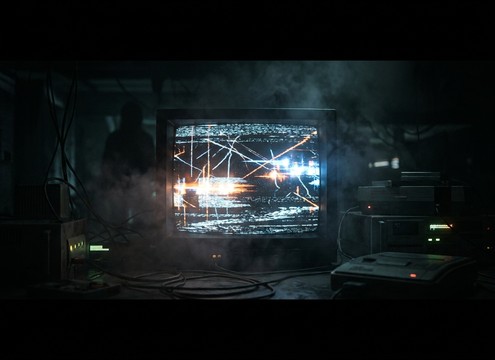
Retro CRT television hum and static for a vintage scene

Retro CRT scenes

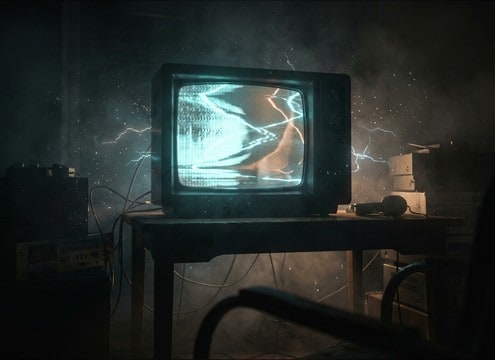
Use hum, whine, and static texture to match older sets, especially when the camera lingers on a glowing screen or a dark room.

Channel surfing sound sequence for a quick montage

Channel surf montages

Cut fast sequences of flipping through stations with short blips and micro-gaps, keeping transients consistent across edits.

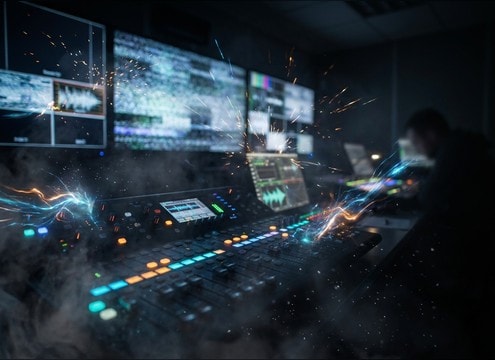
Broadcast test tone and signal interruption sound effects

Broadcast control room

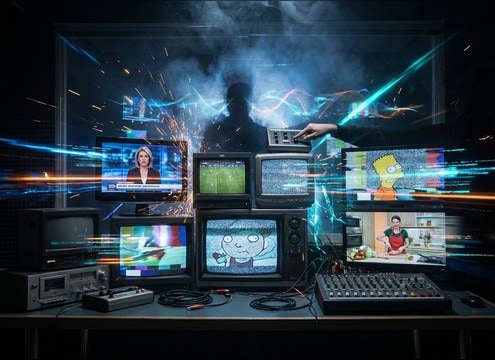
Drop in test tones, signal hits, and short static interruptions to imply feed checks, outages, or technical handoffs.

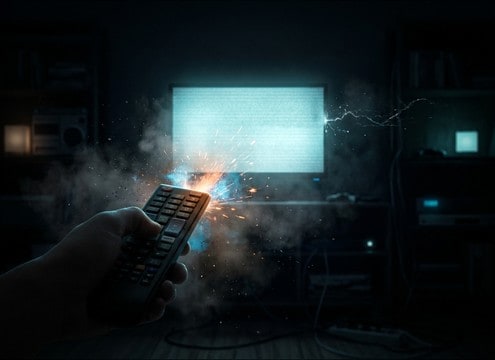
Remote click sound effect used as a comedy punchline

Comedy remote gags

Punch jokes with exaggerated button clicks, quick mute toggles, or an abrupt power-off cut to silence with a tiny residual buzz tail.

Distorted TV static interference for a horror scene

Horror signal interference

Build tension using unstable static, distorted playback, and abrupt dropouts that feel like an infected broadcast rather than a clean noise loop.

Device UI sound pack built from TV click and power cues

UI and device

Turn TV clicks and power cues into cohesive device feedback by regenerating consistent tone, loudness, and decay across multiple variations.

Why Choose Media.io for Television Sound Generator?

See exactly why creators, developers and studios choose our AI audio generator over all others.

Prompt controls for television click, static, and room tone

Prompt control for TV realism

The Television Sound Generator lets you specify remote click sharpness, speaker muffling, static grit, and how much room tone you want in the tail.

Multiple generated variations of a TV channel change sound

Regenerate fast alternates

Need the same idea with less hiss or a tighter transient? Generate multiple variations and pick the cleanest take for your cut.

Close versus distant television playback sound options

Scene distance matching

Create close, mid, or far TV playback that fits camera position, with controllable reflections and stereo width so it sits naturally behind dialogue.

Previewing television sound effects before downloading

Preview before export

Audition results in-browser to confirm the attack and decay timing aligns with on-screen actions like button presses and signal drops.

WAV download option for television sound effects

WAV downloads for editing

Export WAV files that are easy to trim, fade, loop, or layer under production audio without adding unwanted artifacts.

Royalty-free television sound effects library with AI customization

Royalty-free resource library

Start with ready-to-use TV SFX, then customize with AI prompts when you need a more specific texture, intensity, or tail length.

How to Prompt Television Sounds That Fit the Shot

Television audio is usually heard through a speaker in a space, not as a clean direct feed. When you choose or generate a clip, decide whether the audience should notice the TV action (a sharp remote click or power cue) or simply feel it in the room (muffled playback plus ambience). Use prompts that name the action, the listening distance, and the texture you want in the noise floor and tail.

Choose the TV moment first

Start by naming the exact on-screen beat. A channel change reads as a click plus a short program blip. A signal loss is a burst of static and a drop. A power toggle needs a clear transient and a believable end.

  • Use action words: power on, power off, mute, channel up, channel surf
  • Call out timing: instant cut, short gap, or quick ramp
  • Ask for clean starts to make frame-accurate edits easier

Set perspective: close speaker vs in-room

Most TV sounds should carry some room tone and softened highs. If the camera is across the room, prompt for muffled playback and gentle reflections. If the TV is the focus, keep it closer and drier.

  • Close: sharper transients, less reverb, narrower image
  • Distant: softer attack, more room reflection, wider ambience
  • Avoid over-wide stereo if it needs to feel like a single TV source

Dial in static and hum texture

Static can be a quick burst, a loopable bed, or a glitchy interruption. Hum is usually subtle, with harmonics and a steady level. Specify harshness, movement, and whether the clip must loop cleanly.

  • For loops: request no spikes and a loop-friendly start and end
  • For glitches: ask for irregular dropouts instead of constant noise
  • For CRT vibes: add low hum plus faint high whine harmonics

Avoid common TV-audio giveaways

The biggest problems are static that is painfully bright, clicks that sound like a keyboard, or playback that is too clean to be coming from a TV speaker. Keep it believable for the scene.

  • Do not let static dominate dialogue; request lower masking strength
  • Skip long reverb tails unless the room is large and reflective
  • If it sounds like a direct feed, prompt for muffling and room tone

Frequently Asked Questions About
Television Sound Effects

Everything you need to know before downloading or generating your first sound.

Can I use these television sound effects for free in commercial projects?

Yes. You can preview and download royalty-free television sounds and use them in commercial edits like films, ads, or apps. If a specific cue is missing, generate a new variation with an AI prompt and export it the same way.

Do downloads come as WAV files, and can I trim them?

Downloads are WAV, which makes trimming, fading, and looping straightforward in most editors. For tight sync, cut on the transient of the click or static hit, then add a short fade on the tail to avoid pops.

How do I make a TV sound like it is in the room, not a direct audio feed?

Pick or generate a clip with muffled highs, a bit of room tone, and subtle reflections. In prompts, include distance (like across the room) and ask for softer attack and a natural decay rather than a dry, full-range signal.

What is the difference between CRT hum and modern flat-screen TV sound?

CRT hum is a steady low buzz with faint harmonic whine and often a slightly gritty noise floor. Modern sets are typically cleaner, with less constant hum and more emphasis on button clicks or short system tones.

Are these television sound effects free to download?

Yes. You can preview and download the AI-generated television sound effects as WAV files and use them in personal or commercial projects.

Can I copy the prompt used for each sound?

Yes. Open any sound row to view the prompt, copy it, adjust the wording and generate a custom variation that better matches your scene.

Related Free Sound
Effect Categories

Explore other AI-generated sound libraries from Media.io

sound

Rain Sound Effects

10+ free sounds
sound

Thunder Sound Effects

10+ free sounds
sound

Farts Sound Effects

10+ free sounds
sound

Car Crash Sounds

10+ free sounds
sound

Explosion Sound Effects

10+ free sounds
sound

Gunshot Sound Effects

10+ free sounds
sound

Pistol Sound Effects

10+ free sounds
sound

AI Horror Sound Effects

10+ free sounds
sound

AI Forest Sound Effects

10+ free sounds
sound

AI Dog Whistle Sound

10+ free sounds
sound

AI Ding Sound

10+ free sounds
sound

Phone Ring Sound

10+ free sounds
media.io

AI Video Generator star

Easily generate videos from text or images

Generate

