












Popular Space Sound Effects Library

Pick a ready-made clip for instant use, or copy the prompt to regenerate the same idea with different distance, grit, and tail behavior for your scene timing.

How to Generate Your Own
Space Sound Effects

Cannot find the perfect space sound effect you need? Generate custom AI space audio effortlessly. Describe the style, such as short clean cue, cinematic hit, subtle background layer, branded UI alert, and Media.io AI builds tailored space sound effects instantly. No audio editing experience needed. Turn your concept into a royalty-free, high-quality downloadable WAV space clip in under 60 seconds.

1

Describe the space moment

Type a prompt for what you need, such as a warp jump, cockpit UI beeps, EVA breathing, or a docking impact. Mention distance, tone, and tail length.

2

Pick duration and variations

Choose 5s, 10s, or 20s, then set how many versions you want so you can audition different textures or intensities.

3

Generate and preview

Click Generate, listen to each result, and keep the take that best matches your cut, timing, and loudness needs.

4

Download WAV and use

Download the selected WAV file and drop it into your timeline for videos, games, apps, podcasts, trailers, or commercial projects.

What Can You Use These Space Sound Effects For?

Creators in every field are using our royalty-free audio to set the perfect mood.

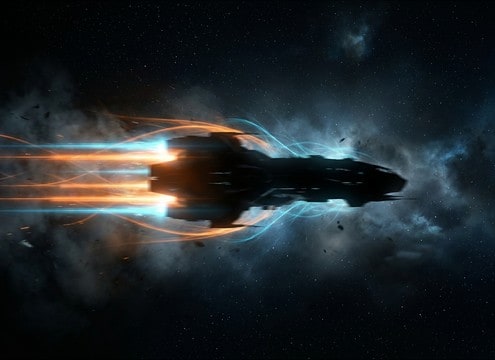
Spaceship flyby sound effect for a wide exterior reveal

Spaceship pass-bys and

Add a controlled flyby whoosh that tracks a camera pan, with stereo motion and a tail short enough to clear the next line of dialogue.

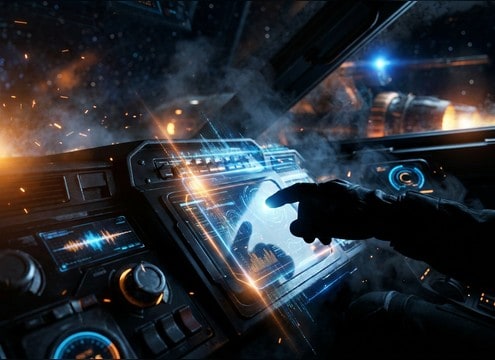
Futuristic cockpit UI beeps layered over spacecraft controls

Cockpit UI and

Use tight beeps and confirm tones with clean transients so interface sounds read clearly over engine beds and comms noise.

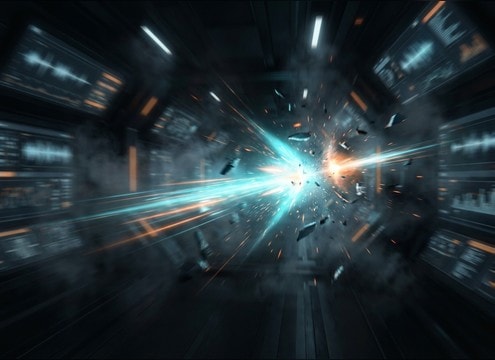
Warp jump sound effect synced to a hyperspace transition

Warp jumps and

Hit scene transitions with a snap-to-sweep warp cue that matches a hard cut, match cut, or portal flash without smearing the edit.

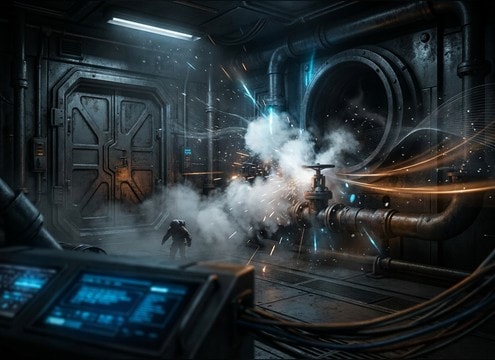
Airlock depressurization hiss for a space station corridor

Airlocks, vents, and

Sell decompression with a hiss burst and valve click, then leave a short decay so you can immediately switch to quiet interior tone.

Astronaut breathing inside a helmet during an EVA scene

EVA suit perspective

Create helmet-borne breathing and pump noise that feels close and slightly resonant, ideal for tense repair sequences.

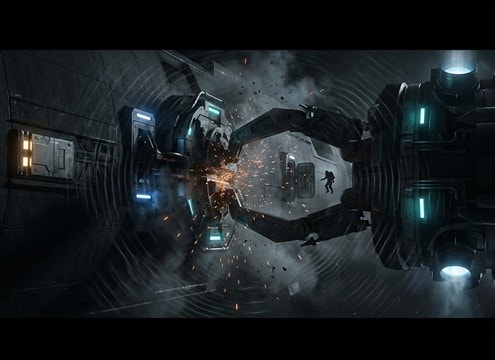
Spaceship docking clamp impact sound for a docking bay scene

Docking and mechanical

Use low-end clunks with brief hull resonance to emphasize mass, alignment locks, and clamps engaging on contact.

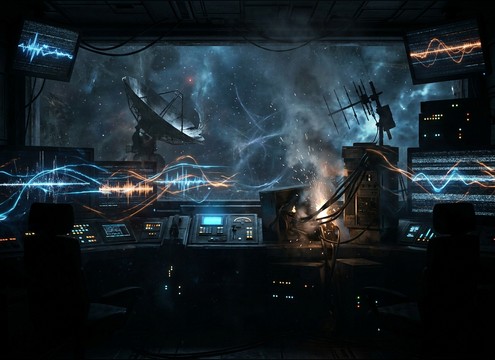
Radio static and mission control chatter for a space communication scene

Comms and signal

Layer radio chatter and static bursts to imply distance, damaged antennas, or emergency calls without needing readable words.

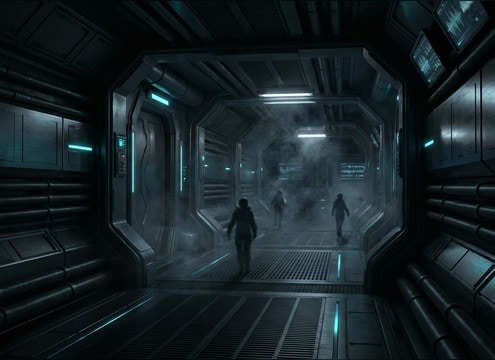
Loop-friendly space station ambience bed for interior scenes

Space station ambience

Build a loopable interior hum with subtle ticks and wide stereo air to glue multiple shots together across a corridor sequence.

Why Choose Media.io for Space Sound Generator?

See exactly why creators, developers and studios choose our AI audio generator over all others.

Text prompt controls for generating space sound effects

Prompt control for scene accuracy

Dial in cues like warp snap, thruster burst, docking clunk, or helmet breathing by describing the action, intensity, and tail behavior.

Multiple generated variations of the same sci-fi space sound

Space Sound Generator variations

Generate multiple takes of the same idea so you can choose different textures, grit levels, or stereo width without starting over.

Previewing space SFX waveforms before download

Preview before you download

Audition each clip in-browser to confirm attack clarity, decay length, and masking strength before exporting.

Duration options for space sound effect generation

Mix-friendly, cut-ready length options

Pick 5s, 10s, or 20s durations to match quick hits, transition stingers, or longer ambience beds.

Royalty-free space sound effects ready for production

Royalty-free downloads for real projects

Download sounds you can use across content types, from narrative sci-fi to UI mockups, without chasing separate sources.

Regenerating a space sound to match a new edit timing

Fast regenerate for timing changes

When the cut changes, regenerate a tighter transient, shorter tail, or different intensity so the SFX lands exactly on the edit.

How to Prompt Space SFX That Fit the Shot

Space audio is usually about perspective and storytelling: cockpit sounds feel contained and mechanical, comms are band-limited and noisy, and exterior shots often use stylized motion cues. Use these prompt patterns to get cleaner transients for cuts, believable texture beds for interiors, and the right amount of low-end rumble without washing out the mix.

Start with perspective: interior, suit, or exterior

Specify where the listener is. Interior ship shots often need muffled resonance and machinery tone, while suit perspective emphasizes breathing and pump noise. Exterior flybys usually call for stylized whooshes with controlled stereo travel.

  • Use words like close mic, inside helmet, cockpit interior, or distant pass
  • Ask for narrow stereo for cockpit, wide stereo for flybys and station beds
  • Call out tail length: tight tail for fast cuts, longer tail for slow reveals

Describe the action and its transient shape

Most space cues are defined by the first 200 ms. Tell the generator whether you want a sharp snap, a soft swell, or a hard impact, then define how quickly it should decay to avoid masking dialogue or UI beeps.

  • For warp: snap transient plus rising pitch sweep, quick decay
  • For docking: heavy clunk, low-end thud, short metallic resonance
  • For airlock: valve click, pressurized hiss burst, fast fade

Add texture layers without turning it into music

Space scenes benefit from subtle grit and noise, but too much becomes a drone. Request specific textures like radio hiss, light distortion, or machinery ticks, and keep them controlled so they sit under narration and sound design.

  • For comms: band-limited, intermittent static bursts, light distortion
  • For station beds: steady low hum with occasional ticks, loop-friendly
  • For weapons: clean zap with minimal tail, avoid long reverb wash

Avoid common prompt pitfalls

Overly broad prompts often yield smeared tails or unwanted melodic tones. Keep your request specific to one event or one ambience bed, and explicitly ask for no music if you need pure SFX.

  • Avoid vague terms like epic space sound without an action label
  • If you hear melody, prompt: no music, no synth pad, no rhythm
  • If the tail is too long, prompt: tight decay, dry, minimal reverb

Frequently Asked Questions About
Space Sound Effects

Everything you need to know before downloading or generating your first sound.

Can I download space sound effects for commercial use?

On this page you can preview and download royalty-free space SFX and use them in commercial projects. If you have a specific licensing requirement for a client or platform, review the terms shown in-product before publishing.

What is the best way to make space ambience loop seamlessly?

Choose a 20-second ambience, then pick a take with stable texture and minimal one-off hits. If needed, trim to a zero-crossing and apply a short crossfade at the loop point to avoid clicks or pumping.

Space is silent, so why do sci-fi edits use flyby whooshes?

Most creators use stylized cues to communicate speed, mass, and camera movement. If you want a more grounded feel, prompt for interior perspective (cockpit rumble, vibrations, comms) rather than exterior roaring.

Do the downloads come as WAV files, and can I edit them?

Yes, you can download WAV and then edit like any other clip: trim the transient, shorten the tail, EQ the low-end rumble, or narrow the stereo width for dialogue-heavy scenes.

Are these space sound effects free to download?

Yes. You can preview and download the AI-generated space sound effects as WAV files and use them in personal or commercial projects.

Can I copy the prompt used for each sound?

Yes. Open any sound row to view the prompt, copy it, adjust the wording and generate a custom variation that better matches your scene.

Related Free Sound
Effect Categories

Explore other AI-generated sound libraries from Media.io

sound

Rain Sound Effects

10+ free sounds
sound

Thunder Sound Effects

10+ free sounds
sound

Farts Sound Effects

10+ free sounds
sound

Car Crash Sounds

10+ free sounds
sound

Explosion Sound Effects

10+ free sounds
sound

Gunshot Sound Effects

10+ free sounds
sound

Pistol Sound Effects

10+ free sounds
sound

AI Horror Sound Effects

10+ free sounds
sound

AI Forest Sound Effects

10+ free sounds
sound

AI Dog Whistle Sound

10+ free sounds
sound

AI Ding Sound

10+ free sounds
sound

Phone Ring Sound

10+ free sounds
media.io

AI Video Generator star

Easily generate videos from text or images

Generate

