











Popular Sparkle Sound Effects Library

These ready-to-use sparkles cover common edit moments like pop-in reveals, fairy dust trails, and compact UI rewards. Each card lists a distinct texture, attack, and decay so you can choose what will cut through music without getting harsh.

How to Generate Your Own
Sparkle Sound Effects

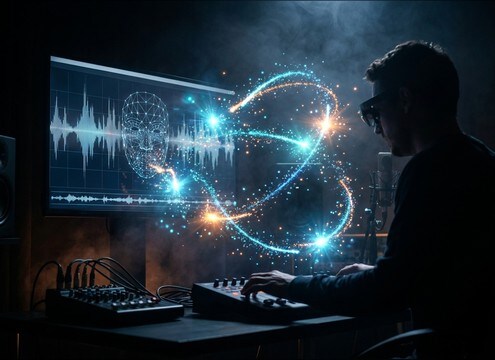
Cannot find the perfect sparkle sound effect you need? Generate custom AI sparkle audio effortlessly. Describe the style, such as short clean cue, cinematic hit, subtle background layer, branded UI alert, and Media.io AI builds tailored sparkle sound effects instantly. No audio editing experience needed. Turn your concept into a royalty-free, high-quality downloadable WAV sparkle clip in under 60 seconds.

1

Describe your sparkle

Type a prompt for the exact feel you need, like glitter burst, crystal ping, or a soft fairy twinkle, and note mood and intensity.

2

Pick time and versions

Choose 5s, 10s, or 20s, then set how many variations you want so you can compare different shimmer textures quickly.

3

Generate and preview

Click Generate, listen to each result, and keep the take with the right attack and tail length for your scene timing.

4

Download WAV and place

Export the WAV and drop it into video edits, game events, app UI, podcasts, or commercial projects with clean, ready-to-use audio.

What Can You Use These Sparkle Sound Effects For?

Creators in every field are using our royalty-free audio to set the perfect mood.

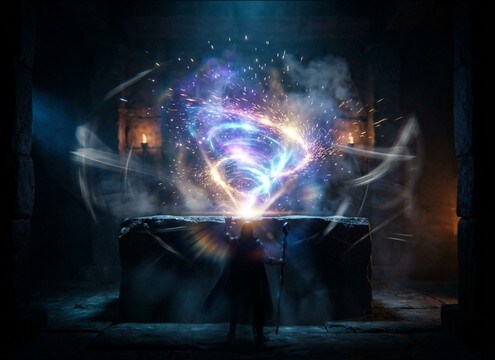
Sparkle hit on a magic reveal transition in a video edit

Magic reveal transitions

Accent a wand flick, transformation, or on-screen teleport with a fast hit plus a short shimmer tail that matches the cut.

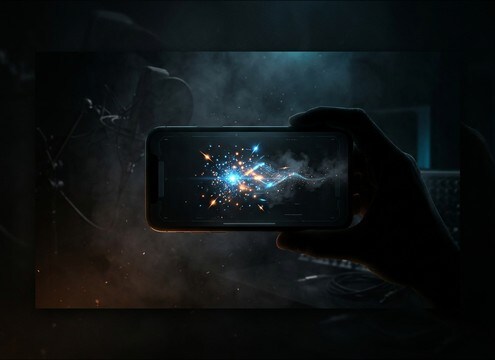
UI reward animation with a short sparkle sound effect

App reward and

Use a compact sparkle that reads on phone speakers, with a strong transient and quick decay that will not swamp tap sounds.

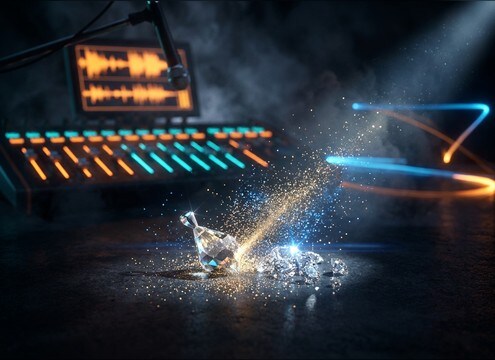
Close-up jewelry sparkle moment with a crystal ping SFX

Jewelry and beauty

Add a clean crystal ping or glitter burst when highlights catch the lens, keeping the tone bright but not piercing.

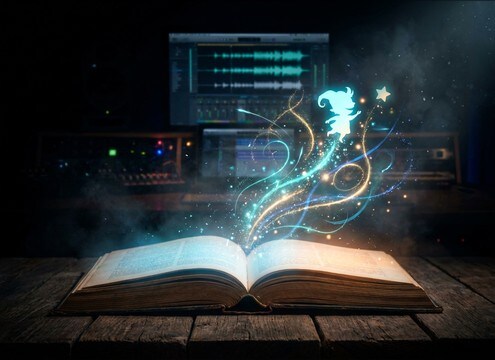
Animated kids story scene using cute sparkle twinkles

Kids storybook animations

Choose playful twinkles with softer transients to support cute character pops, stickers, and page-turn reveals.

Fantasy game pickup event with a bright sparkle sound

Fantasy game item

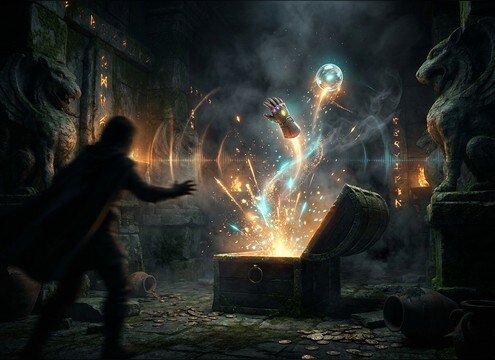
Pair a short sparkle burst with pickups, buffs, and treasure reveals; pick a version that cuts through music with low masking.

Wedding ring reveal with a soft shimmer sweep sound effect

Wedding and proposal

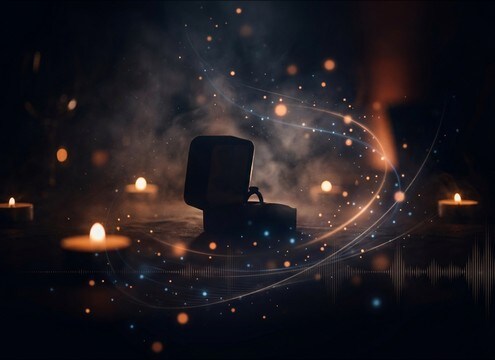
Use gentle shimmer sweeps for ring close-ups and title cards, with a smooth tail that blends into room audio.

Streaming overlay alert using a short sparkle pop SFX

Livestream alerts and

Trigger a tight sparkle pop for follows and gifts; keep decay short so it does not overlap rapid alert sequences.

AR filter particle sparkle trail synced to a face effect

AR filters and

Sync sparkle trails to particle bursts and tracking points with a consistent layer that can loop or crossfade cleanly.

Why Choose Media.io for Sparkle Sound Generator?

See exactly why creators, developers and studios choose our AI audio generator over all others.

Prompt box controlling sparkle shimmer texture

Prompt control for shimmer texture

Tell the Sparkle Sound Generator whether you want glittery micro-tinkles, a single crystal ping, or a chime-led reveal, then regenerate until it fits.

Audio preview player for sparkle sound effects

Preview first, download when ready

Audition different attacks and decay tails on-page before exporting, so you can match timing to a cut, cue, or UI animation.

Royalty-free badge on sparkle audio downloads

Royalty-free sounds for real projects

Use the downloaded audio in client work, videos, games, and apps without worrying about clearing a melody or a voice performance.

Multiple generated sparkle variations displayed in a list

Fast regeneration for alternates

Create several options from the same idea, like brighter, softer, wider, or tighter versions, and pick the take that sits best in your mix.

WAV download button for sparkle SFX

Clean WAV output for editing

Download WAV files that are easy to trim, fade, and align to frames, whether you need a tight UI tickle or a longer fairy trail.

Duration selector showing 5s 10s and 20s options

Duration choices that match timing

Generate 5s, 10s, or 20s sparkles to fit quick pop-ins, mid-length reveals, or sustained particle trails without stretching artifacts.

How to Choose and Prompt Sparkle SFX That Sound Premium

Sparkles can read as magical, cute, luxury, or UI-clean depending on how sharp the transient is, how long the tail rings out, and how wide the stereo shimmer feels. Use the library previews when you just need a quick accent, or write a prompt that specifies the exact motion on screen (burst, sprinkle, sweep, or trail) so the generated take lands precisely on your edit.

Pick the sparkle type that matches the visual motion

Start by naming the action your audience sees. A burst fits a pop-in, a sprinkle fits falling particles, and a sweep fits a transition or logo animation.

  • Burst: one strong hit with clustered twinkles right after
  • Sprinkle: many small twinkles with staggered timing and less punch
  • Trail: repeating twinkles with a smooth fade for moving particles

Specify attack, brightness, and tail length

Sparkles can get harsh or disappear under music. Ask for a crisp transient when you need clarity, or a softer attack when it should feel gentle and cute.

  • For clarity: request a crisp transient and controlled high end
  • For softness: request rounded transients and lower intensity shimmer
  • For timing: request a short tail for UI, longer decay for reveals

Control stereo width and space for the scene

A wide shimmer feels cinematic, while a narrow sparkle feels close and focused. If your scene has room audio, keep reverb subtle so the sparkle does not sound pasted on.

  • Wide stereo for logo stings, title cards, and big reveals
  • Narrow stereo for phone UI, notifications, and compact overlays
  • Low room tone for clean edits; light reverb only when needed

Avoid common sparkle problems in edits

The wrong sparkle is usually too bright, too long, or too busy. Fix it by prompting for restraint and by selecting a version with less masking and cleaner decay.

  • Avoid piercing highs: request softer brightness or less glassy tone
  • Avoid tail buildup: choose a quicker decay when triggers repeat
  • Avoid clutter: reduce particle density so dialogue stays clear

Frequently Asked Questions About
Sparkle Sound Effects

Everything you need to know before downloading or generating your first sound.

Can I download sparkle sound effects for commercial use?

Yes, you can preview and download royalty-free sparkle sounds for commercial projects. If you have a specific licensing requirement for a client or platform, review the license details shown in the product before publishing.

Do downloads include WAV files, and can I use them in my editor?

Downloads are available as WAV, which works well for trimming, fading, and frame-accurate placement in most video editors, DAWs, and game audio pipelines.

How do I make a sparkle sound less sharp or less bright?

Choose a variation with a softer attack and shorter high-end ring, or prompt for rounded transients and controlled brightness. In an editor, a short fade-in and a gentle high-shelf cut can reduce harshness without dulling the effect.

Which duration should I pick: 5s, 10s, or 20s?

Use 5s for UI rewards, pops, and quick reveals. Use 10s for short animation sequences or repeated twinkles. Use 20s for sustained particle trails, longer overlays, or beds you can fade under a scene.

Are these sparkle sound effects free to download?

Yes. You can preview and download the AI-generated sparkle sound effects as WAV files and use them in personal or commercial projects.

Can I copy the prompt used for each sound?

Yes. Open any sound row to view the prompt, copy it, adjust the wording and generate a custom variation that better matches your scene.

Related Free Sound
Effect Categories

Explore other AI-generated sound libraries from Media.io

sound

Rain Sound Effects

10+ free sounds
sound

Thunder Sound Effects

10+ free sounds
sound

Farts Sound Effects

10+ free sounds
sound

Car Crash Sounds

10+ free sounds
sound

Explosion Sound Effects

10+ free sounds
sound

Gunshot Sound Effects

10+ free sounds
sound

Pistol Sound Effects

10+ free sounds
sound

AI Horror Sound Effects

10+ free sounds
sound

AI Forest Sound Effects

10+ free sounds
sound

AI Dog Whistle Sound

10+ free sounds
sound

AI Ding Sound

10+ free sounds
sound

Phone Ring Sound

10+ free sounds
media.io

AI Video Generator star

Easily generate videos from text or images

Generate
